


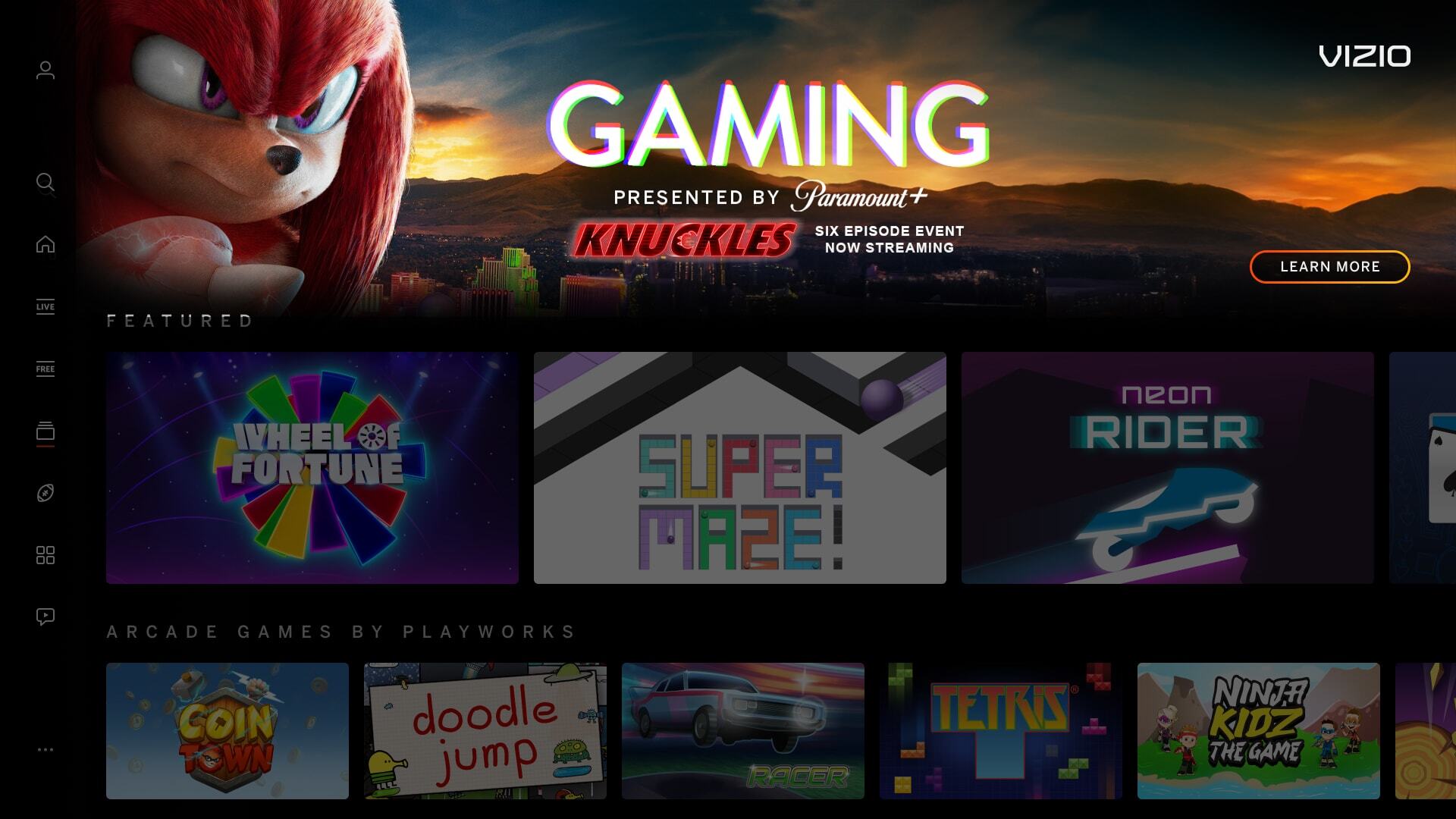
| Not Full-Bleed (Edge-to-Edge) | |
|---|---|
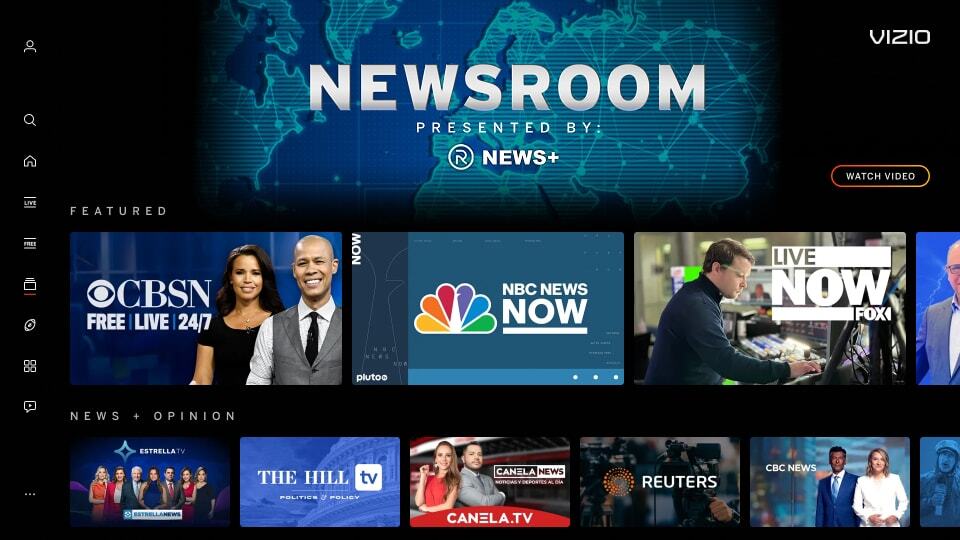
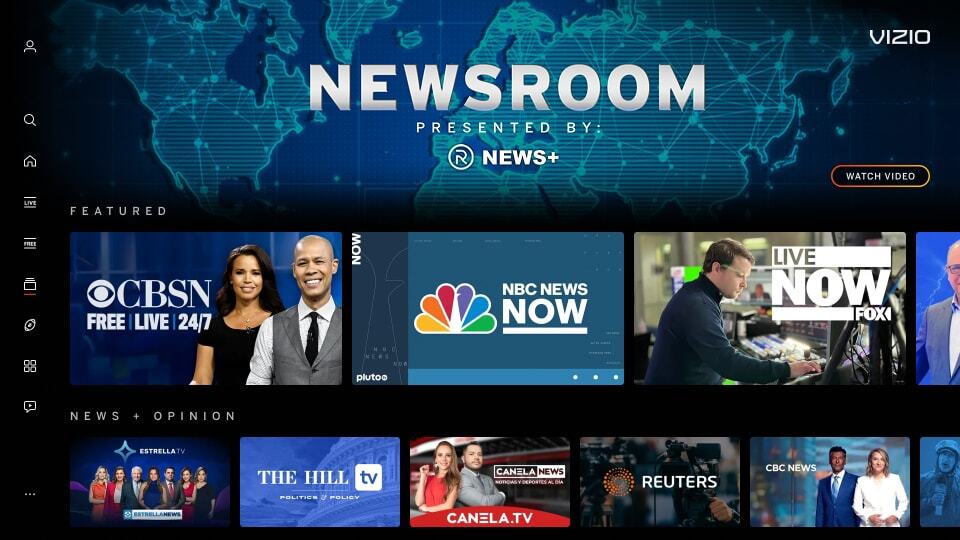
| Image needs to fill entire space to all edges. | |
|
Incorrect Example ✘ |
Correct Example |
 |
 |

| Addition of Text, Logos, and/or QR Codes | |
|---|---|
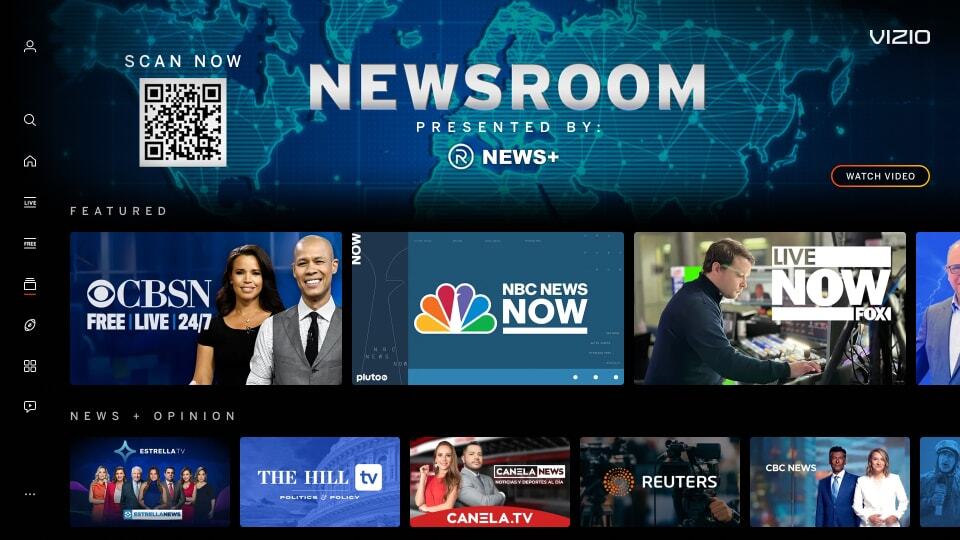
| No text, logos, or QR Codes on Splash Image. QR Codes are only allowed on spotlight banners. | |
|
Incorrect Example ✘ |
Correct Example |
 |
|
| Mimic Platform UI: Call-to-Action Buttons | |
|---|---|
| No tiles or CTA buttons on Splash Image that can confuse users of being selectable. | |
|
Incorrect Example ✘ |
Correct Example |
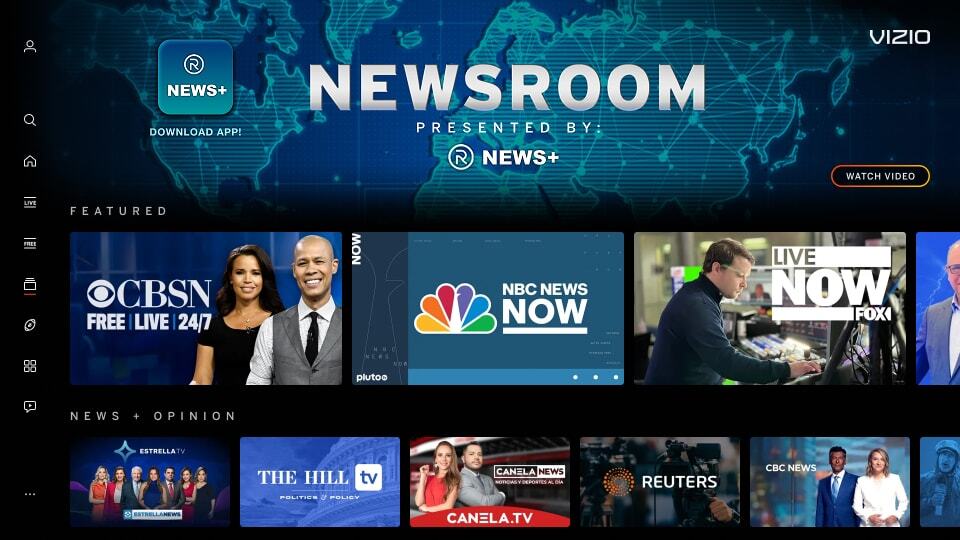 |
|
| Illegible Copy | |
|---|---|
| Background should aid the overall message, not hinder it. | |
|
Incorrect Example ✘ |
Correct Example |
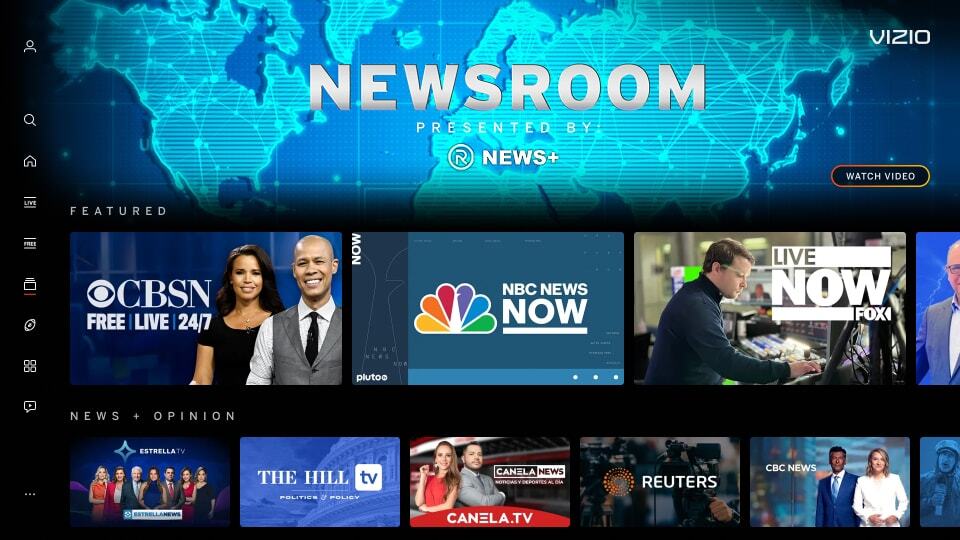 |
|
| Manipulated or Scaled Hub Header Logo | |
|---|---|
| The Hub Header is designed to be larger and legible for the user. Any alterations to the Hub Header Logo can confuse or make it illegible for user. | |
|
Incorrect Example ✘ |
Correct Example |
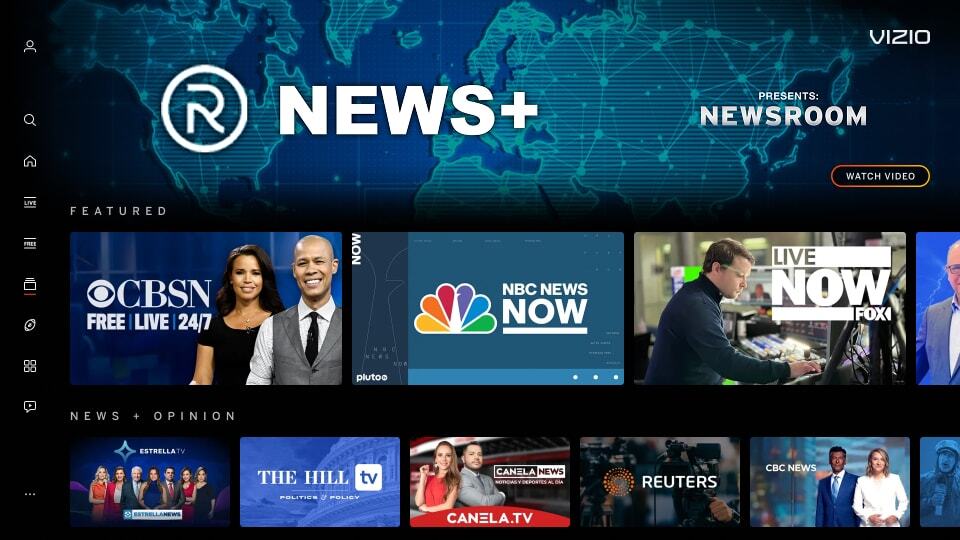 |
|
| Exceed Sponsor Messaging Safe Zone | |
|---|---|
| Mis-aligning sponsor messaging or exceeding the boundaries of the sponsor message can create visual inconsistencies across VIZIO Hub pages. | |
|
Incorrect Example ✘ |
Correct Example |
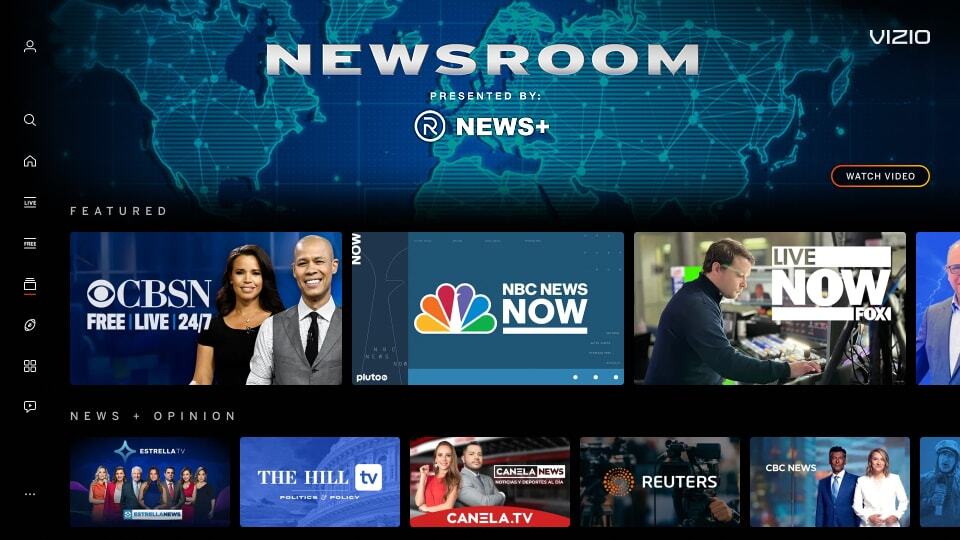 |
|