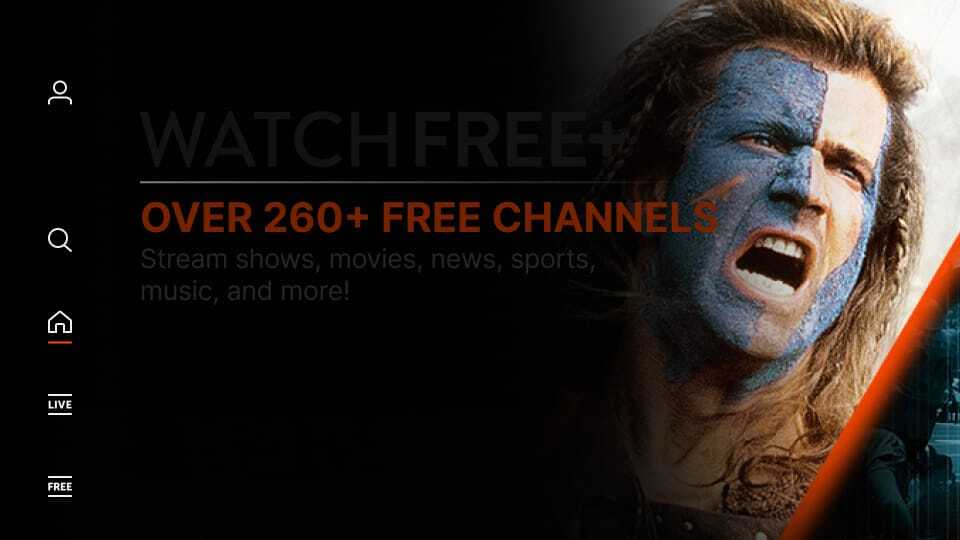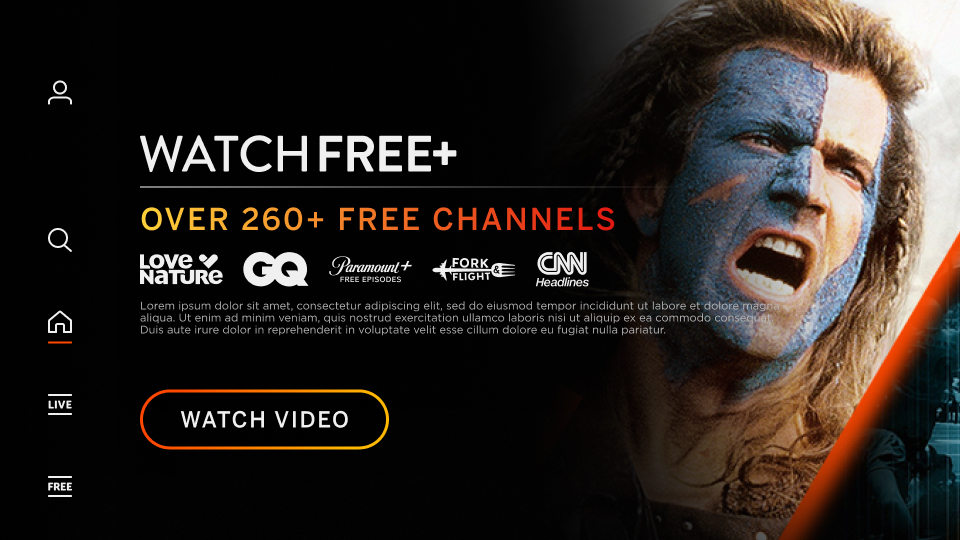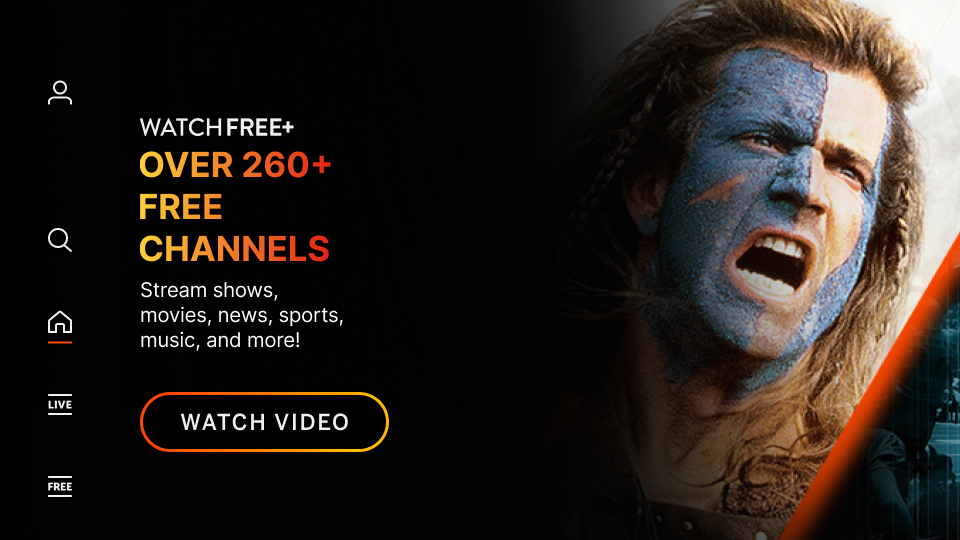
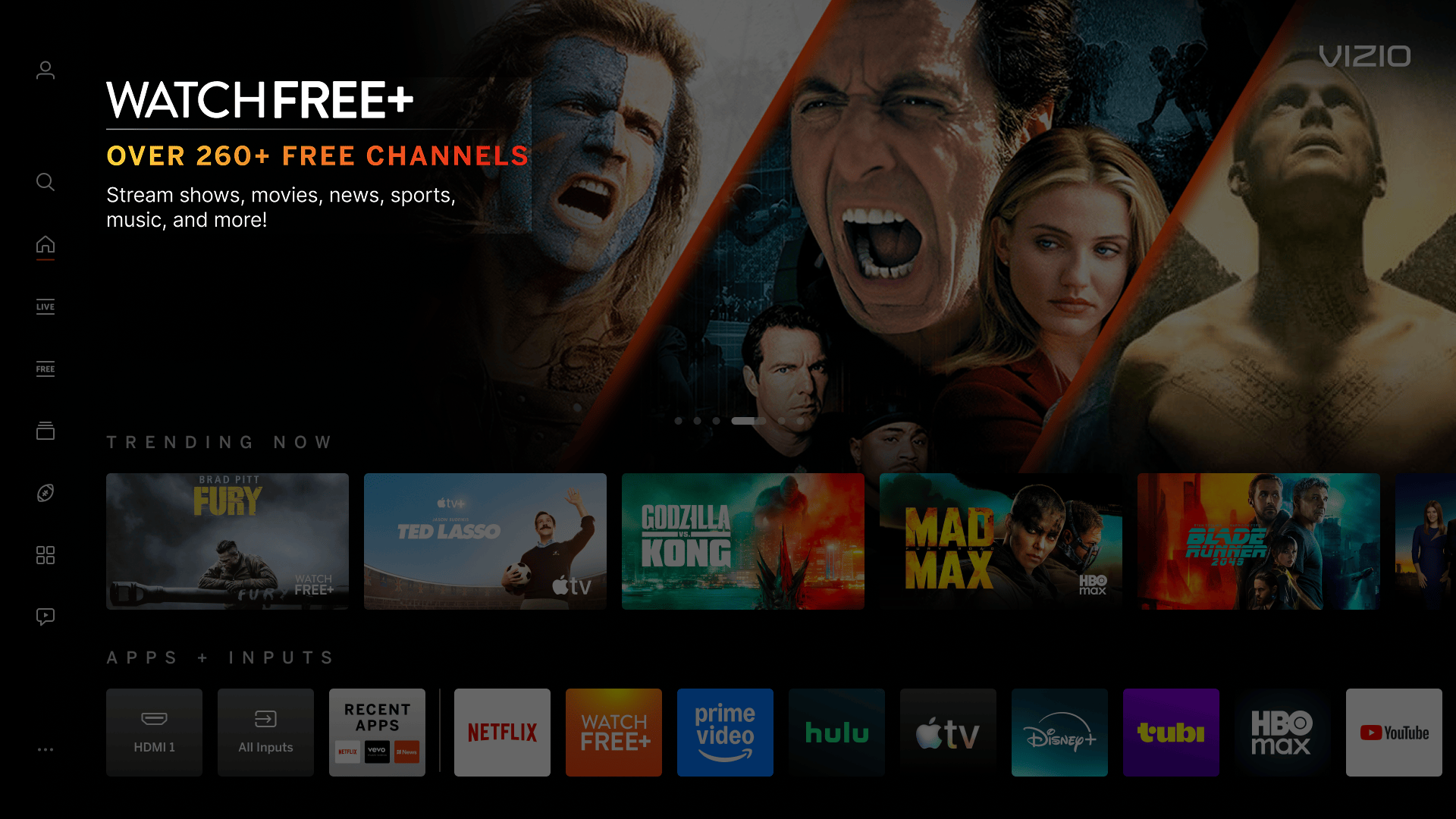
A larger promotional messaging to the left of the Discover Reveal backdrop. Space allows for additional promotional messaging, sponsorship logo(s), legal copy/ratings, etc.

Discover Reveal - IBM Overview

Image Based Messaging
Dimensions Max Width: 650px or Max Height: 250px (whichever comes first)
Maximum File Size 200 KB
File Type Transparent PNG (to be placed on black background)
Cropping Empty pixels on all sides must be cropped
Font Sizing (Recommended) Min Font Size: 28pt (except legal copy) and Max Font Size: 70px
Copy Guidelines
  • Keep messaging clear and concise readability and effectivenness
  • Only use IBM for text messaging - any graphic or photographic imagery should be used in the backdrop image

Miscellaneous Notes
Legal Copy (Recommended) If legal copy is required, please place inside the IBM

Not Cropped Properly
Image is not cropped on all sides (empty pixels exist around visual)

Incorrect Example   ✘

Correct Example   Green Check Mark

Incorrect - WF+ - IBM - ExtraPixels Correct - WF+ - IBM


Non-Transparent Background
Image has a colored background fill, not transparent.

Incorrect Example   ✘

Correct Example   Green Check Mark

Incorrect - WF+ - IBM - Background Fill Correct - WF+ - IBM


Low Contrast Colors
Colors used in image that have low contrast with black (dark hues) result in visibility issues

Incorrect Example   ✘

Correct Example   Green Check Mark

Incorrect - WF+ - TT - Low Contrast Correct - WF+ - IBM


Excessive Text/Logos
Image contains excessive copy and/or logos limiting readability and comprehension by the user (legal copy is acceptable in most cases).

Incorrect Example   ✘

Correct Example   Green Check Mark

Incorrect - TokyoVice - IBM - Excessive Correct - TokyoVice - TT


Not Using The Full Width For Messaging
Message information that doesn’t use full width can lead to the copy being smaller and illegible.

Incorrect Example  ✘

Correct Example  Green Check Mark

Incorrect - IBM - Full Width Correct - IBM - Full Width

On this page