


| Title Treatment (TT) / Image-Based Messaging (IBM) - Not Cropped Properly | |
|---|---|
| Image is not cropped on all sides (empty pixels exist on the sides). | |
|
Incorrect Example ✘ |
Correct Example |
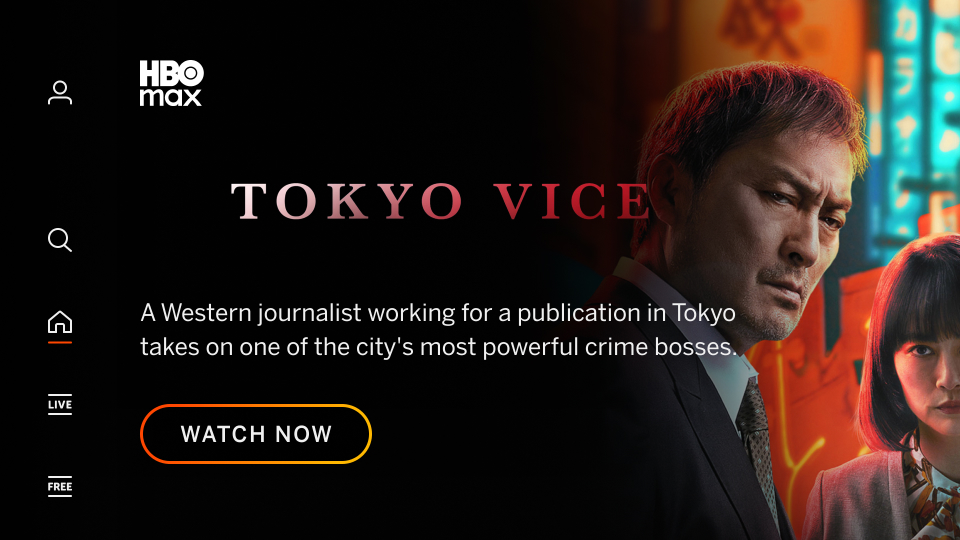 |
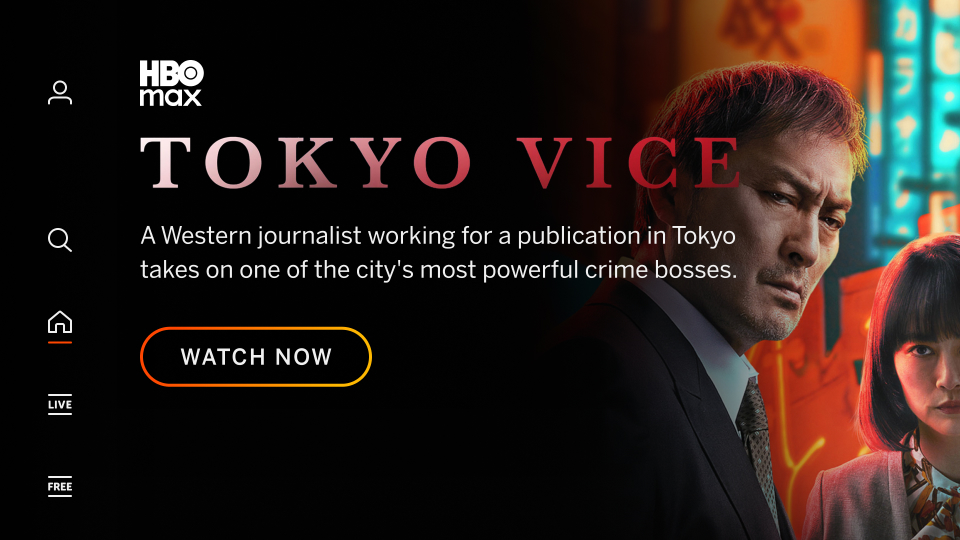 |

| TT / IBM - Excessive Text and Logos | |
|---|---|
| Graphic contains excessive copy and/or logos limiting readability and comprehension by the user (legal copy in IBM is acceptable in most cases). | |
|
Incorrect Example ✘ |
Correct Example |
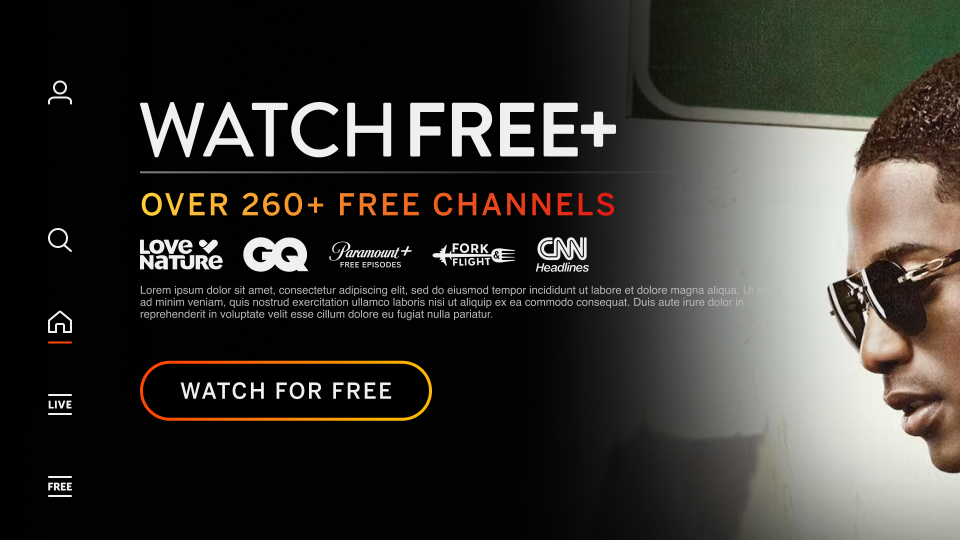 |
 |
| IBM - Not Using Full Width for Messaging | |
|---|---|
| Messaging information that doesn't use full-width can lead to the copy being illegible. | |
|
Incorrect Example ✘ |
Correct Example |
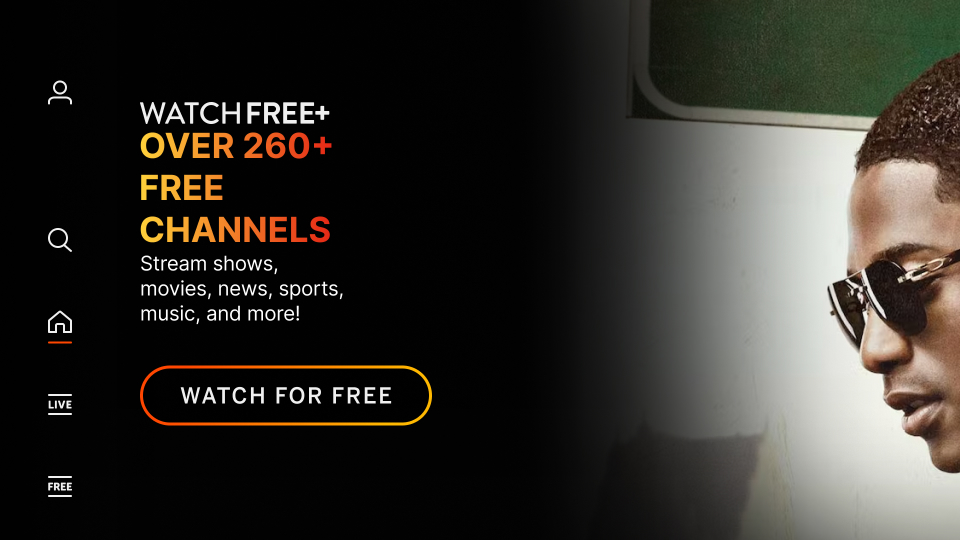 |
|
| Backdrop Images - Having Copy, Logos, and/or QR Codes | |
|---|---|
| Backdrop images cannot contain copy, logos or QR codes. | |
|
Incorrect Example ✘ |
Correct Example |
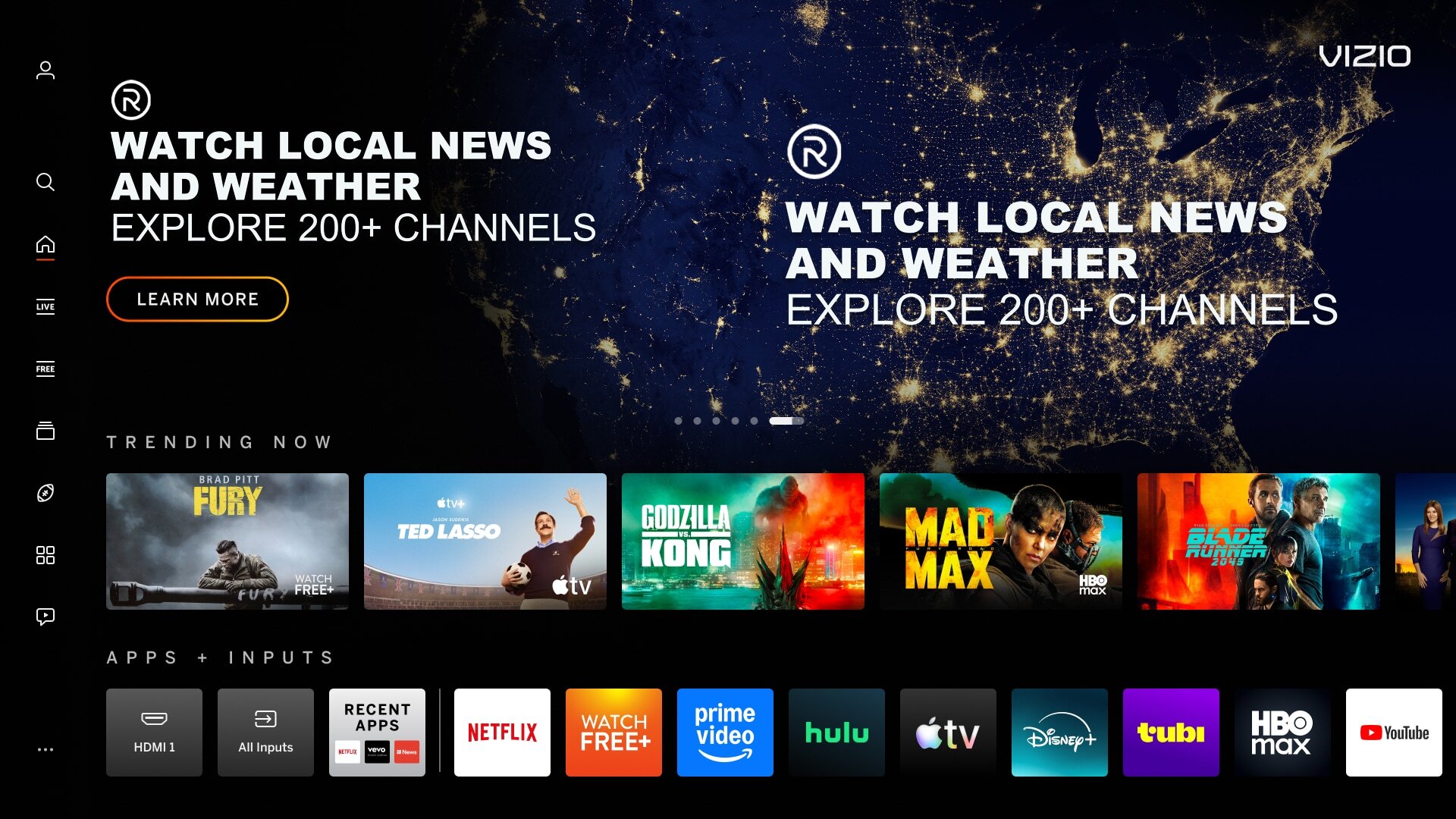 |
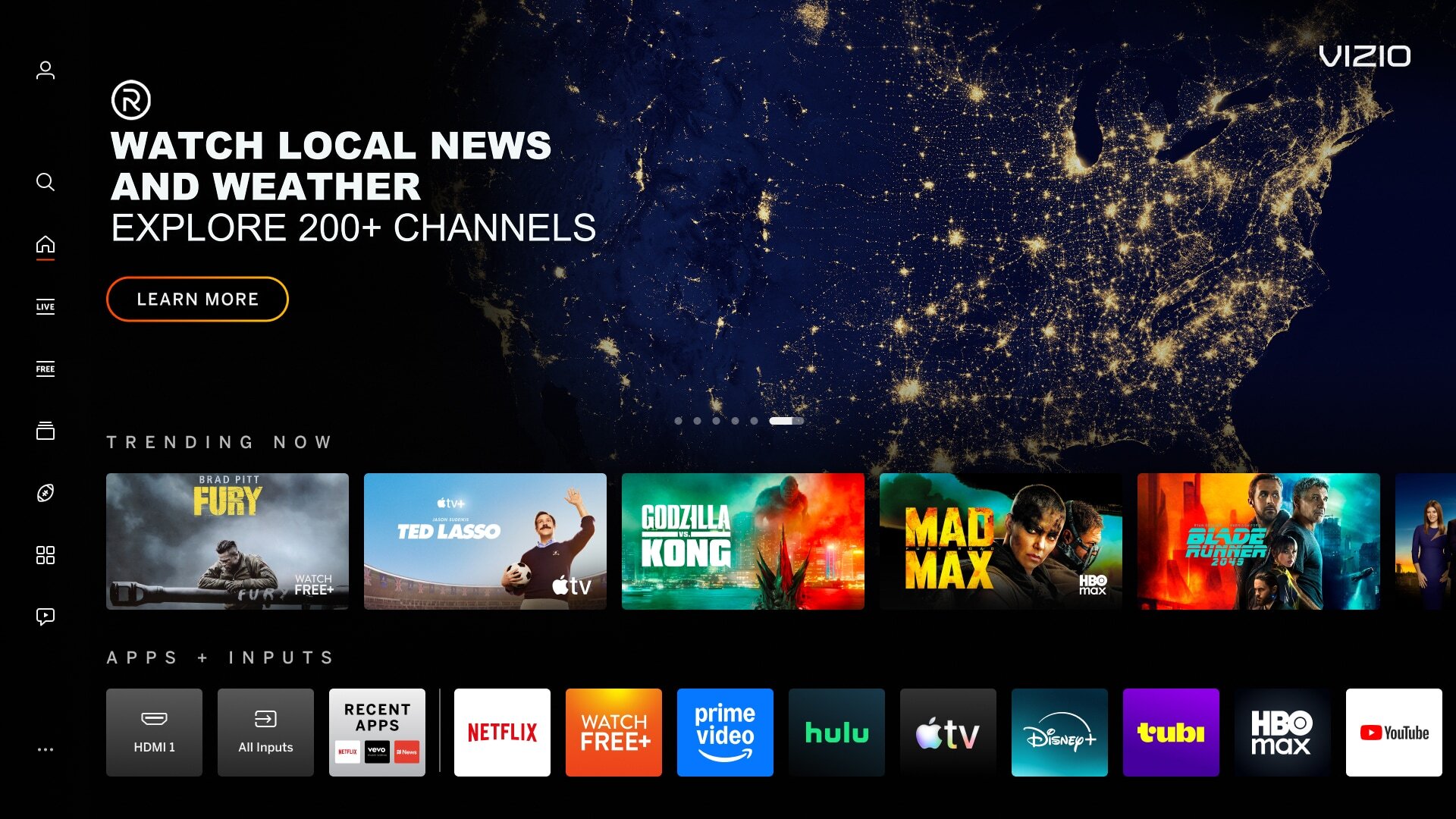 |
| Backdrop Images - Not Full Bleed (Edge-to-Edge) | |
|---|---|
| Image does not fill the entire space (artwork does not extend to the edge). | |
|
Incorrect Example ✘ |
Correct Example |
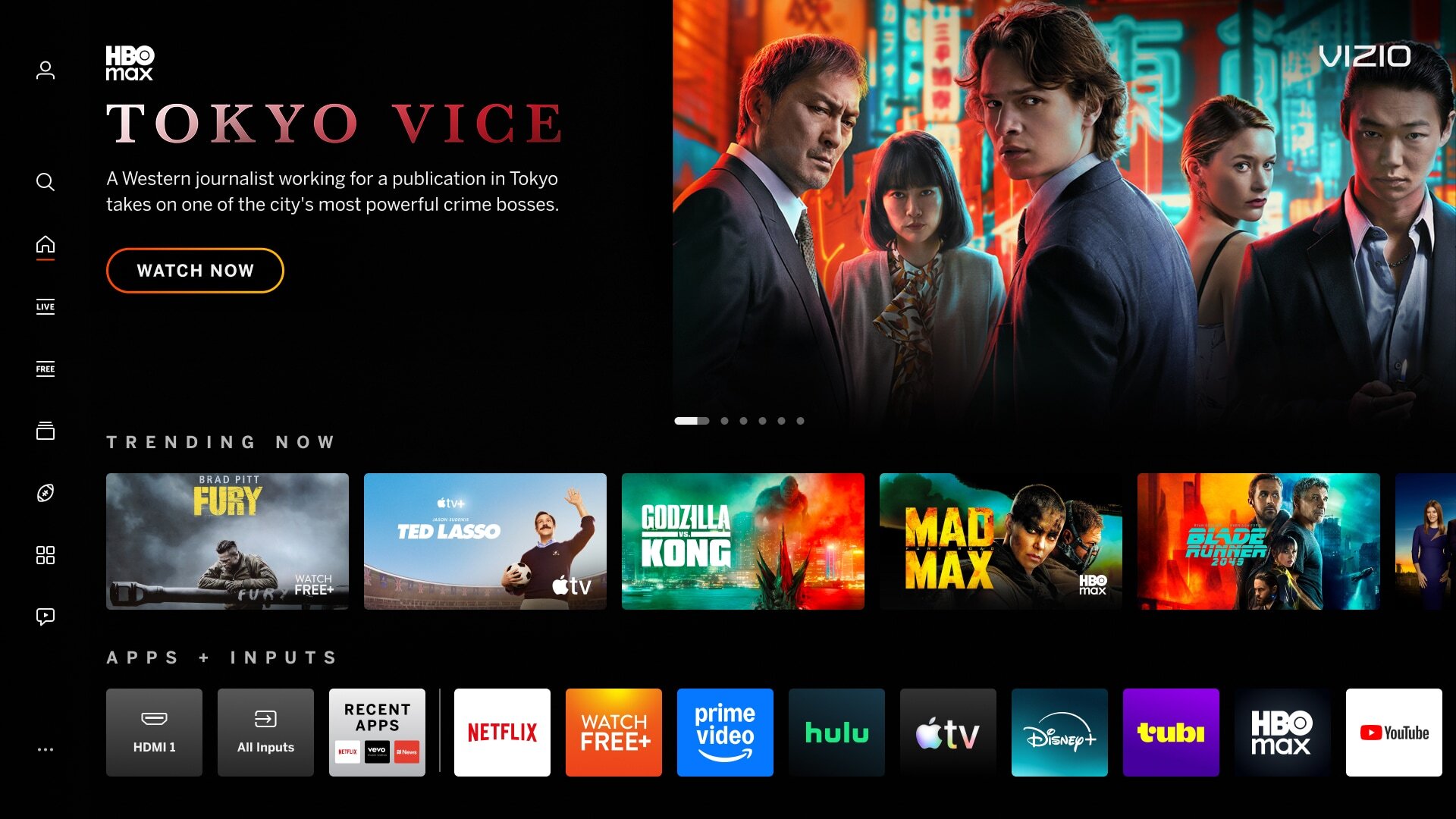 |
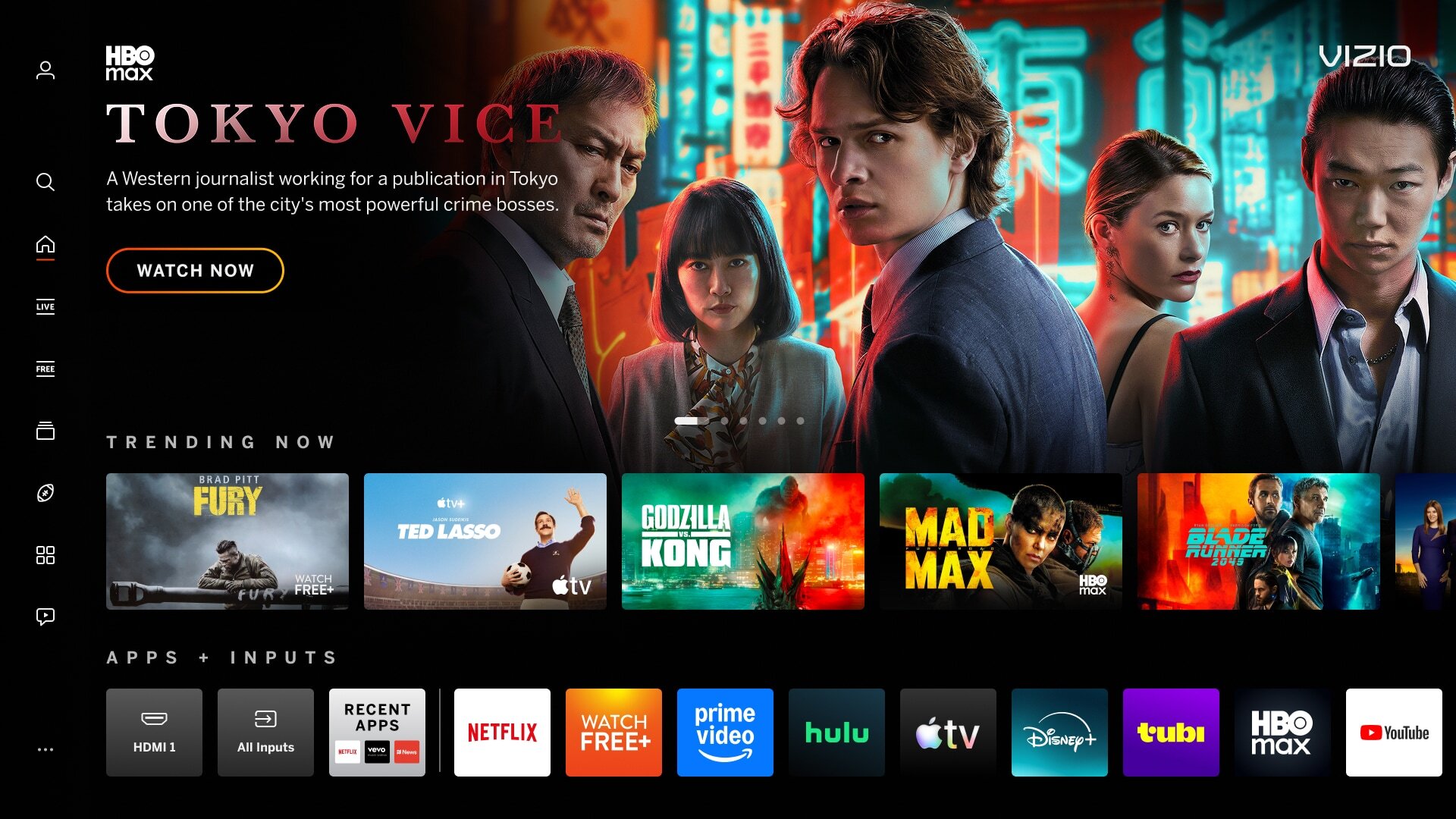 |
| Backdrop Images - Poor Image Quality | |
|---|---|
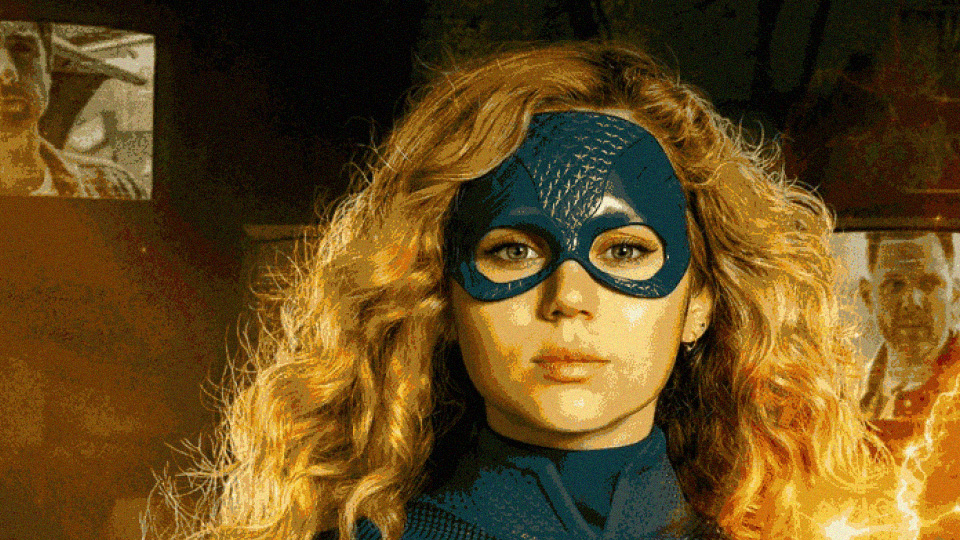
| Low quality images may include, but not limited to: busy images with too many visual objects, blurry or distorted, low-resolution/pixelated, or streched images. | |
|
Incorrect Example ✘ |
Correct Example |
 |
 |
| Mimic Platform UI - Borders on Tiles/Banners/Images | |
|---|---|
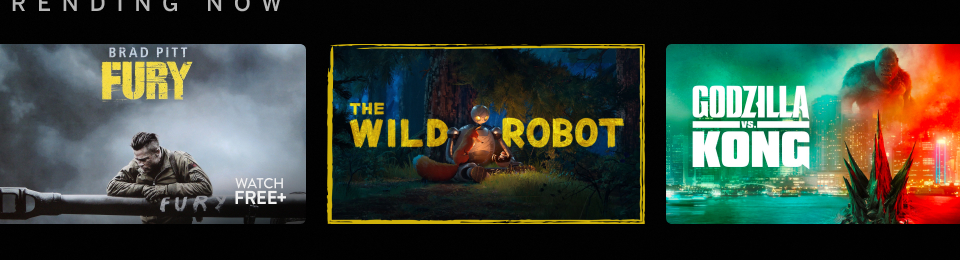
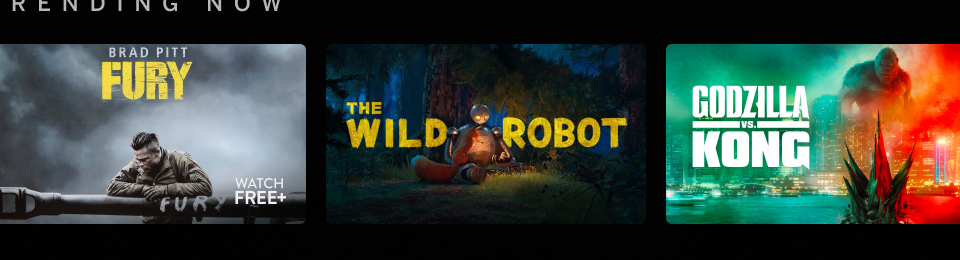
| Image that has a border around the artwork competes with the focus state and can cause confusion for users. | |
|
Incorrect Example ✘ |
Correct Example |
 |
 |
| Mimic Platform UI - Tile Usage on Graphics | |
|---|---|
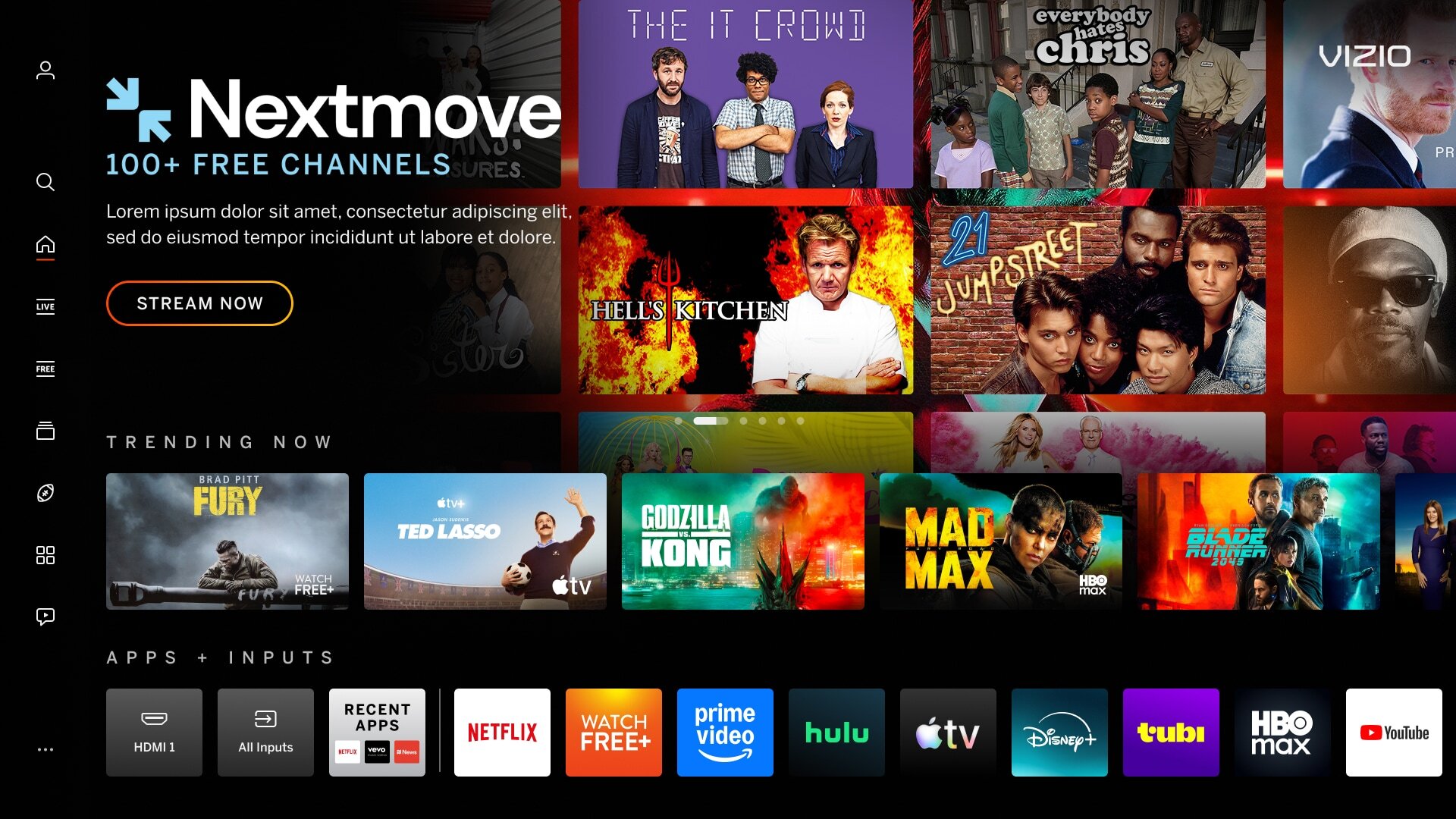
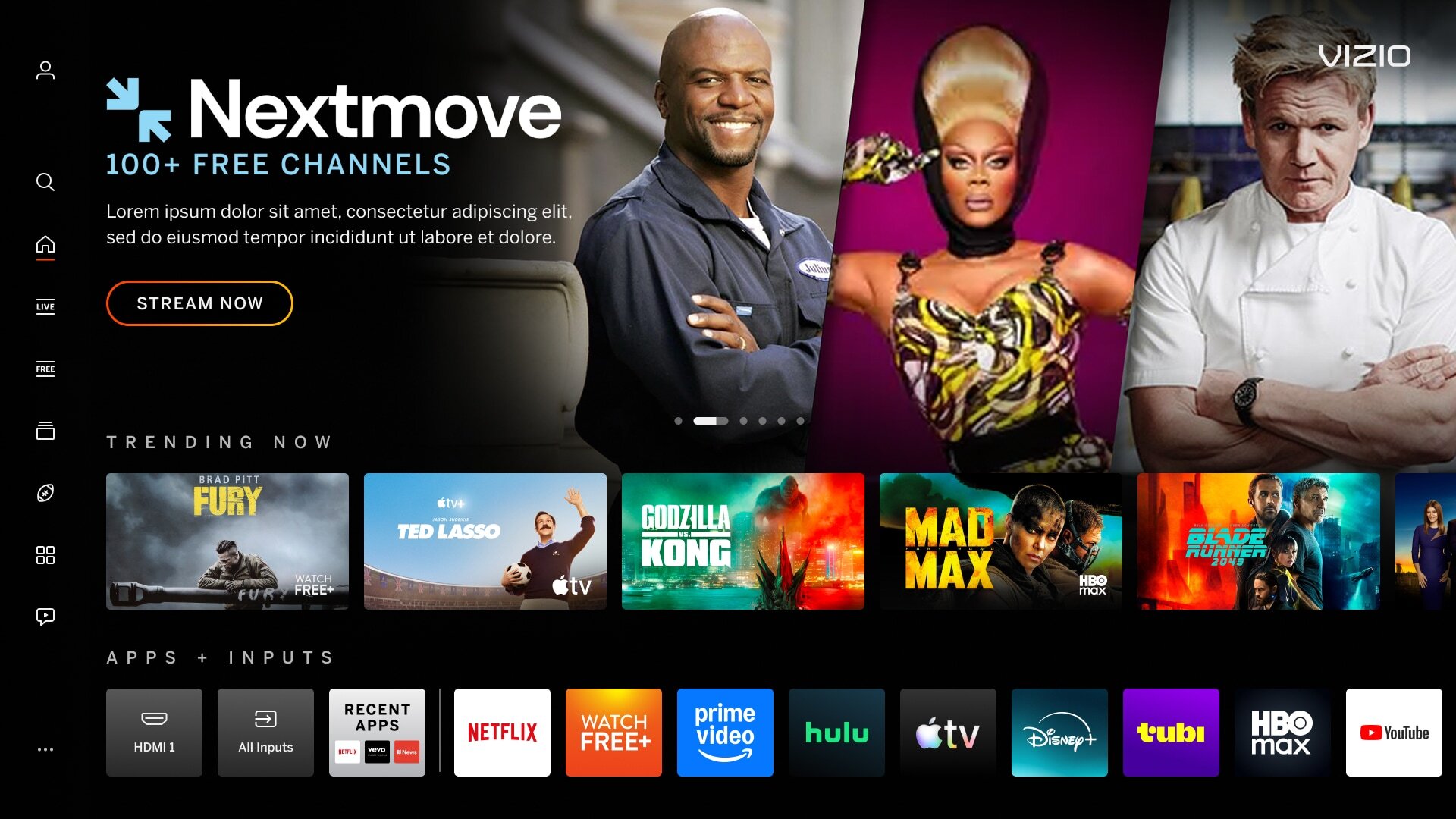
| Adding tiles onto images mimic the content on the VIZIO platform. | |
|
Incorrect Example ✘ |
Correct Example |
 |
 |
| Mimic Platform UI - CTA Buttons | |
|---|---|
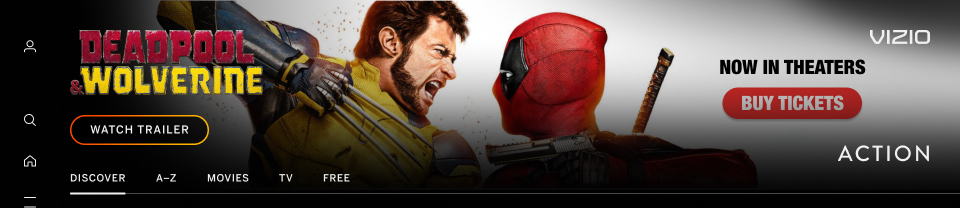
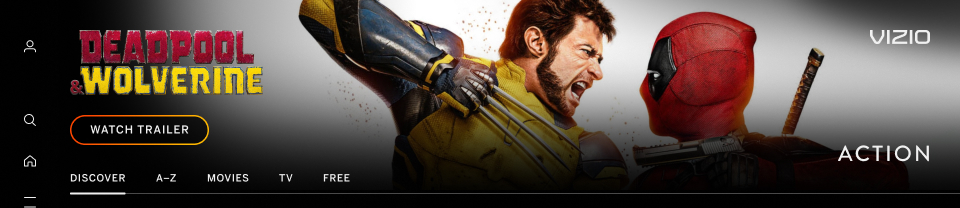
| Images that has a button visual or an app tile that looks similar to a Call-to-Action can confuse users. | |
|
Incorrect Example ✘ |
Correct Example |
 |
 |
| "Watch Free" or "Watch for Free" Text | |
|---|---|
| WatchFree+ is an internal app. Any copy on CTA's, imagery, etc. will be declined because it competes with the WatchFree+ branding. | |
|
Incorrect Example ✘ |
Correct Example |
 |
 |