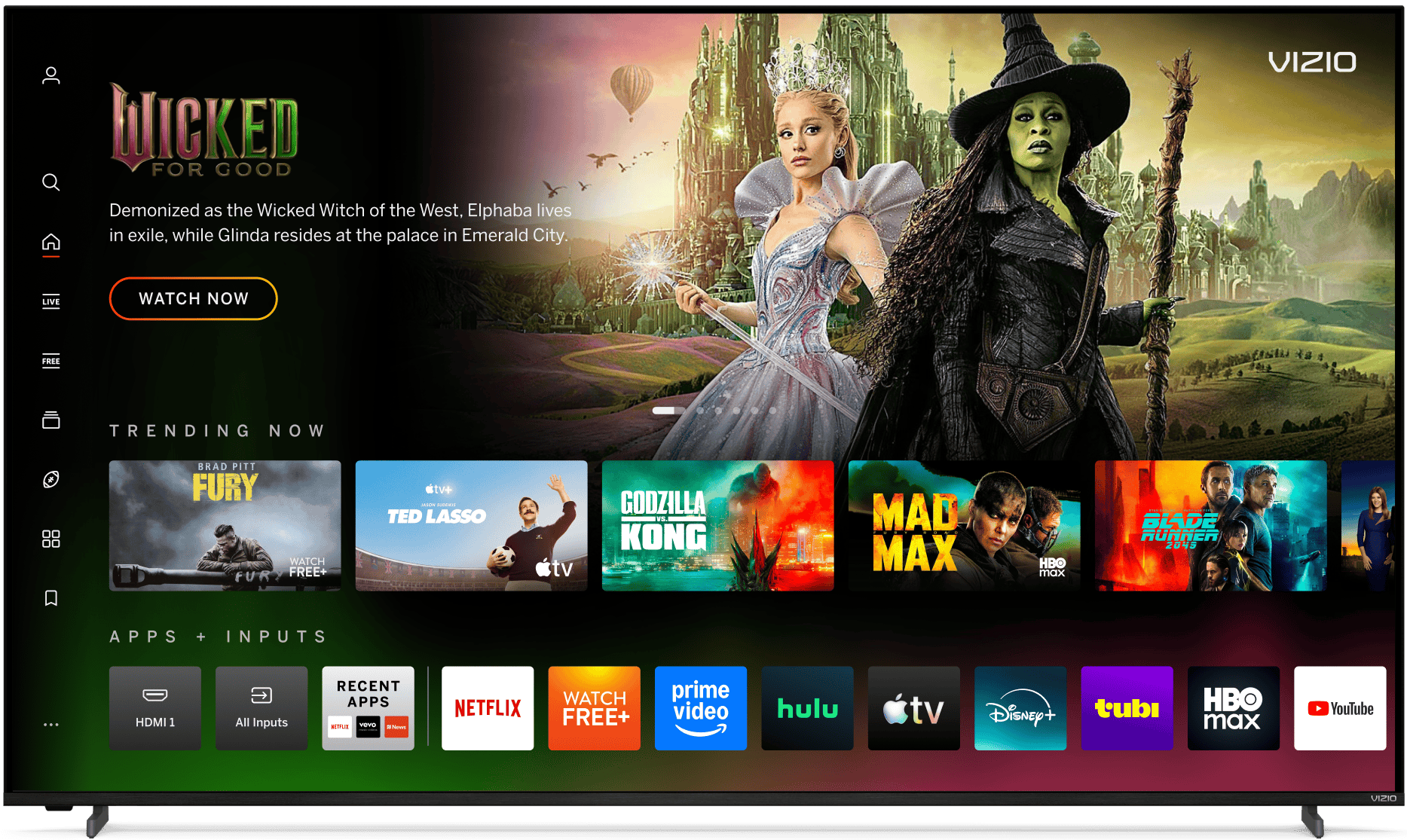
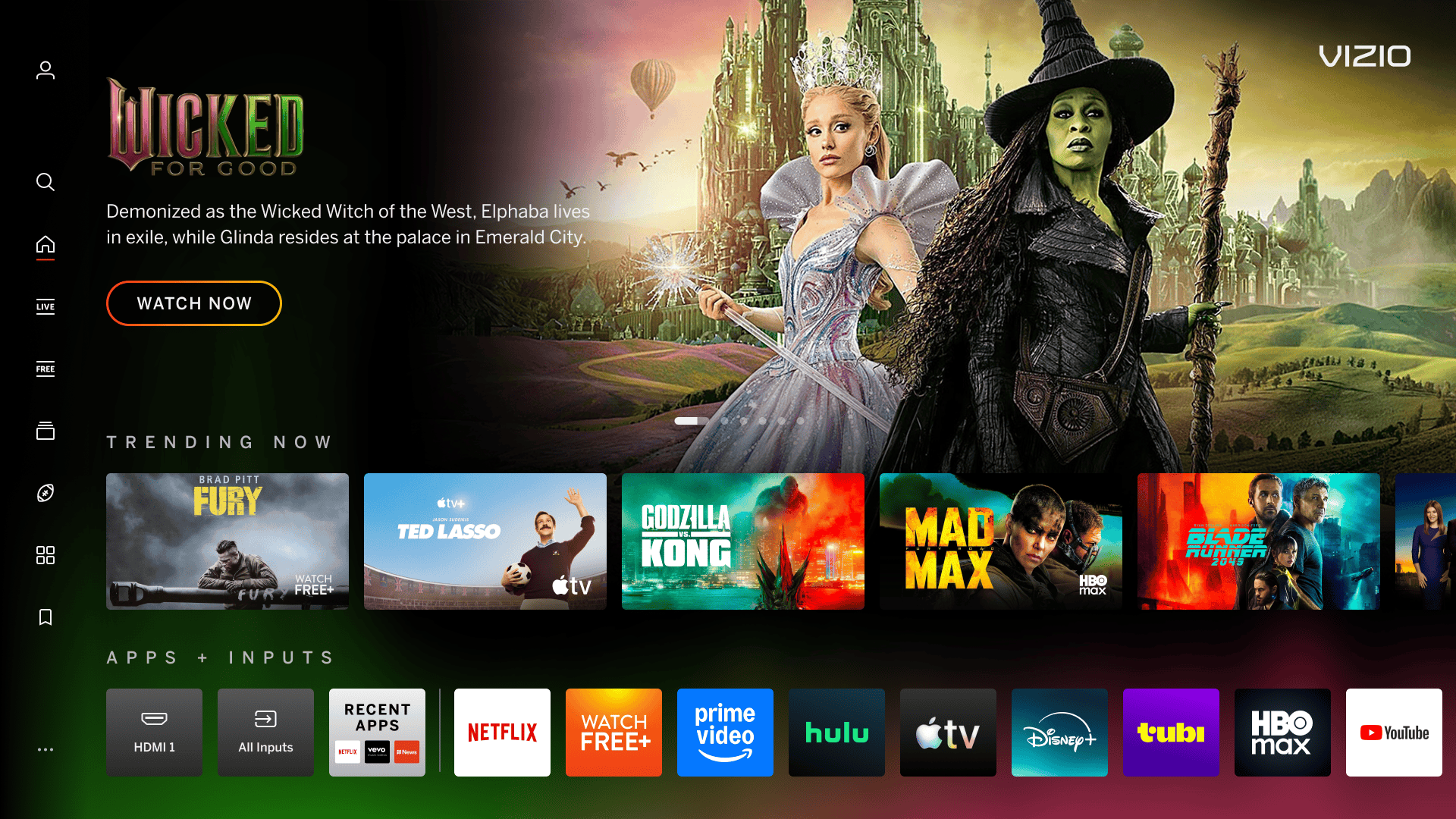
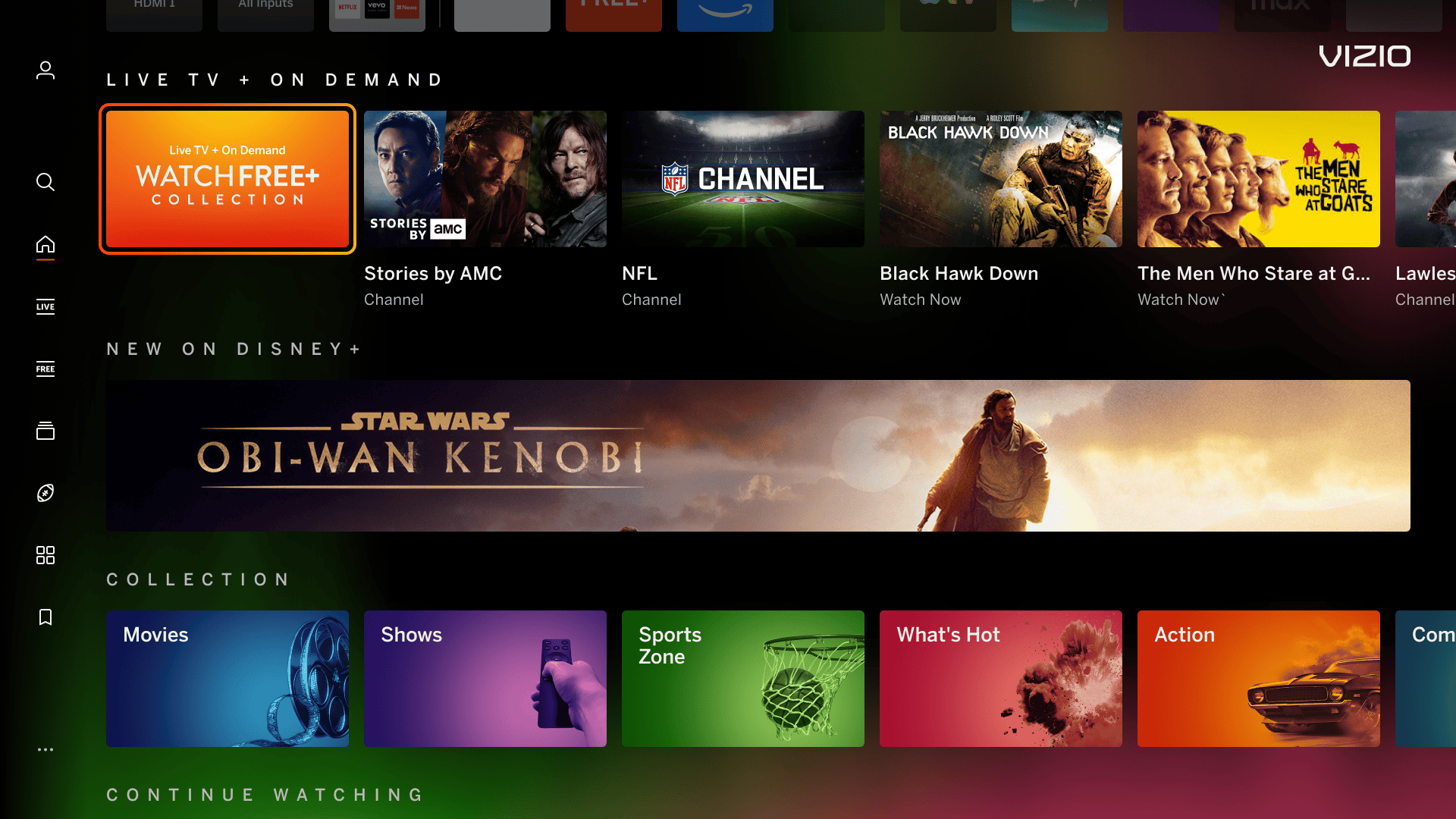
A static color or gradient applied to the bottom and top right portions of the Home Screen. This is created by VIZIO and subject to the guidelines below.

Home Screen Highlight

Home Screen Highlight Top Home Screen Highlight Scroll
Home Hero (top) view Scroll view

Type of Visuals Allowed

  • Subtle, varying, low-transparency color or color gradients
    • Colors should not be heavily saturated to the point of being distracting from row content or text legibility and should always transition to black
  • In some cases, graphic visuals can be allowed subject to PD approval. Visuals SHOULD NOT:
    • mimic or mistaken for known screen hardware defects such as clouding
    • be ambiguous – the visual should be easily recognized with clear brand association to the content being promoted. The highlight is ever-present on the Home Screen and will be seen in the context of other content (carousels, tiles, and banners) requiring the experience to stand-alone and feel recognizable without context
    • be overly complex or busy to distract from Home Screen content
    • contain photography
  • Background must allow overlaying text to pass WCAG AAA or AA (AAA preferred) accessibility
  • Background must work seamlessly within the homepage template
  • Takeover must be complimentary to the Home Screen (plays well with the content as a secondary element, not primary)

Screen Location

  • Creative is limited to bottom 20-40% of the screen with concentrated color/visuals residing in the bottom 20%,
  • In addition, subtle visuals that do not interfere with the legibility of the top right VIZIO logo are allowed, approximately within the top 20% of the screen and from the center point to the right side.
    • Do not include visuals anywhere from the top left side to the center point of the screen as this can interfere with Hero content and the legibility of in-focus swimlane text and row content

Ingress Into Content Ties to Advertiser

  • Creative should not ingress to a location where promoted content does not actually exist.

Frequency

  • Max 2 sponsored backgrounds a month, with a minimum 1 week apart
  • 1-day background increments with up to 1 additional day permitted with additional Hero 1 and Discover 1

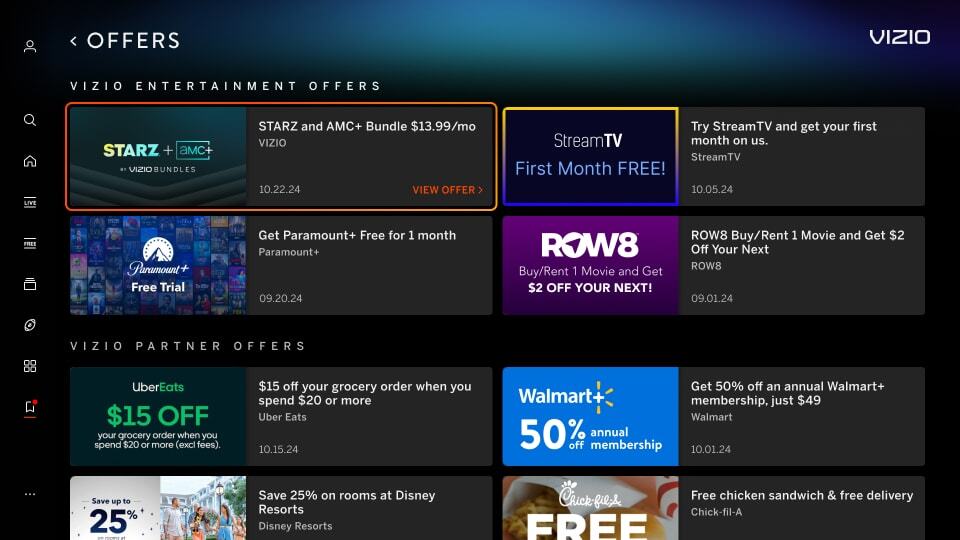
Mimic Platform UI: Border
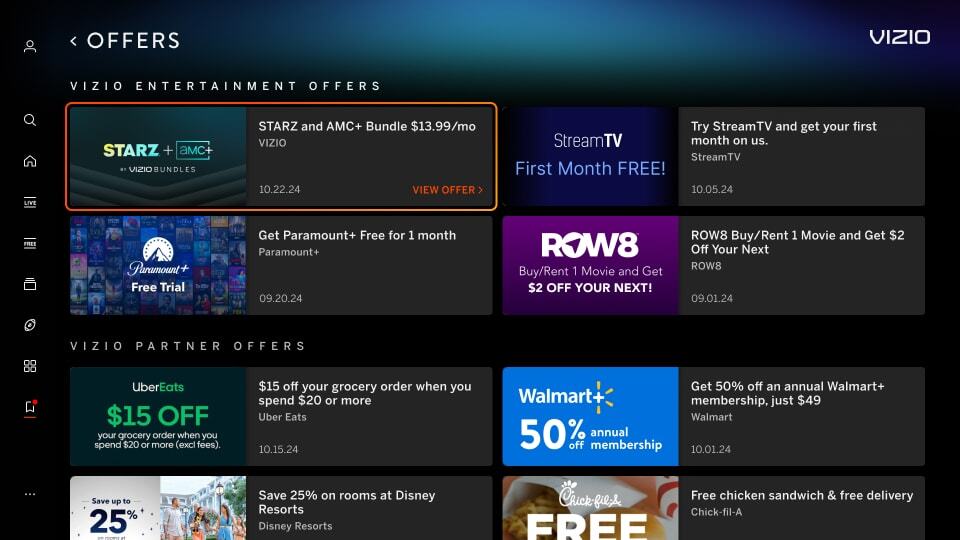
Image has a border around the artwork which can mimic a focus state causing confusion for the user. See the top right tile in the example below.

Incorrect Example  ✘

Correct Example  Green Check Mark

Incorrect - Discover Tile - Border Correct- Discover Tile - Border


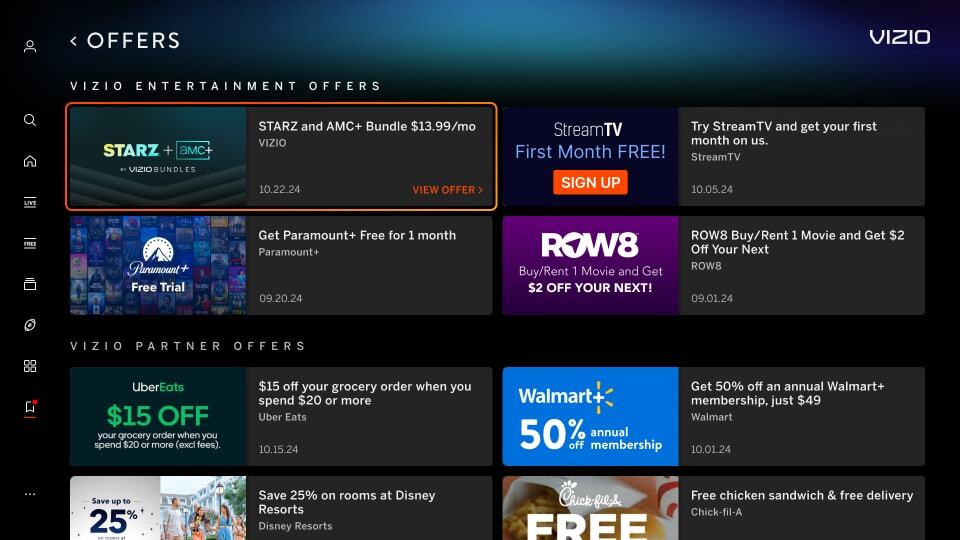
Mimic Platform UI: CTA Button
Image has a CTA button in the tile image which can cause consistency issues with our platform and can be confusing for the user. See the top right tile in the example below.

Incorrect Example  ✘

Correct Example  Green Check Mark

Incorrect - Discover Tile - CTA Correct- Discover Tile - CTA


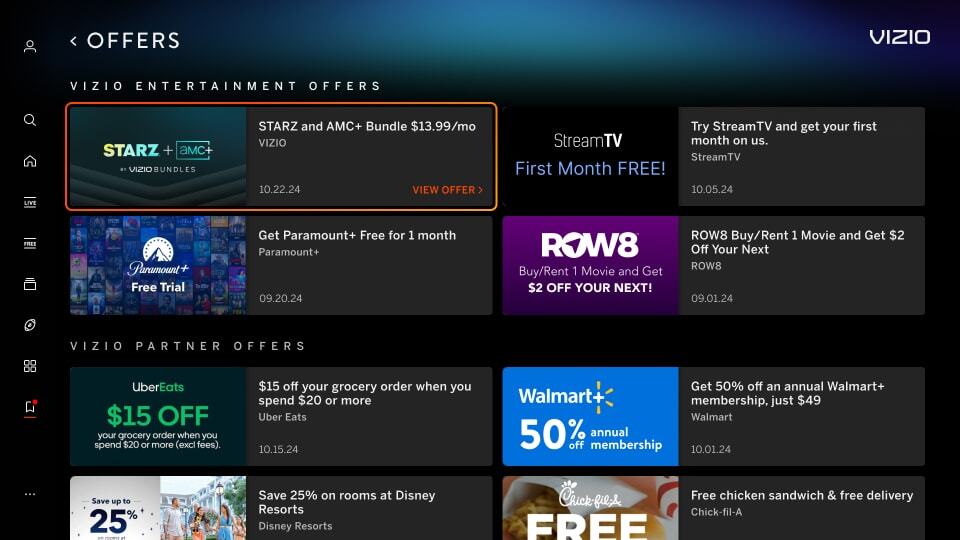
Mimic Platform UI: Solid Black Background
Image uses a solid black background which makes content blend with VIZIO UI. See the top right tile in the example below.

Incorrect Example  ✘

Correct Example  Green Check Mark

Incorrect - Discover Tile - Black BG Correct- Discover Tile - Black BG


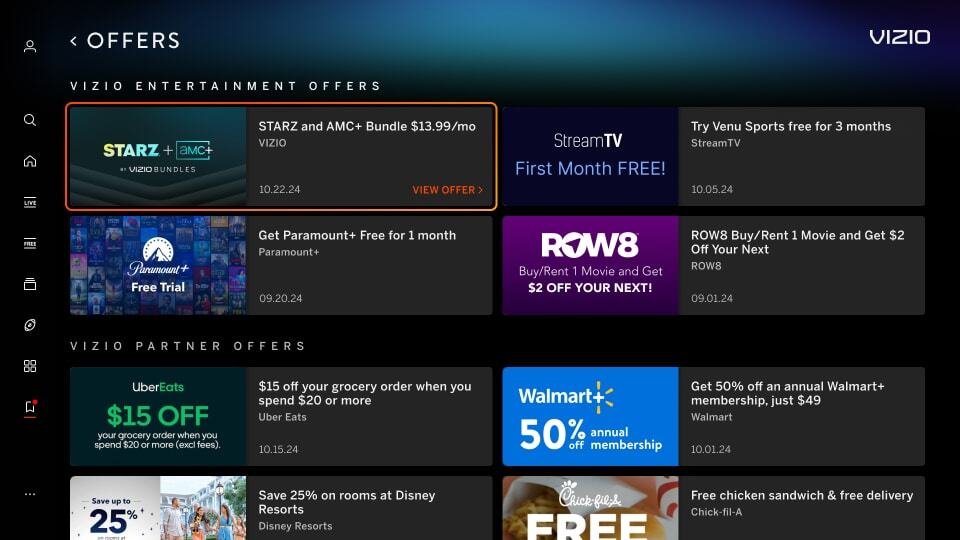
Black Gradient in Background
Image uses a gradient that extends to the edges of the tile in black, which makes the tile's defined edges blur into the black background. See the top right tile in the example below.

Incorrect Example  ✘

Correct Example  Green Check Mark

Incorrect - Offer Tile - Gradient Correct- Offer Tile - Gradient