



| Call-To-Action on Image | |
|---|---|
| Call-to-action button is placed on top of poster image / TV image. | |
|
Incorrect Example ✘ |
Correct Example |
 |
 |

| Black Background/Matching Grey Background | |
|---|---|
| A solid black or gradient-to-black background is used, reducing the edge definition between the Feature Card the the background. In addition, avoid using a similar grey (#1B1B1B) to the left side in order to maintain defined edge. | |
|
Incorrect Example ✘ |
Correct Example |
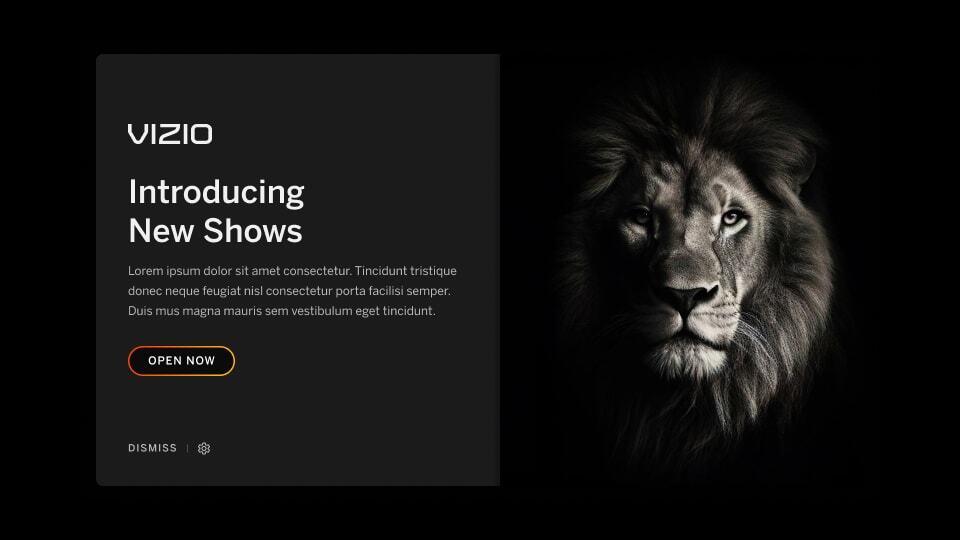 |
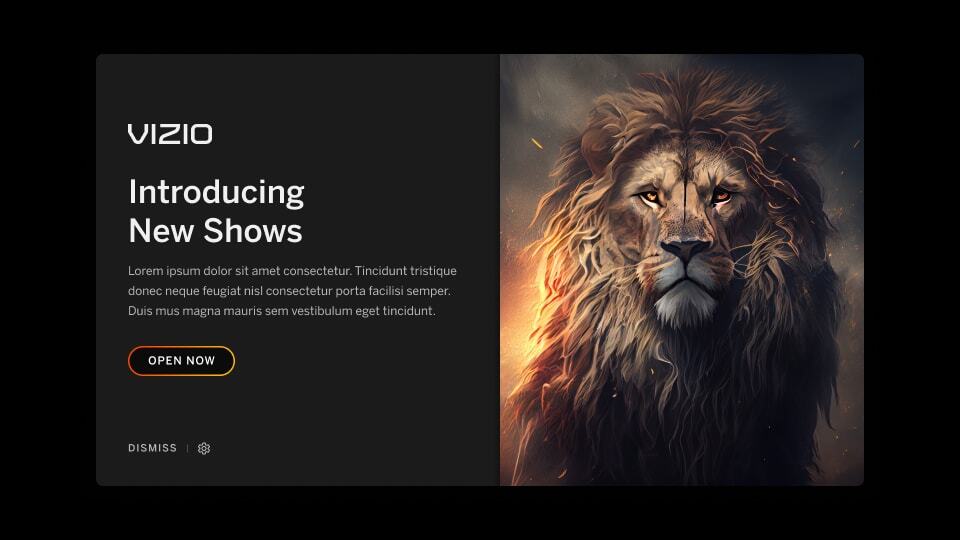 |
| Use of disproportionate imagery | |
|---|---|
| Avoid breaking up poster image with landscape imagery and/or additional messaging. Key imagery should expand full-width and height to maintain visual hierarchy. | |
|
Incorrect Example ✘ |
Correct Example |
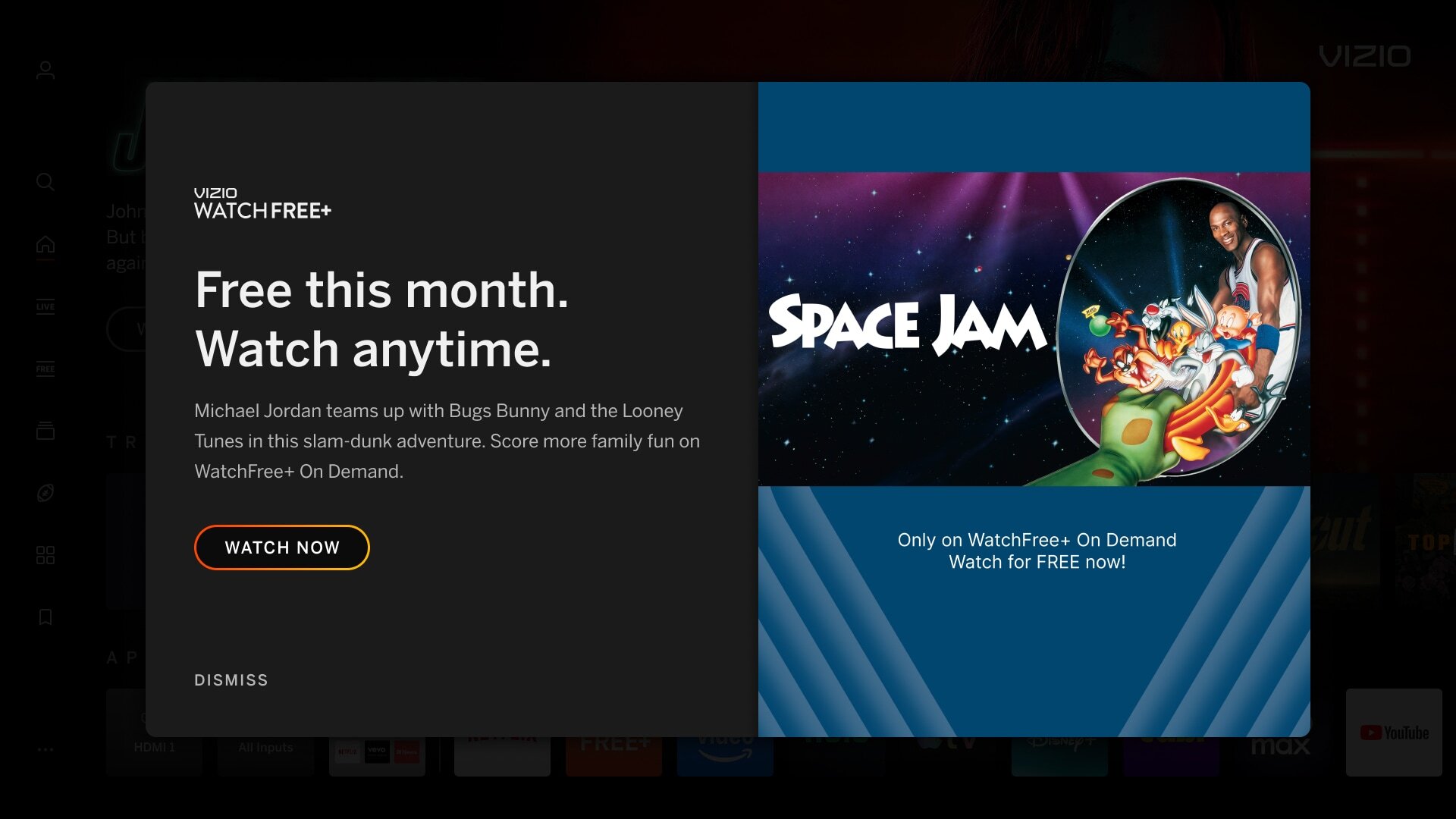 |
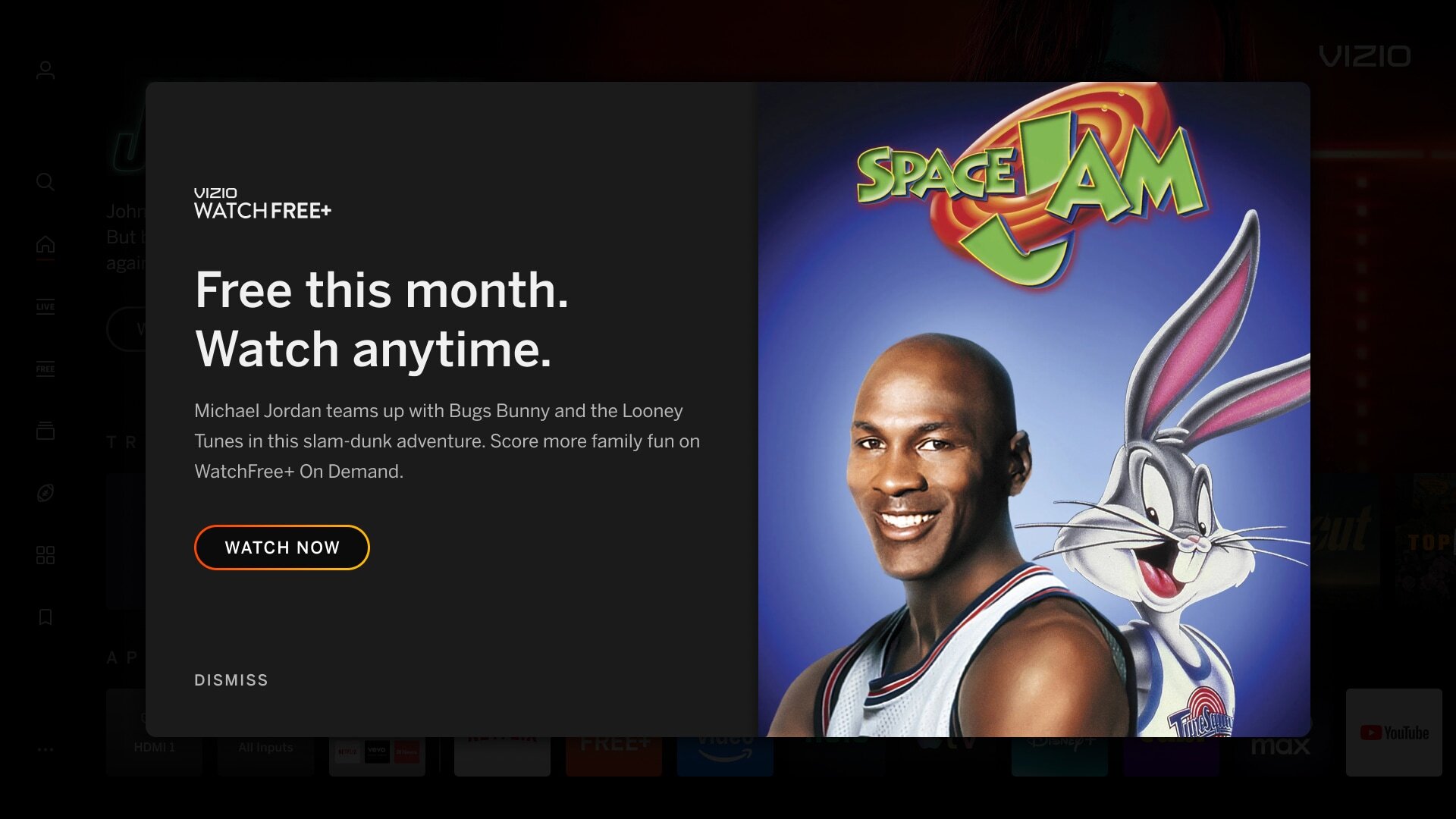 |
| Use of Tiles | |
|---|---|
| Tile imagery is used which can mimic the UI and confuse users into thinking it's selectable. | |
|
Incorrect Example ✘ |
Correct Example |
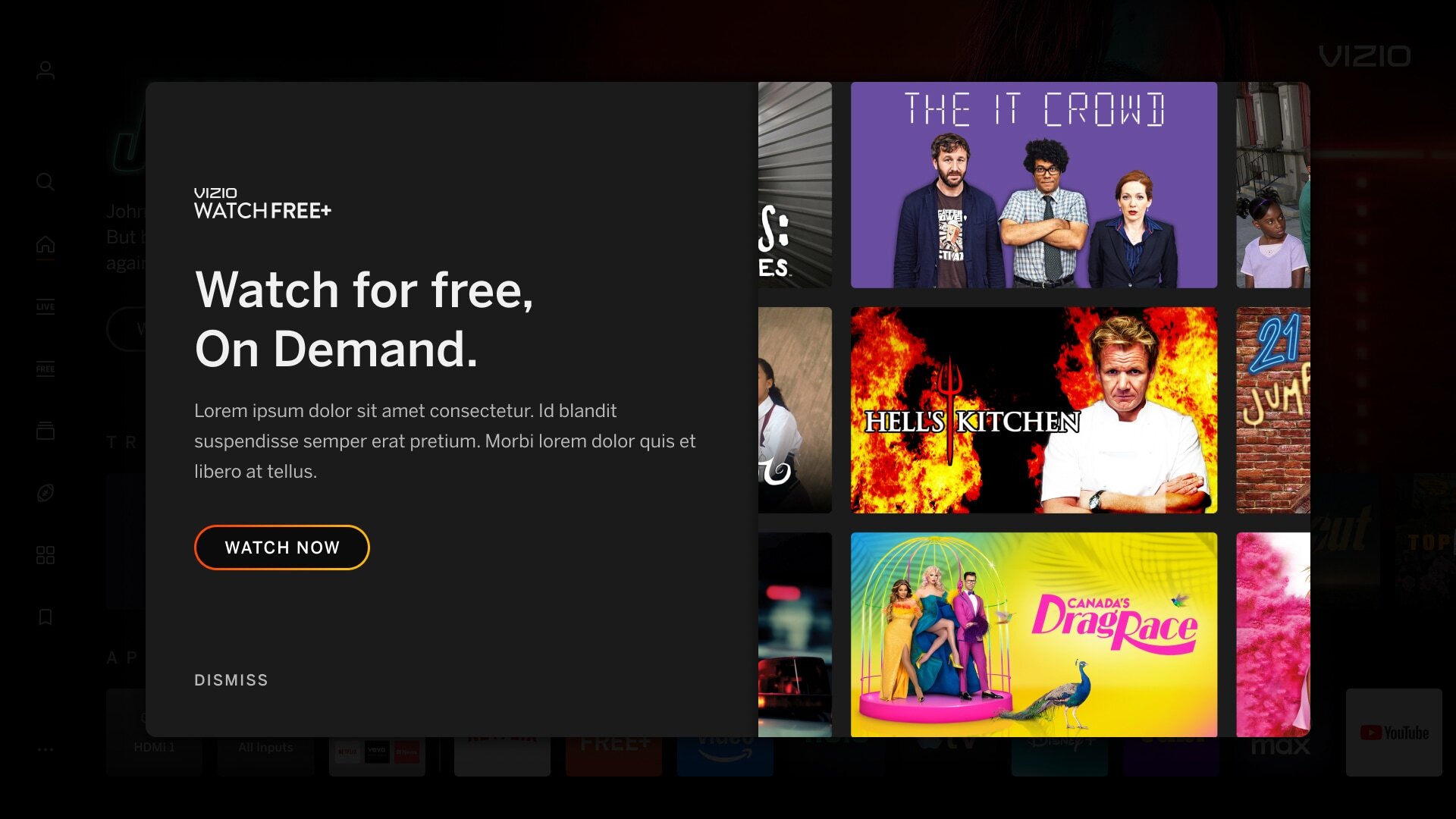 |
 |