


| Title Treatment (TT) / Image-Based Messaging (IBM) - Not Cropped Properly | |
|---|---|
| Image is not cropped on all sides (empty pixels exist on the sides). Applies to: Home Screen Hero, Home Screen Discover Reveal, Sponsored Collections Page, App Catalog Page Hero | |
|
Incorrect Example ✘ |
Correct Example |
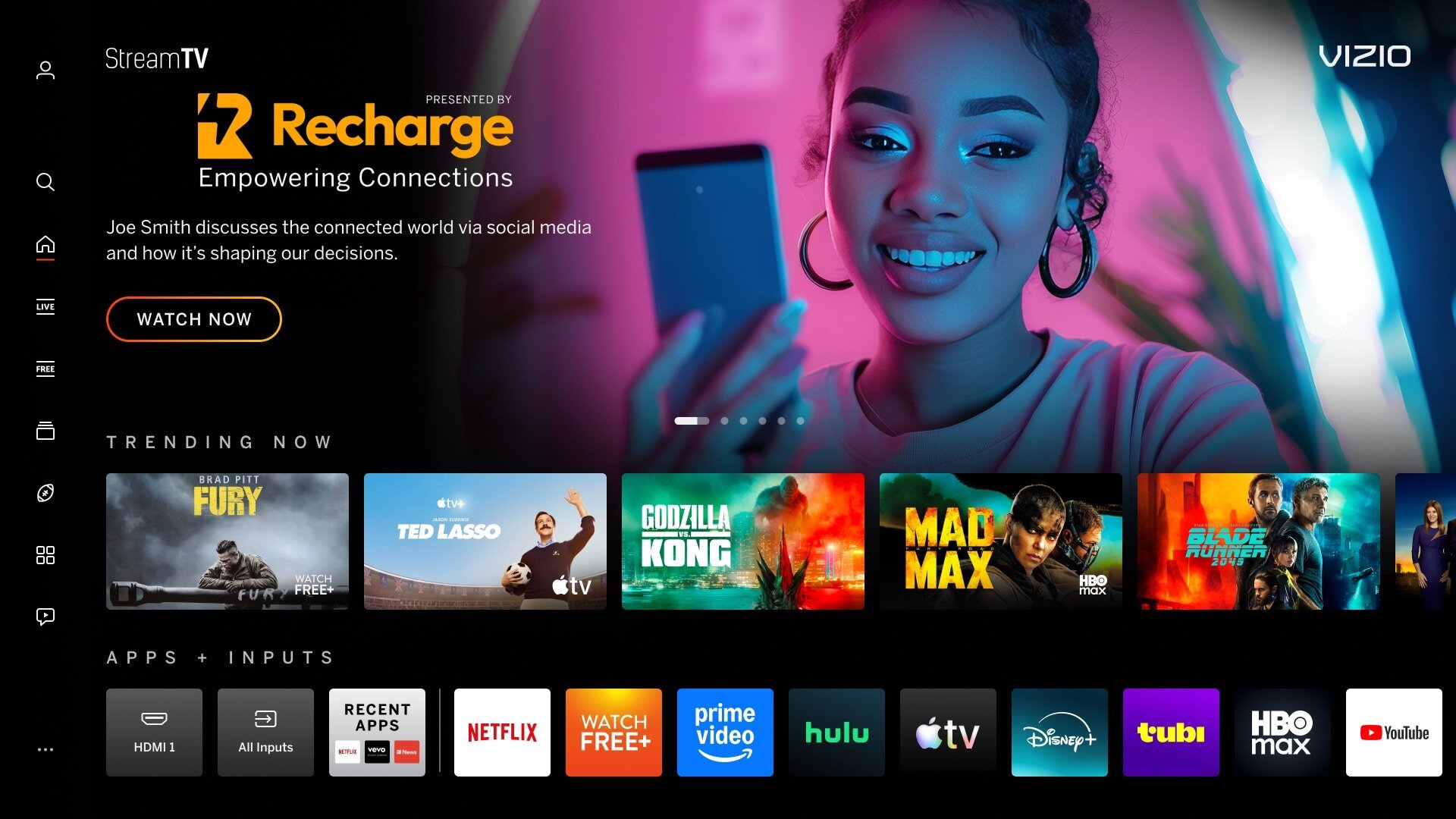 |
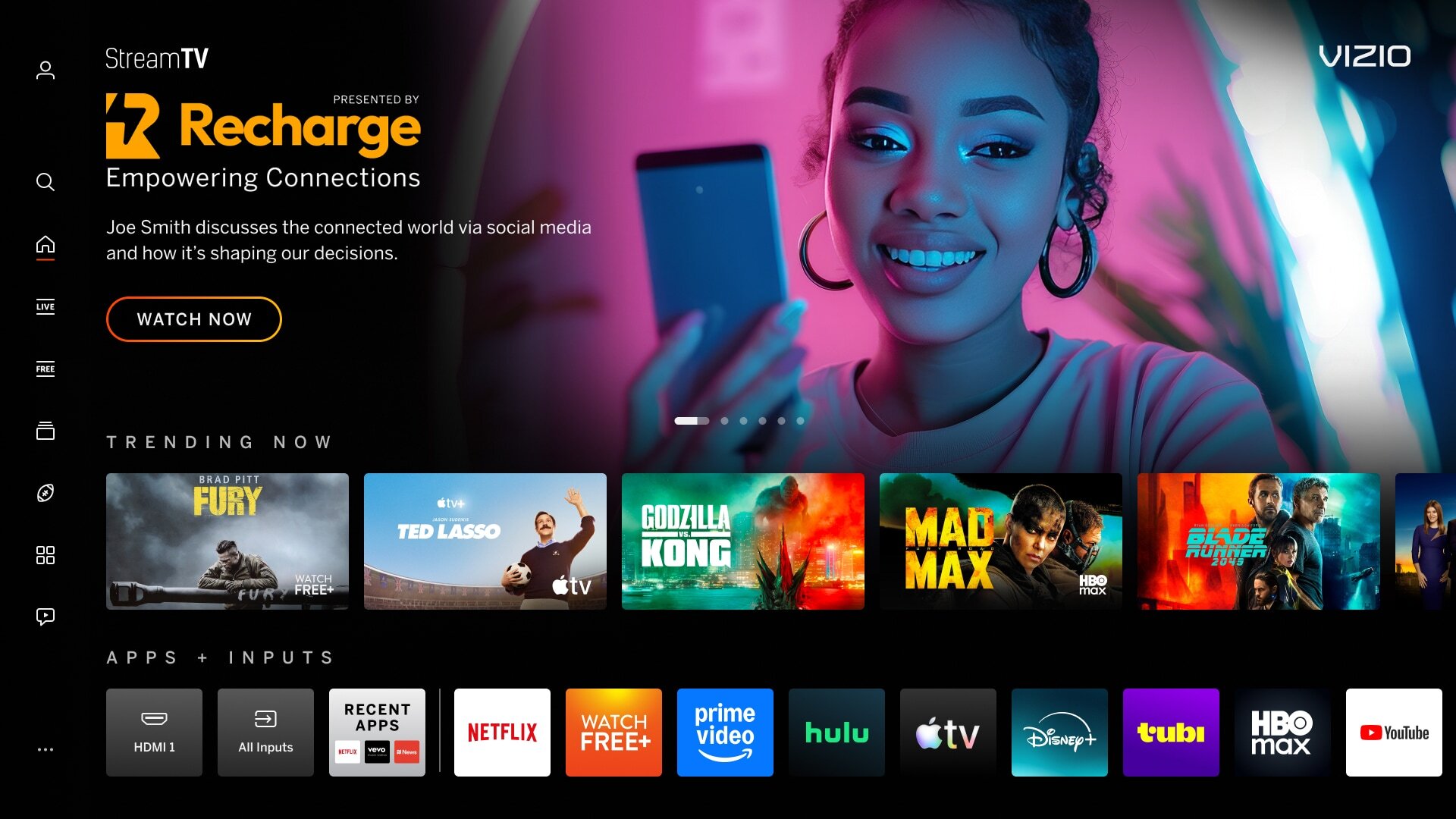 |

| TT / IBM - Excessive Text and Logos | |
|---|---|
| Graphic contains excessive copy and/or logos limiting readability and comprehension by the user (legal copy in IBM is acceptable in most cases). Applies to: Home Screen Hero, Home Screen Discover Reveal, Sponsored Collections Page, App Catalog Page Hero | |
|
Incorrect Example ✘ |
Correct Example |
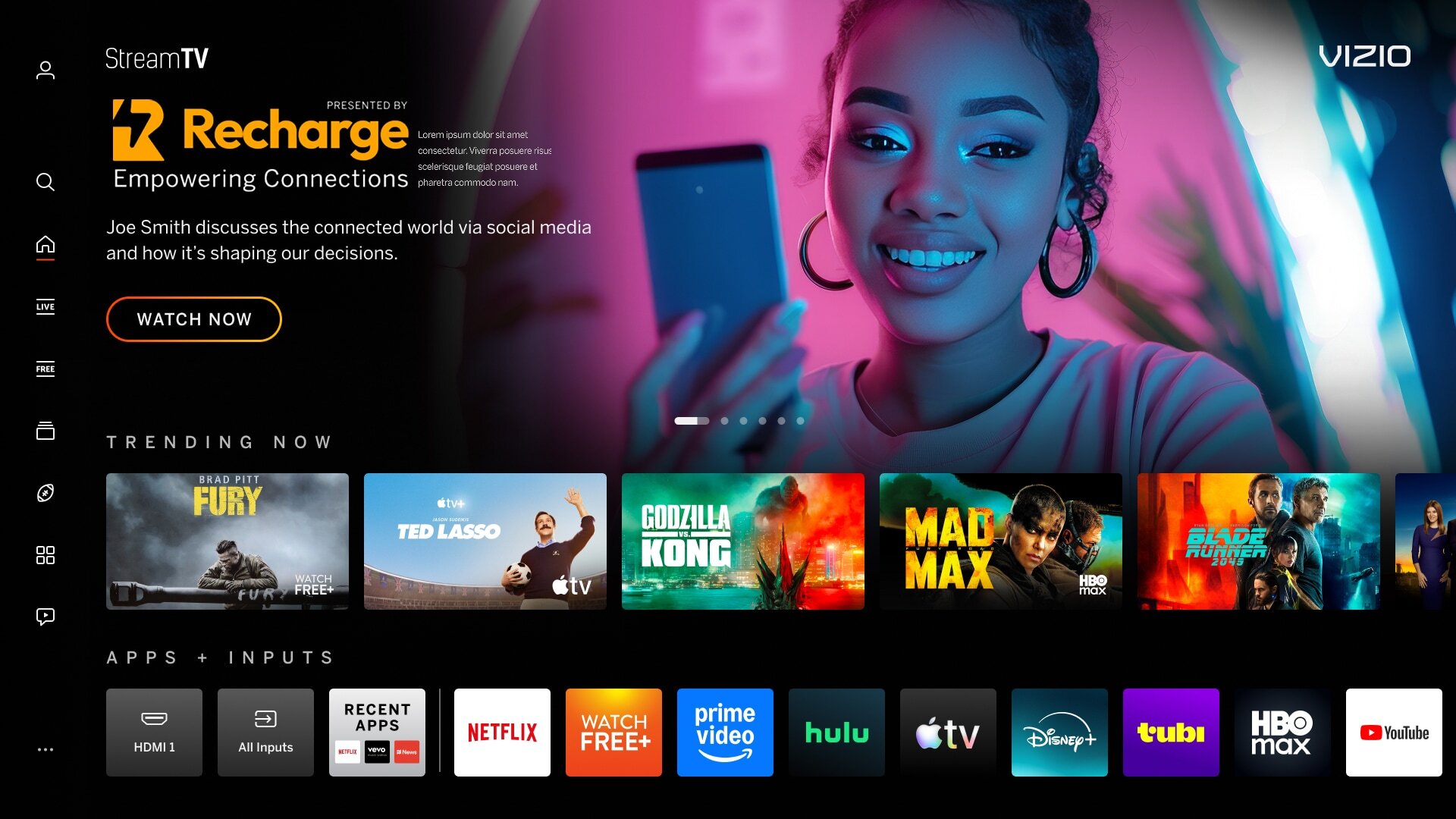 |
|
| Backdrop Image - Copy/Logos/QR Codes | |
|---|---|
| Backdrop images contain copy, logos, or QR Codes are used in the backdrop image, creating visual clutter and confusion. Applies to: Home Screen Hero, Home Screen Discover Reveal, Sponsored Collections Page, App Catalog Page Hero | |
|
Incorrect Example ✘ |
Correct Example |
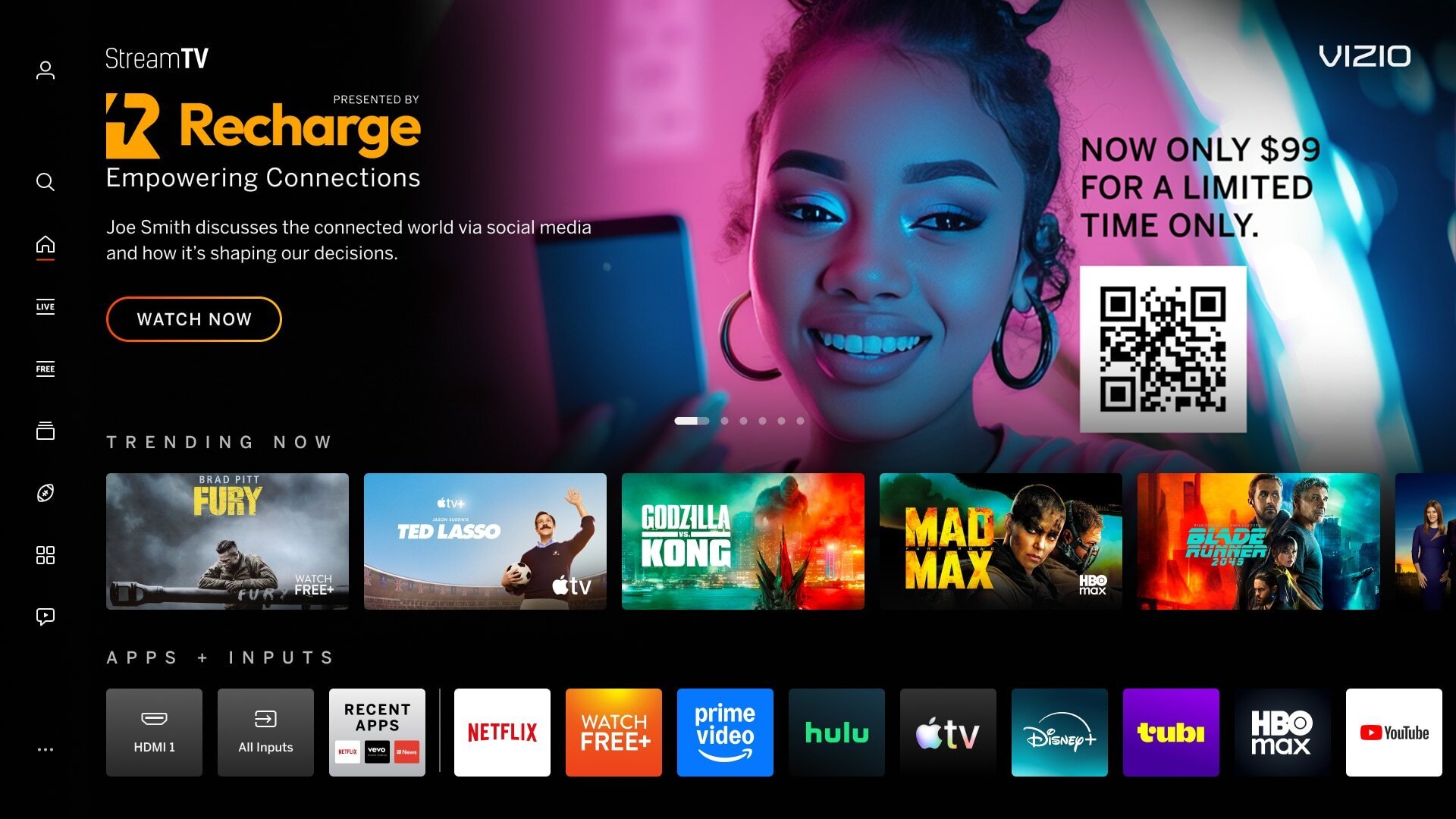 |
|
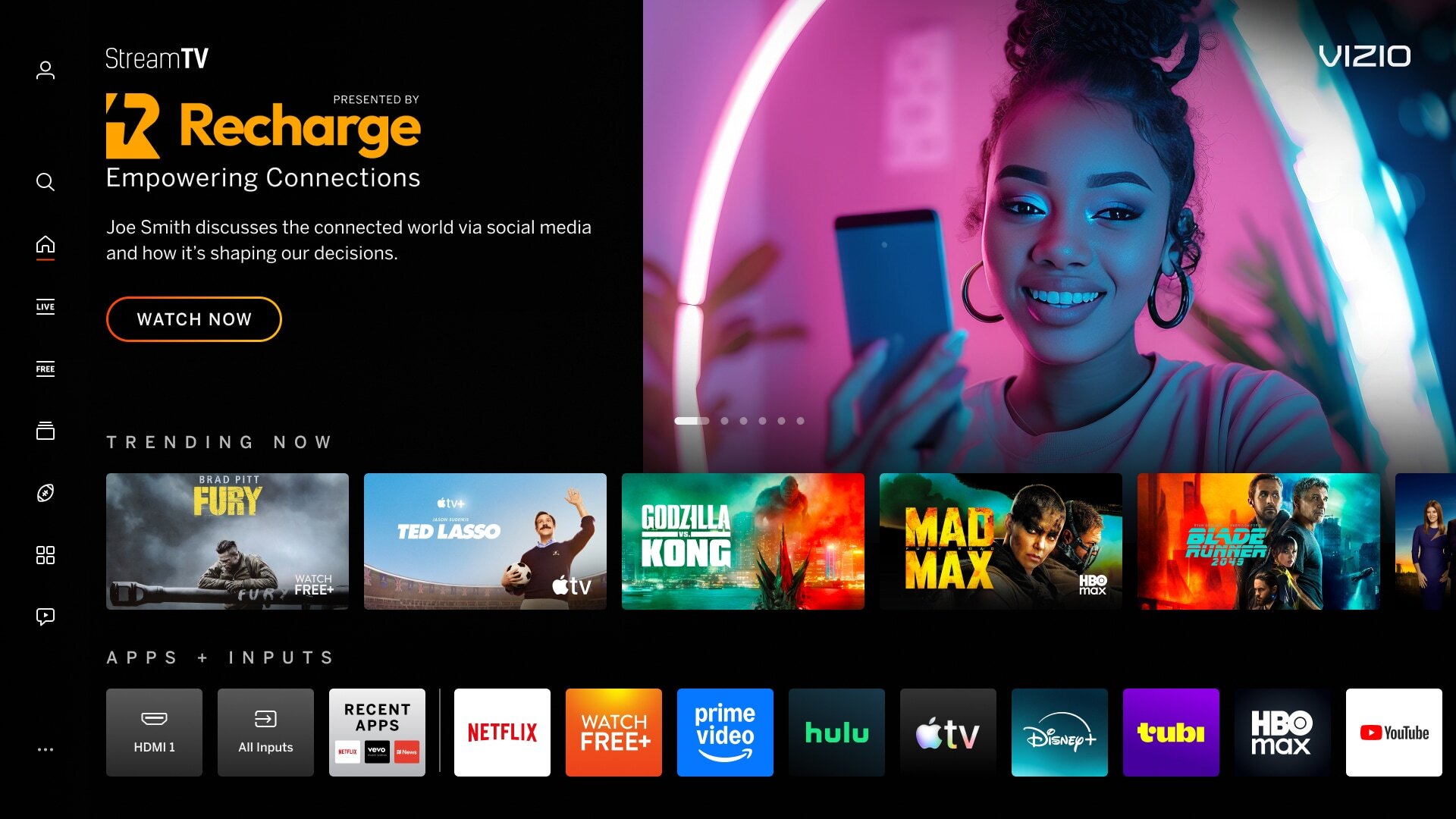
| Backdrop Image - Not Full Bleed (Edge-to-Edge) | |
|---|---|
| Image does not fill the entire space (artwork does not extend to the edge). Applies to: Home Screen Hero, Home Screen Discover Reveal, Sponsored Collections Page, App Catalog Page Hero | |
|
Incorrect Example ✘ |
Correct Example |
 |
|
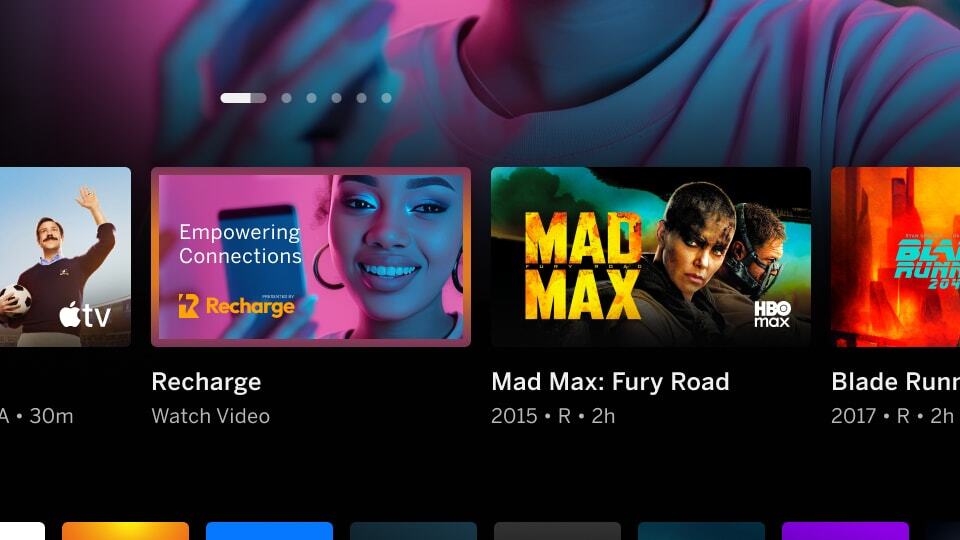
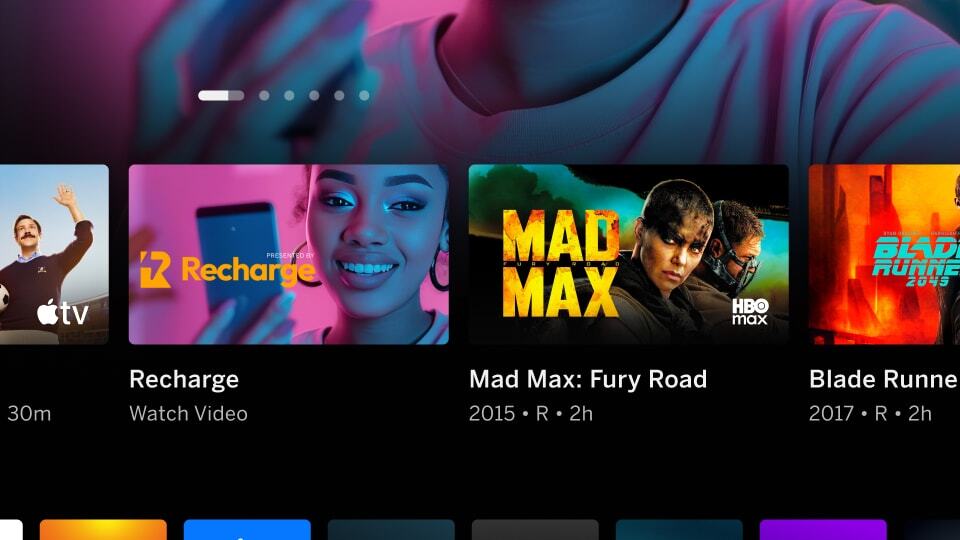
| Mimic Platform UI - Borders on Tiles/Banners/Images | |
|---|---|
| Tiles can mimic the content on the VIZIO platform and confuse users that it's selectable. Applies to: all backdrops, tiles, and banner imagery | |
|
Incorrect Example ✘ |
Correct Example |
 |
 |
| Mimic Platform UI - Additional CTA/Buttons | |
|---|---|
| Image has a button visual which can mimic a Call to Action, causing confusion for users. Applies to: All backdrops, tiles, and banner imagery | |
|
Incorrect Example ✘ |
Correct Example |
 |
 |
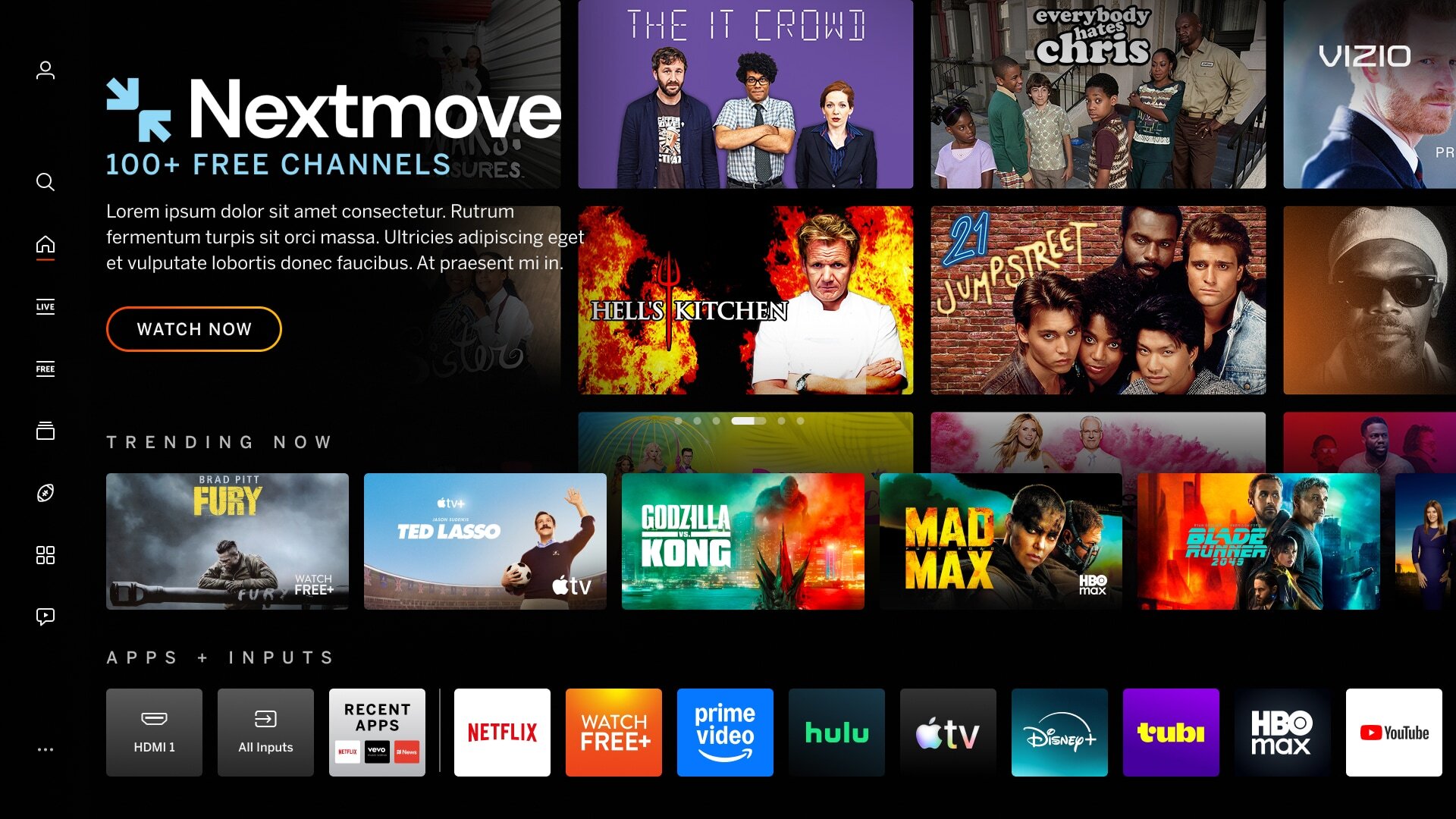
| Mimic Platform UI - Using Tiles | |
|---|---|
| Tiles can mimic the content on the VIZIO platform and confuse users that is is selectable. Applies to: All backdrops, tiles, and banner imagery | |
|
Incorrect Example ✘ |
Correct Example |
 |
 |