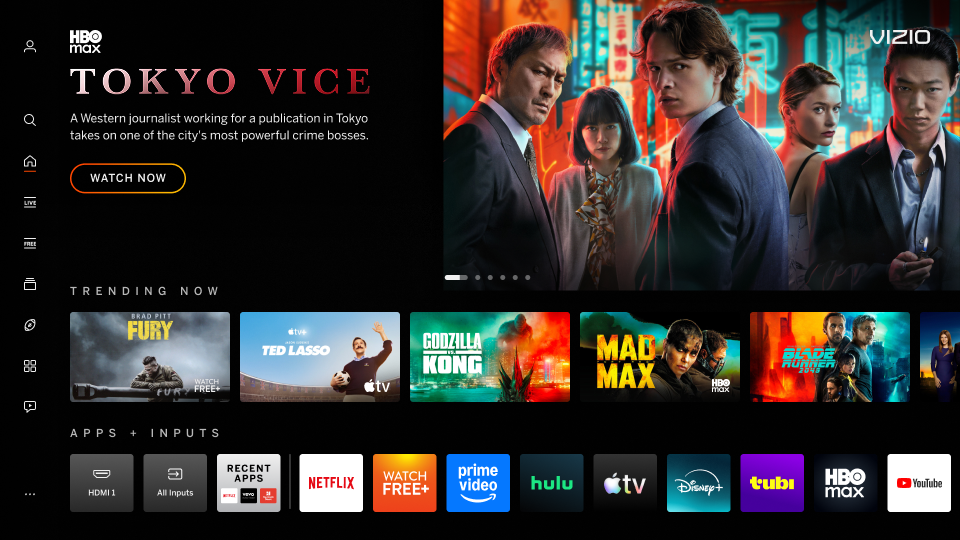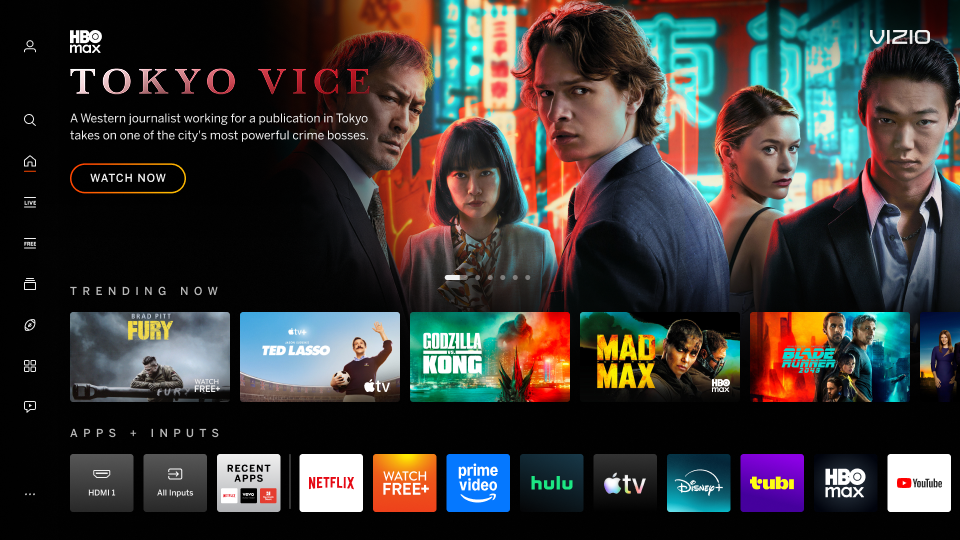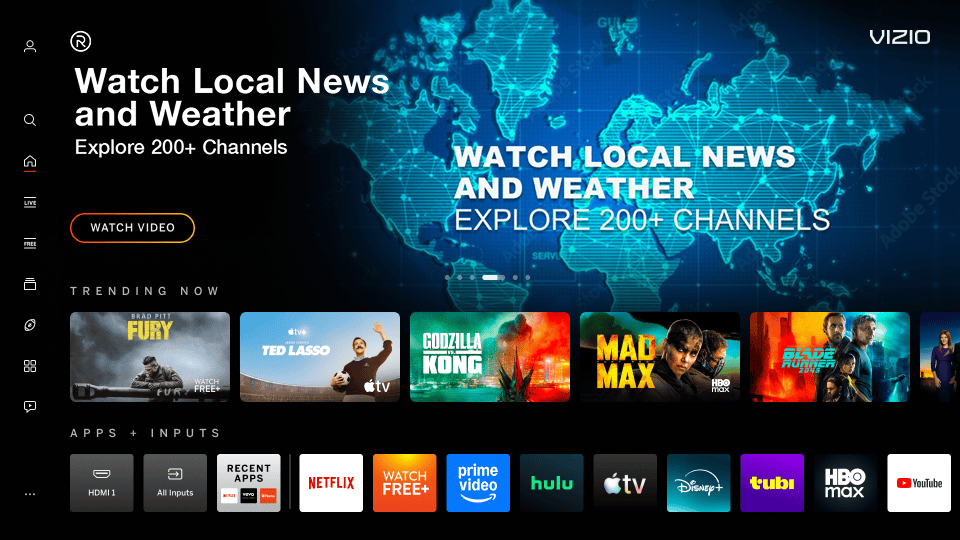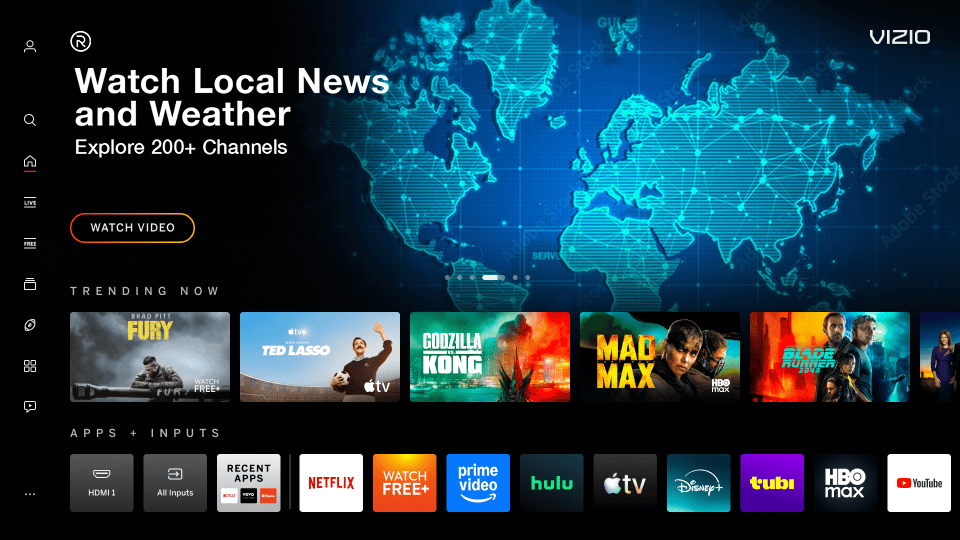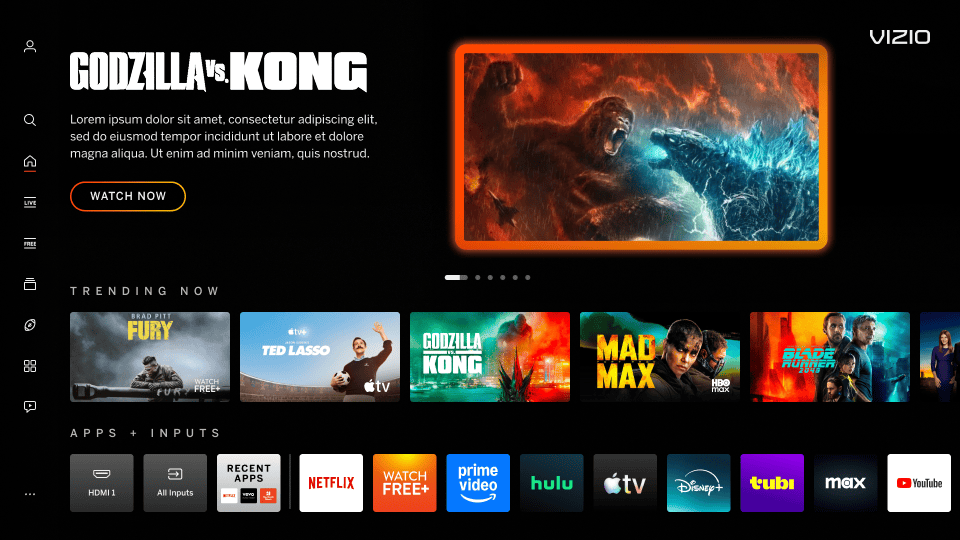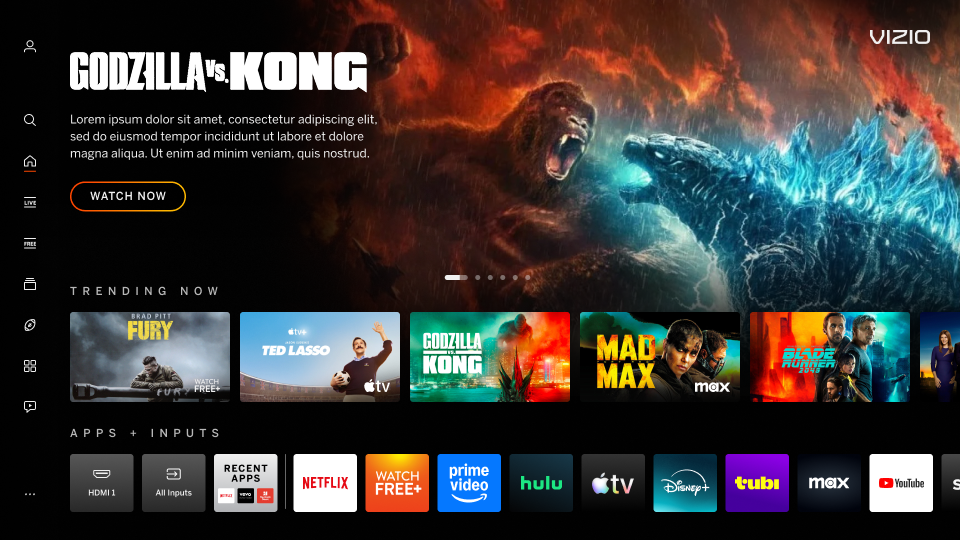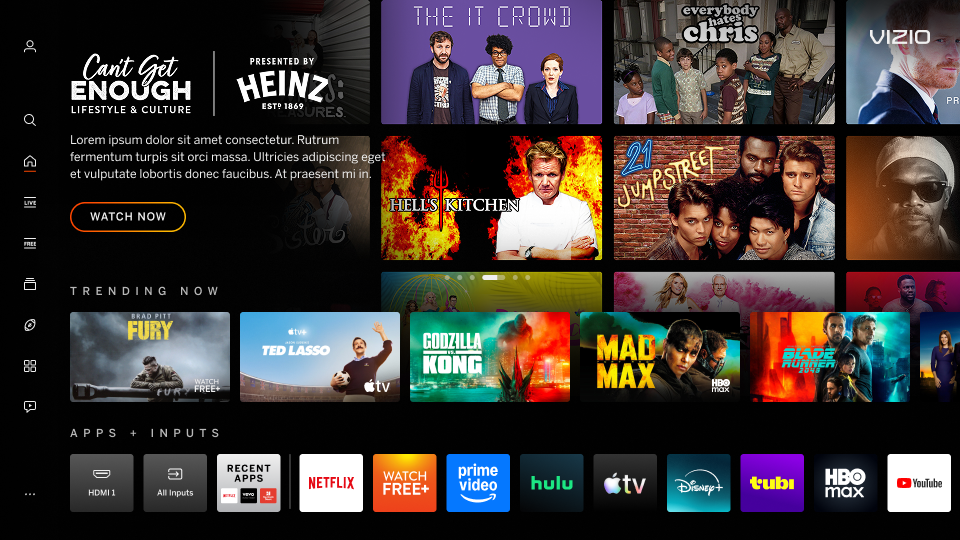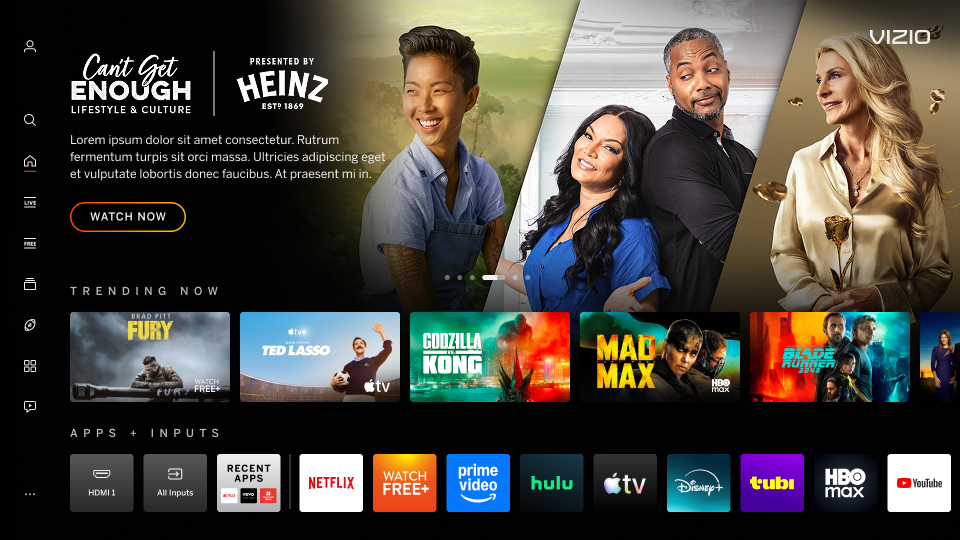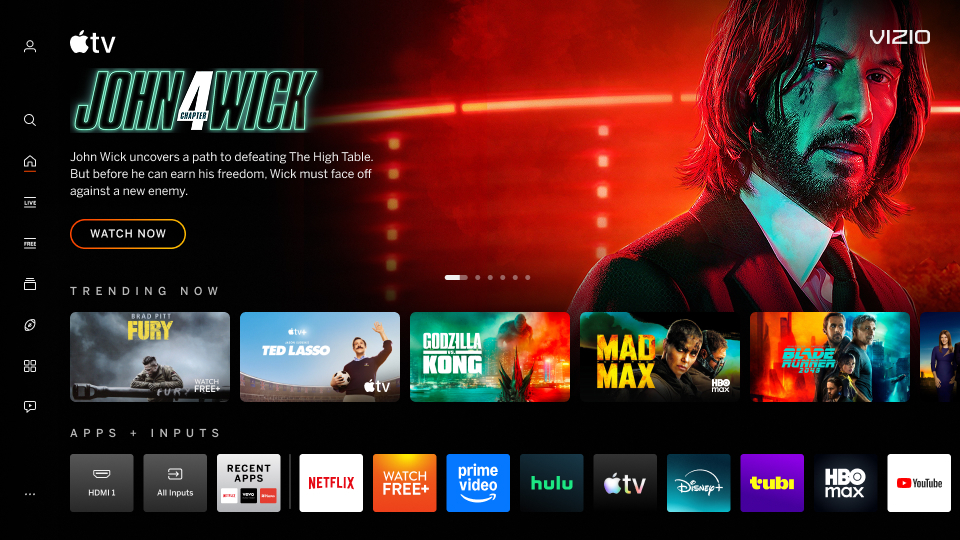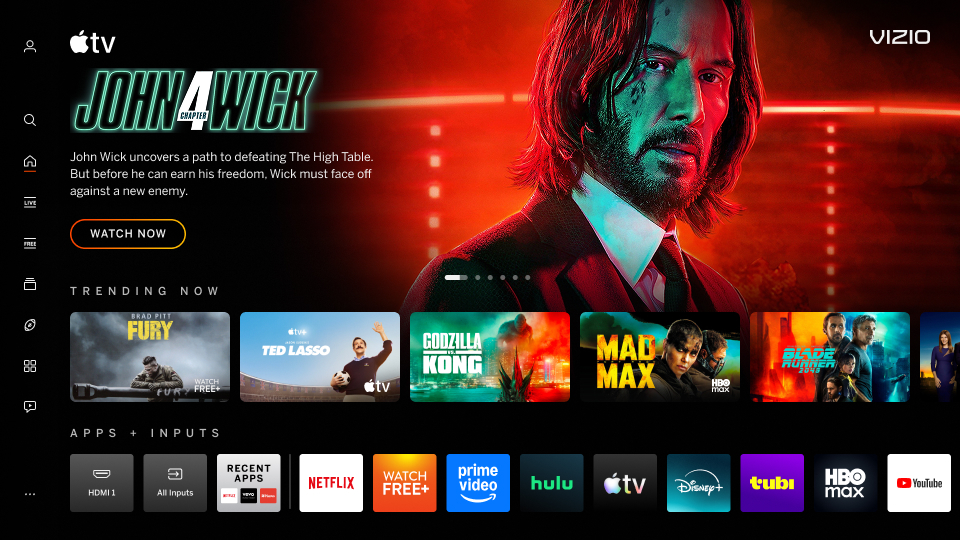


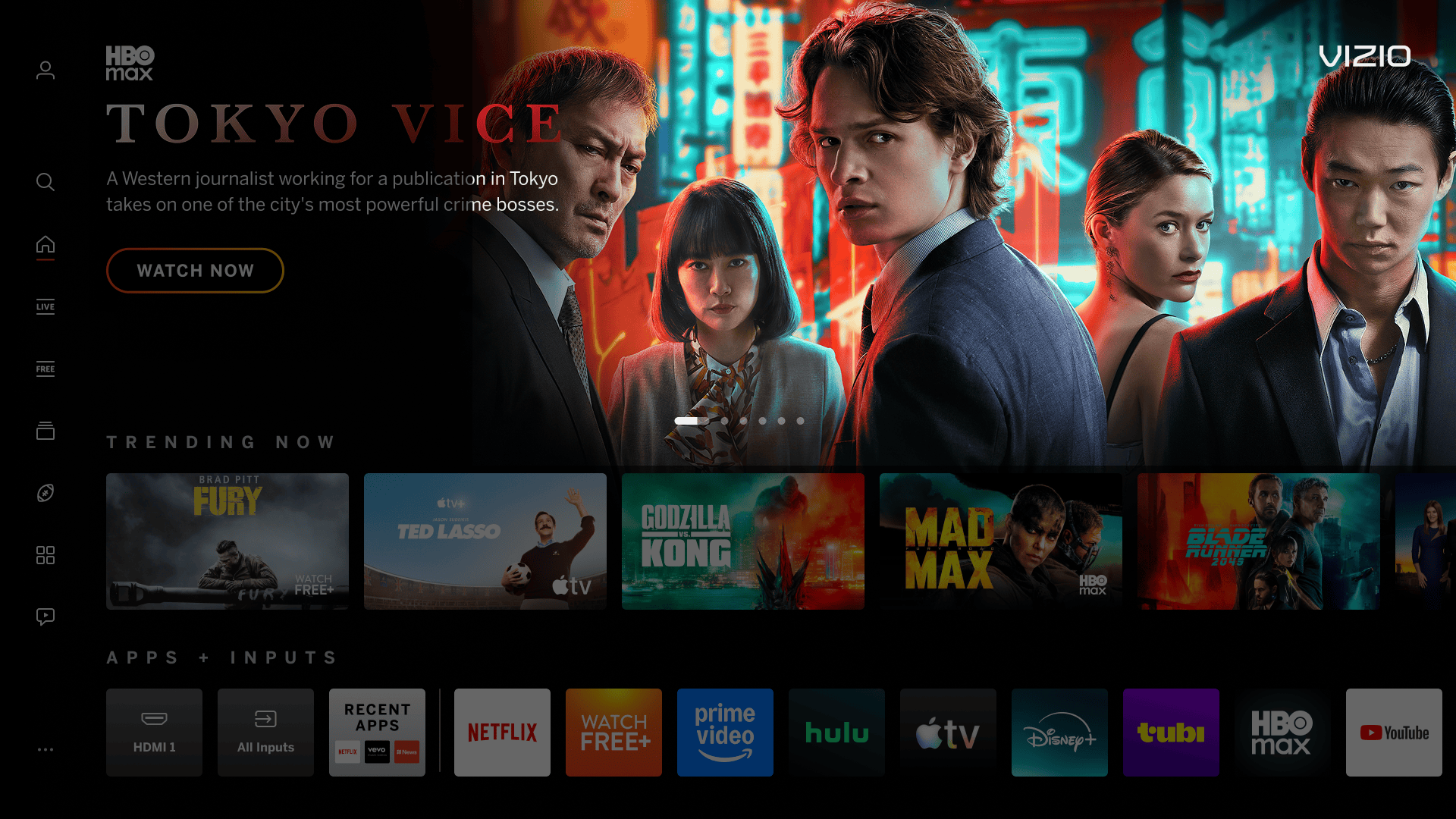
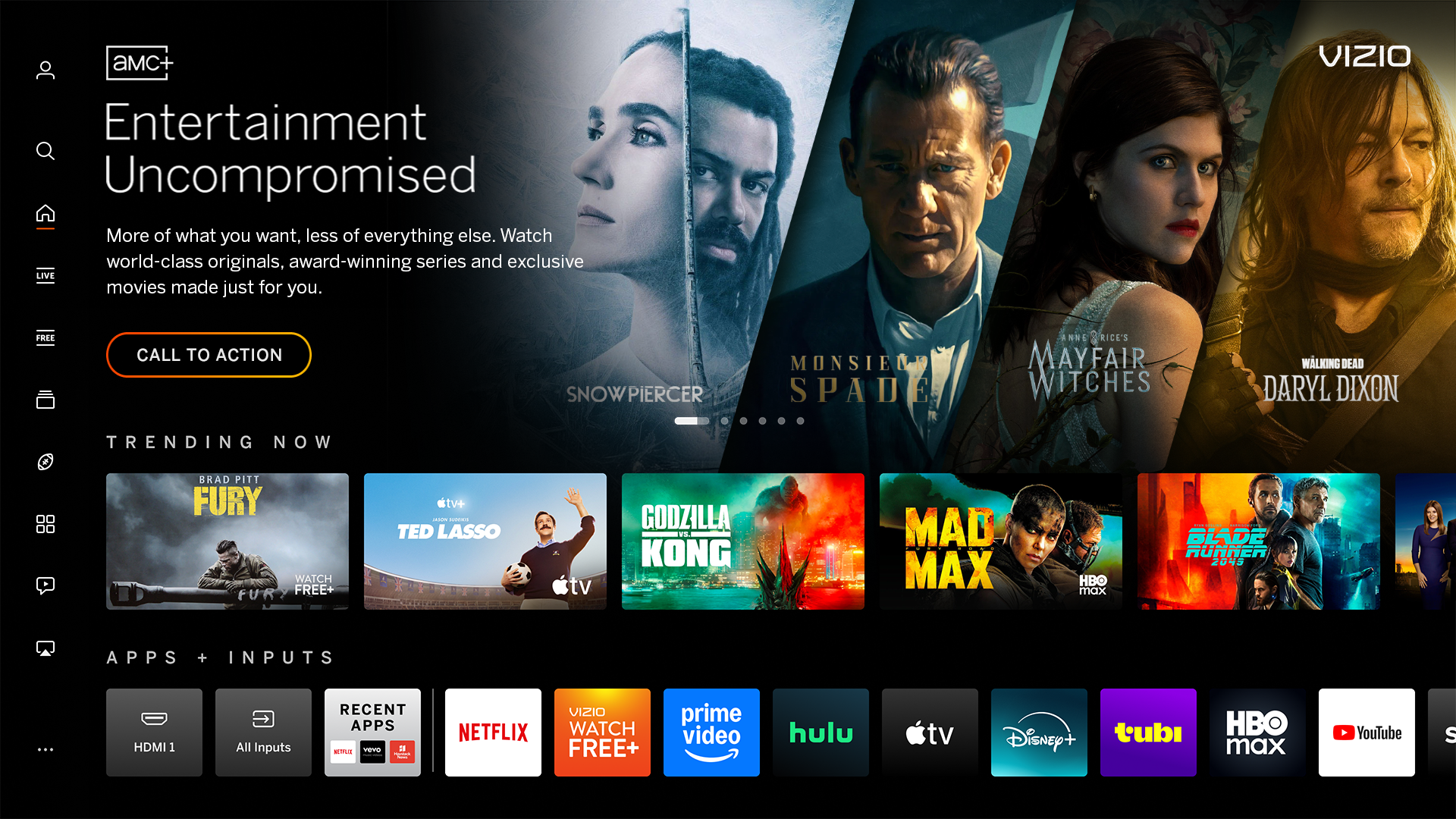
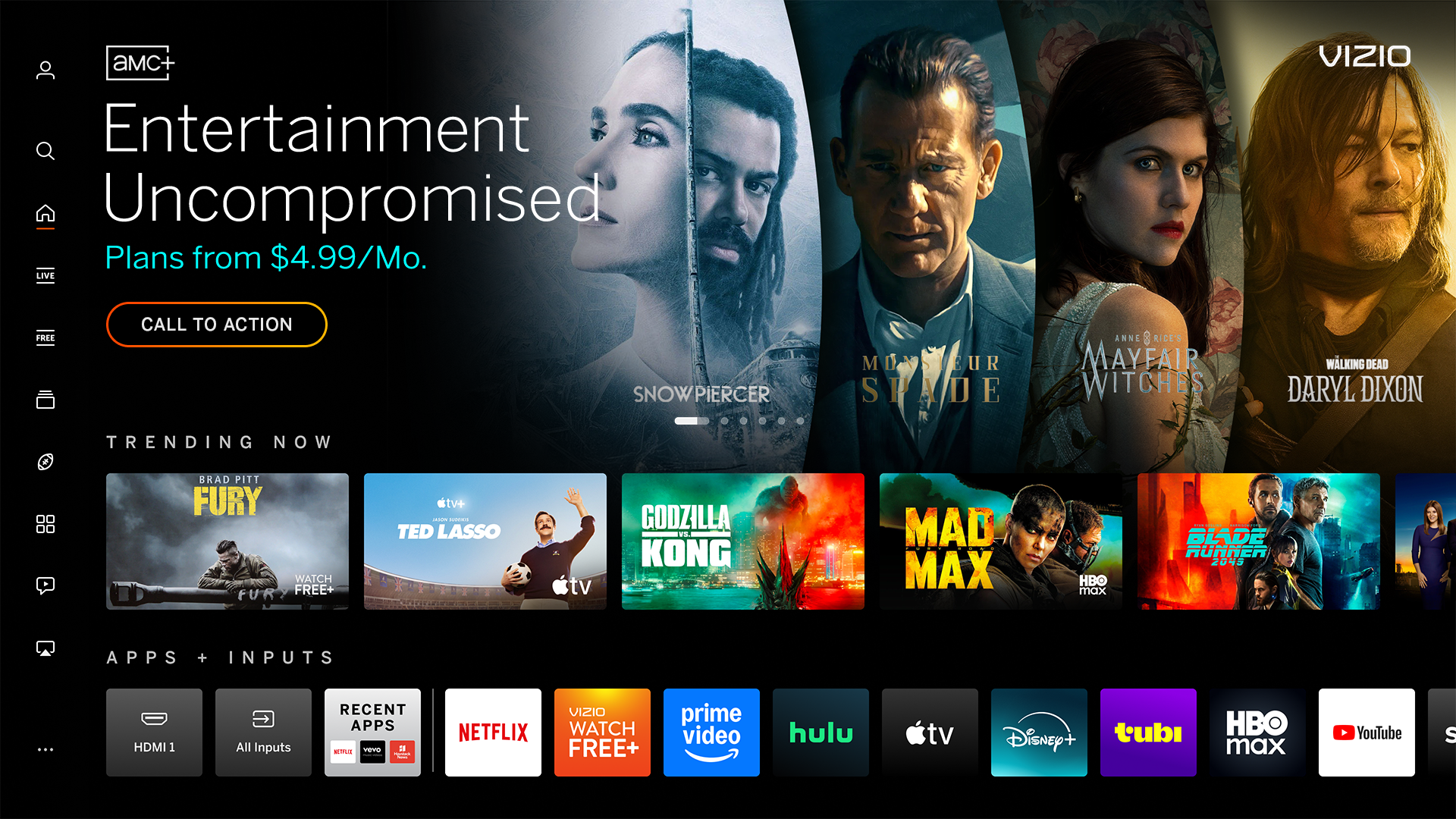
The header background image on Home Screen.

Backdrop Overview

Backdrop Image
Dimensions 1920px x 1080px
Maximum File Size 500 KB
File Type JPG, PNG
Text/Logos Avoid text and/or logos in this area. Exceptions may be granted on a case-by-case situation.
Safe Zone Approx. 310px from the left and bottom. Approx 250px x 130px from 310px the upper right corner for the placement of the VIZO logo. See Photoshop templates for guide or utilize the supplied image overlay.

Miscellaneous Notes
Focal Point Imagery focal point should be centered within the safe area to avoid visual imbalance. See Photoshop templates for guides or the supplied image overlay.
Image Quality Use high-quality imagery that looks clear on a high-definition television. Never scale up images to meet the size requirements.
Multi-Image Avoid busy imagery with multiple tiles as this can confuse users as selectable content. See below for layout suggestions.

Select the layer options within PSD template for curved or angled and 2- 3- and 4-image layouts.

Multi Image Template - IBM - Hero Multi Image Template - TT - Hero
TT Multi-Image
(4-image angled shown)
IBM Multi-Image
(4-image curved shown)

Not Full Bleed
Image does not fill the entire 16:9 space edge-to-edge.

Incorrect Example   ✘

Correct Example   Green Check Mark

Incorrect - Full Bleed - Backdrop Correct - Full Bleed - Backdrop


Copy/Logos/QR Codes
Image contains copy, logos, or QR Codes.

Incorrect Example   ✘

Correct Example   Green Check Mark

Incorrect - TokyoVice - Backdrop - Copy Correct - TokyoVice - Backdrop - Copy


Mimic Platform UI: Borders
Backdrop image has a border around the artwork which can mimic a focus state, causing confusion for users.

Incorrect Example   ✘

Correct Example   Green Check Mark

Incorrect - Backdrop - Borders Correct - Backdrop - Borders


Mimic Platform UI: Using Tiles
Tiles can mimic the content on the VIZIO platform and confuse users that it's selectable. A recommended multi-image template can be found here:  IBM version, Title Treatment version.

Incorrect Example   ✘

Correct Example   Green Check Mark

Incorrect - Backdrop - Tiles Correct - Backdrop - Tiles


Non-centered Focal Point
Key imagery is not centered within the safe area creating a visual imbalance. Safe Area for backdrop can be found here:  IBM version, Title Treatment version.

Incorrect Example  ✘

Correct Example  Green Check Mark

Incorrect - Backdrop - Focal Correct - Backdrop - Focal


Poor Image Quality
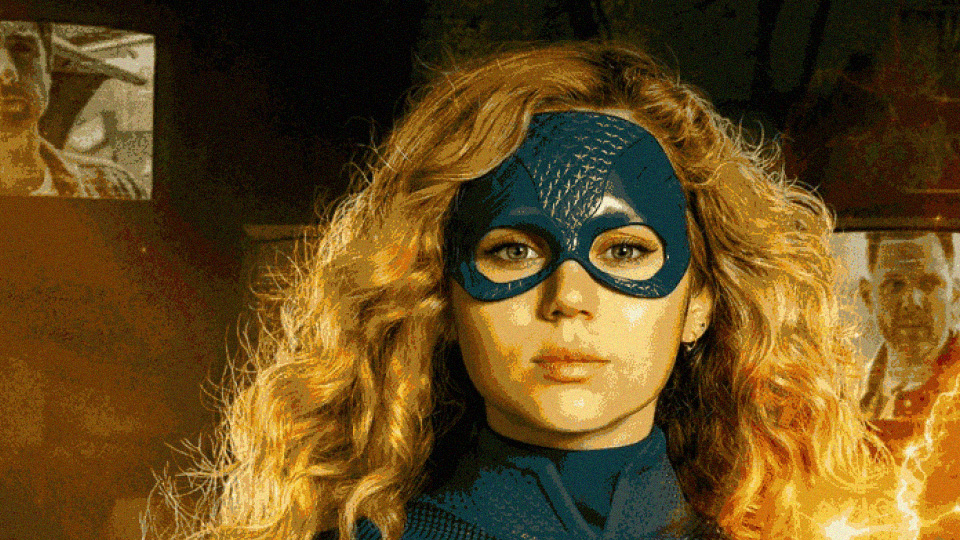
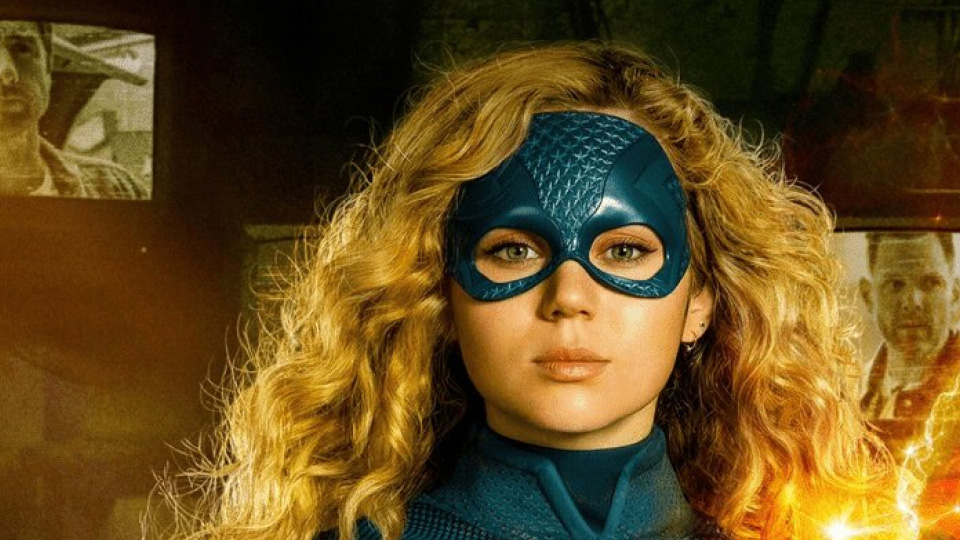
Low-quality images may include, but are not limited to: busy images with too many visual objects, blurry or distorted, low-resolution/pixelated, or stretched images.

Incorrect Example  ✘

Correct Example  Green Check Mark

Incorrect - B Backdrop - Quality Correct - Backdrop - Quality