VIZIO Creative Guidelines > Media & Entertainment > Banners & Tiles - Static
| Visit the Banners & Tiles Overview page for examples and templates. |
| Unit | Image Dimensions | Image Max. File Size |
|---|---|---|
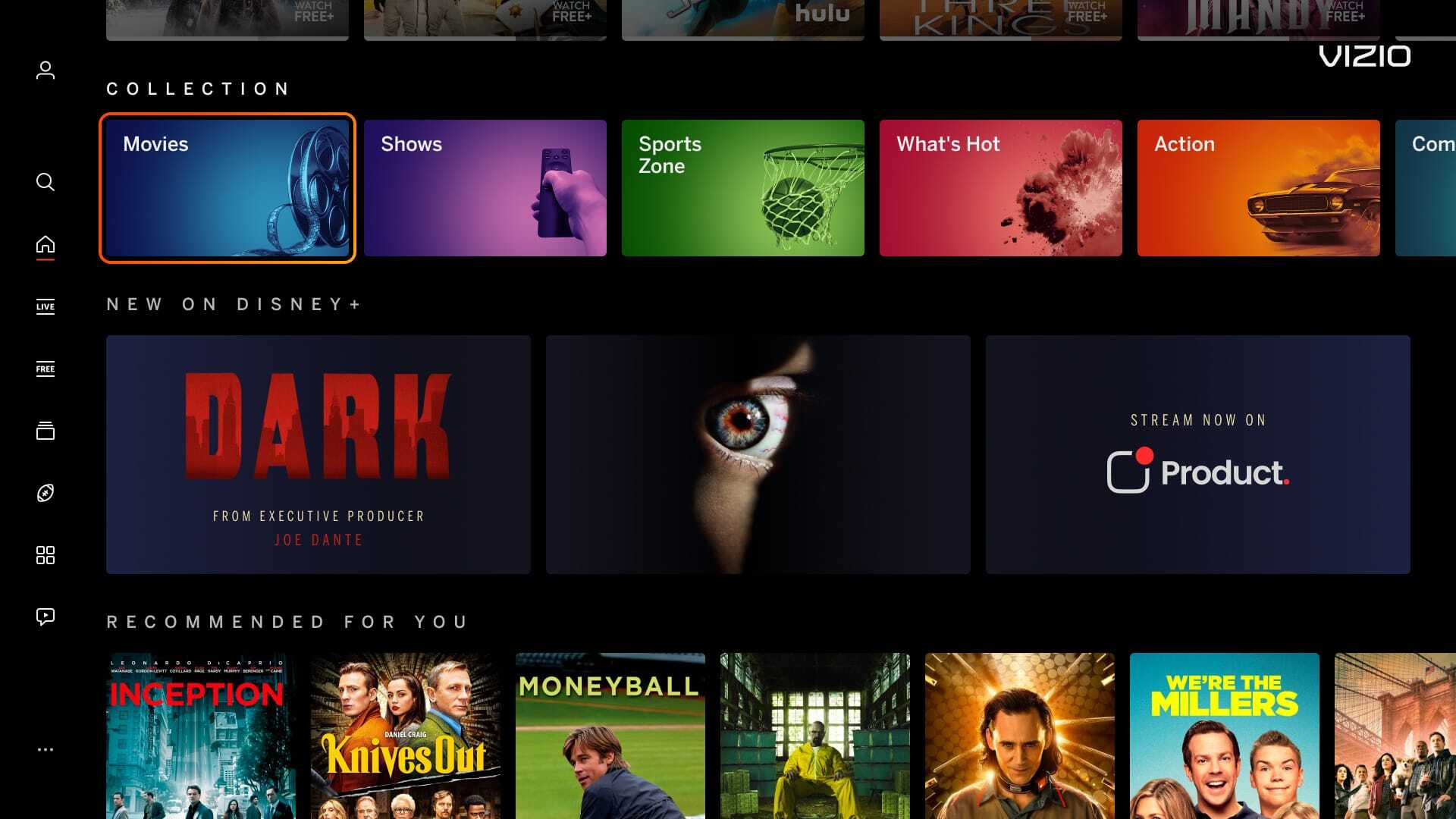
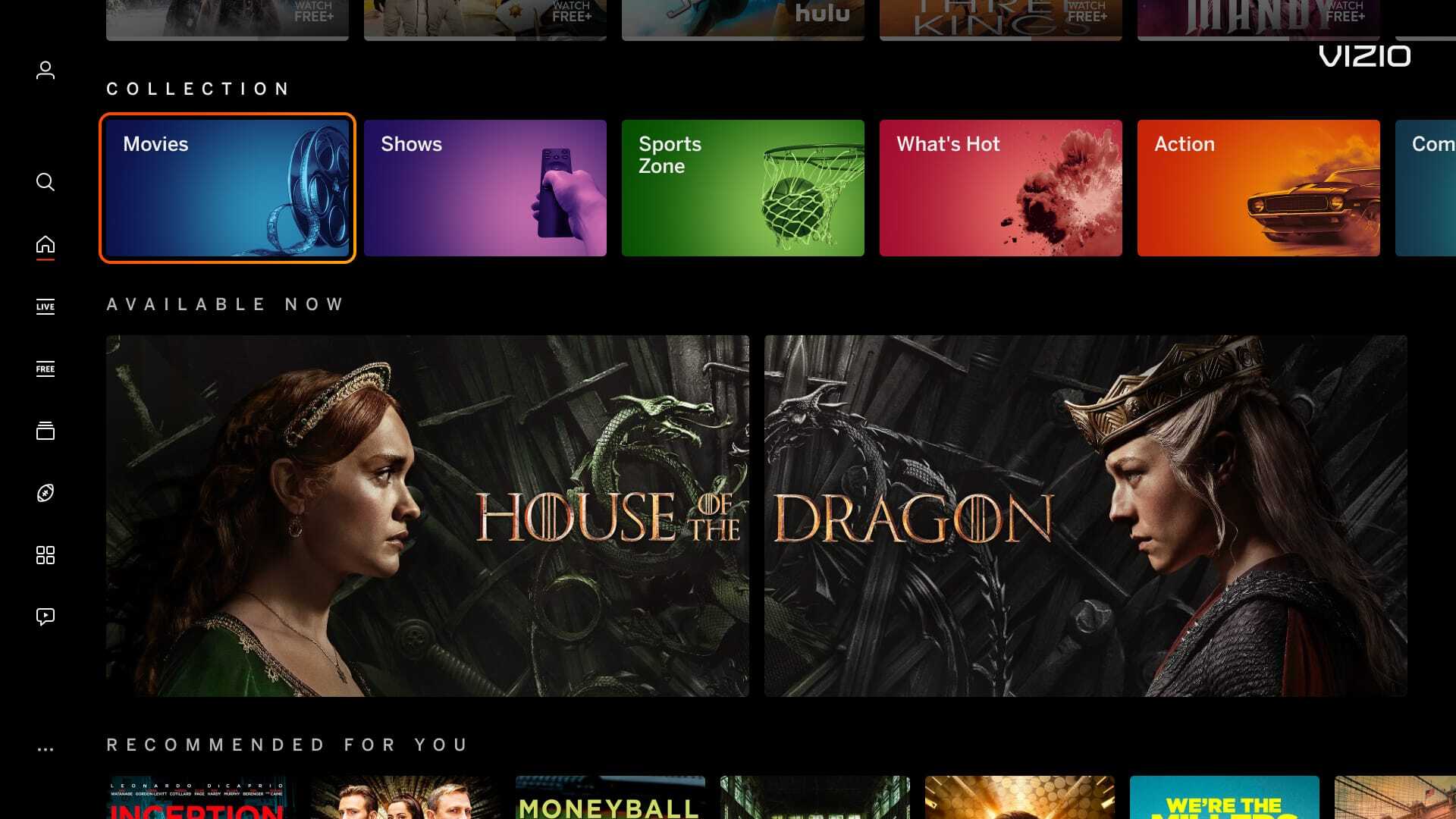
| Impact Double Play (2 tiles) |
848px x 477px | 500 KB |
| Impact Showcase (3 tiles) |
560px x 315px | 500 KB |
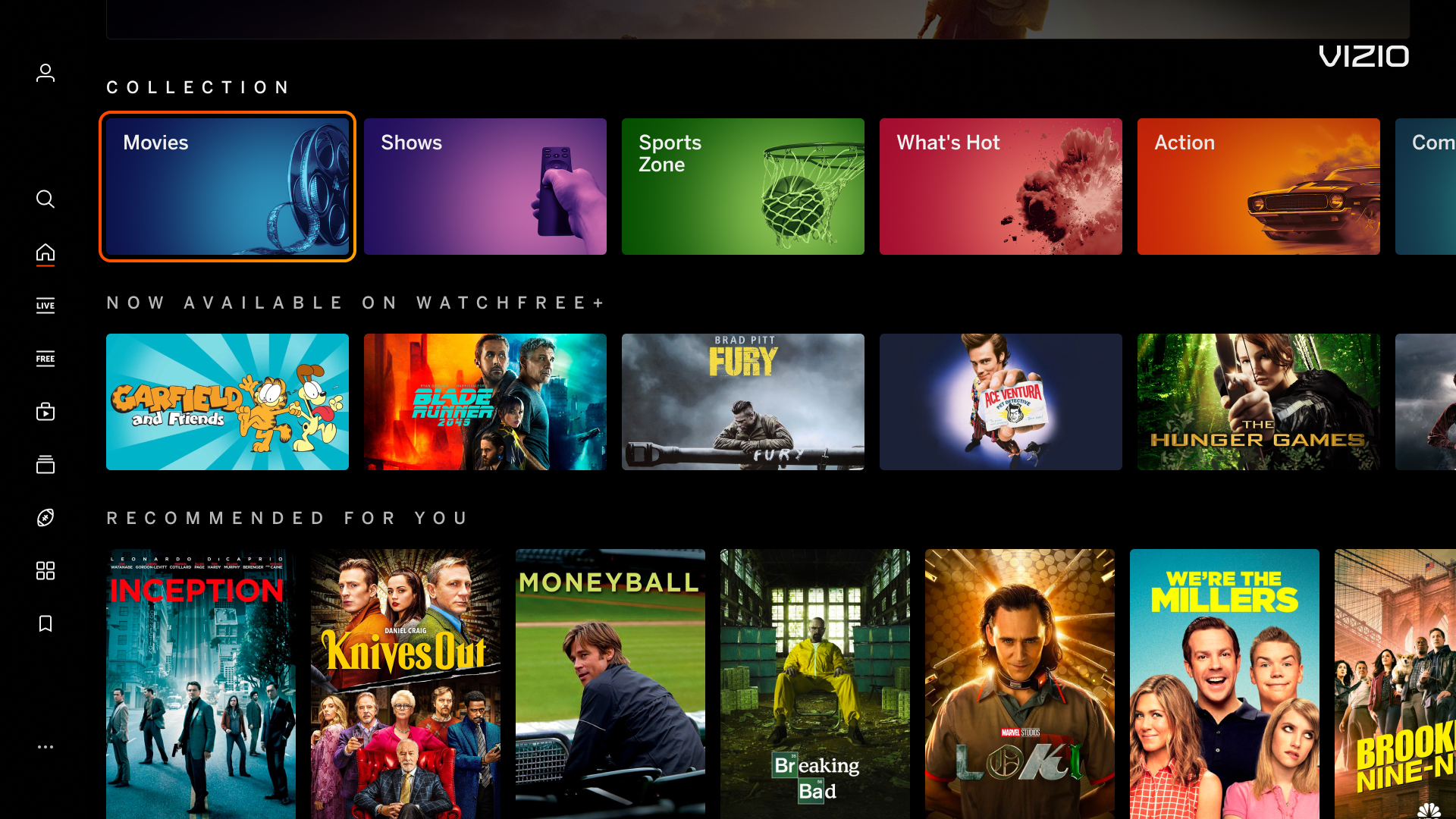
| Sponsored Carousel (5+ tiles) |
Min: 320px x 180px Max: 848px x 477px |
300 KB |
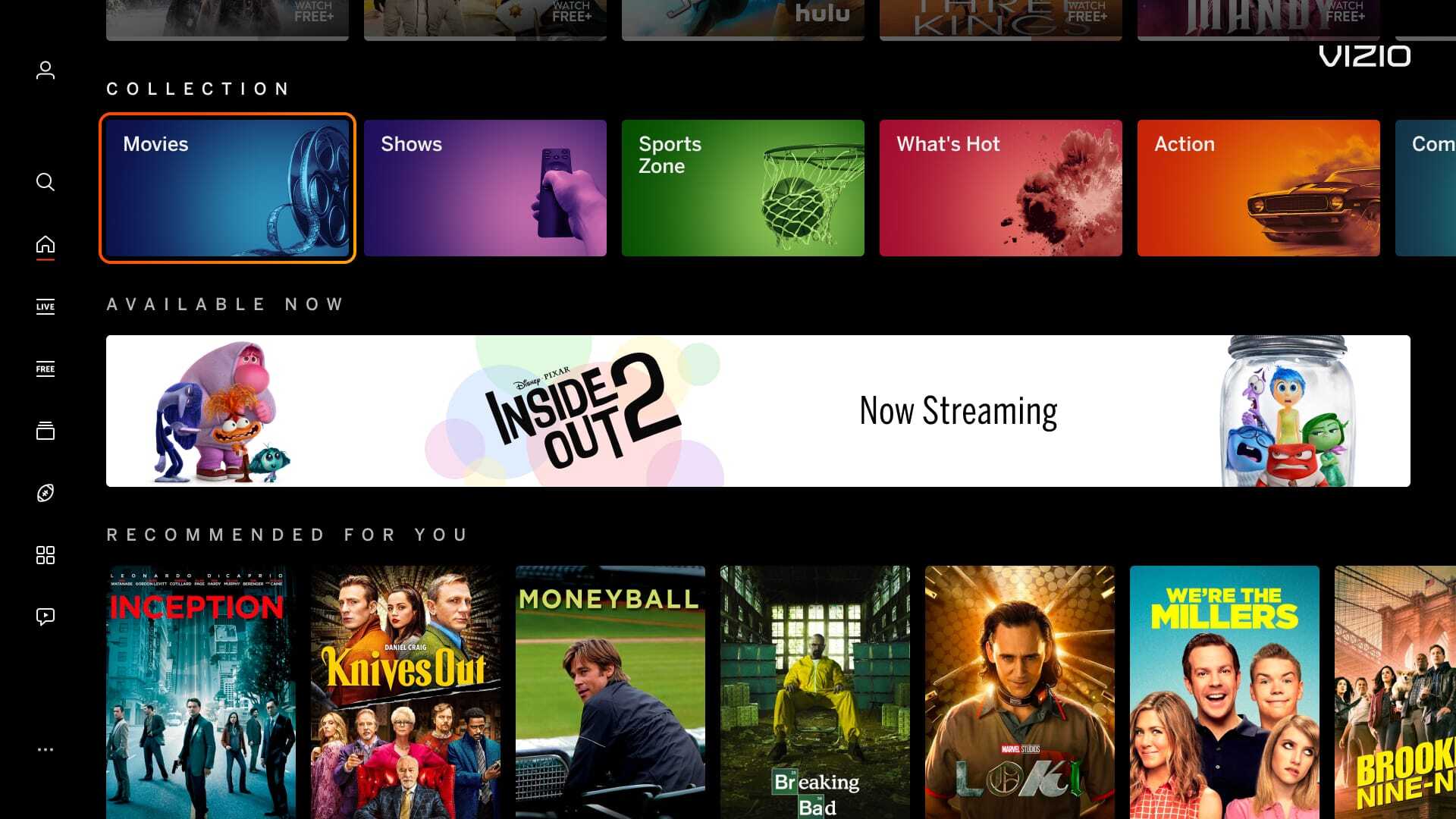
| Highrise Banner | 1720px x 360px | 500 KB |
| Spotlight Banner | 1720px x 200px | 500 KB |
| Apps Page Double Tile (Displayed on Apps Page) |
920px x 160px | 300 KB |
| Search page Banner (Displayed on Search Page) |
380px x 380px | 300 KB |
| Pencil Banner (Displayed on Sports Zone) |
1720px x 80px | 300 KB |
| Recommends (Notification on bottom) |
600px x 144px | 300 KB |
| Inputs Menu - Tile (Row title not applicable) |
Min 256px x 144px Max 848px x477px |
500 KB |
| Recent Apps - Tile (Row title not applicable) |
Min 256px x 144px Max 848px x477px |
500 KB |
| General Banner Notes | |
|---|---|
| File Type | JPG, PNG |
|
Row Title Character Count
(not applicable to recent apps - Tile Banner or Apps Input Menu Tile Banner) |
Headline copy is approximately 40 characters, including spaces. Copy under the banner/tile is a CTA (action-oriented that lets user know when banner/tile is clicked on). |
|
Legal Text
|
Minimum size recommended for legibility is 11px |
| Specs | |
|---|---|
|
QR Codes
|
|
|
Character Count
|
|
|
Call-to-Action Destinations
|
CTA can be used for launching an app or a Click-to-Play Video, Collection Page, or the Sports Zone Home or Individual Sport Page. |
|
CTA Text Options
|
|
| Excessive Text/Logos | |
|---|---|
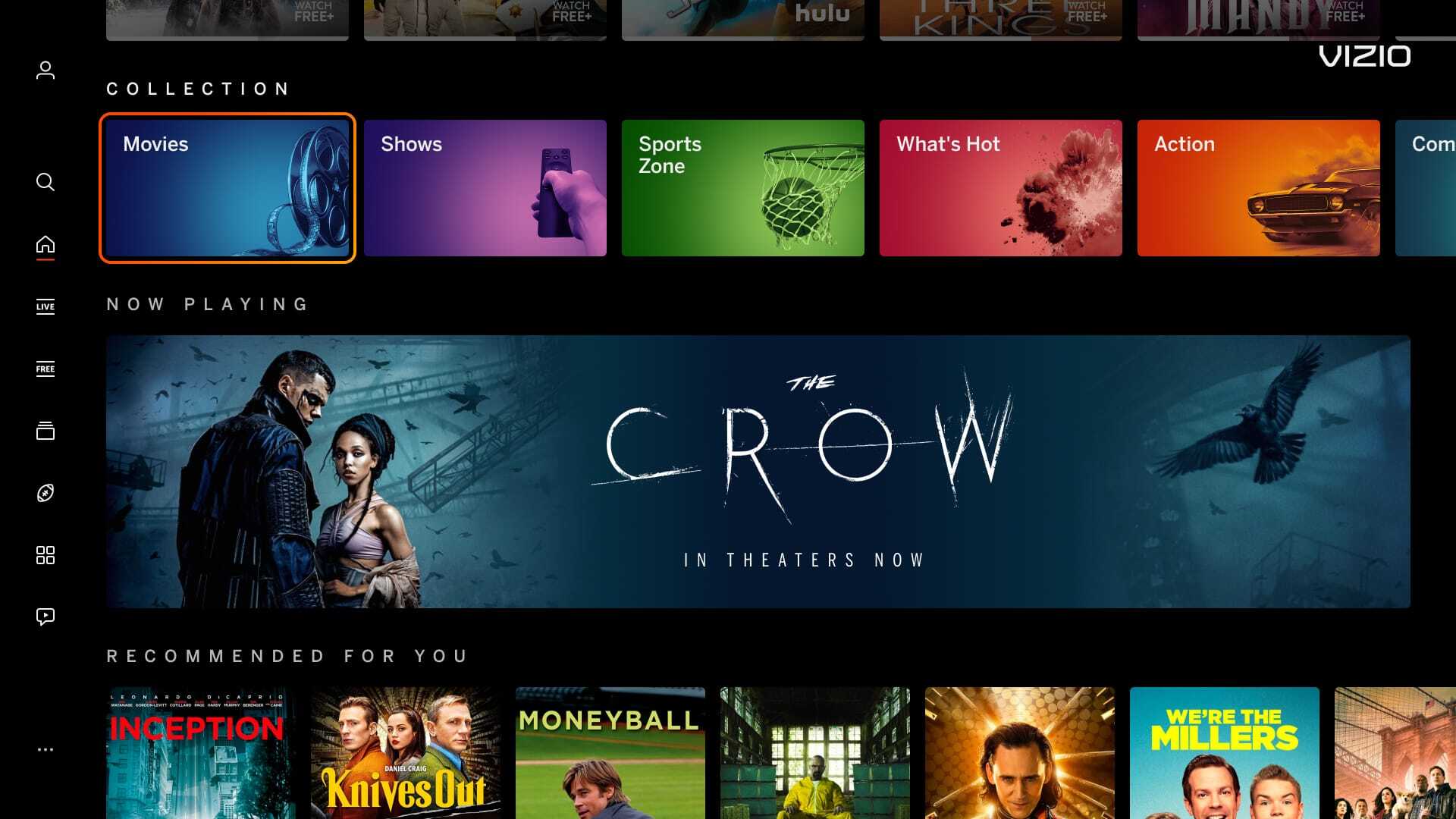
| Banner images that have an excessive amount of text and/or logos can cause readability issues for the user. Infraction shown on Impact Showcase. | |
|
Incorrect Example ✘ |
Correct Example |
![]() |
![]() |
| Mimic Platform UI: Border | |
|---|---|
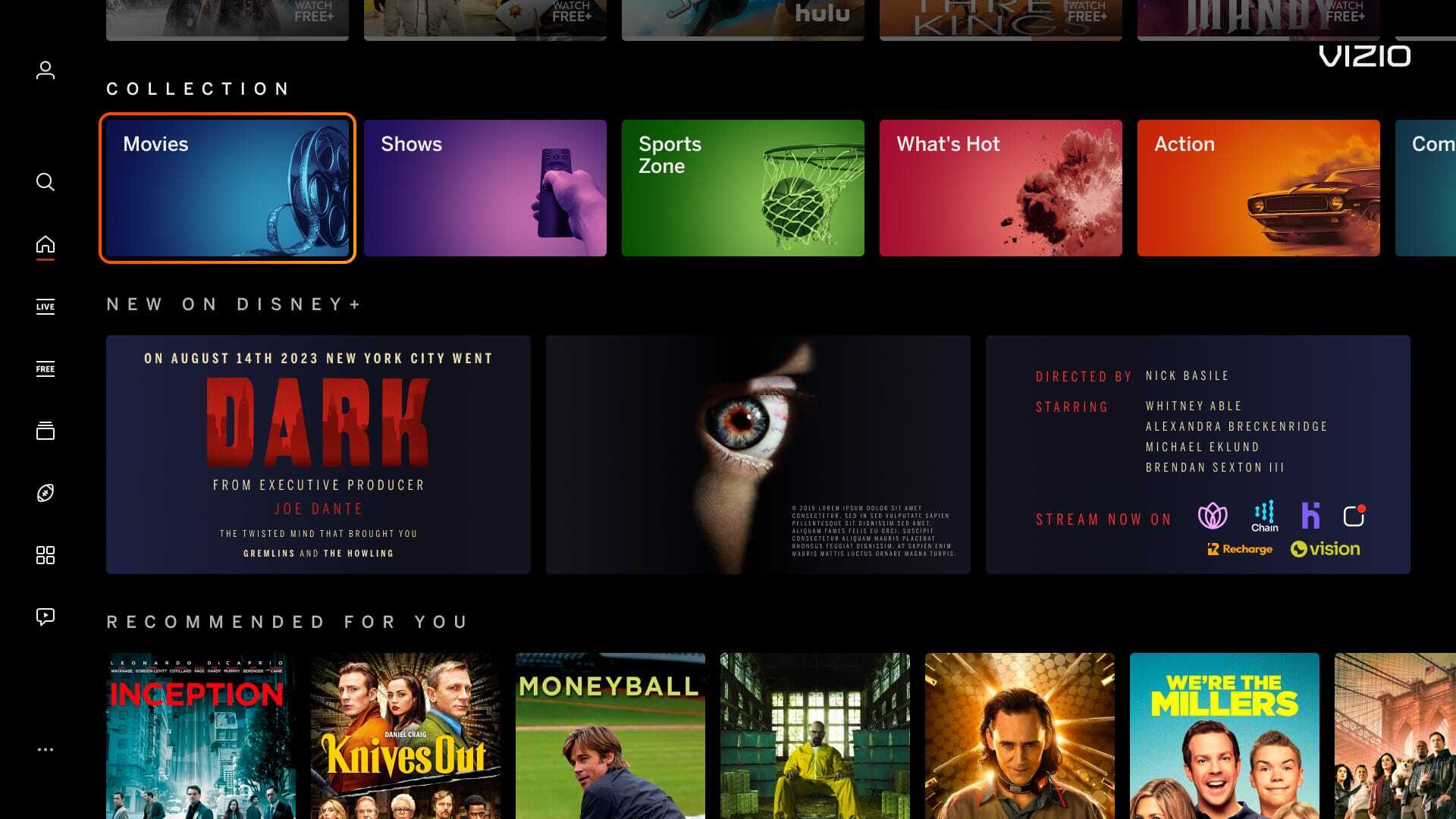
| Having a border around the banner or tile image can mimic a focus state that is confusing for the users. Infraction shown on Impact Double Play. | |
|
Incorrect Example ✘ |
Correct Example |
![]() |
![]() |
| Mimic Platform UI: CTA Button | |
|---|---|
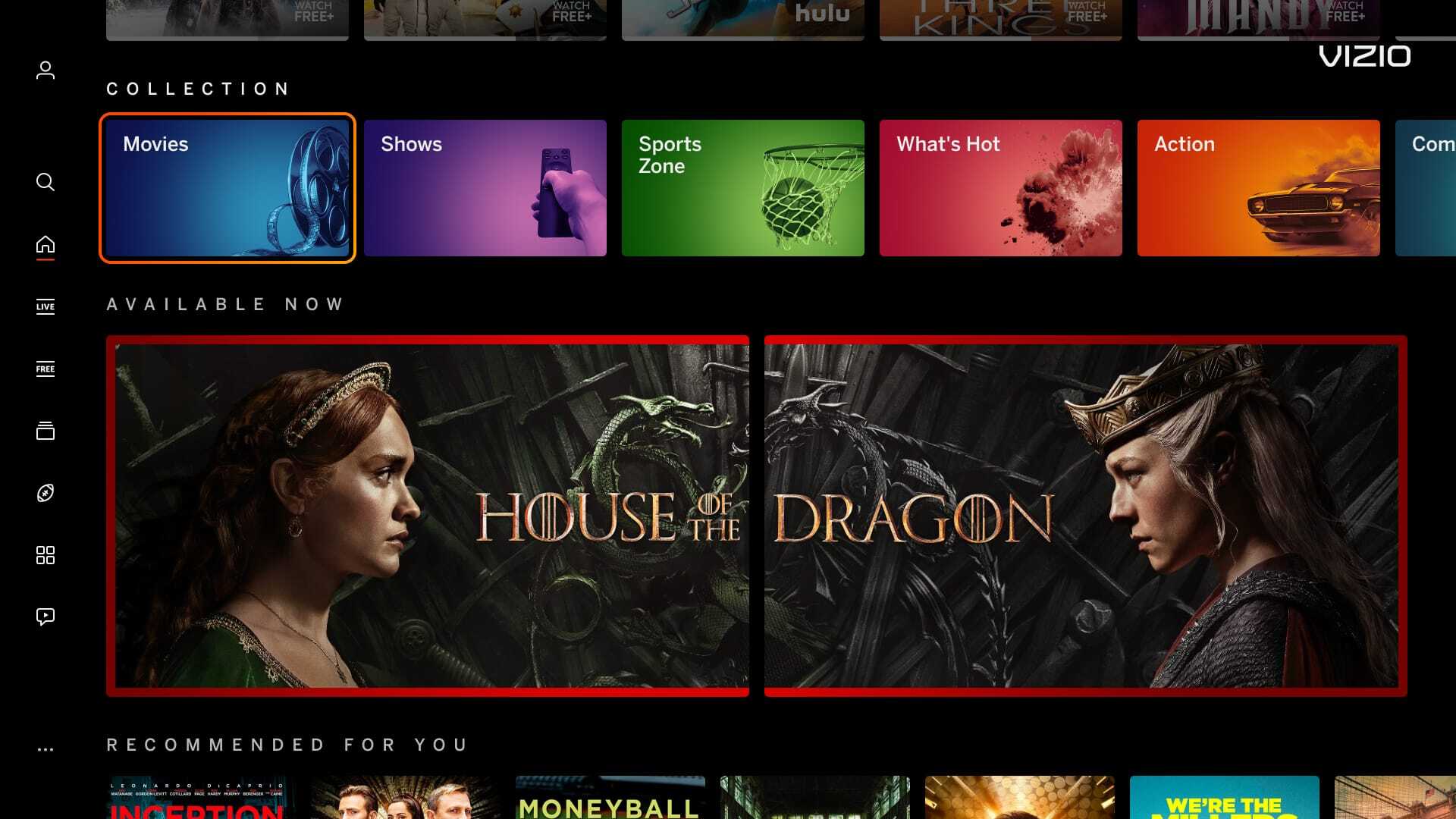
| Including a CTA button within a banner or tile image is confusing for the user. Our platform highlights around the image, making the whole image a CTA, rather than having a focus state around the button.Infraction shown on the Spotlight banner. | |
|
Incorrect Example ✘ |
Correct Example |
![]() |
![]() |
| Mimic Platform UI: Adding Tags | |
|---|---|
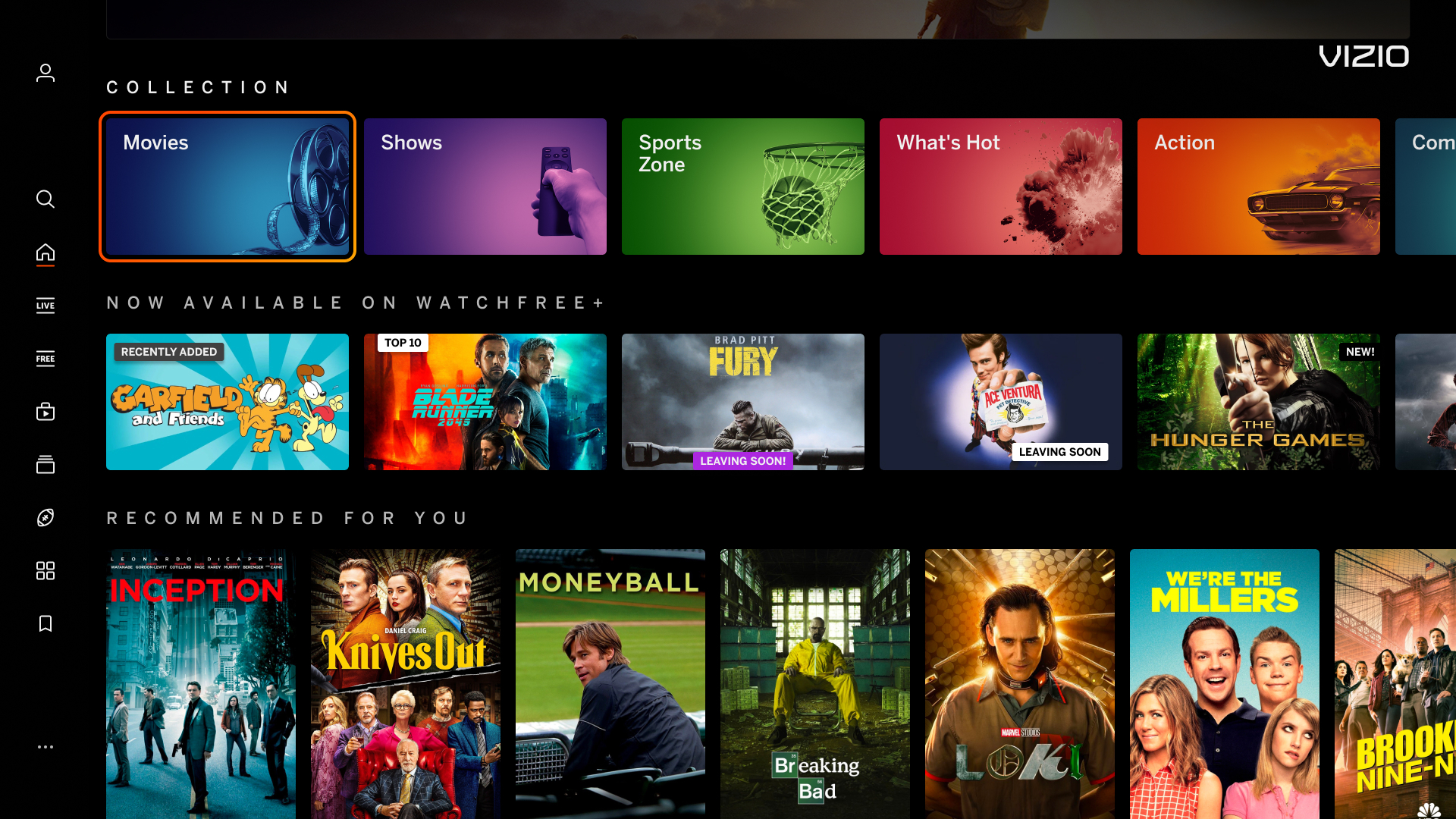
| Tag graphic add-ons on images competes with our UI. Infraction shown on sponsored carousel (below the collections row). | |
|
Incorrect Example ✘ |
Correct Example |
![]() |
![]() |
| Mimic Platform UI: Solid Black Background Color | |
|---|---|
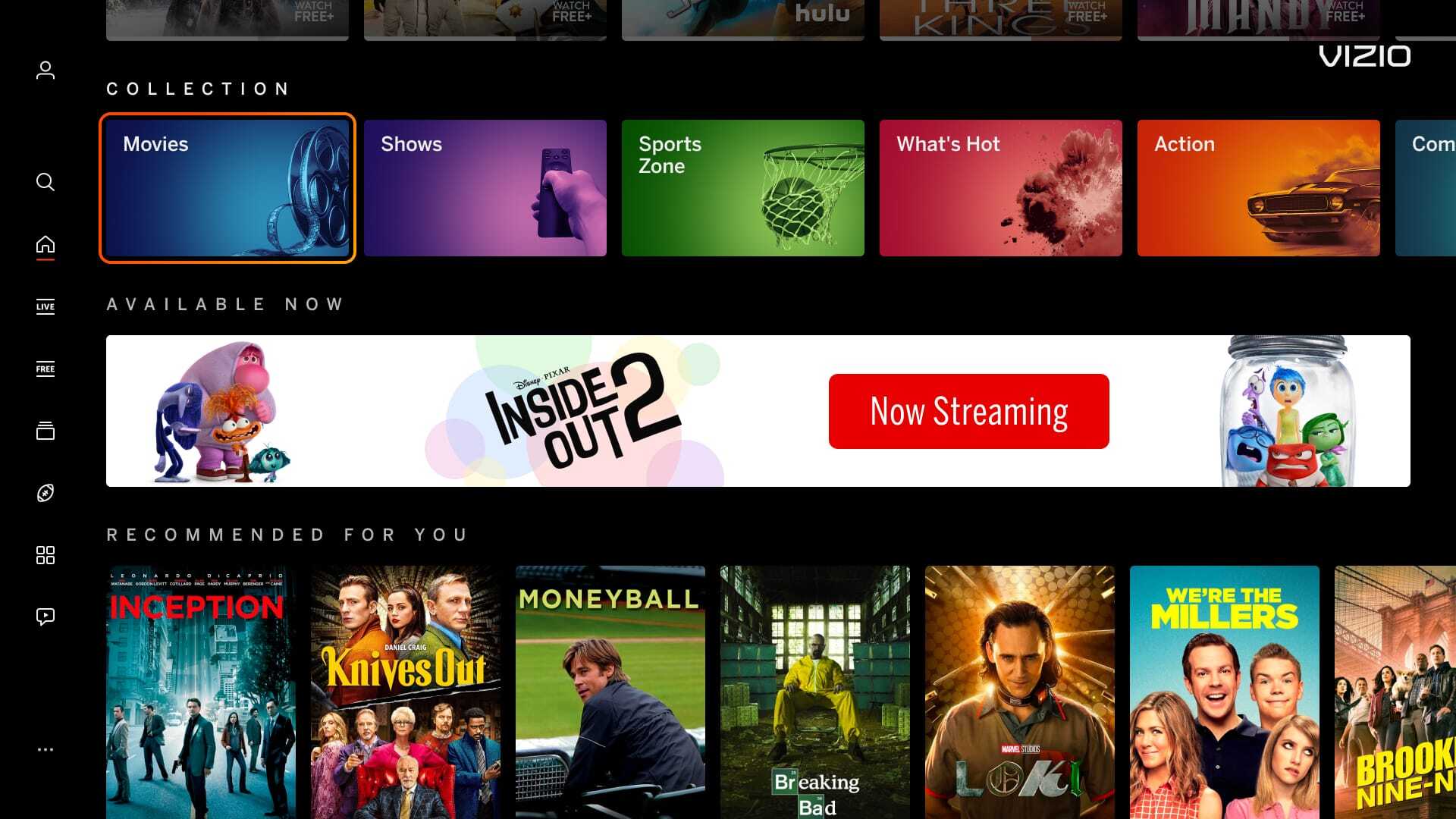
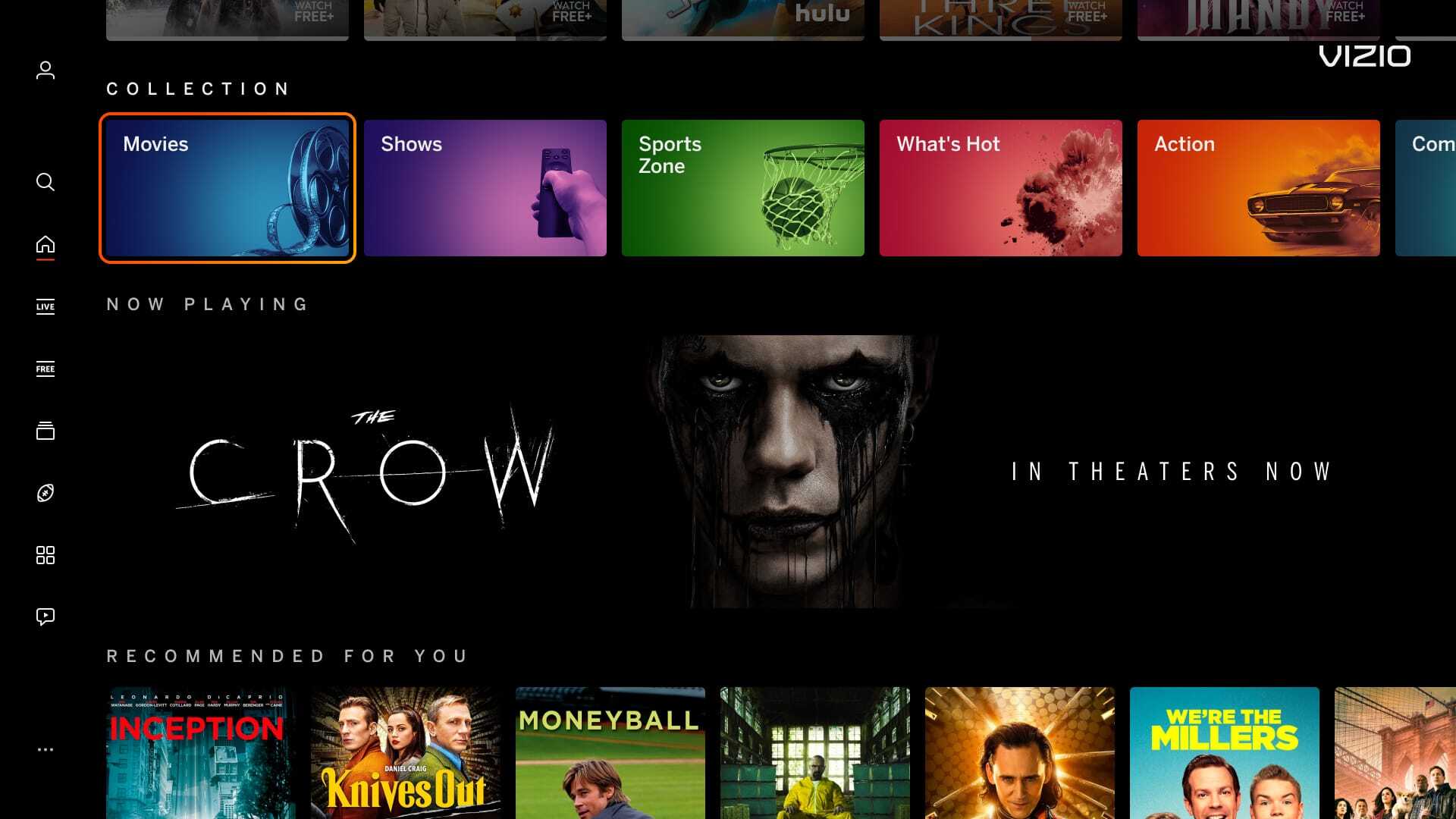
| Banner images using a solid black (hex code #000000) background makes content blend within our UI. A suggested hex code color to replace black is #121111. Infraction shown on the Highrise banner. | |
|
Incorrect Example ✘ |
Correct Example |
![]() |
![]() |
| Mimic Platform UI: Adding Logos | |
|---|---|
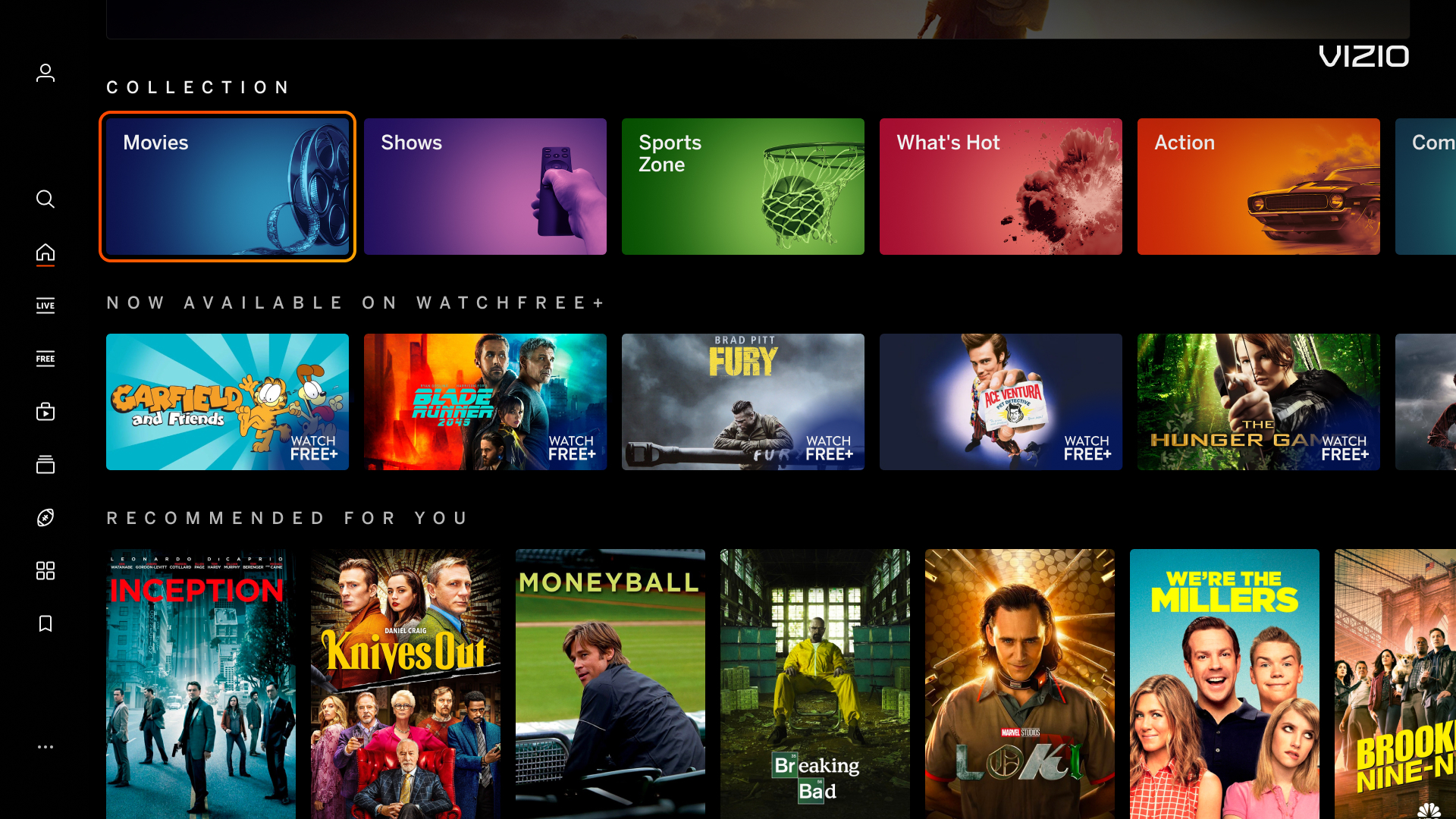
| VIZIO will include app logos on any applicable banners and tiles by default. Please do not add platform logos onto images as it can cause redundancy and/or illegibility. Infraction shown on sponsored carousel (below the collections row). | |
|
Incorrect Example ✘ |
Correct Example |
![]() |
![]() |