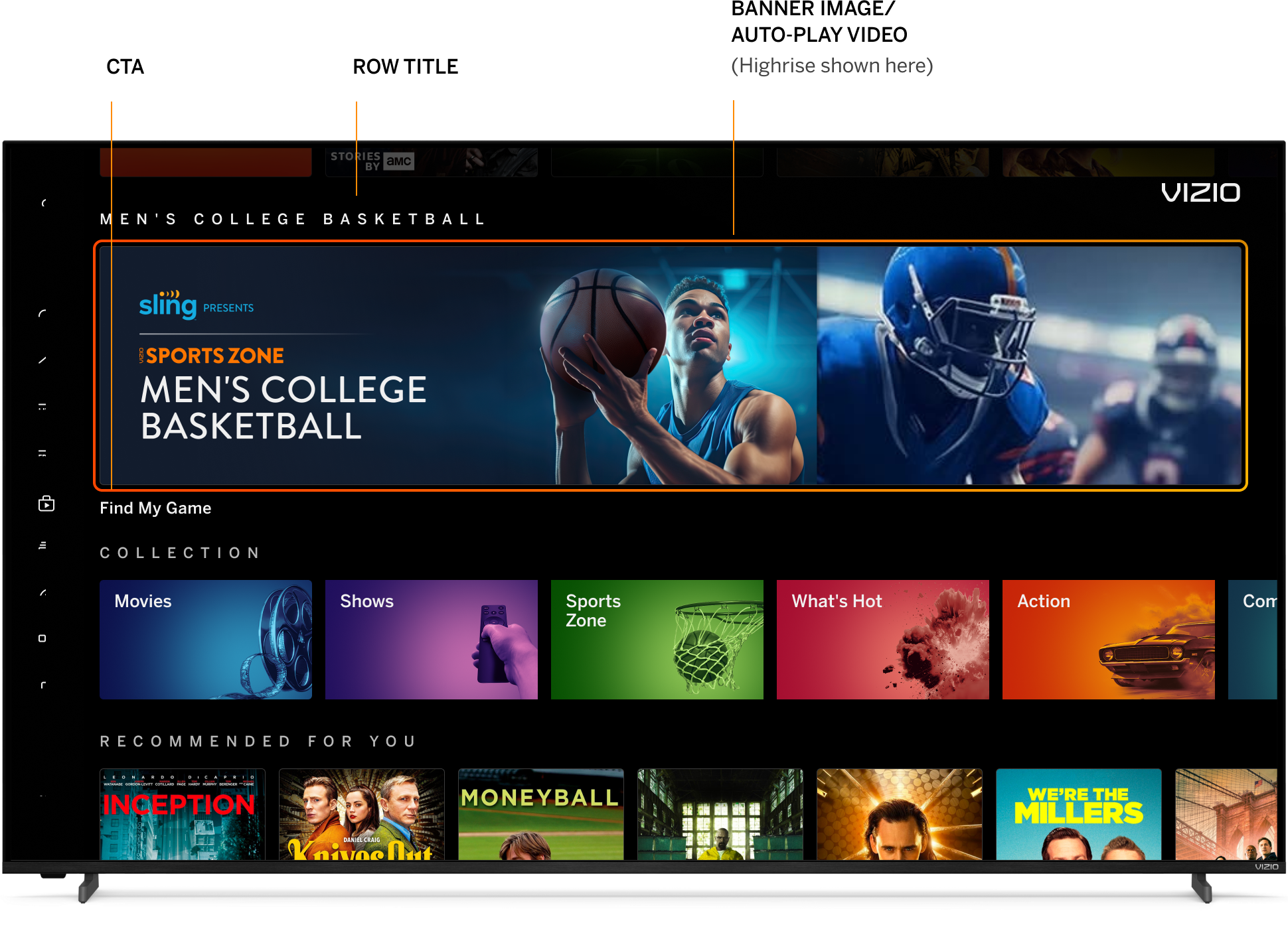
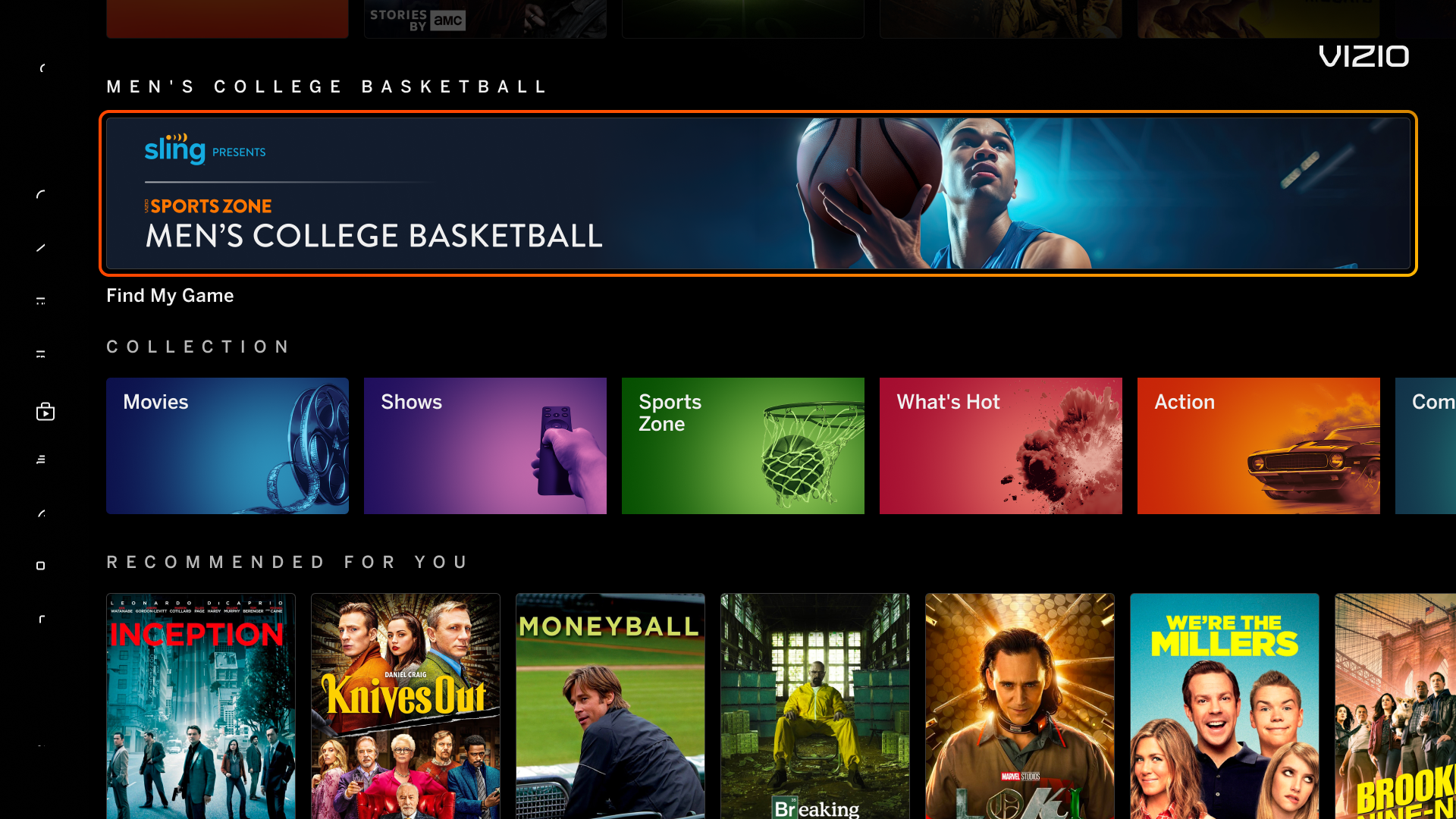
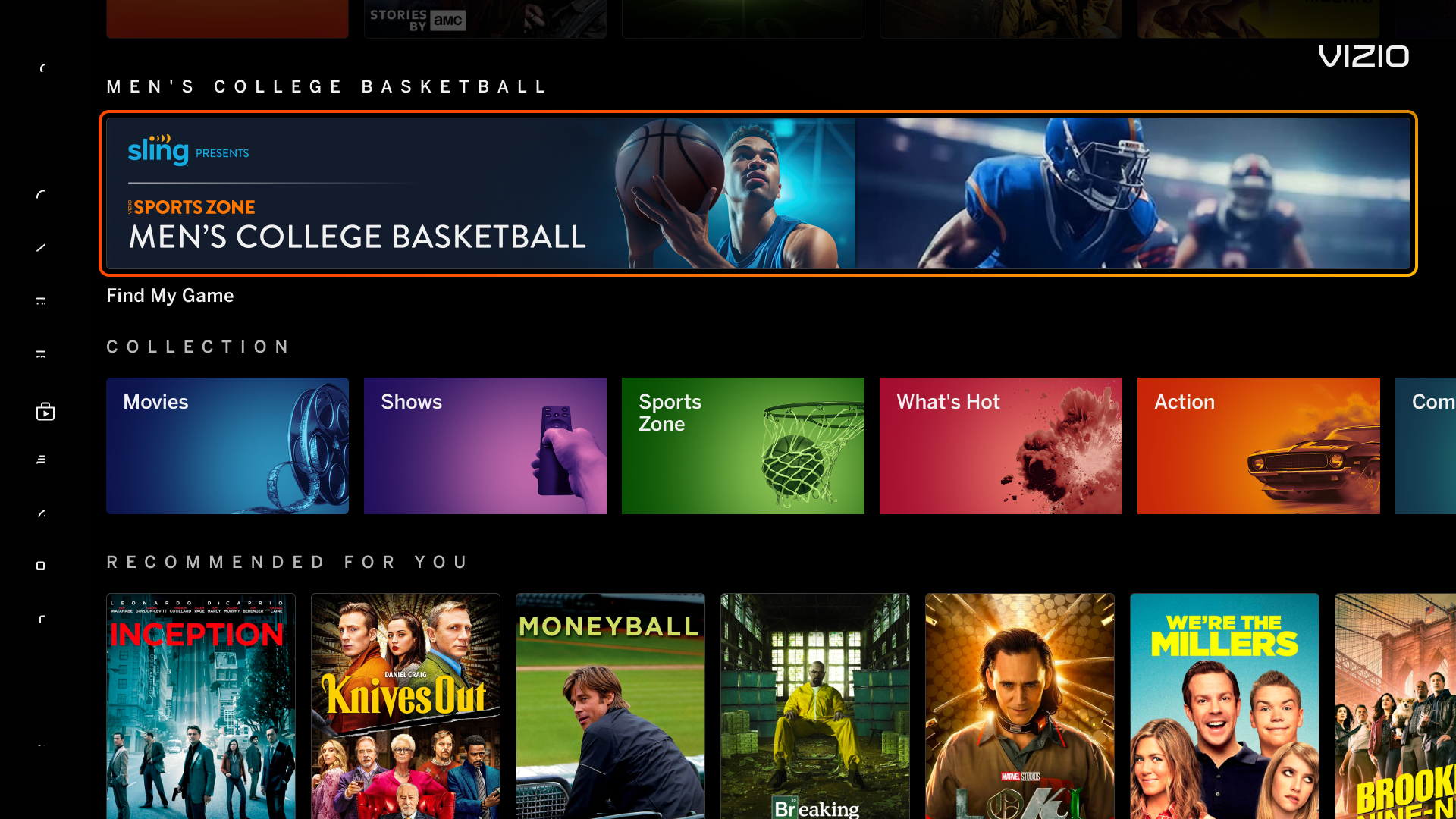
Banners promoting Sports Zone on VIZIO Home, Search, or Sports Zone Pages.

SZ Banners Overview ME

Spotlight AP Spotlight
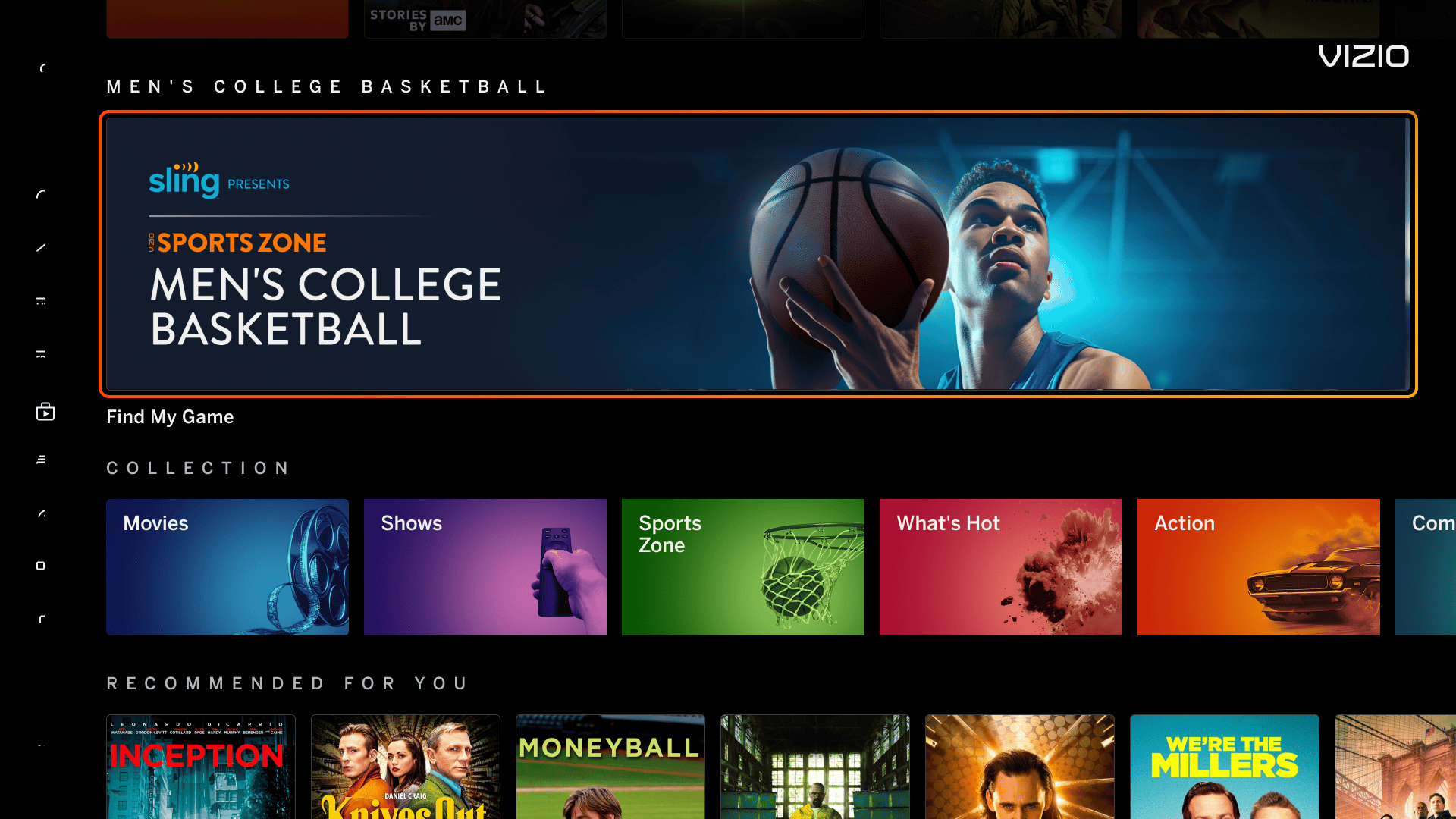
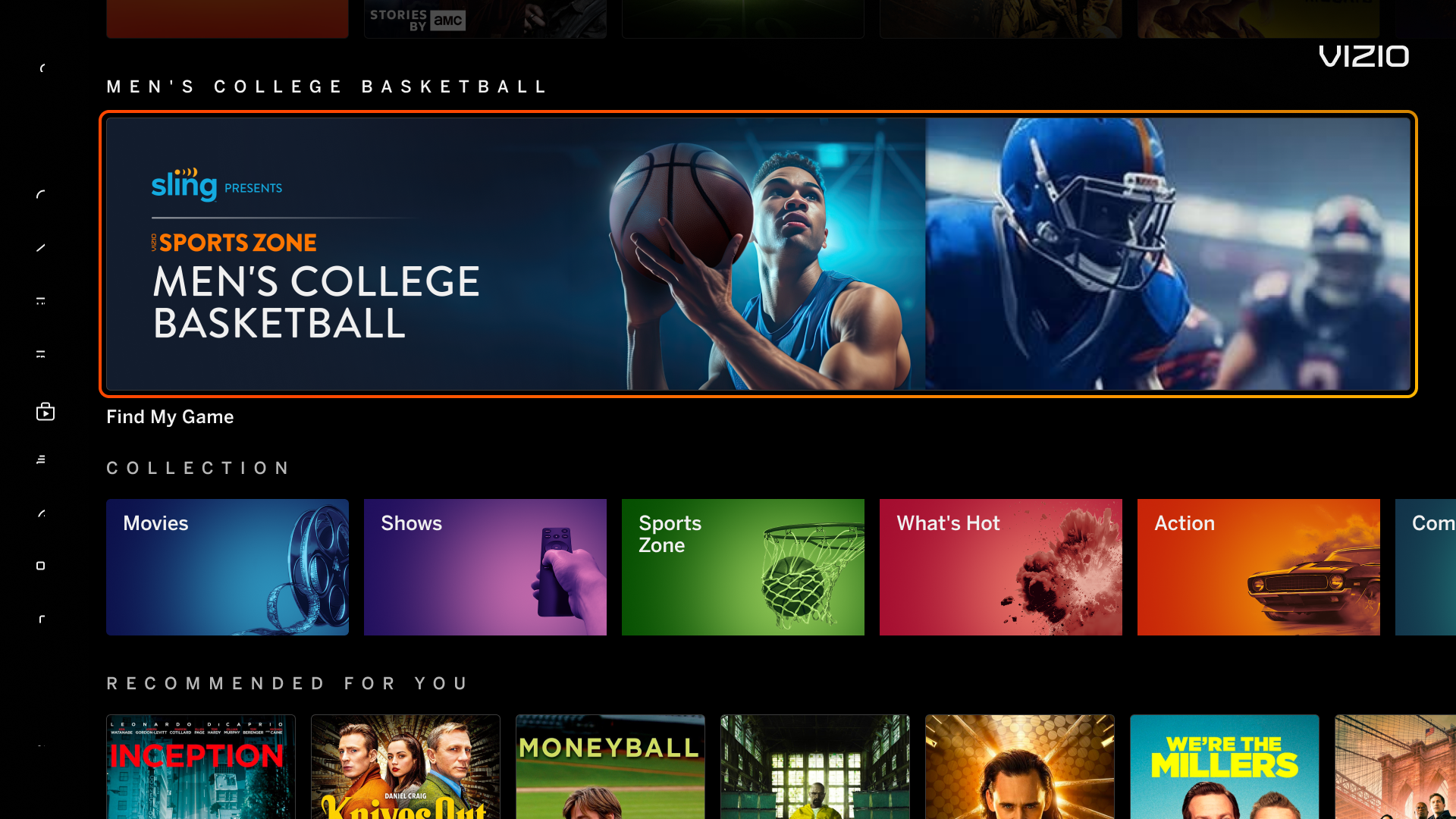
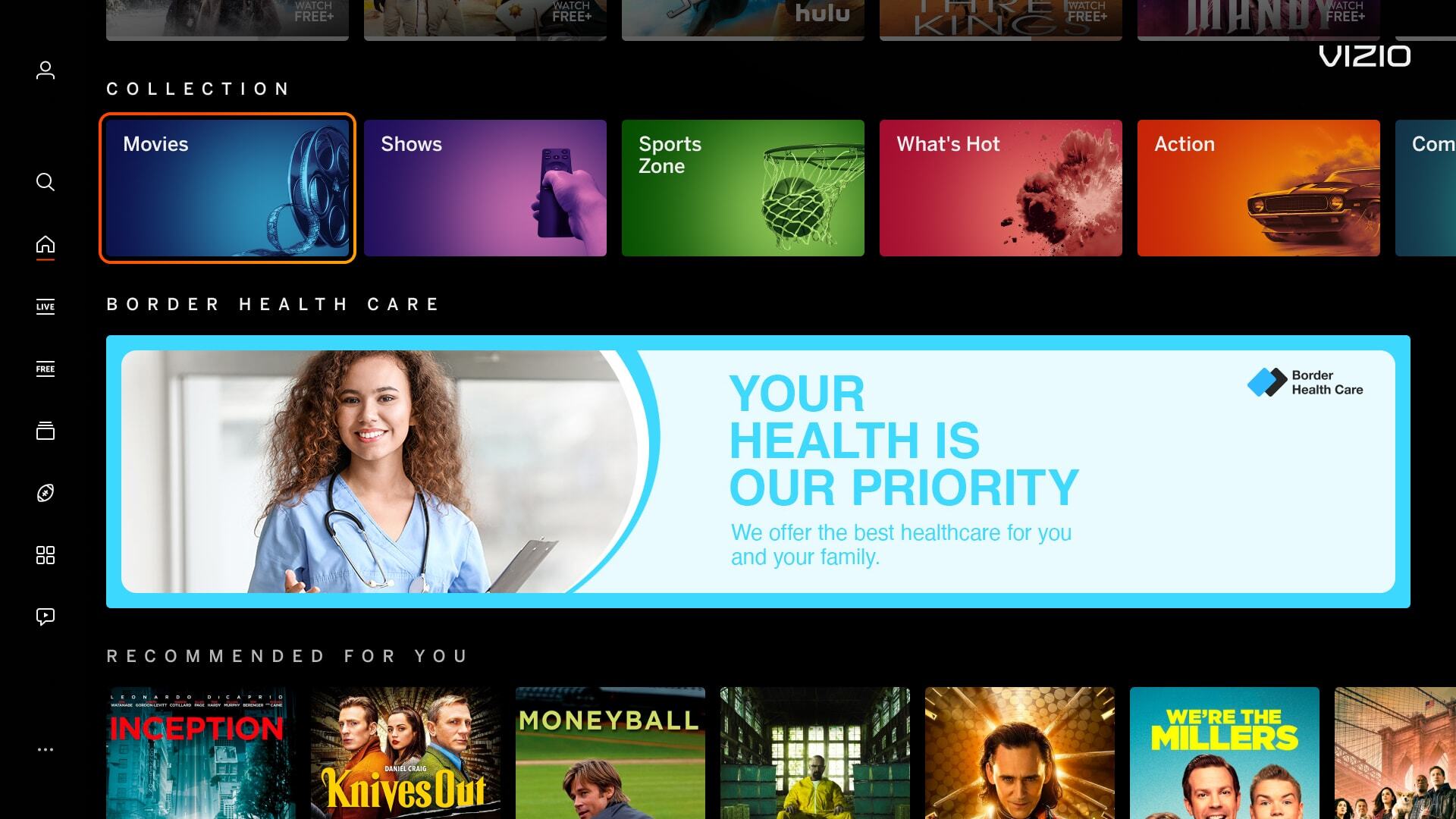
Spotlight Banner Spotlight Auto-Play Banner

Single 1720px x 200px banner displayed on VIZIO Home. Banner can come with an Auto-play Video. 


Single 1720px x 360px Auto-Play banner displayed on VIZIO Home.


Highrise AP Highrise
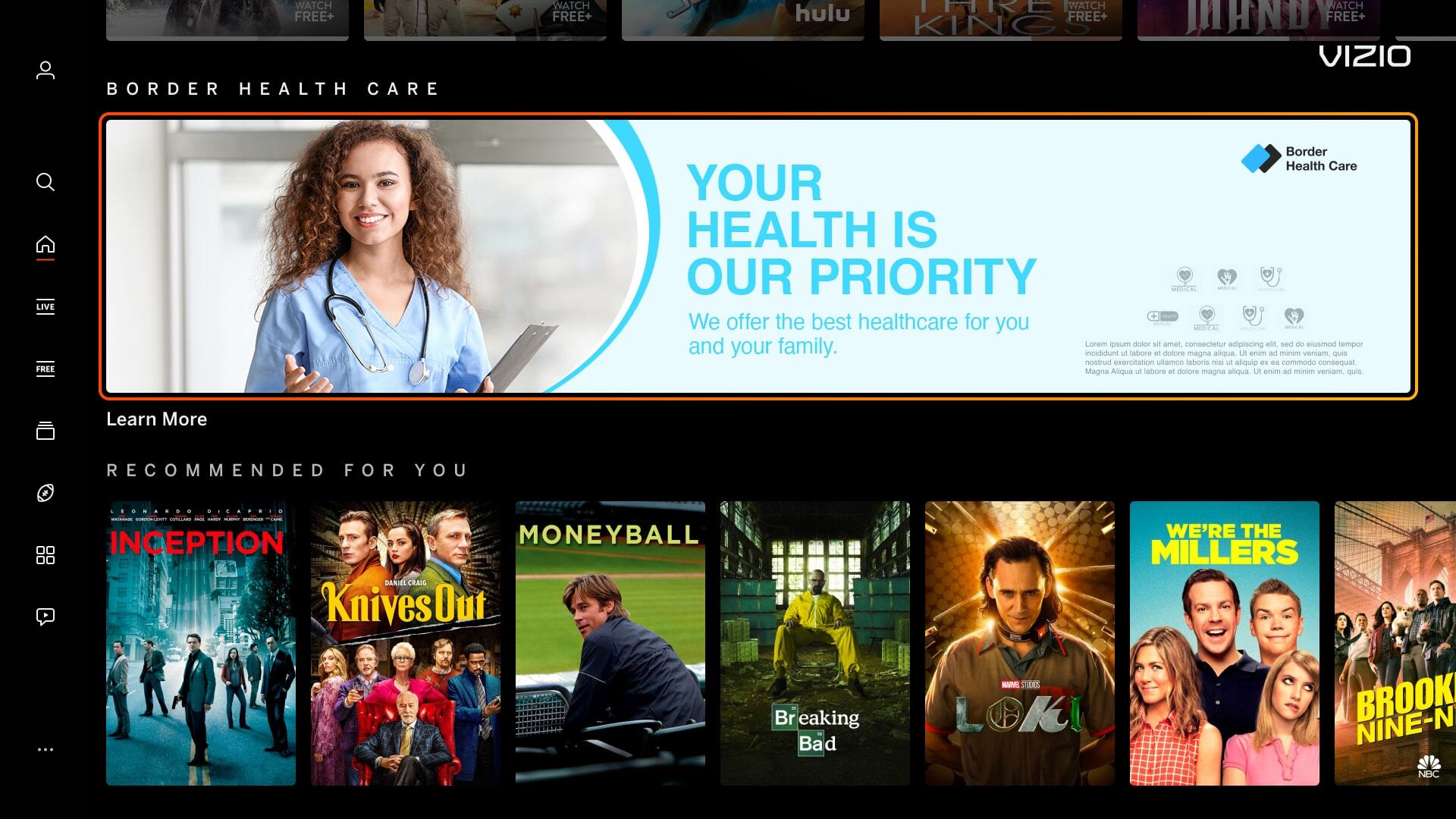
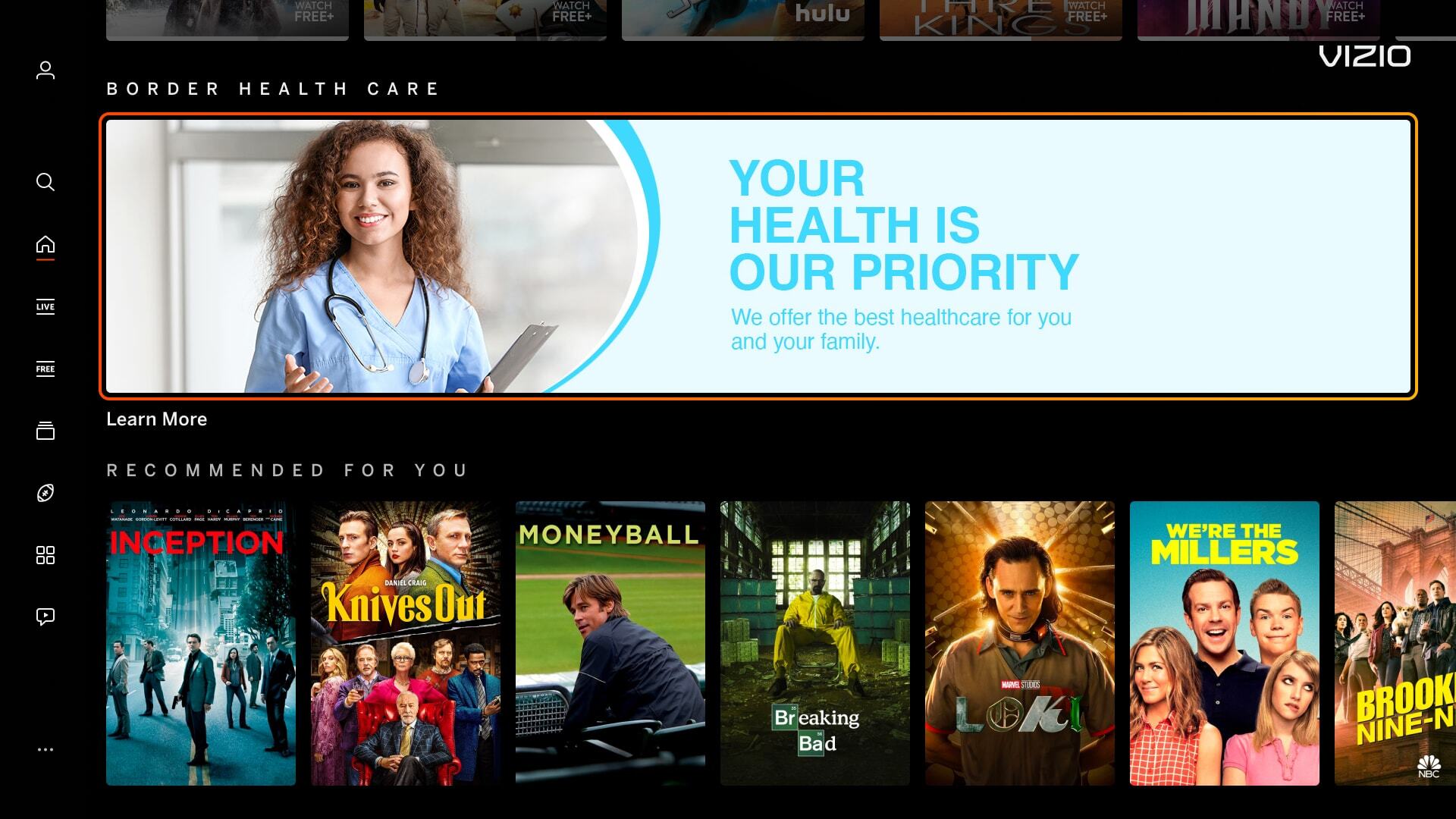
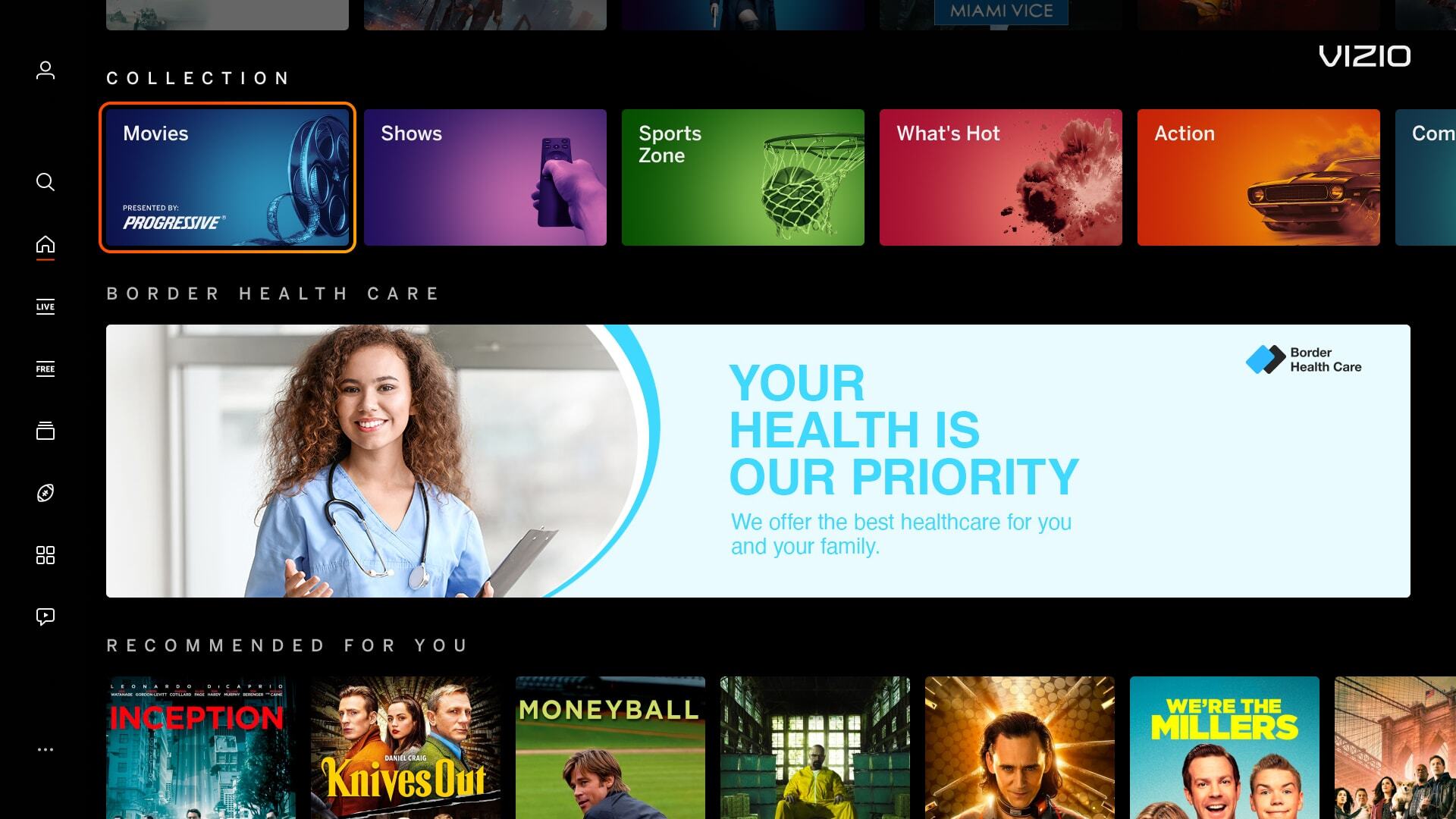
Highrise Banner Highrise Auto-Play Banner

Single 1720px x 360px static banner displayed on VIZIO Home.


Single 1720px x 360px Auto-Play banner displayed on VIZIO Home.


Search Page Banner Recommends
Pencil Banner Recommends Banner  

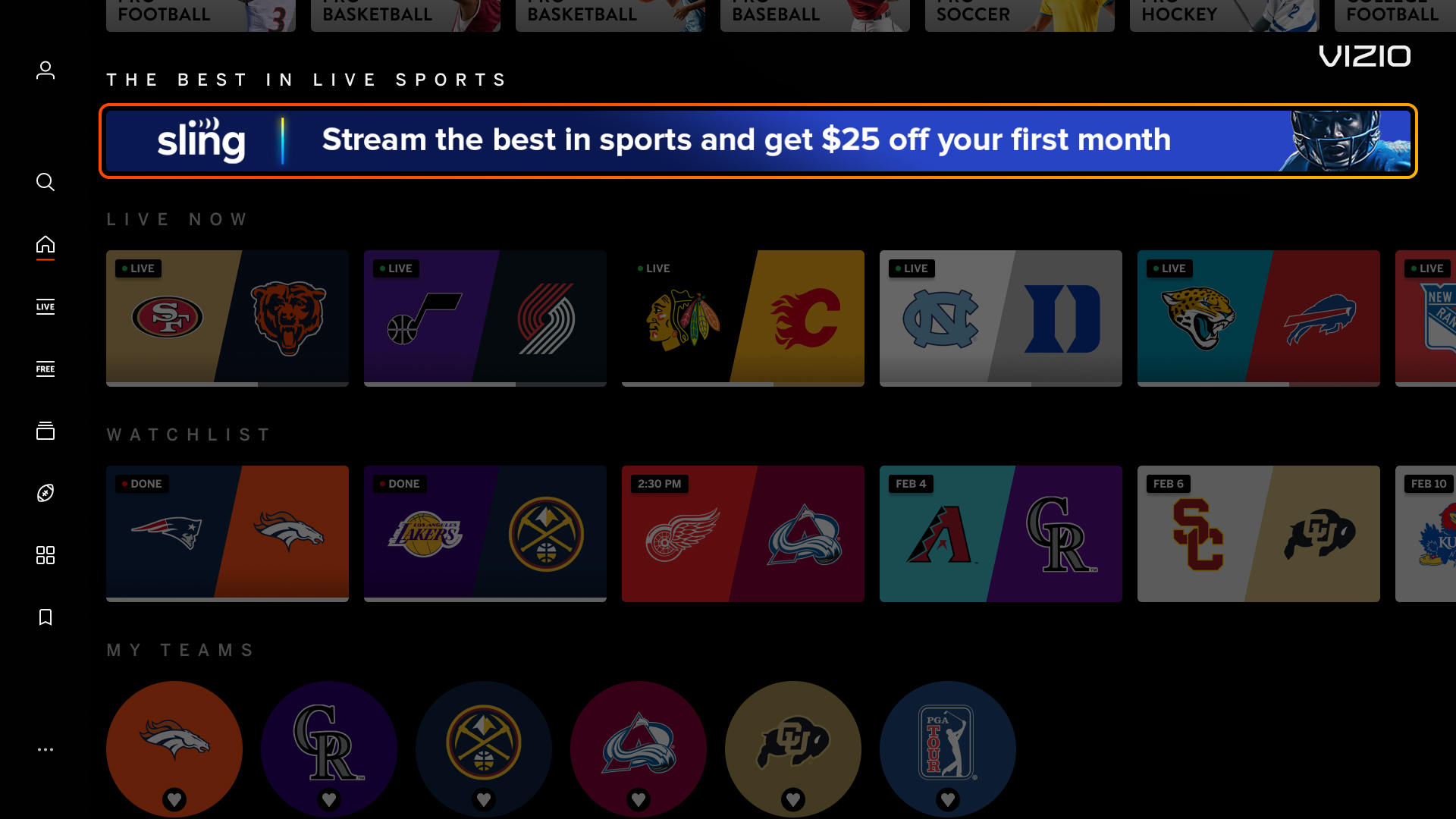
Single 1720px x 80px banner only displayed on row 2 of the Sports Zone Home or Individual Sport Page. Banner is not applicable with any other pages.

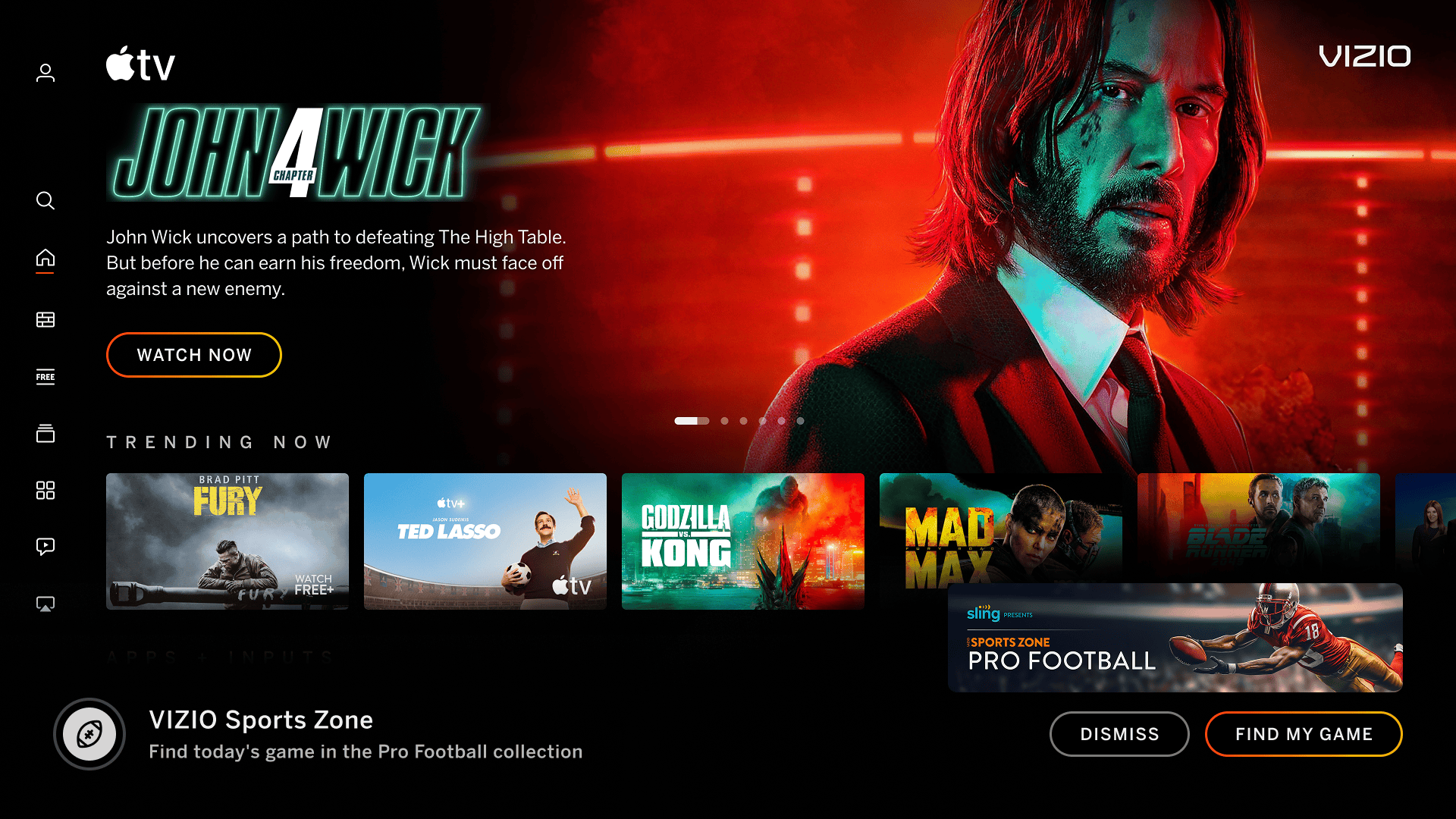
600px x 144px banner notification displayed as an overlay on the bottom of the screen.


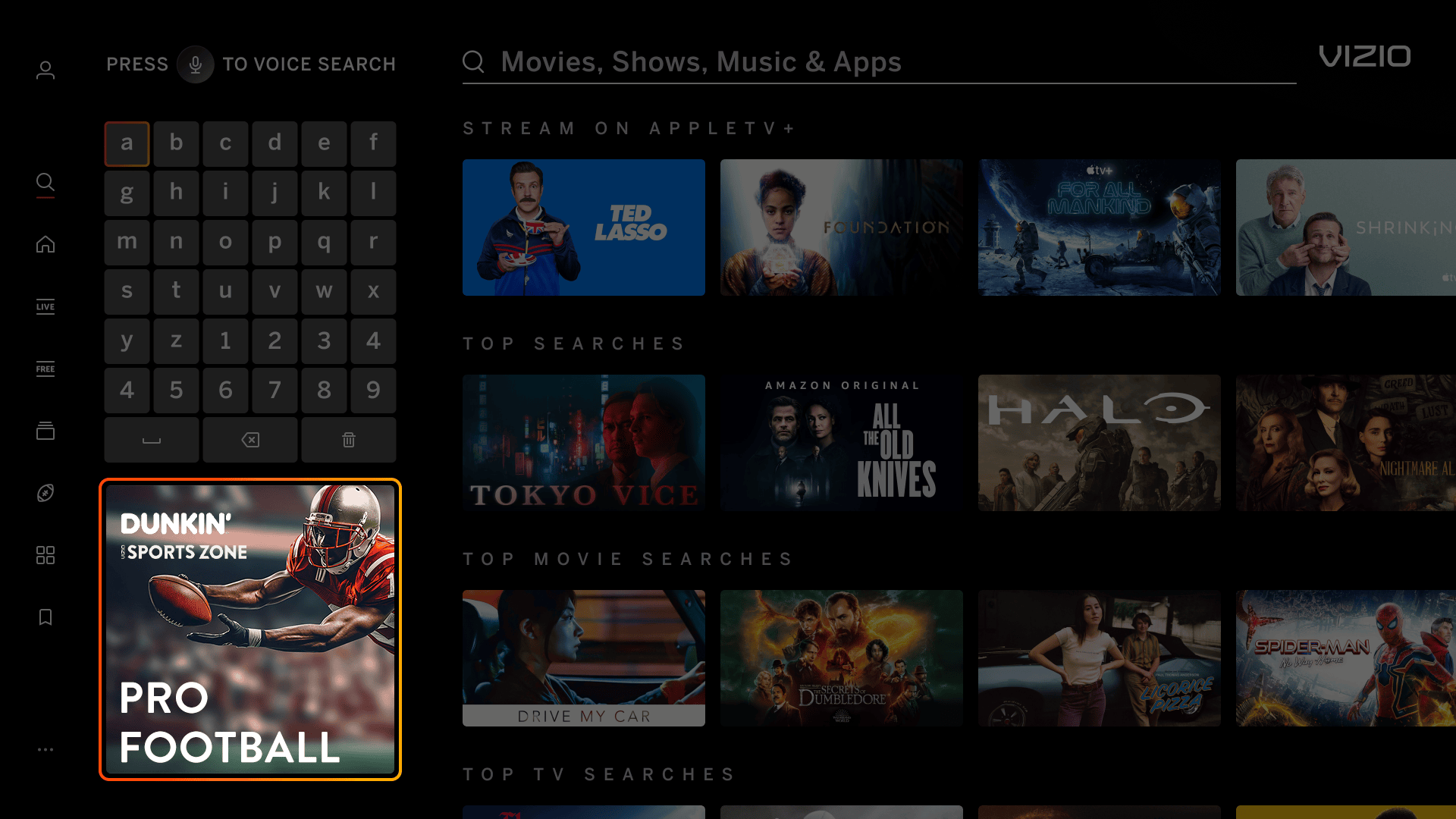
Search Page Banner  
Search Page Banner    

Single 380px x 380px banner that goes underneath keyboard on the Search Page. Banner is not applicable with any other pages.


Unit Image Dimensions Image Max. File Size
Spotlight Banner
(Created by VIZIO. See logo specs below.)
1720px x 200px 500 KB
Highrise Banner
(Created by VIZIO. See logo specs below.)
1720px x 360px 500 KB
Search Page Banner
(Created by VIZIO. See logo specs below.)
380px x 380px 300 KB
Pencil Banner
(See additional specs below)
1720px x 80px 300 KB
Recommends Banner
(Created by VIZIO)
600px x 144px 300 KB

Auto-Play Video Specs
Maximum File Size 20 MB
File Type
MP4, FPS: 24, Max Video Bitrate: 5.0 mbps
Video Codec
H.264/AVC MPEG-4 part 10 / 4 or less reference frames
Video Length
Max 15s
Miscellaneous
  • No letterboxing
  • Audio is not allowed on Home Screen Hero units

Sponsor Logo
File Type Vector file (AI, EPS, SVG)
Color
  • Supply both a color logo and a white logo. Color logos must have contrast in front of VIZIO’s black-colored background
  • A white version will be used in the Search Page Banner
Miscellaneous Asset should be the logo only - avoid additional messaging or graphics.

Text
Row Title Character Count
Approximately 40 characters, including spaces
Call-to-action
  • Max 20-25 characters
  • Text must correctly repesent the action (Learn More, Watch Now, Browse Now, etc.)

Pencil Banner
File Type JPG, PNG 
Legal Text To optimize space, legal text should span horizontally across the entire width of the banner
QR Codes Due to the small scale of the banner, avoid using QR codes as they may not be scanable from viewing distance

  • VIZIO standard is to utilize default imagery provided by VIZIO for both Sports Zone Home and Sports Zone Individual Sport sponsorship banners.
  • For banners sponsoring the Sports Zone Home Page, subject to a case-by-case review basis, sponsors can supply their own static asset if a minimum of 3 of the showcased sports within Sports Zone are represented. If the imagery does not resresent a general range of sports, we will default to VIZIO static imagery.
  • For banners sponsoring Individual Sport pages, subject to a case-by-case review basis, sponsors can supply a static asset if it is STRONGLY correlated with the sport page represented. An example would be creative that showcases star athlete brand ambassadors for the sponsored sport. If the imagery does not have a strong tie-in, we will default to VIZIO static imagery.

Excessive Text/Logos
Banner images have an excessive amount of text/logo and can cause readability issues for the user.

Incorrect Example  ✘

Correct Example  Green Check Mark

Incorrect - Banner Image - AP Video - Letter Boxing Correct - Banner Image - AP Video - Letter Boxing


Mimic Platform UI: Borders
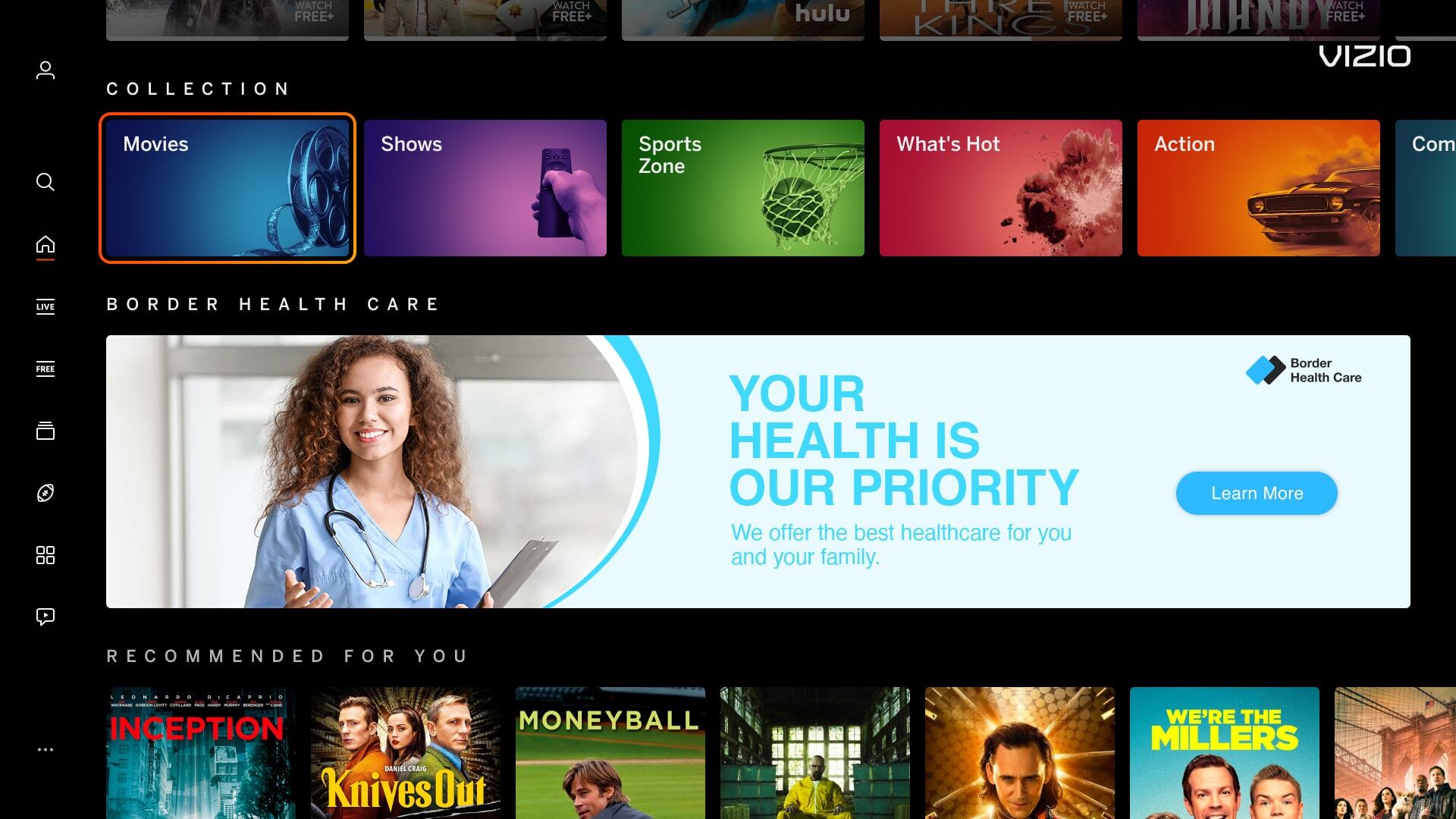
Banner images have borders around the artwork which can mimic a focus state, causing confusion for users.

Incorrect Example   ✘

Correct Example   Green Check Mark

Incorrect - Banner Image - Platform UI - CTA Correct - Banner Image - Platform UI - CTA


Mimic Platform UI: CTA Button
Including a CTA button within a banner or tile image is confusing for the user. Our platform highlights around the image, making the whole image a CTA, rather than having a focus state around the button.

Incorrect Example   ✘

Correct Example   Green Check Mark

Incorrect - Banner Image - Platform UI - CTA Correct - Banner Image - Platform UI - CTA


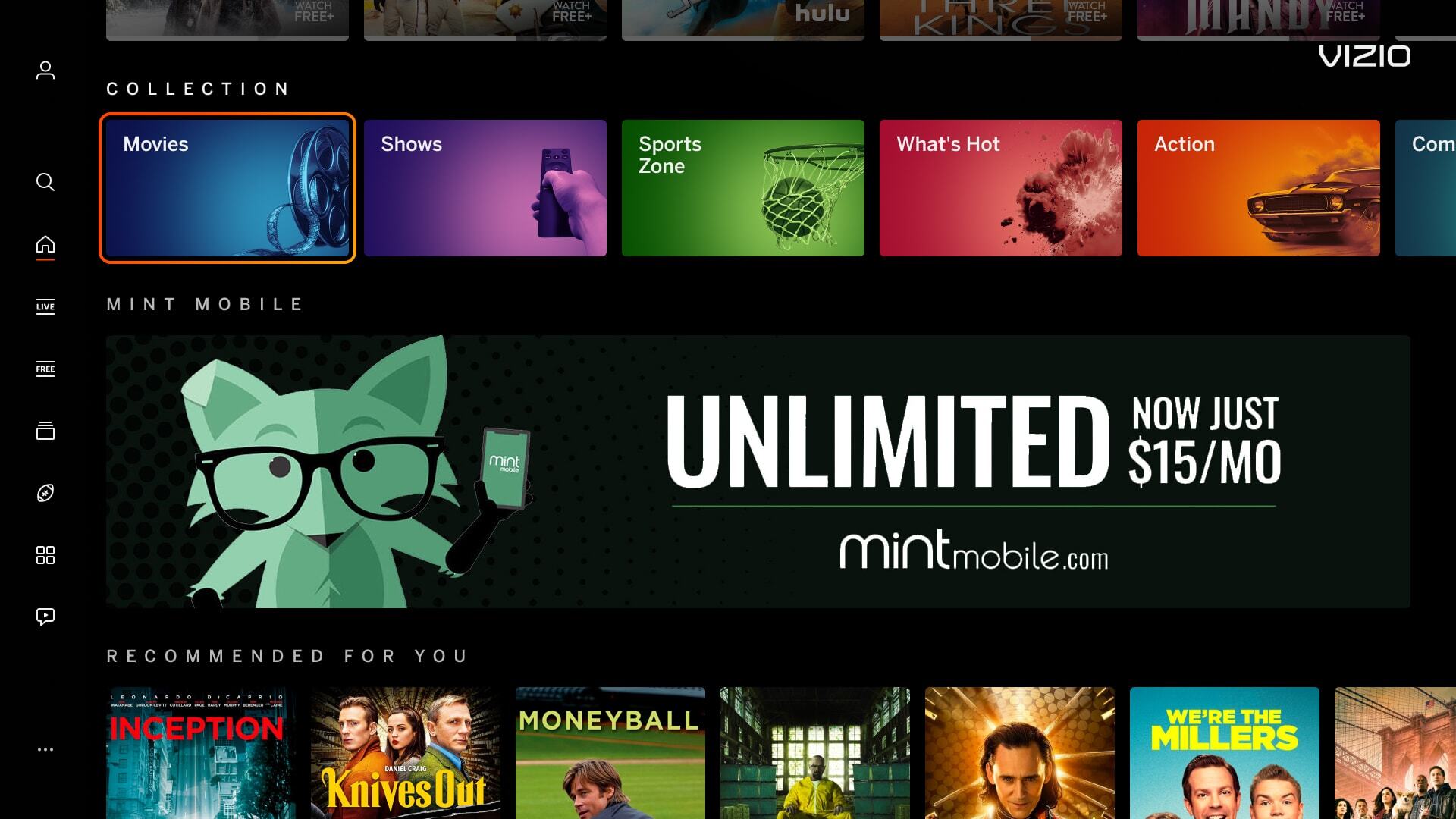
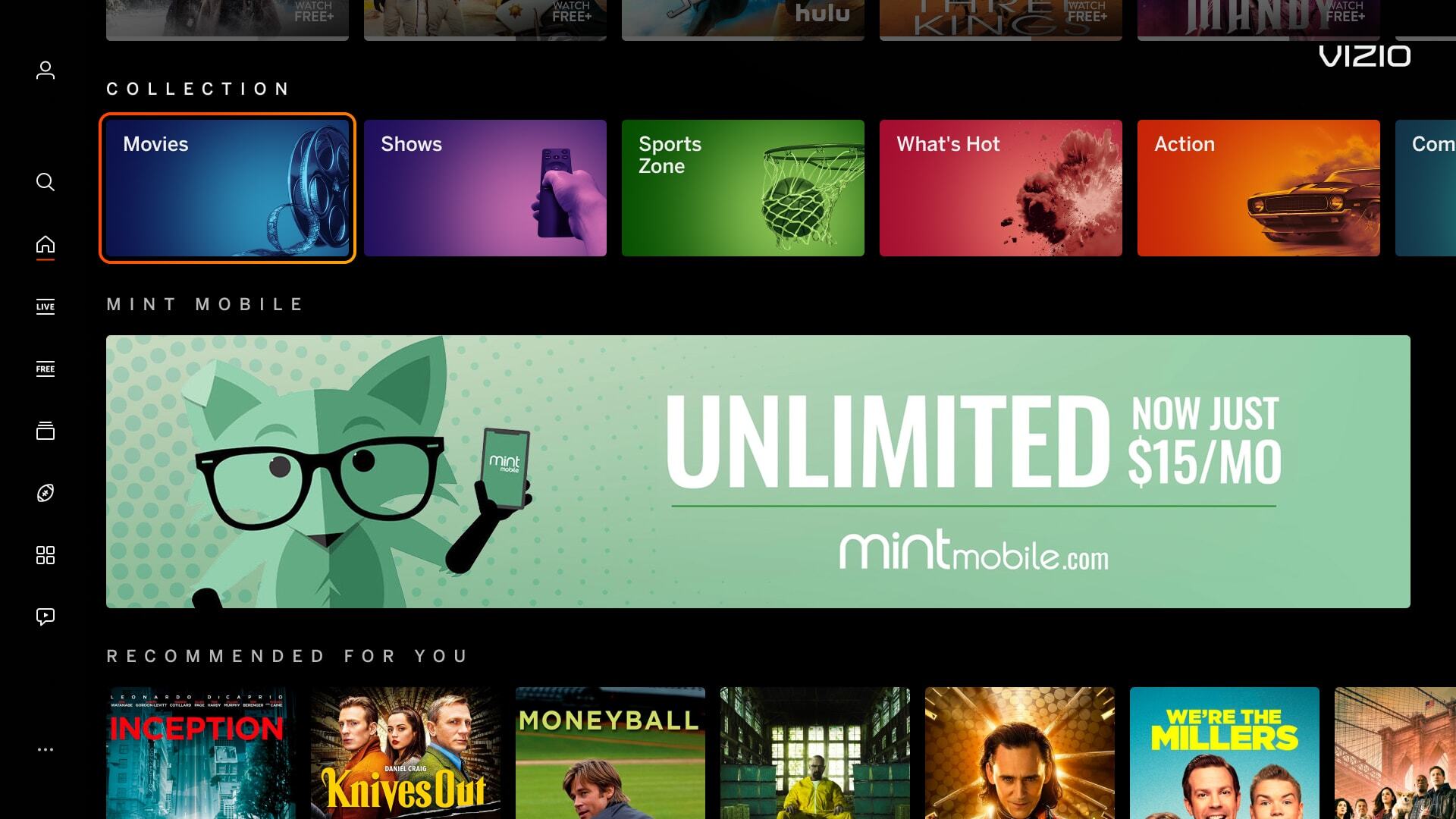
Mimic Platform UI: Solid Black Background Color
Banner images using a solid black background makes content blend within out UI.

Incorrect Example   ✘

Correct Example   Green Check Mark

Incorrect - Banner Image - Platform UI - Background Correct - Banner Image - Platform UI - Background