




 |
 |
| Impact Double Play
|
Impact Showcase
|
|---|---|
|
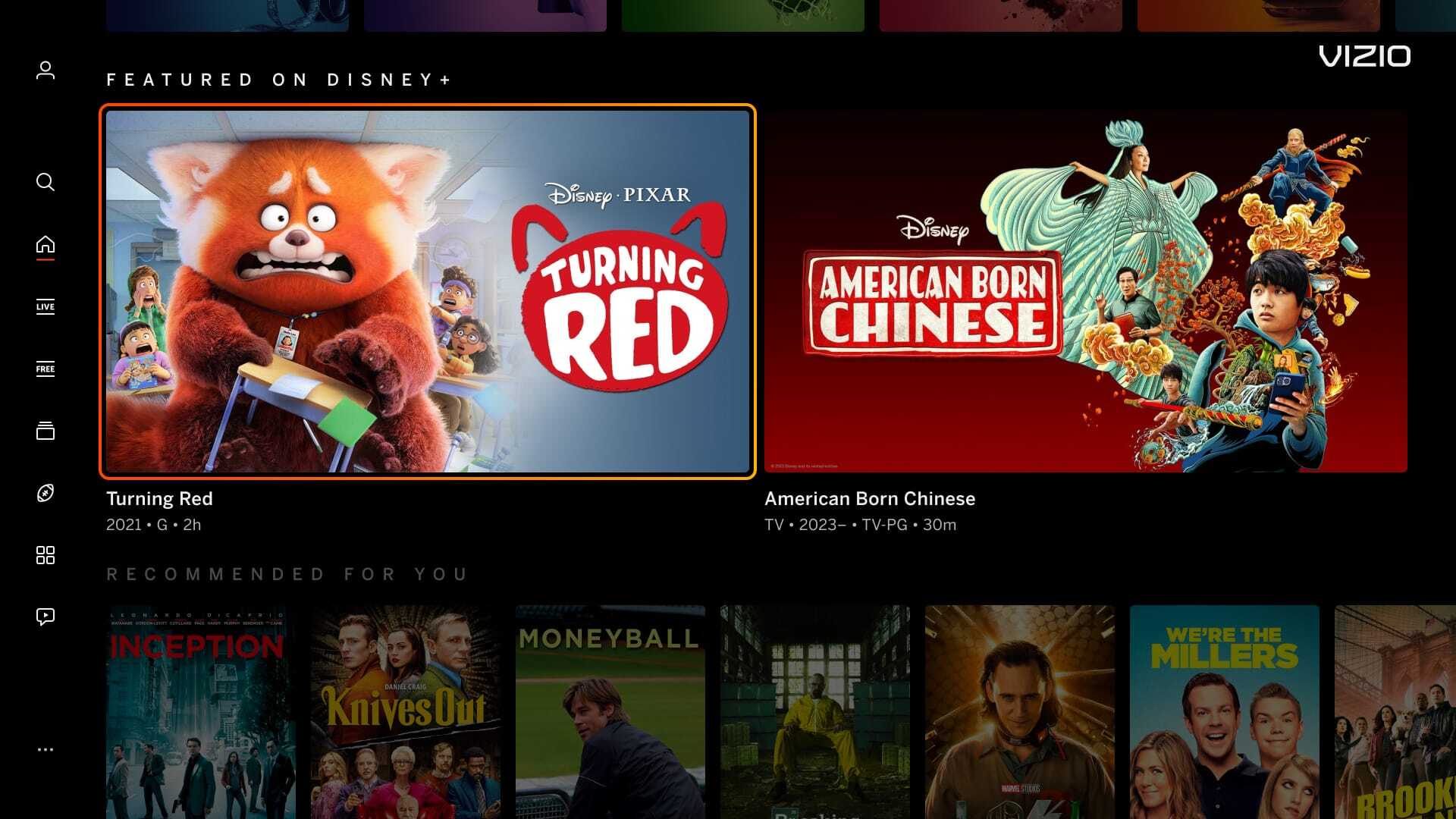
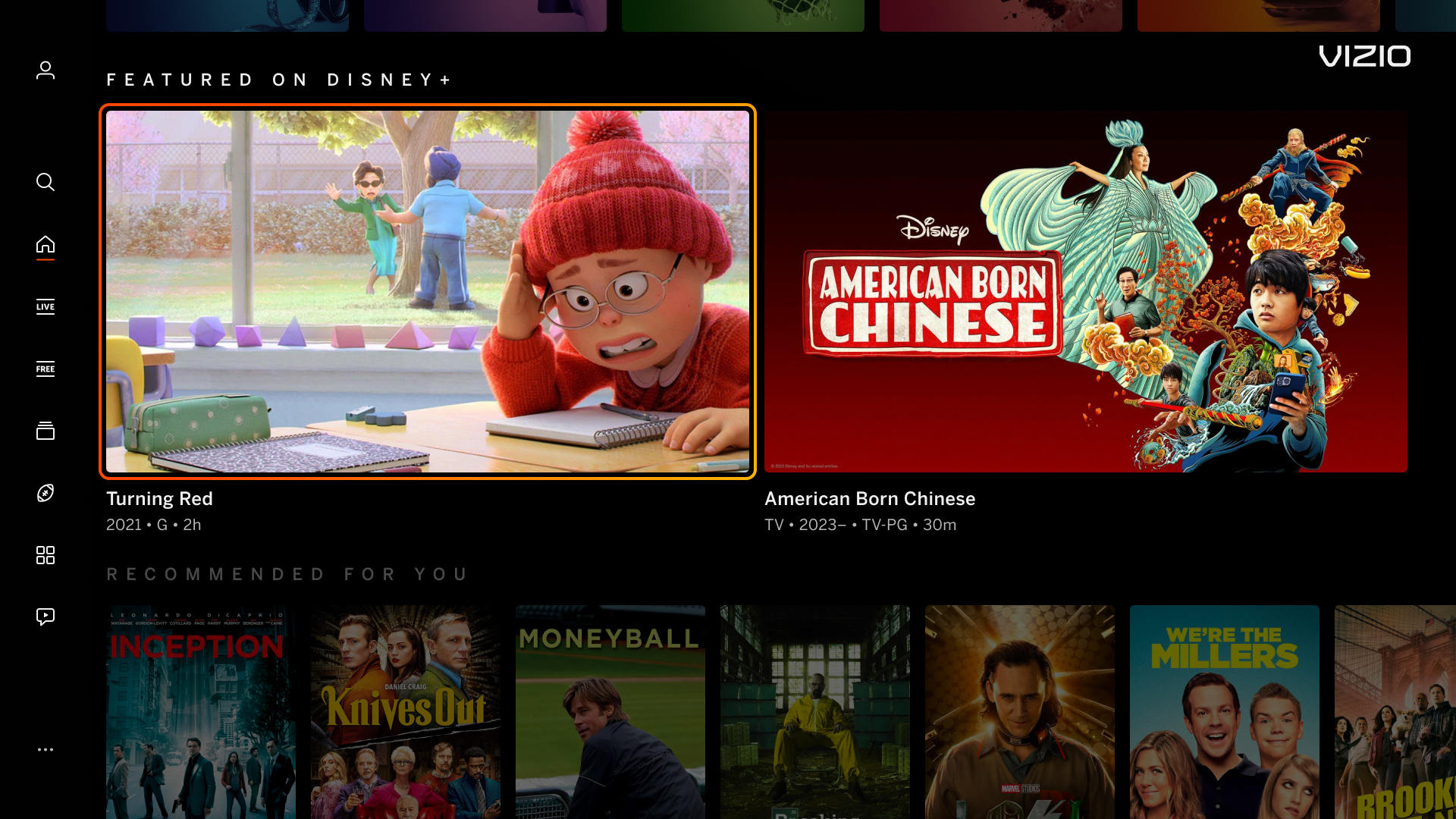
Banner made up of two 848px x 477px tiles.
|
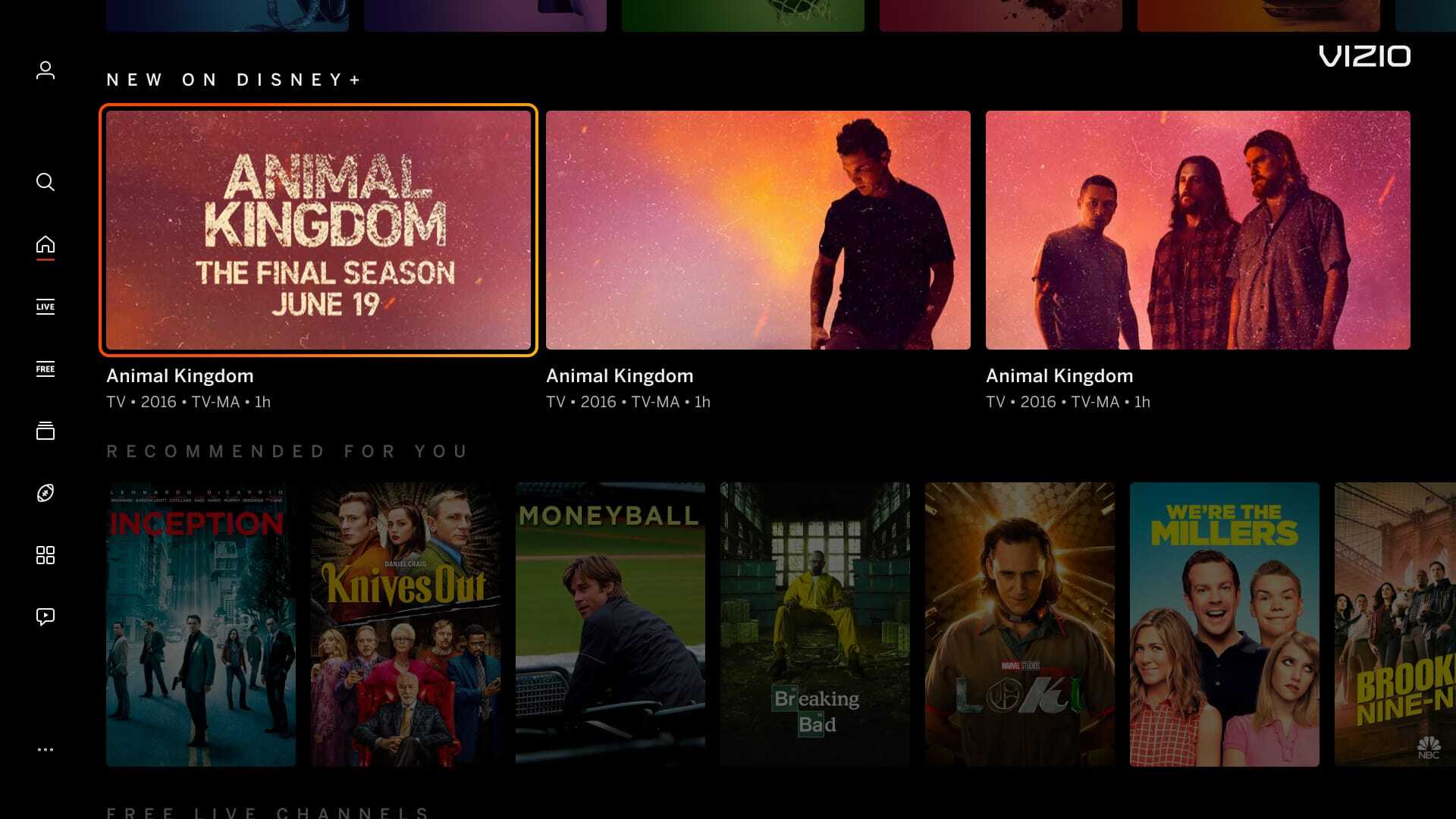
Banner made up of three 560px x 315px tiles.
|
 |
 |
| Sponsored Carousel
|
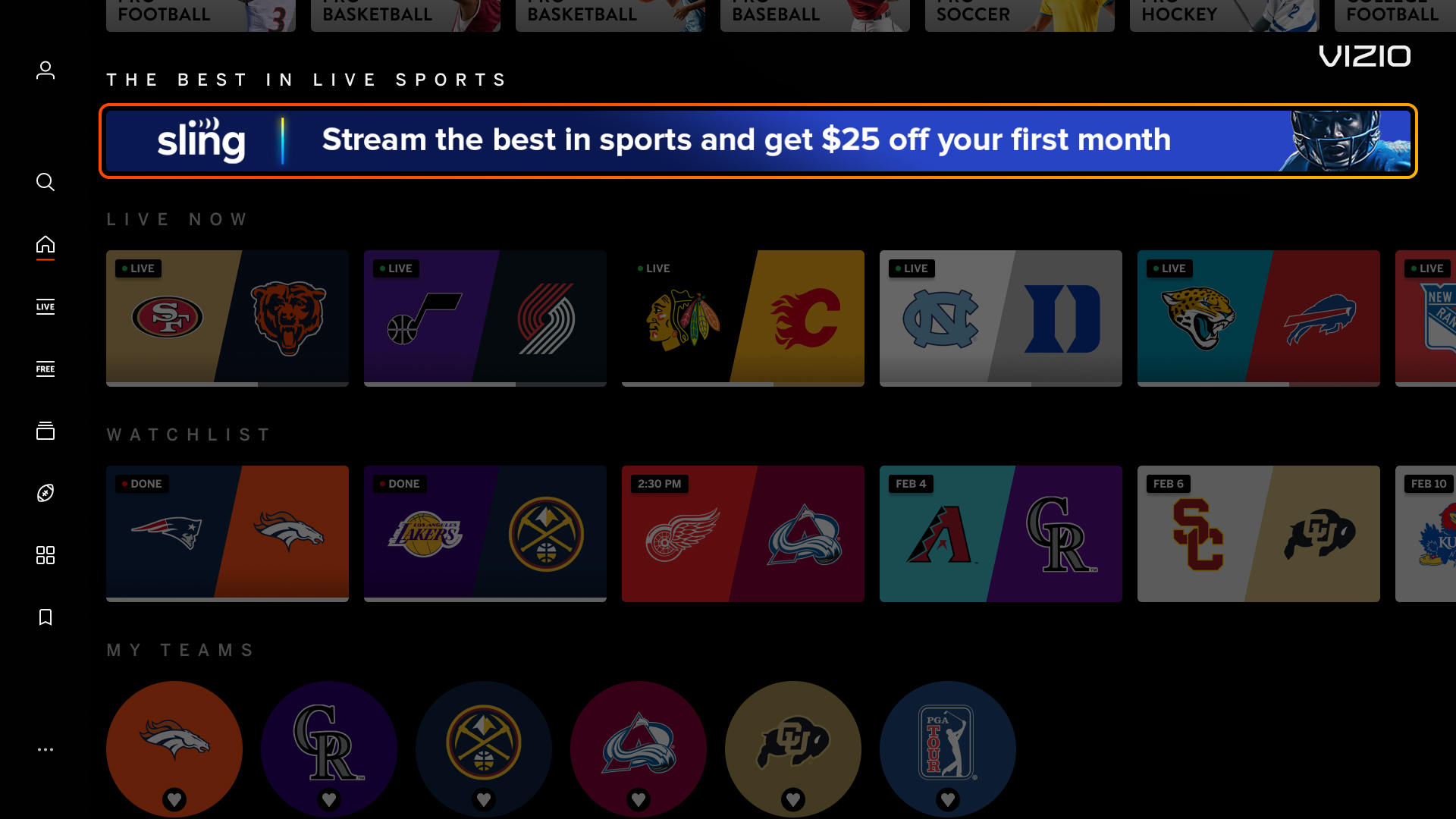
Pencil Banner (Sports Zone)
|
|
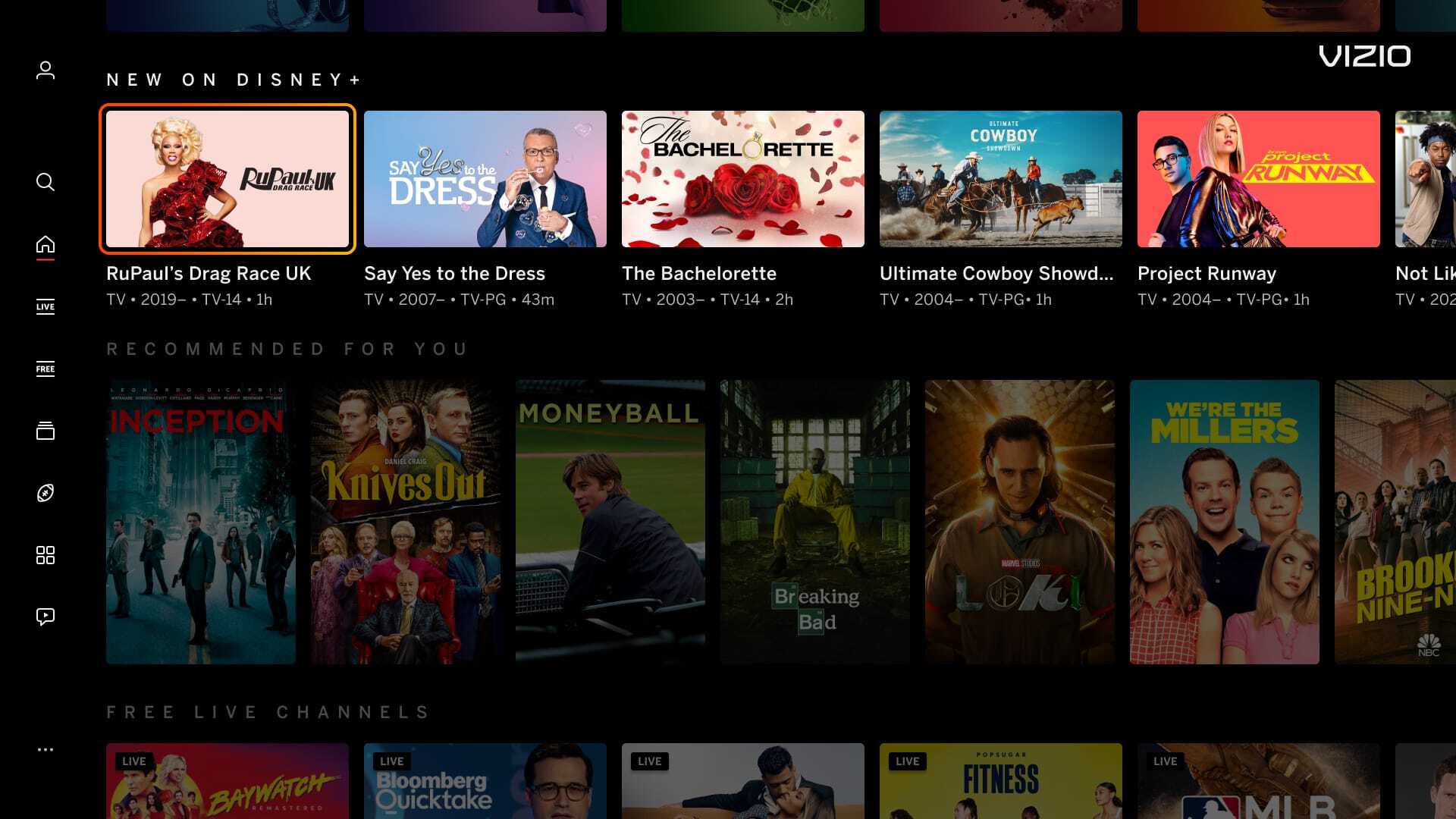
A full row takeover with a minimum of six 320px x 180px tiles. Each tile is intended for a unique deep-link. Use Spotlight banners if all tiles will click into the same deep-link. Not applicable to the Home Screen Discover Reveal row.
|
Single 1720px x 80px banner only displayed on the Sports Zone Individual Sport Page. Banner is not applicable with any other pages. See the Sports Zone Section for more details.
|
 |
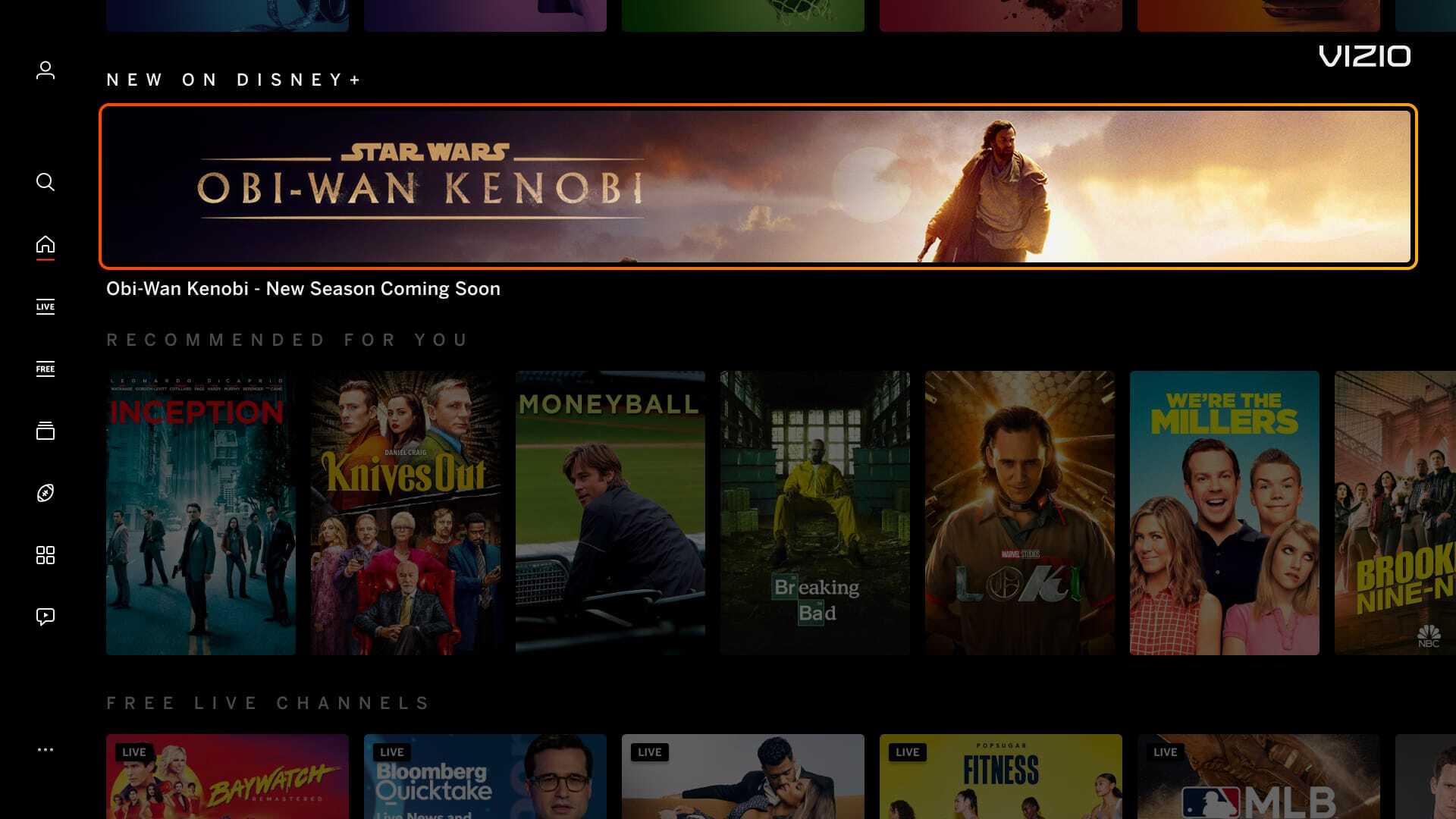 |
| Highrise Banner
|
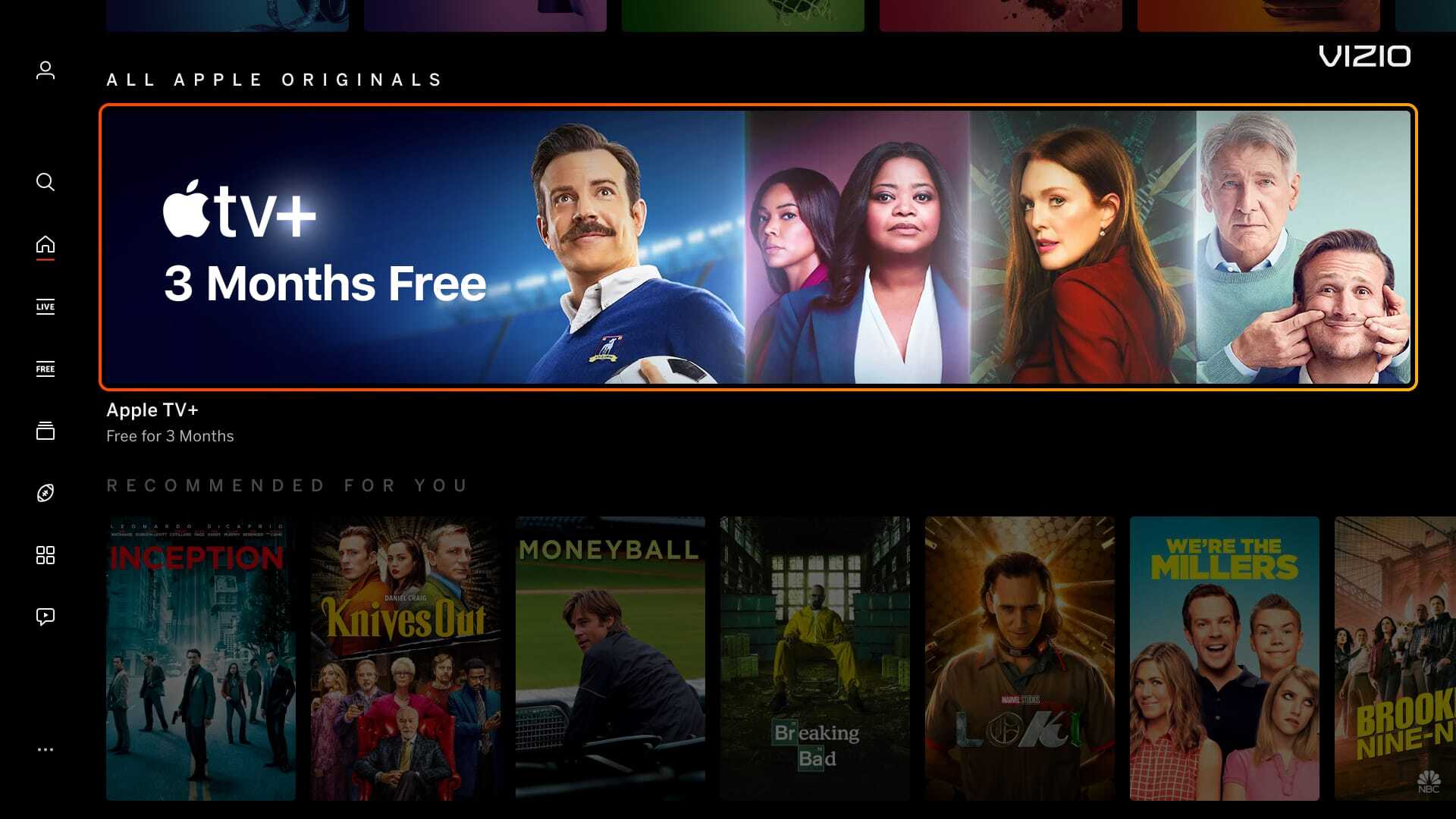
Spotlight Banner
|
|
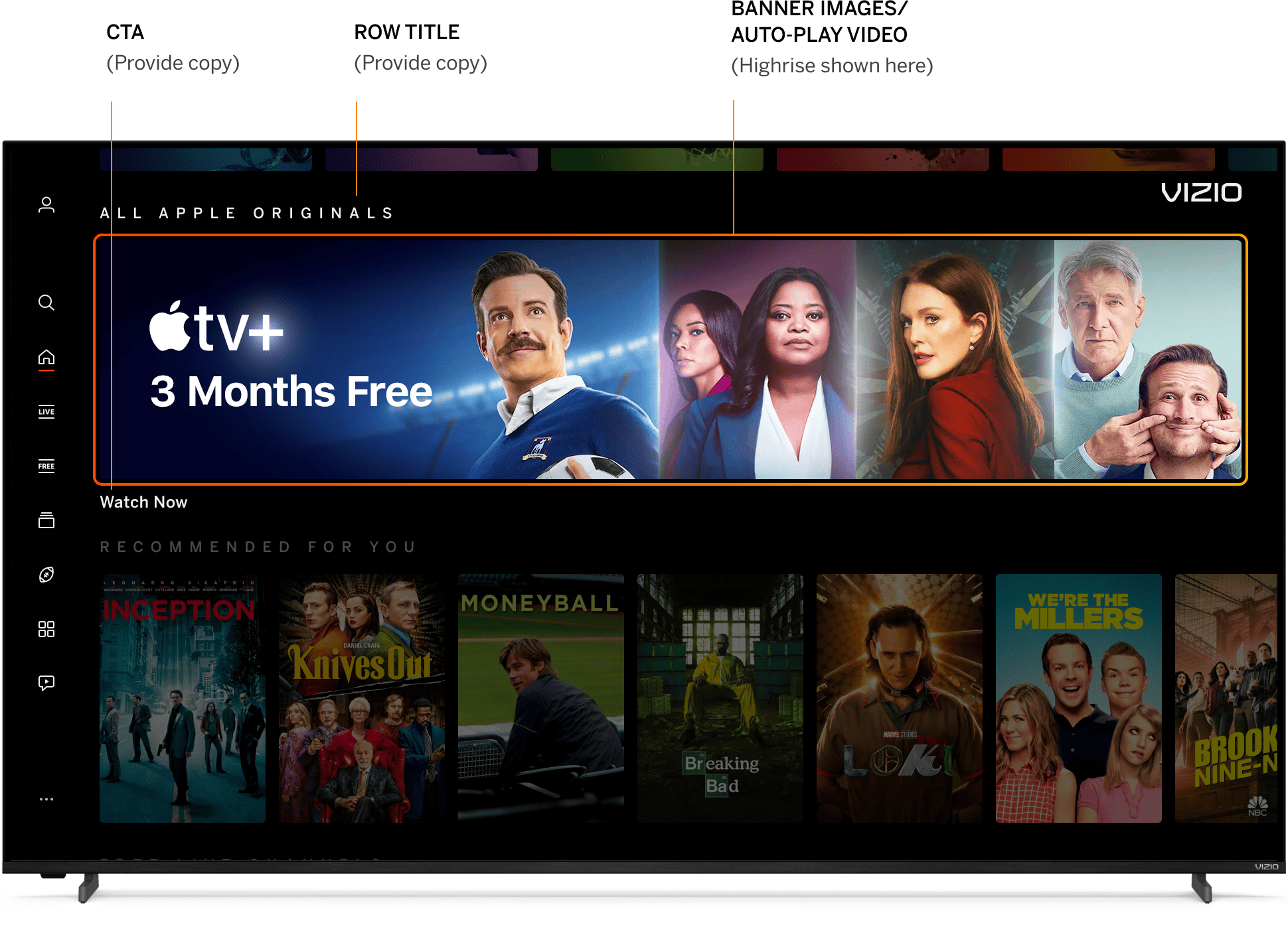
Single 1720px x 360px banner.
|
Single 1720px x 200px banner.
|
 |
 |
| Auto-Play (AP) Video | Search Page Banner
|
|
Auto-Play (AP) Video plays in the same space as the banner image. Can be used with all variations. Audio is not allowed on Home screen.
|
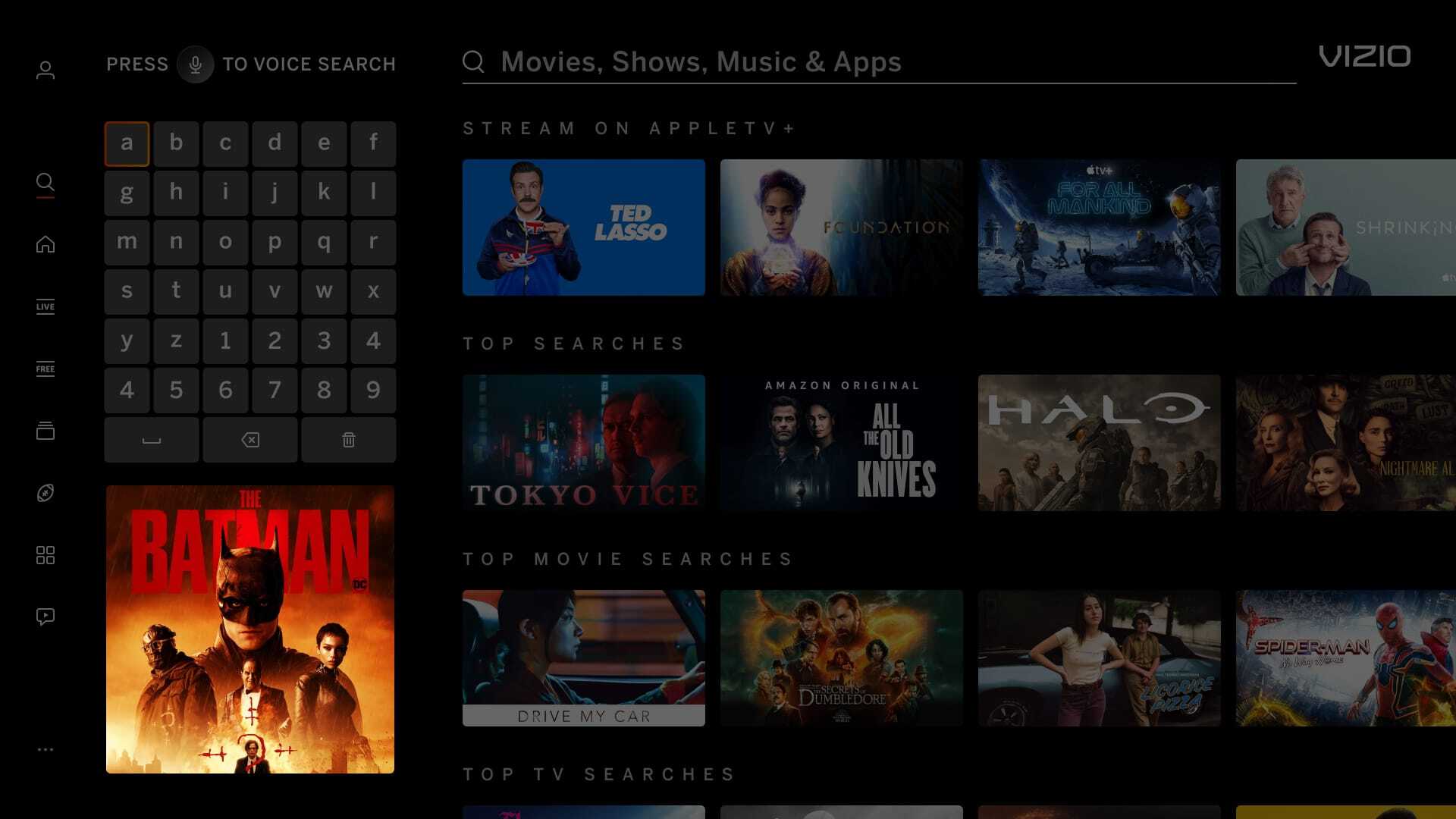
Single 380px x 380px banner that goes underneath keyboard on the Search Page. Banner is not applicable with any other pages.
|
 |
 |
| Apps Double Page Tile
|
Recommends
|
|
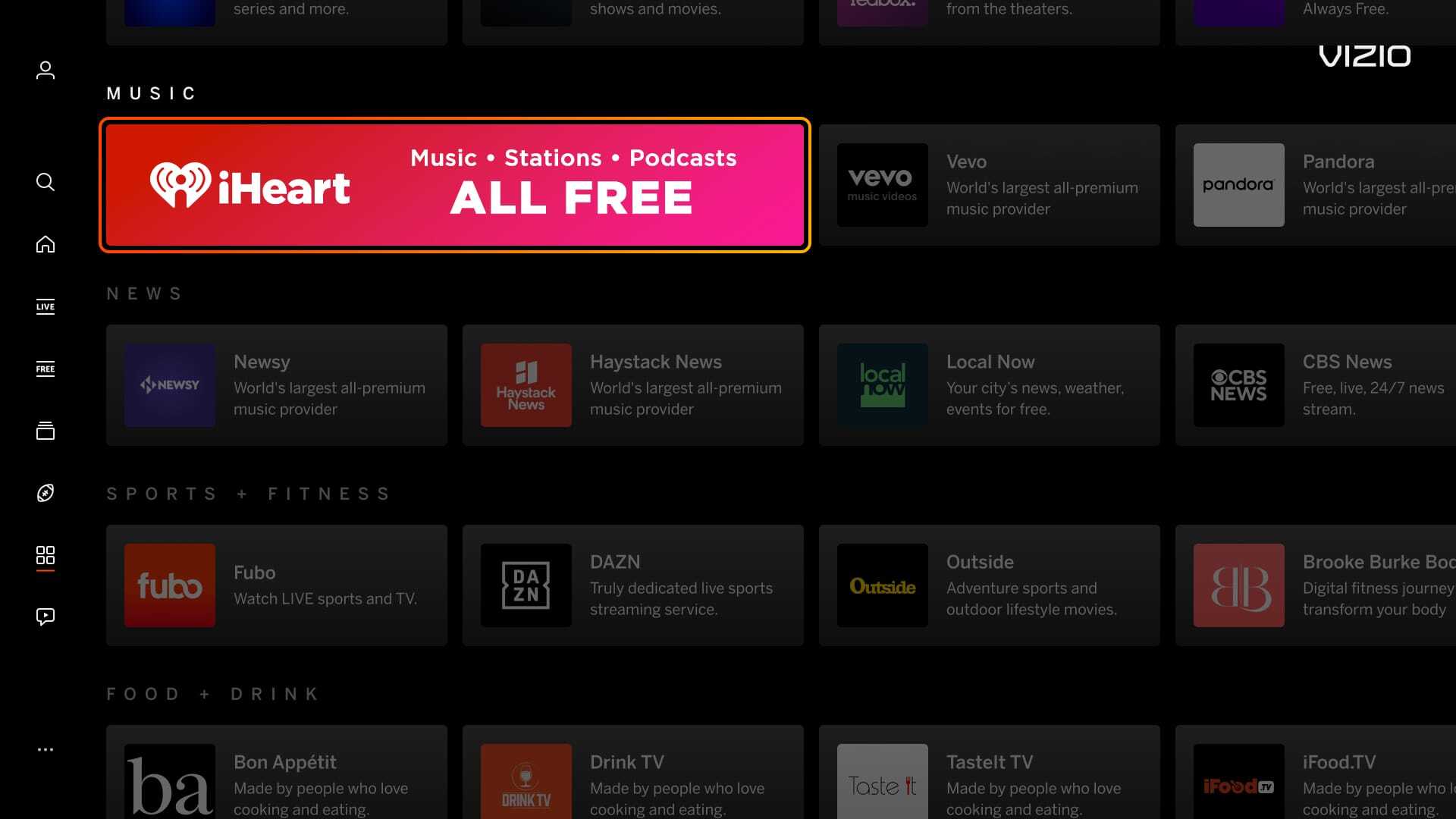
920px x 160px banner that spans across two app tiles. Can only be displayed on the Apps Page.
|
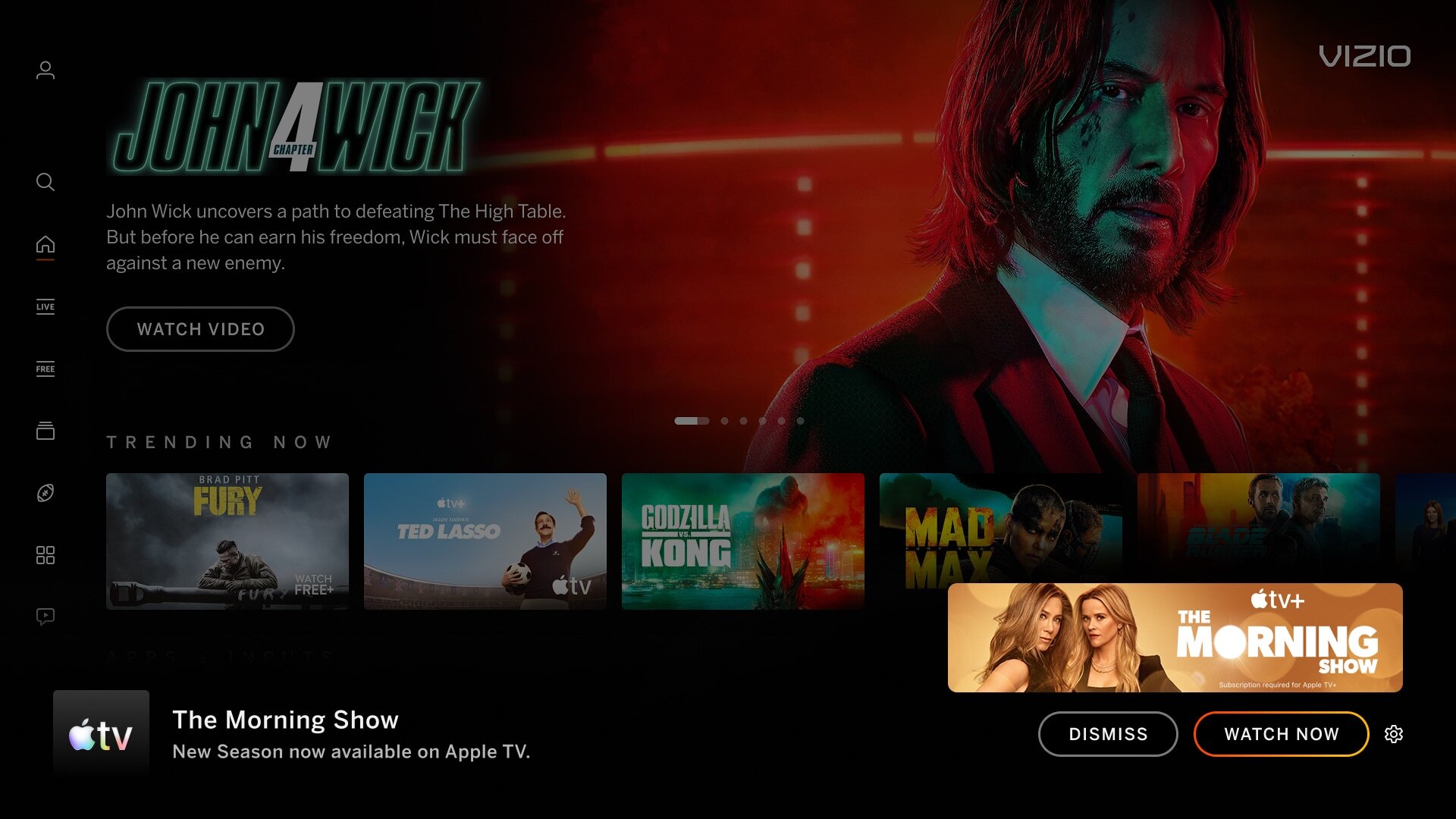
A 600px x 144px banner notification pops-up at the bottom of the screen.
|
 |
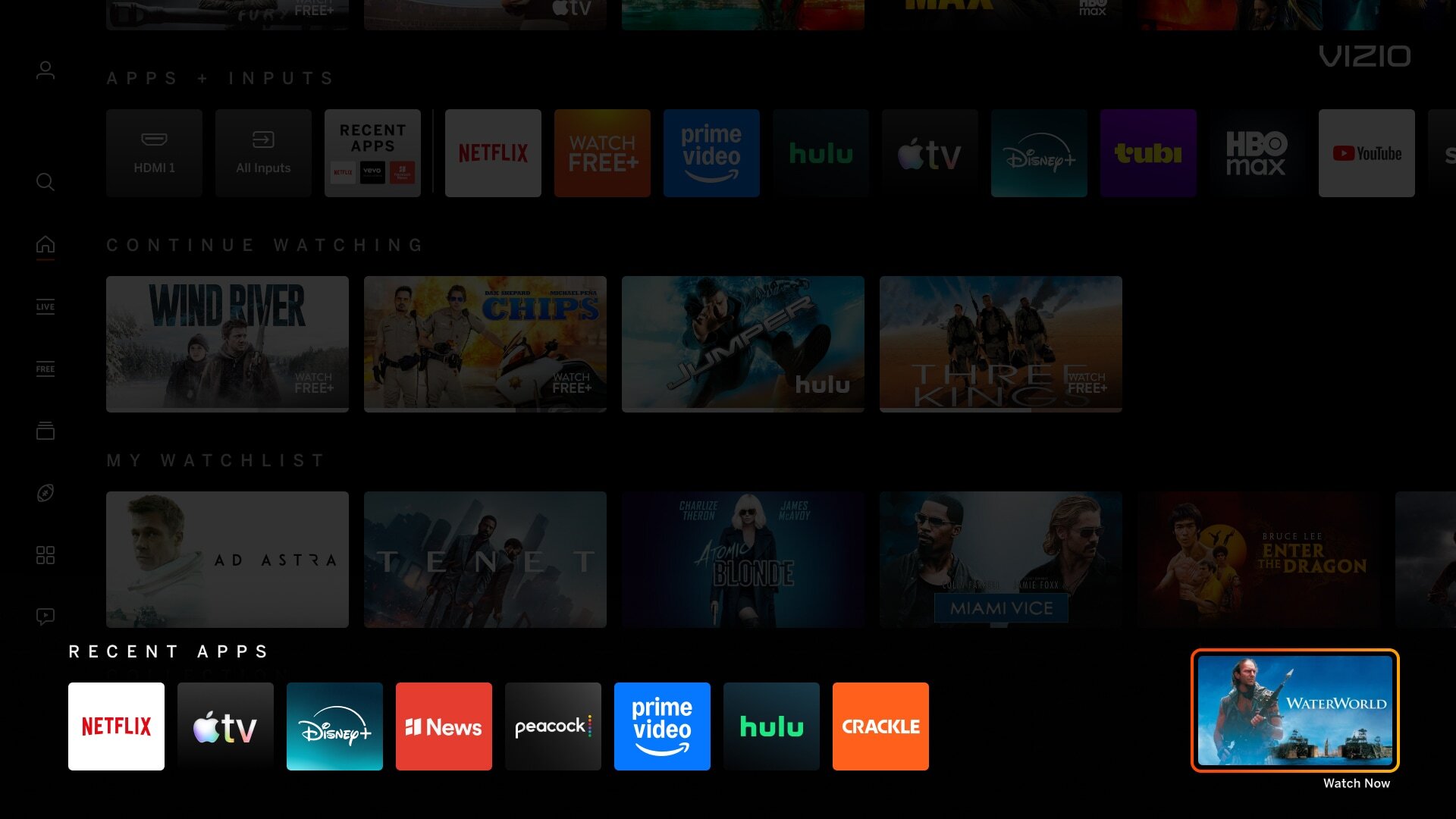 |
| Inputs Menu - Tile | Recent Apps - Tile |
|
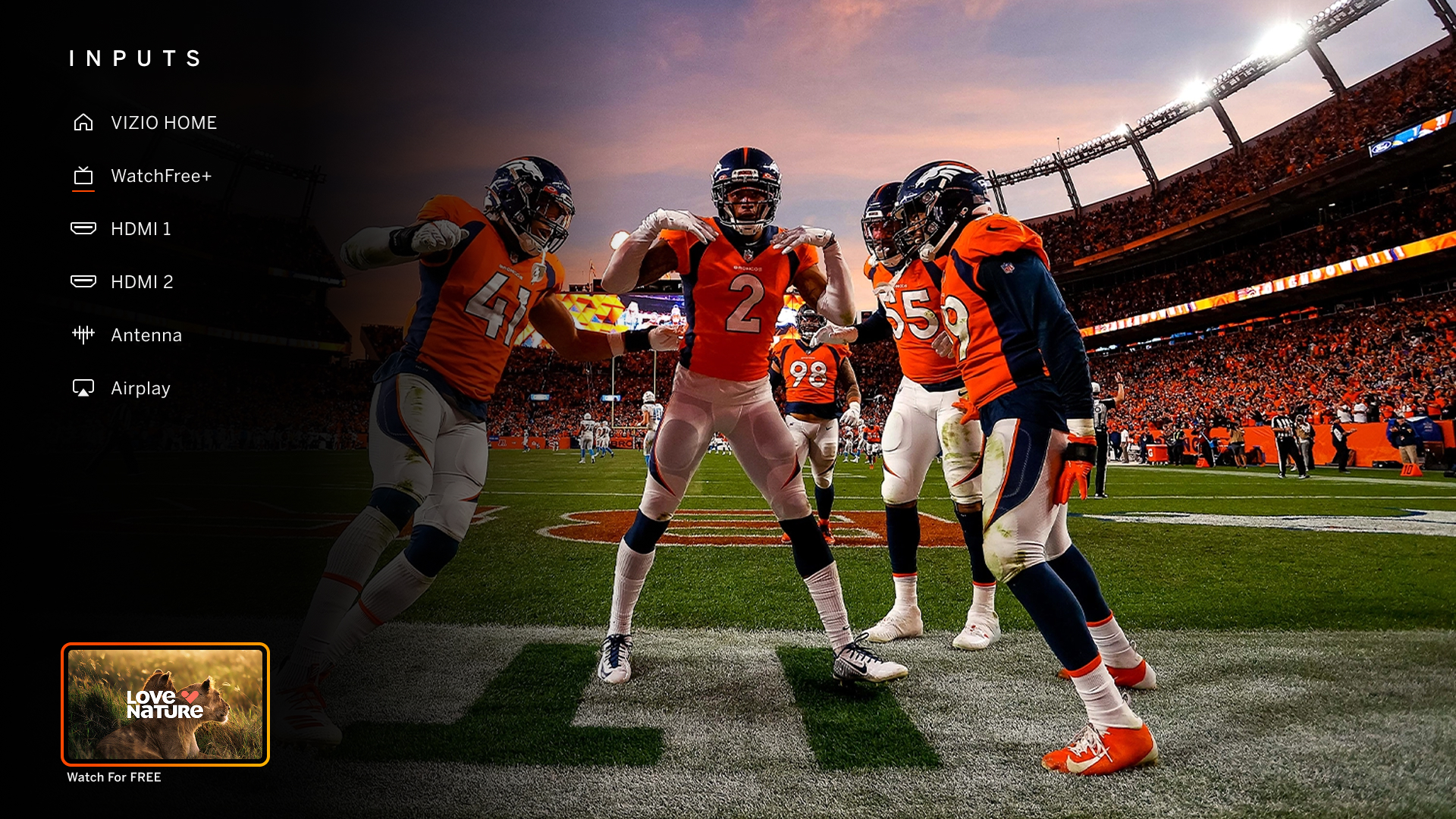
A tile image displayed on the bottom left part of the screen overlay in the 'Inputs' menu. |
A tile image displayed on the bottom right part of the screen overlay in the 'recent apps' menu. |
On this page