



| Content in Non-safe Area | |
|---|---|
| Content extends into the non-safe area, interfering with the embedded Back button. See PDF template for safe area guides. | |
|
Incorrect Example ✘ |
Correct Example |
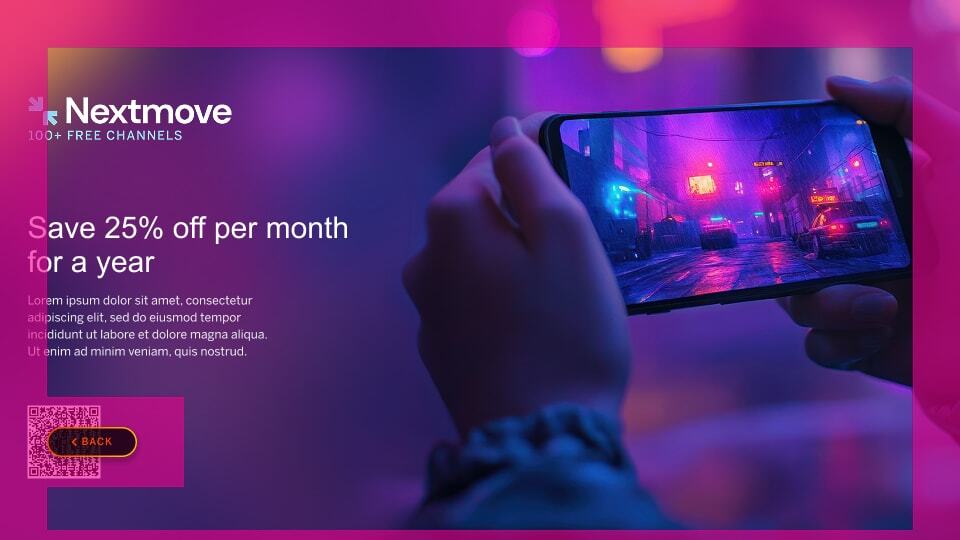 |
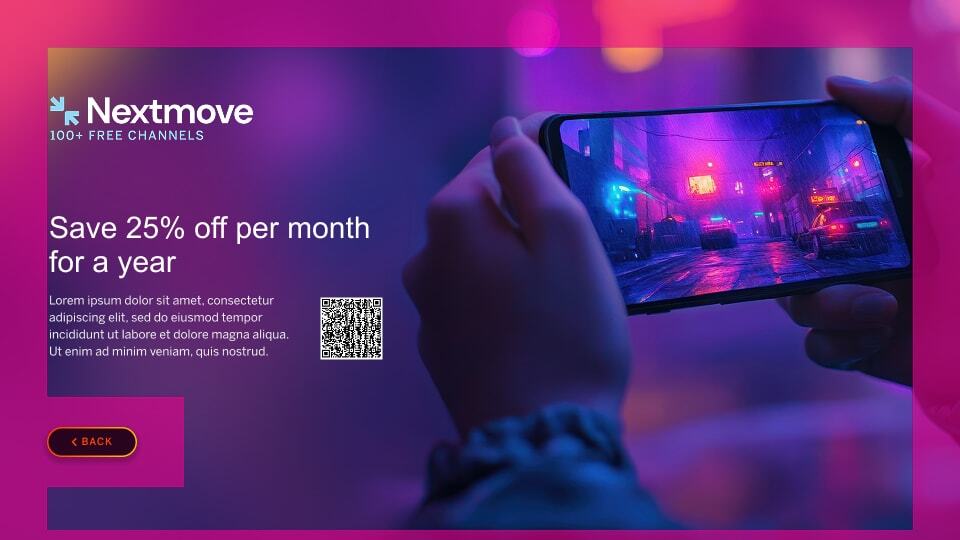 |

| Full White Background | |
|---|---|
| Refrain from use of a full white or intensely-colored background as it can cause eye strain when seen on a TV screen. | |
|
Incorrect Example ✘ |
Correct Example |
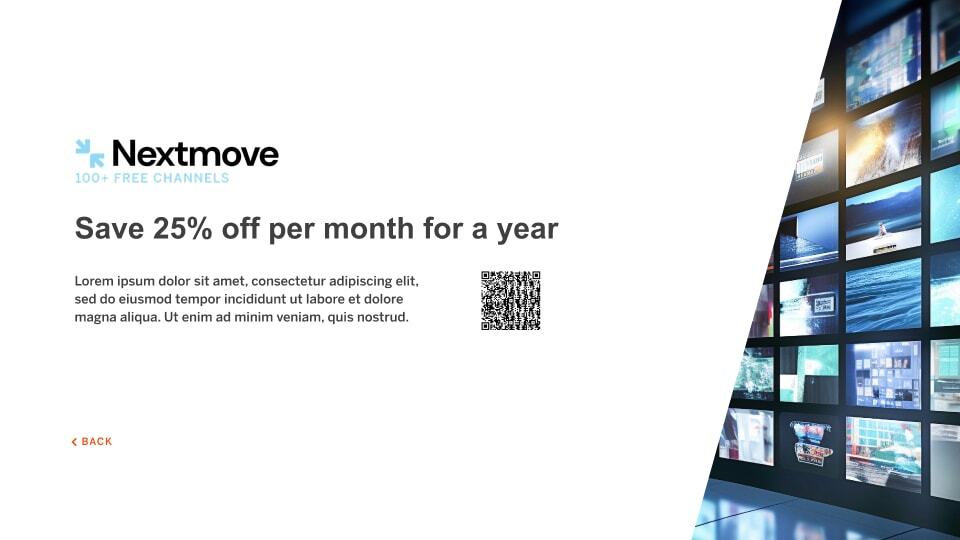 |
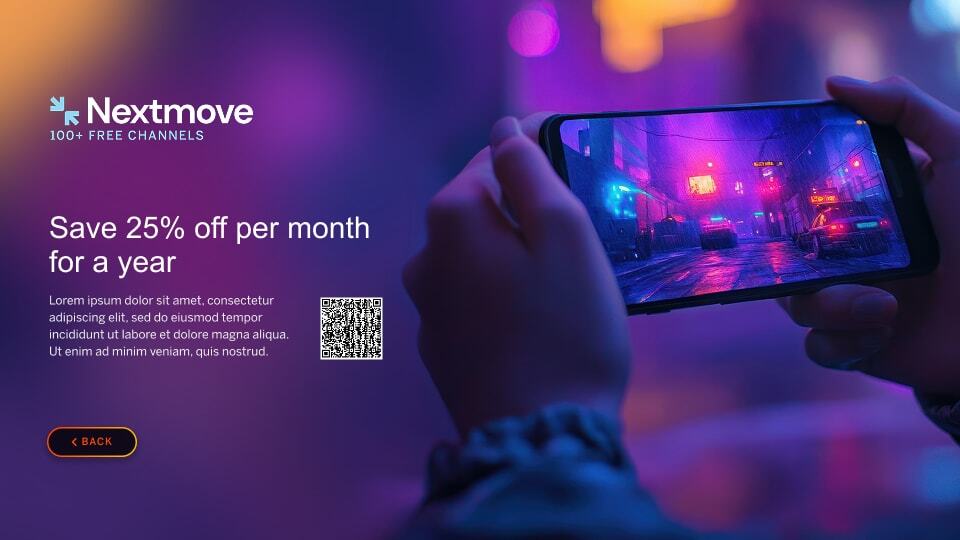 |
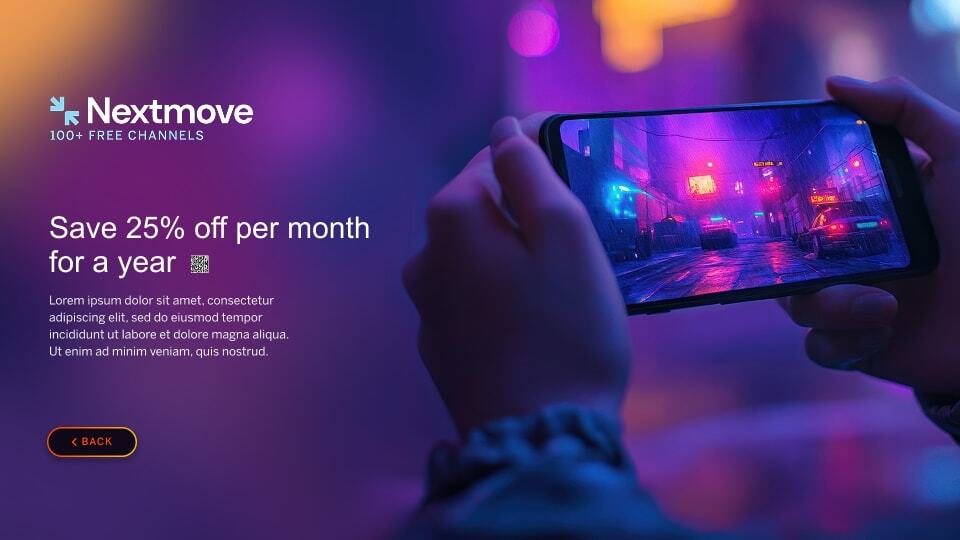
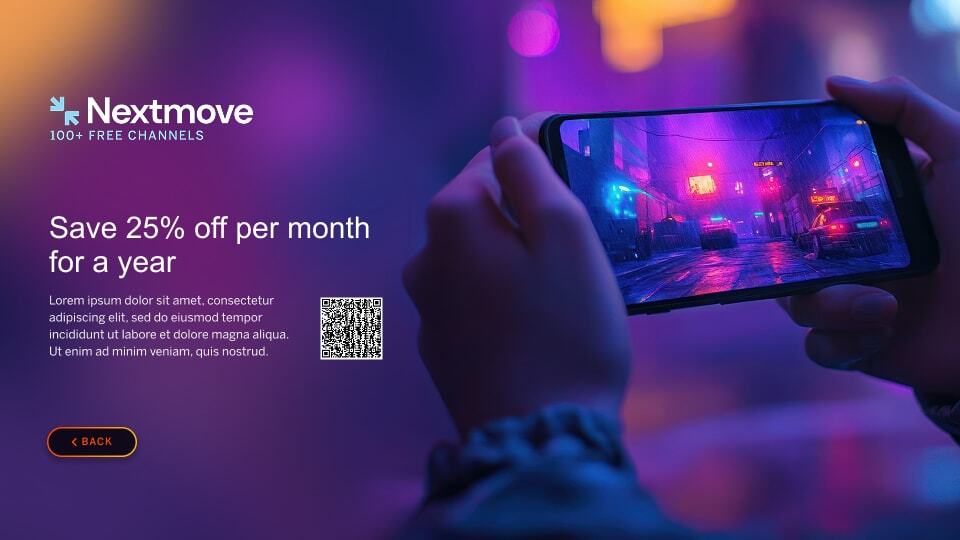
| Small or Excessively Large QR Codes | |
|---|---|
| QR Code should be functional down to as low as a 24" television and at a distance of 10 ft. | |
 |
 |
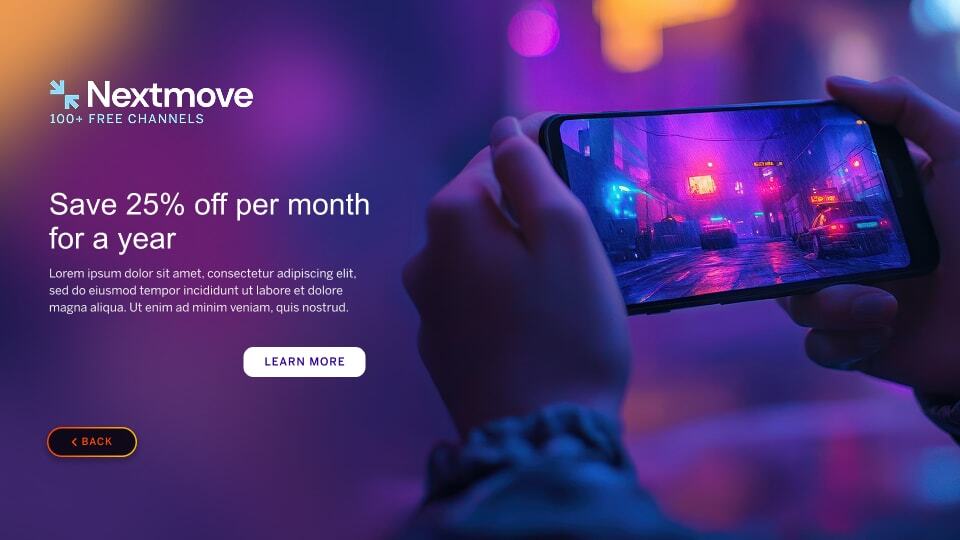
| Use of Buttons/UI Elements | |
|---|---|
| CTA buttons or UI icons can be confused as something you can engage with or as a focus state. | |
|
Incorrect Example ✘ |
Correct Example |
 |
|
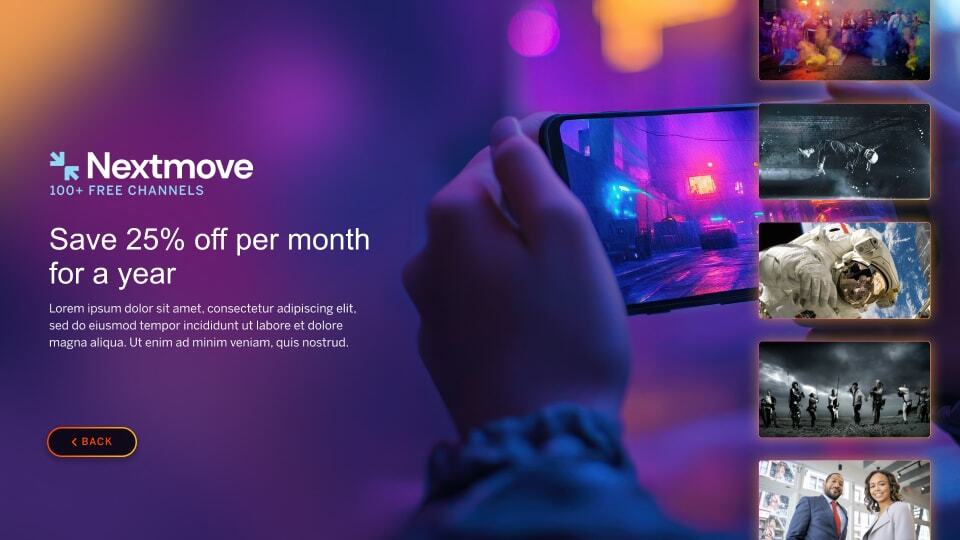
| Use of Tile Elements | |
|---|---|
| Adding tiles onto images mimic the content on the VIZIO platform and can confuse users of being selectable. | |
|
Incorrect Example ✘ |
Correct Example |
 |
|