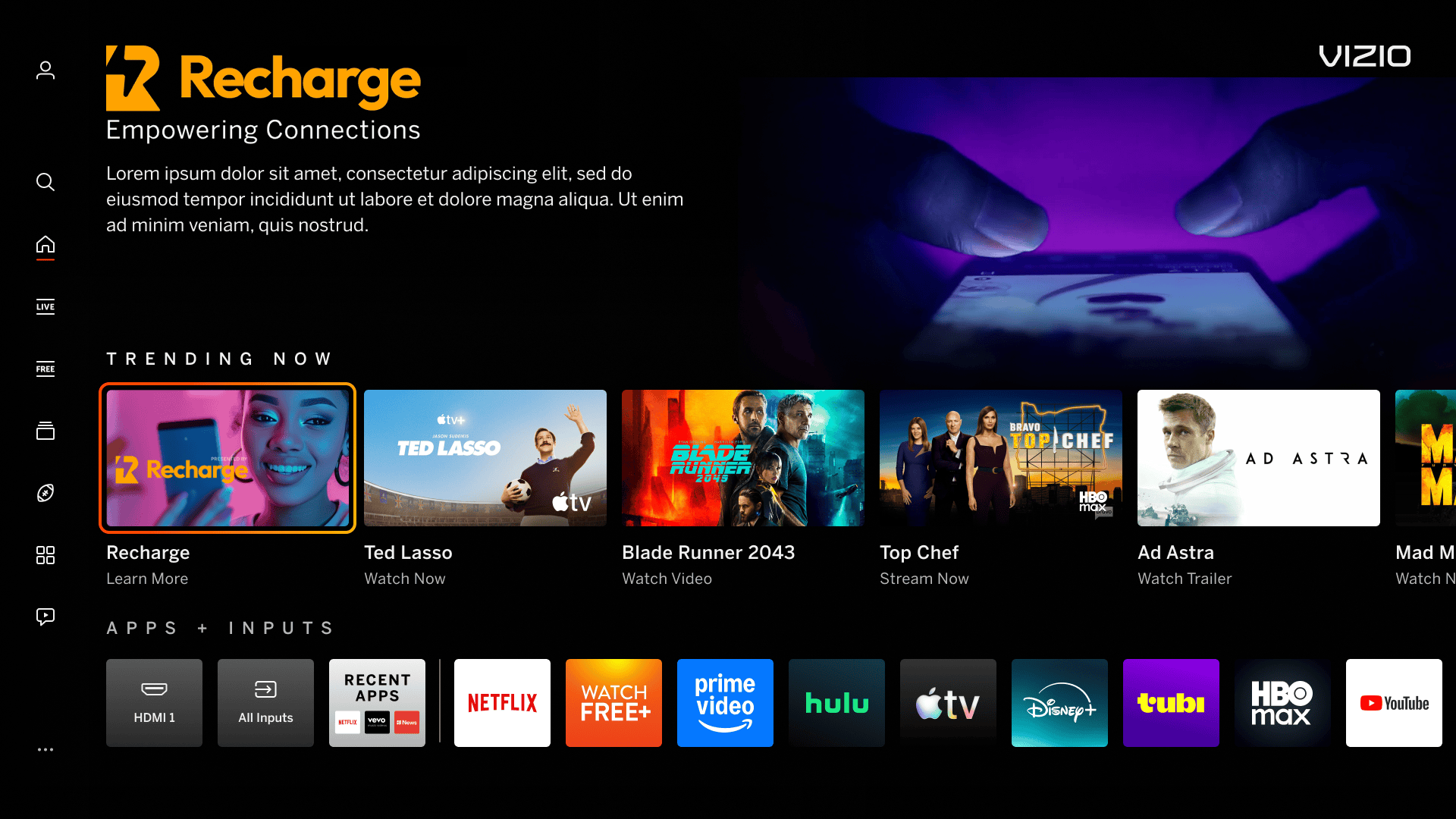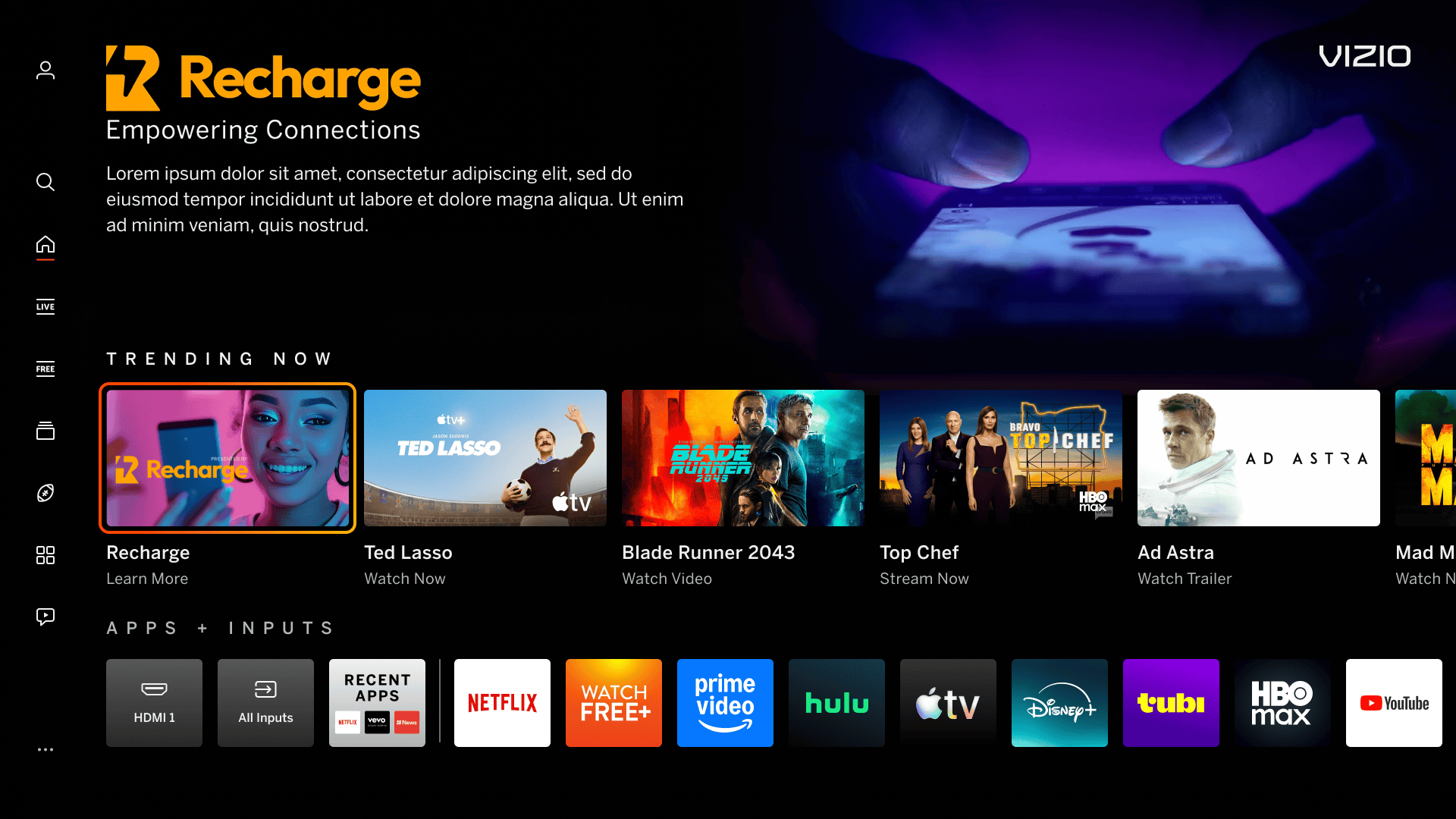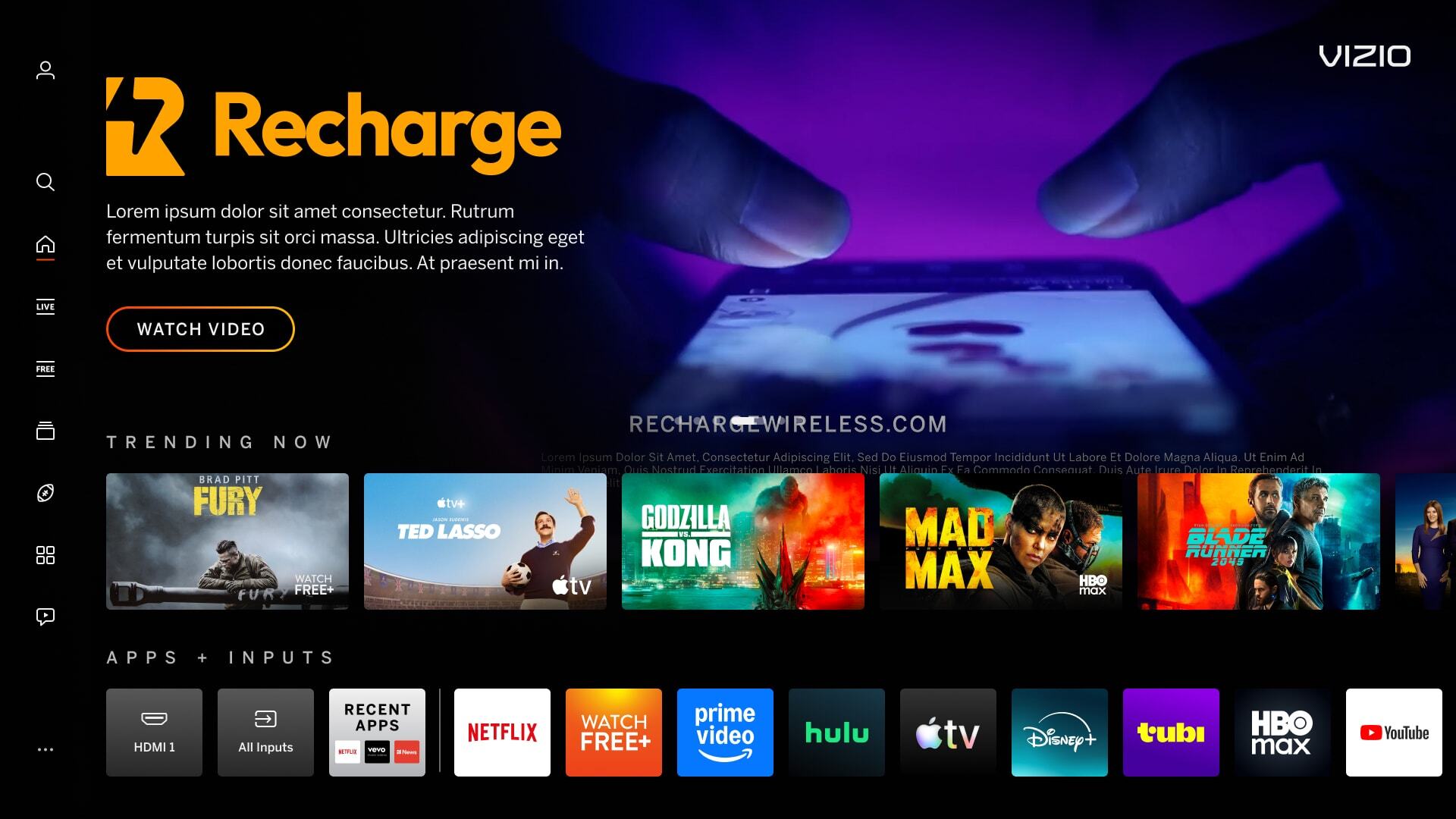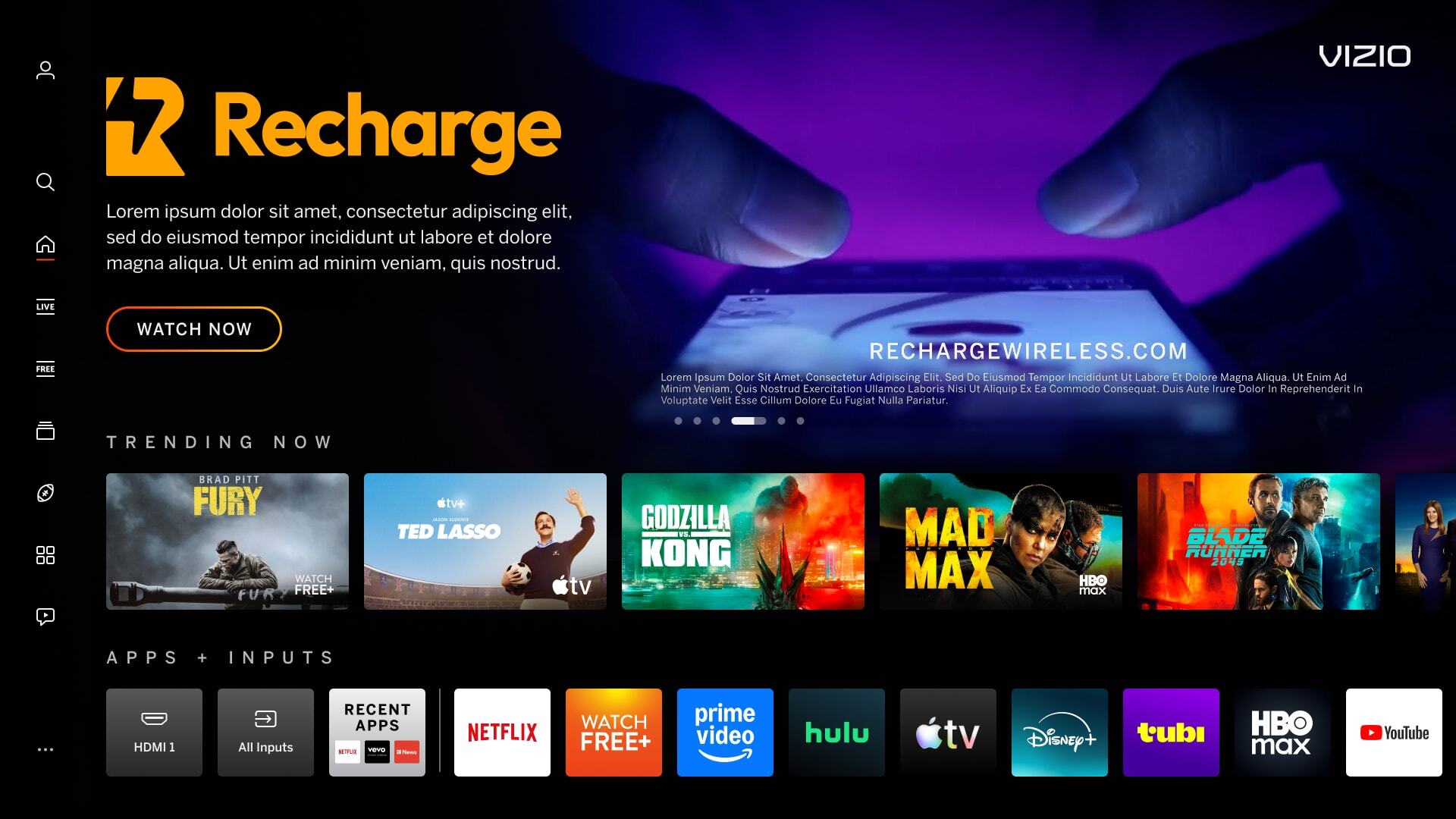
A video that will automatically play in the Discover Reveal.

Auto-Play Video
Dimensions 1920px x 1080px
Maximum File Size 20 MB
File Type MP4, FPS: 24, Max. Video Bitrate: 5.0 mbps
Video Codec H.264/AVC MPEG-4 part 10 / 4 or less reference frames
Video Length Max. 15s
Video Safe Area Approx. 310px from the left and bottom. Approx 250px x 130px from 310px the upper right corner for the placement of the VIZO logo. Any messaging, including legal fine print, will be blocked by the interface if outside of this area. See PowerPoint template for guides.
Miscellaneous
  • NO LETTERBOXING: Video must fill edge-to-edge top, bottom, and sides
  • Video focal points should be centered within the safe area to avoid visual imbalance.
  • Audio must be removed from the video

Letterboxing
Video does not fill does not fill the entire 16:9 space, top-to-bottom, side-to-side.

Incorrect Example   ✘

Correct Example   Green Check Mark

Incorrect - Autoplay - Letterbox Correct - Autoplay - Letterbox


Content Falls Outside of Safe Area
Video contains information, including legal text, that falls outside of the designated safe area, preventing visibility with the interface gradient.

Incorrect Example   ✘

Correct Example   Green Check Mark

Incorrect - Autoplay - Safe Area Correct - Autoplay - Safe Area

On this page