VIZIO Creative Guidelines > General Market > Banners & Tiles - Static
| Visit the Banners & Tiles Overview page for examples and templates. |
| Unit | Image Dimensions | Image Max. File Size |
|---|---|---|
| Impact Double Play (2 tiles) |
848px x 477px | 500 KB |
| Impact Showcase (3 tiles) |
560px x 315px | 500 KB |
| Sponsored Carousel (4+ tiles) |
Min 320px x 180px Max 848px x 477px |
300 KB |
| Highrise Banner | 1720px x 360px | 500 KB |
| Spotlight Banner | 1720px x 200px | 500 KB |
| Apps Page Double Tile (Displayed on Apps Page) |
920px x 160px | 300 KB |
| Search Page Banner (Displayed on Search Page) |
380px x 380px | 300 KB |
| Pencil Banner (Displayed on Sports Zone) |
1720px x 80px | 300 KB |
| Recommends (Notification on bottom) |
600px x 144px | 300 KB |
| Miscellaneous Notes | |
|---|---|
| File Type | JPG, PNG |
|
Row Title Character Count
|
Approximately 40 characters, including spaces |
| Excessive text/logos | |
|---|---|
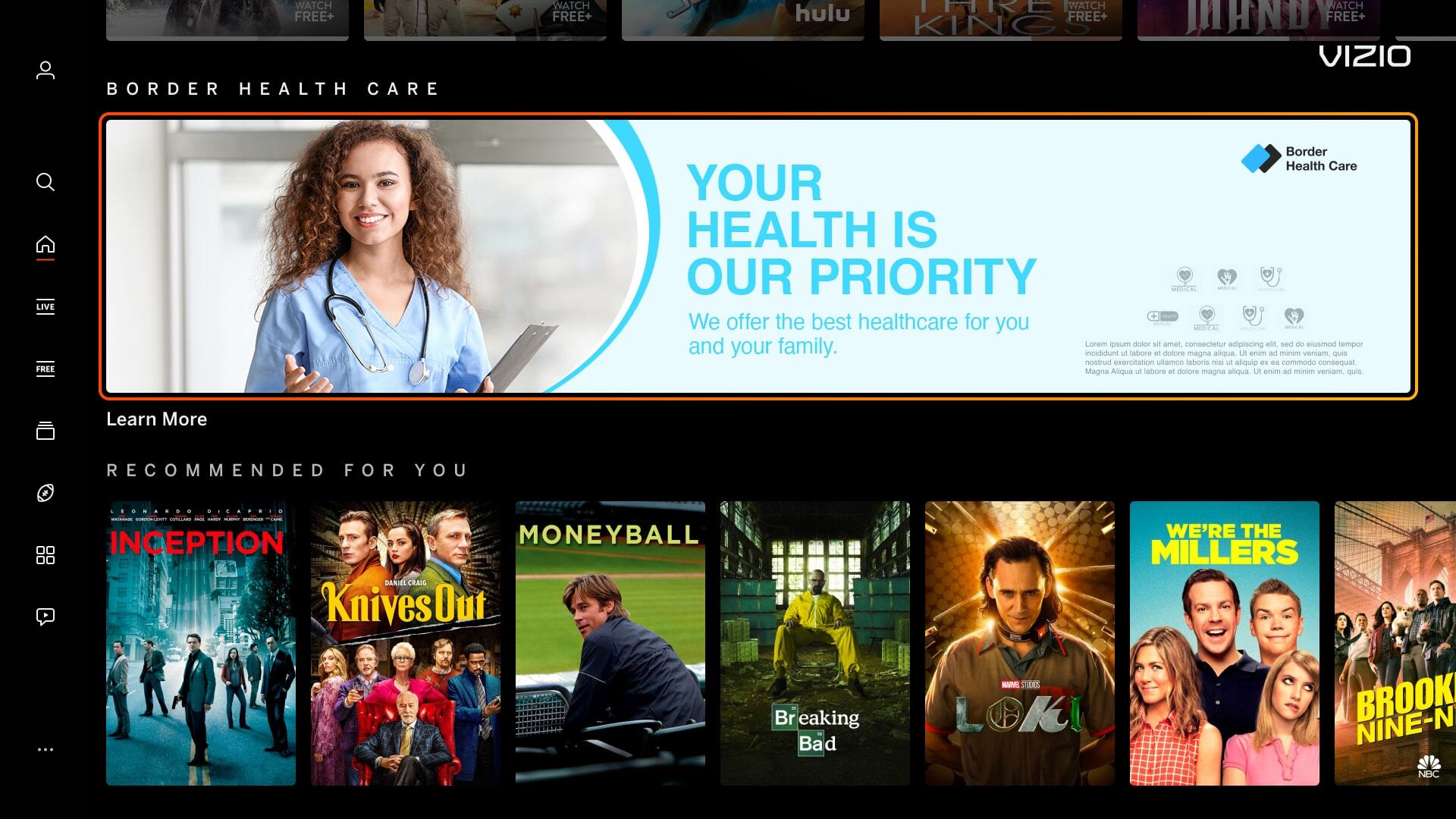
| Banner images have an excessive amount of text/logo and can cause readability issues for the user. | |
|
Incorrect Example ✘ |
Correct Example |
![]() |
![]() |
| Mimic Platform UI: Borders | |
|---|---|
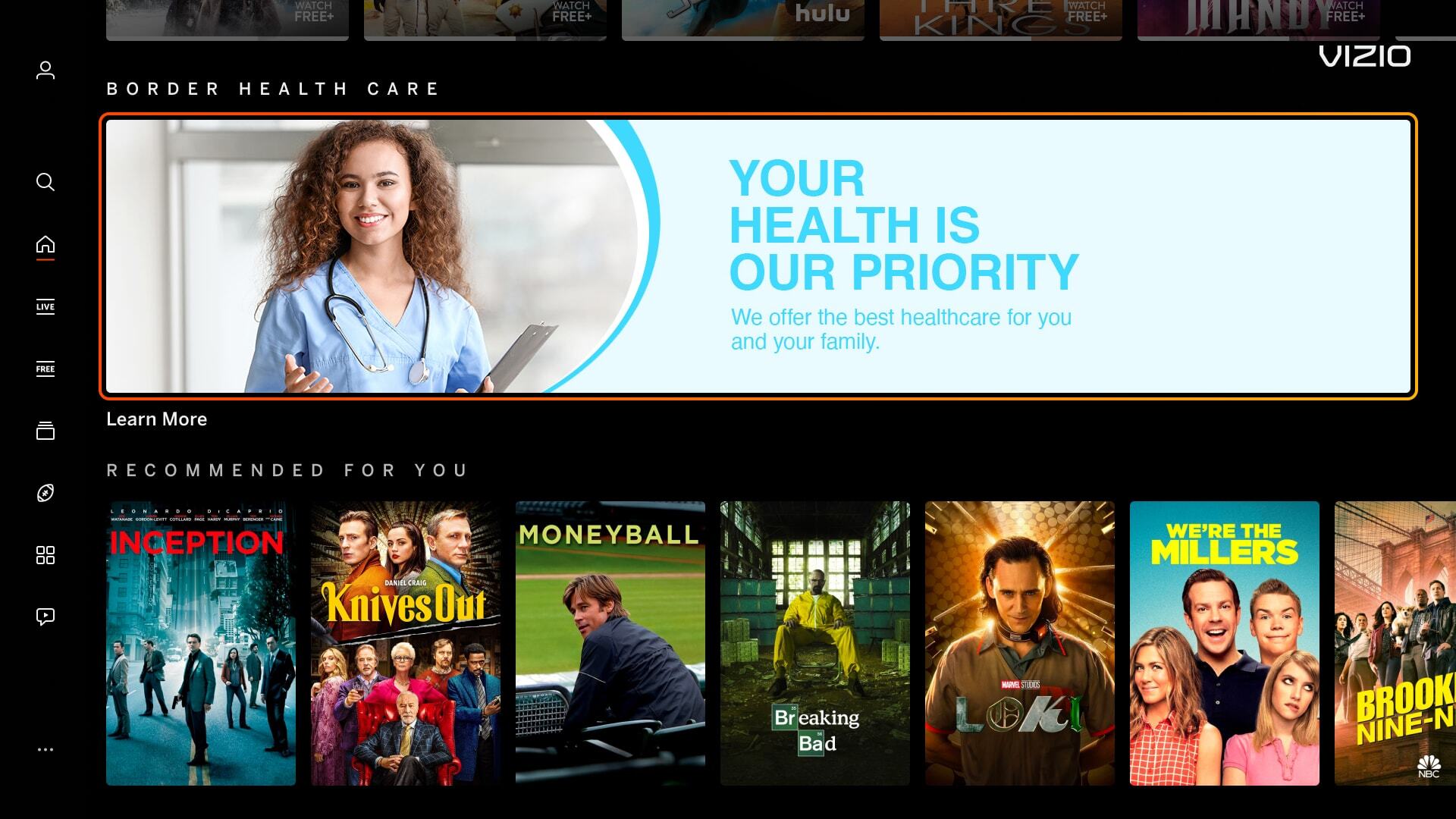
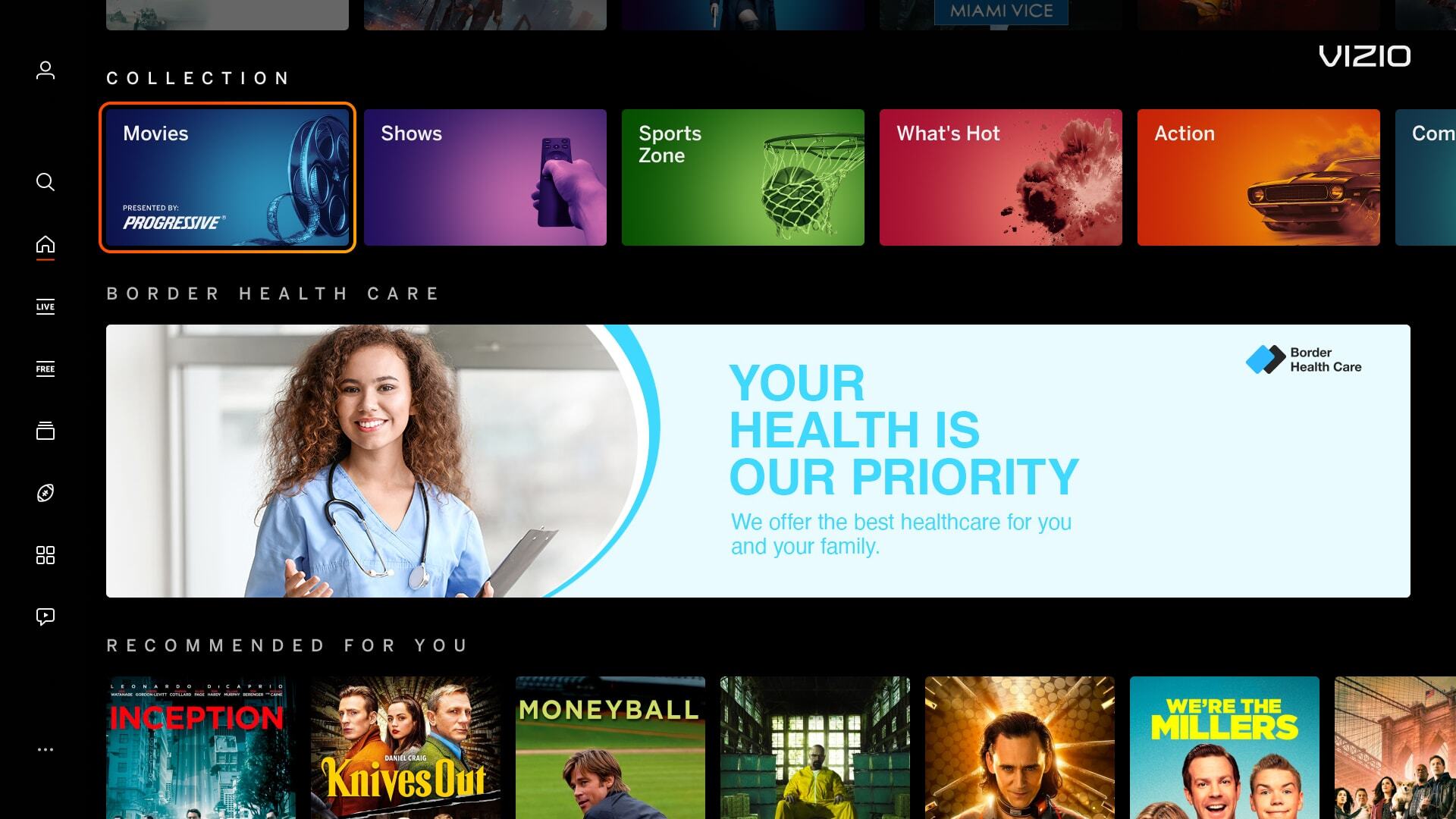
| Banner images have borders around the artwork which can mimic a focus state, causing confusion for users. | |
|
Incorrect Example ✘ |
Correct Example |
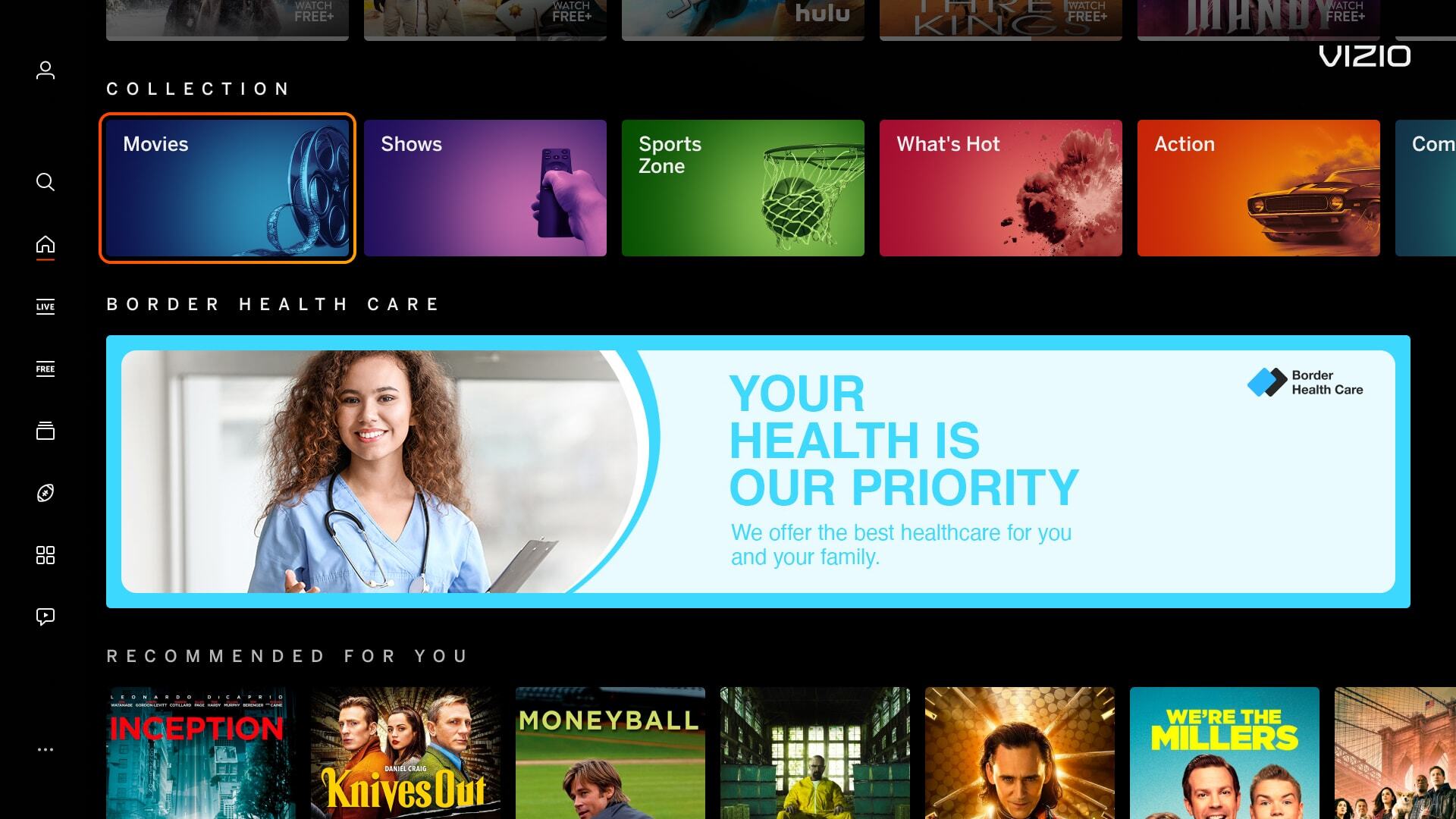
![]() |
![]() |
| Mimic Platform UI: CTA Button | |
|---|---|
| Including a CTA button within a banner or tile image is confusing for the user. Our platform highlights around the image, making the whole image a CTA, rather than having a focus state around the button. | |
|
Incorrect Example ✘ |
Correct Example |
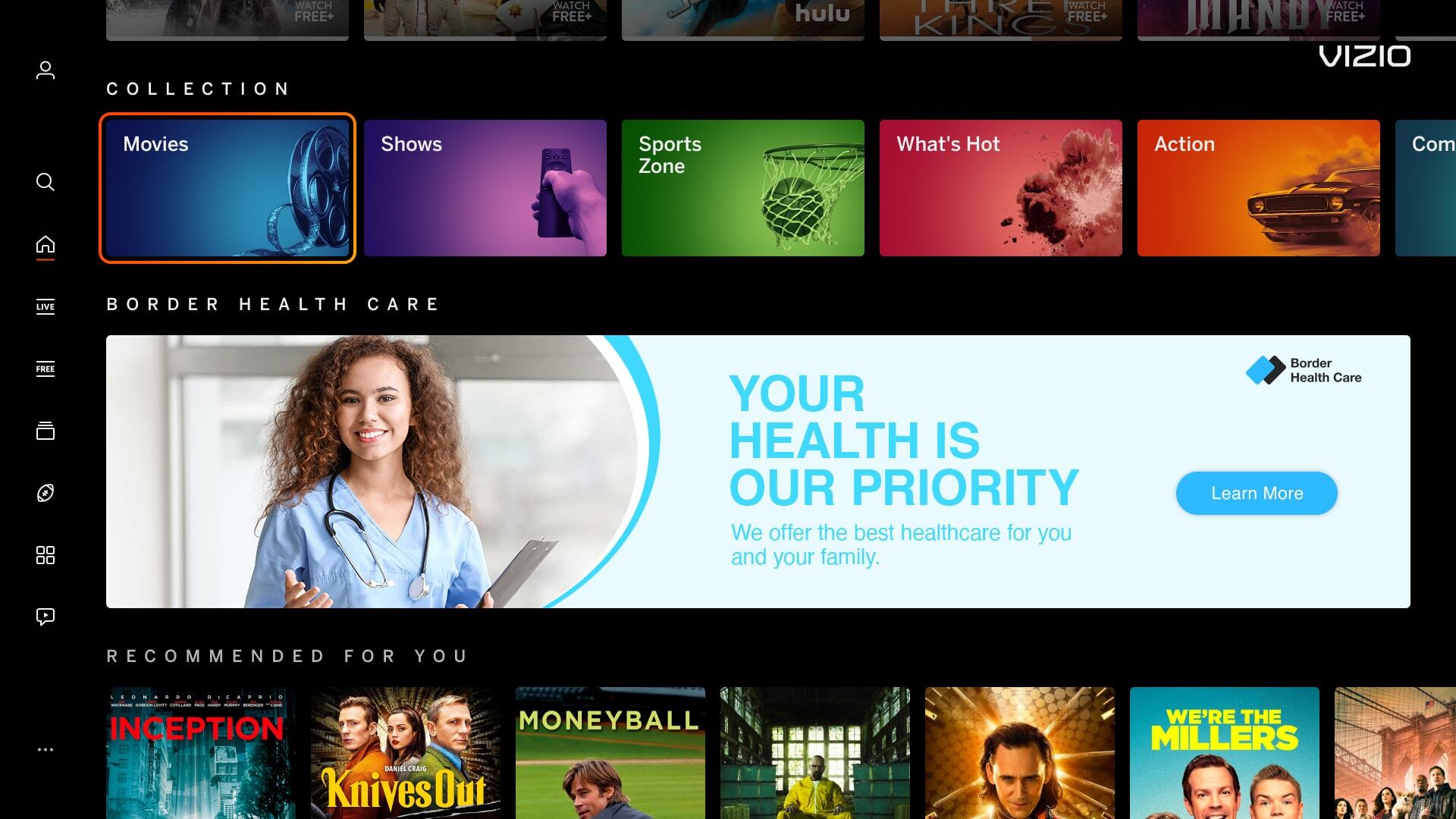
![]() |
![]() |
| Mimic Platform UI: Solid Black Background Color | |
|---|---|
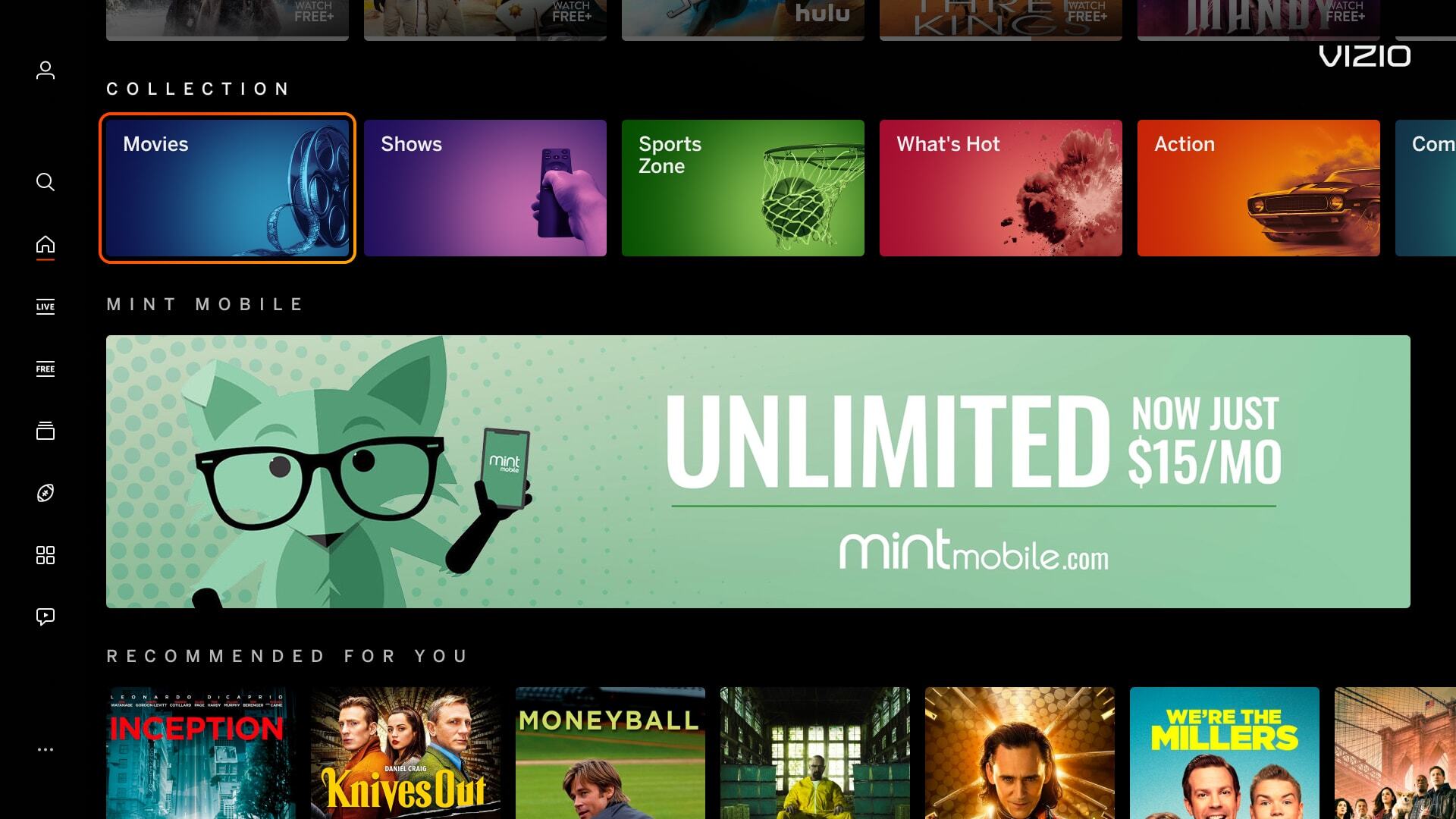
| Banner images using a solid black background makes content blend within out UI. | |
|
Incorrect Example ✘ |
Correct Example |
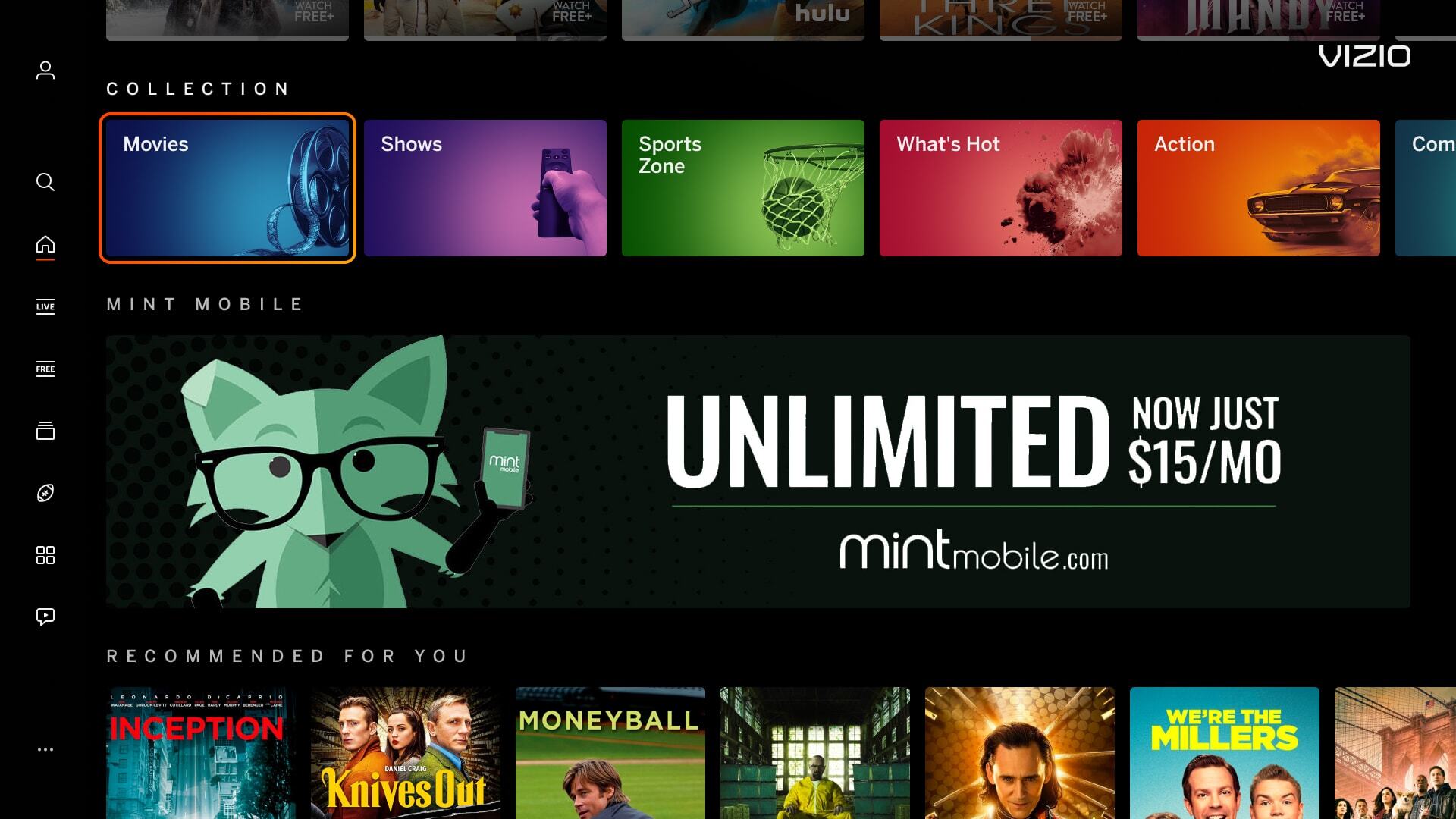
![]() |
![]() |