


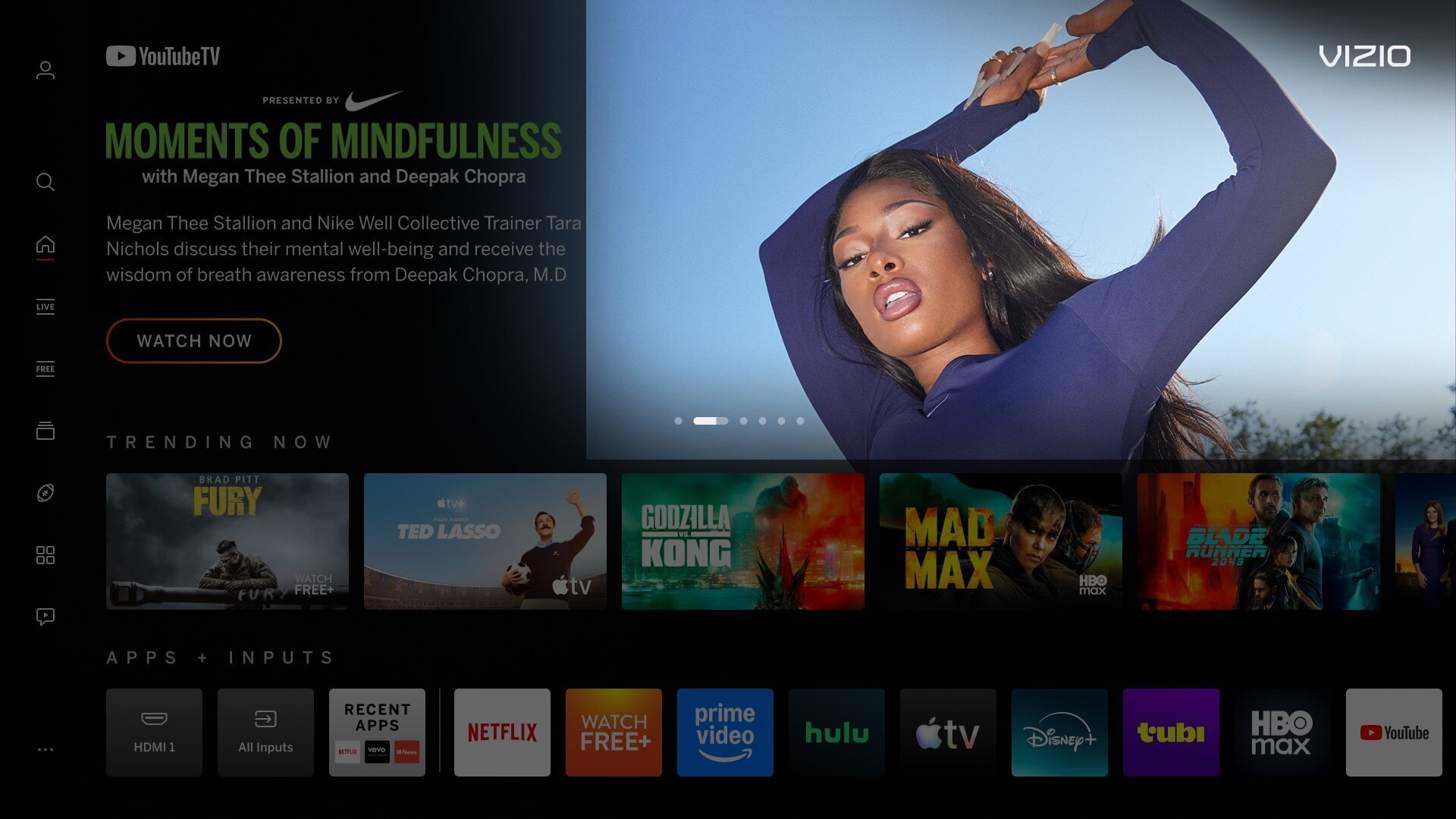
| Backdrop Image - Not Full Bleed (Edge-to-Edge) | |
|---|---|
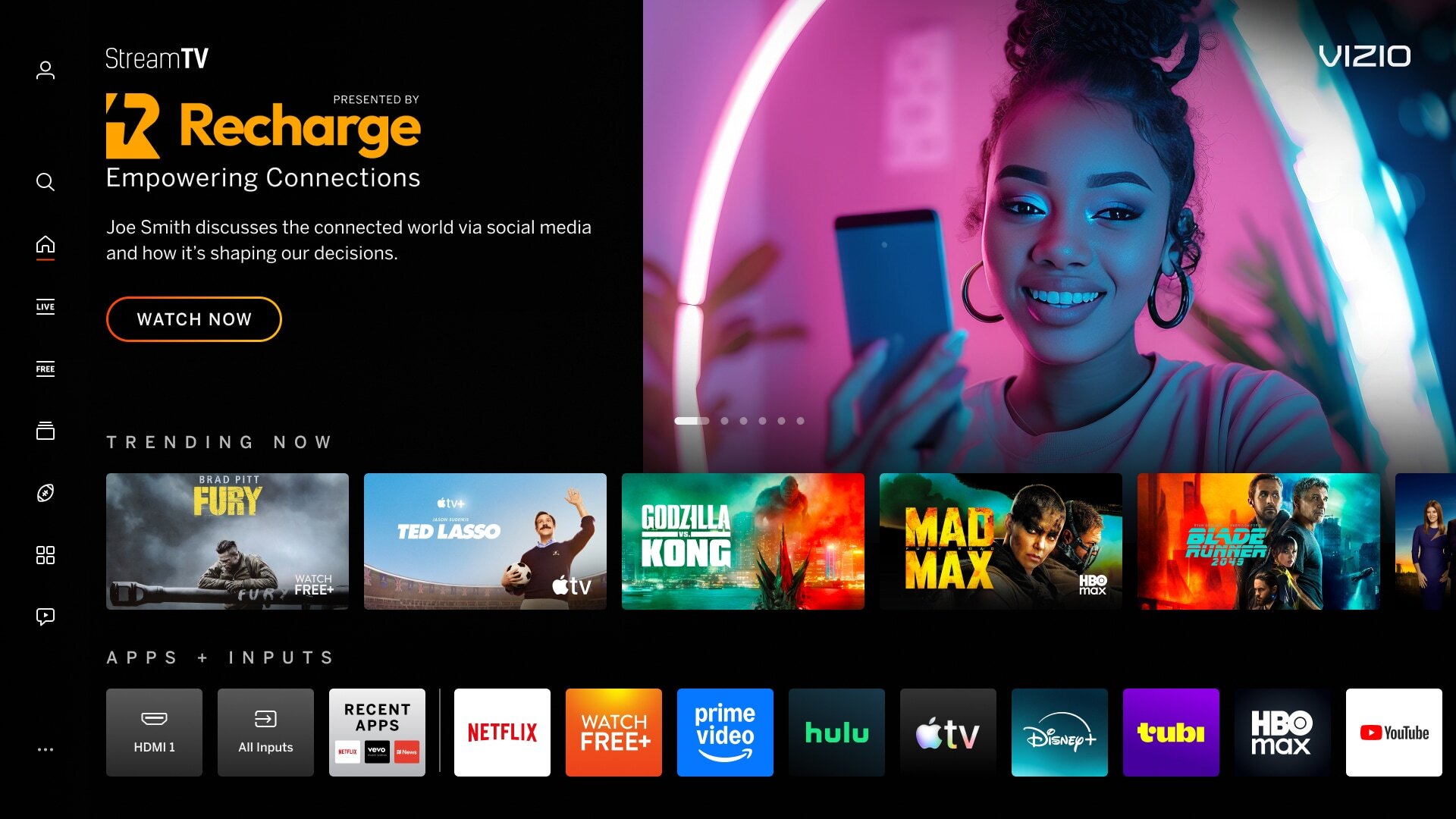
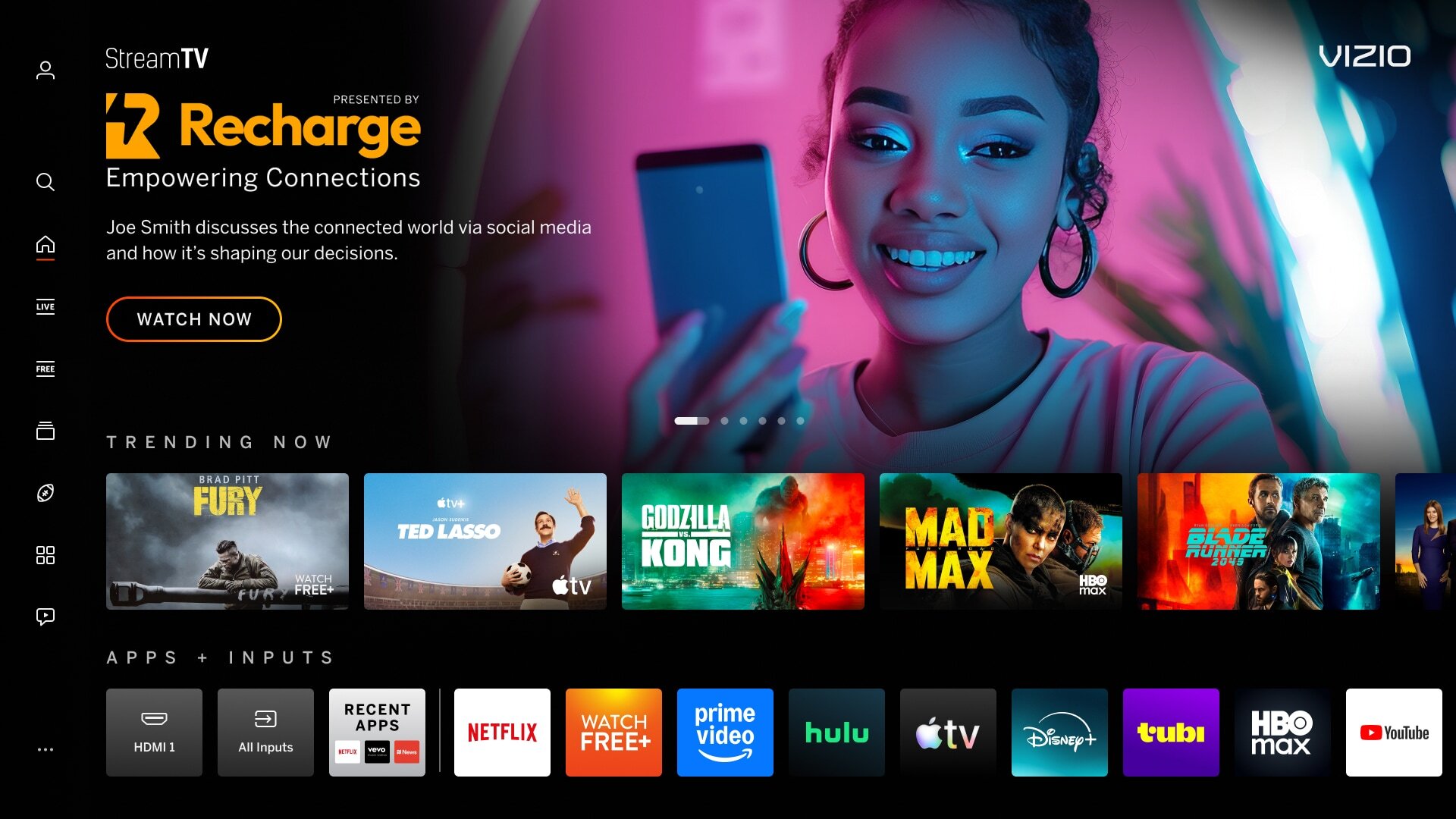
| Image does not fill the entire space (artwork does not extend to the edge). | |
|
Incorrect Example ✘ |
Correct Example |
 |
 |

| Non-centered Focal Point | |
|---|---|
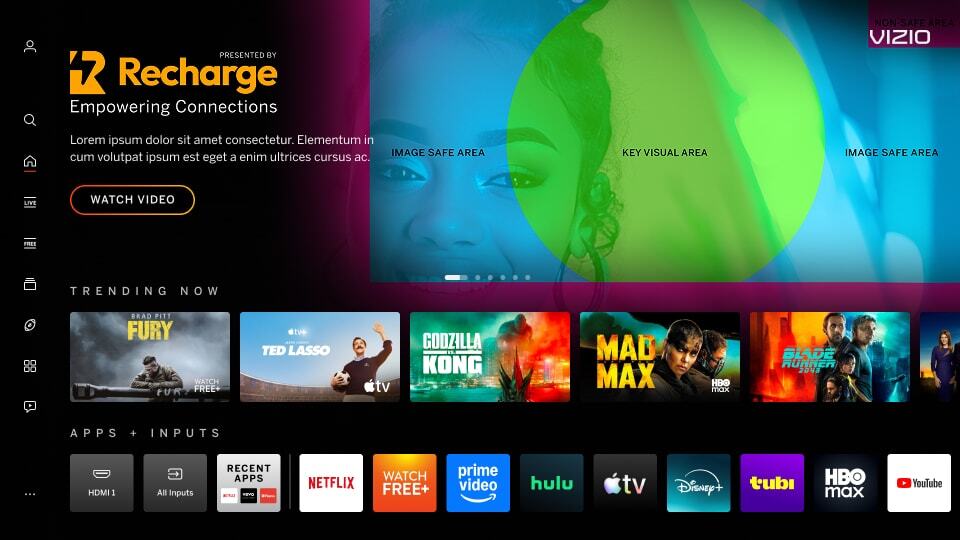
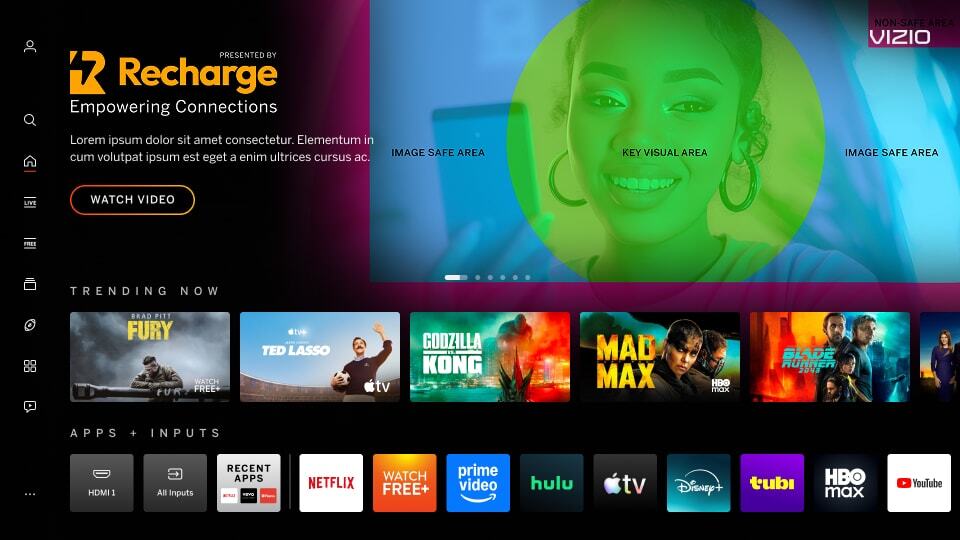
| Key imagery is not centered within the safe area creating a visual imbalance. Safe Area for backdrop can be found here: IBM version, Title Treatment version. | |
|
Incorrect Example ✘ |
Correct Example |
 |
 |
| Backdrop Image - Copy/Logos/QR Codes | |
|---|---|
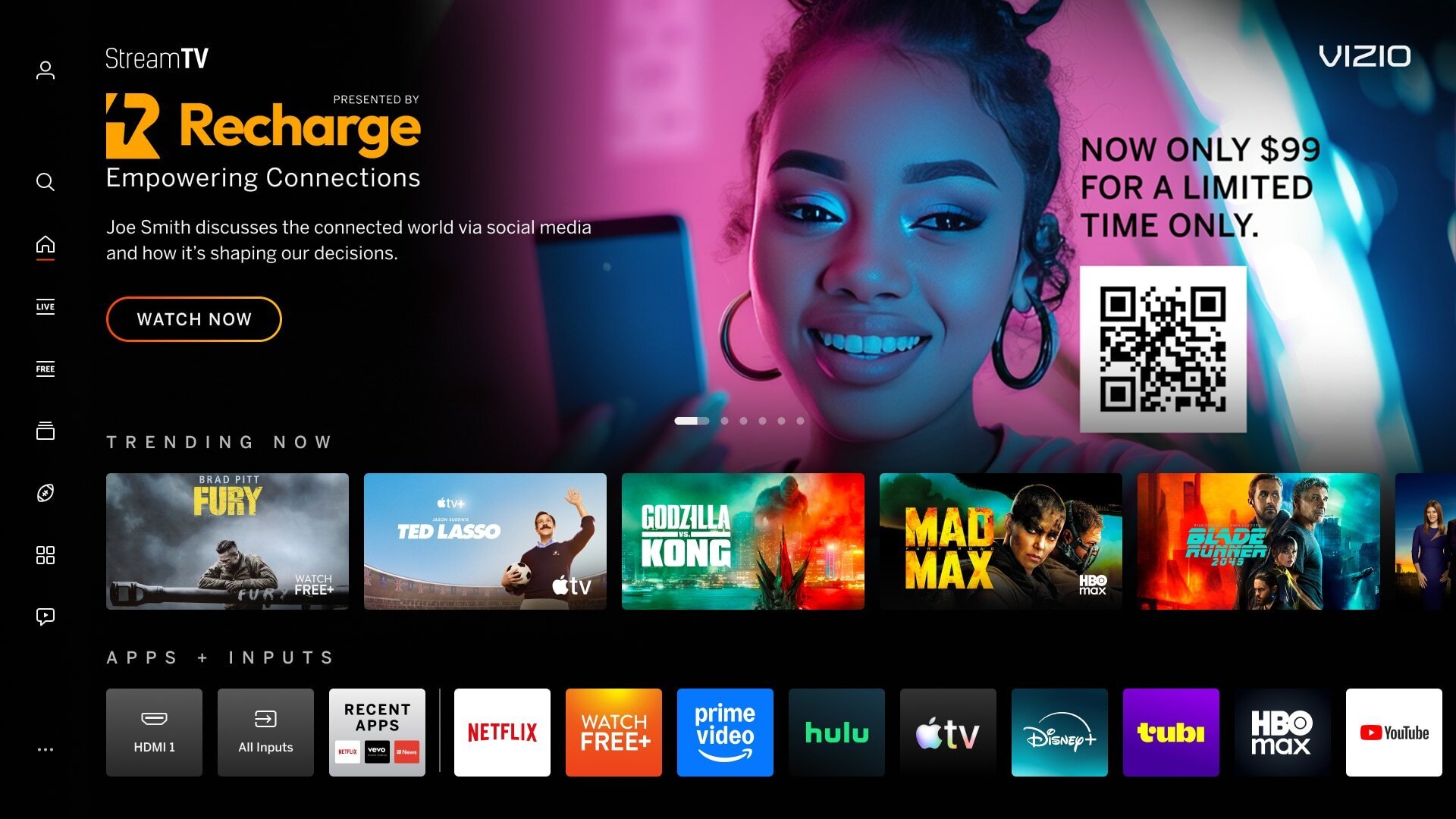
| Backdrop images contain copy, logos, or QR Codes are used in the backdrop image, creating visual clutter and confusion. | |
|
Incorrect Example ✘ |
Correct Example |
 |
|
| Mimic Platform UI: Borders | |
|---|---|
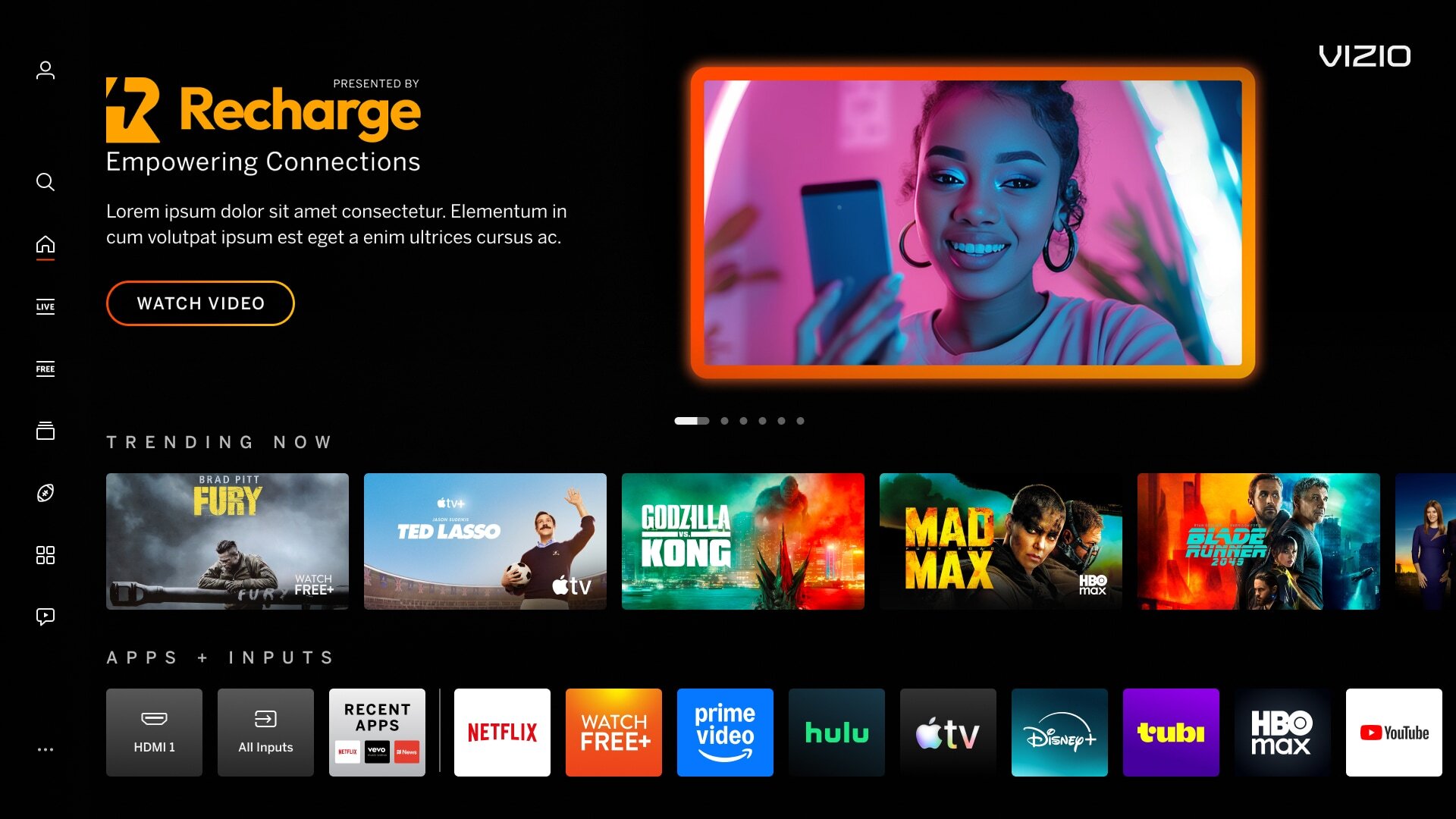
| Backdrop image has a border around the artwork which can mimic a focus state, causing confusion for users. | |
|
Incorrect Example ✘ |
Correct Example |
 |
|
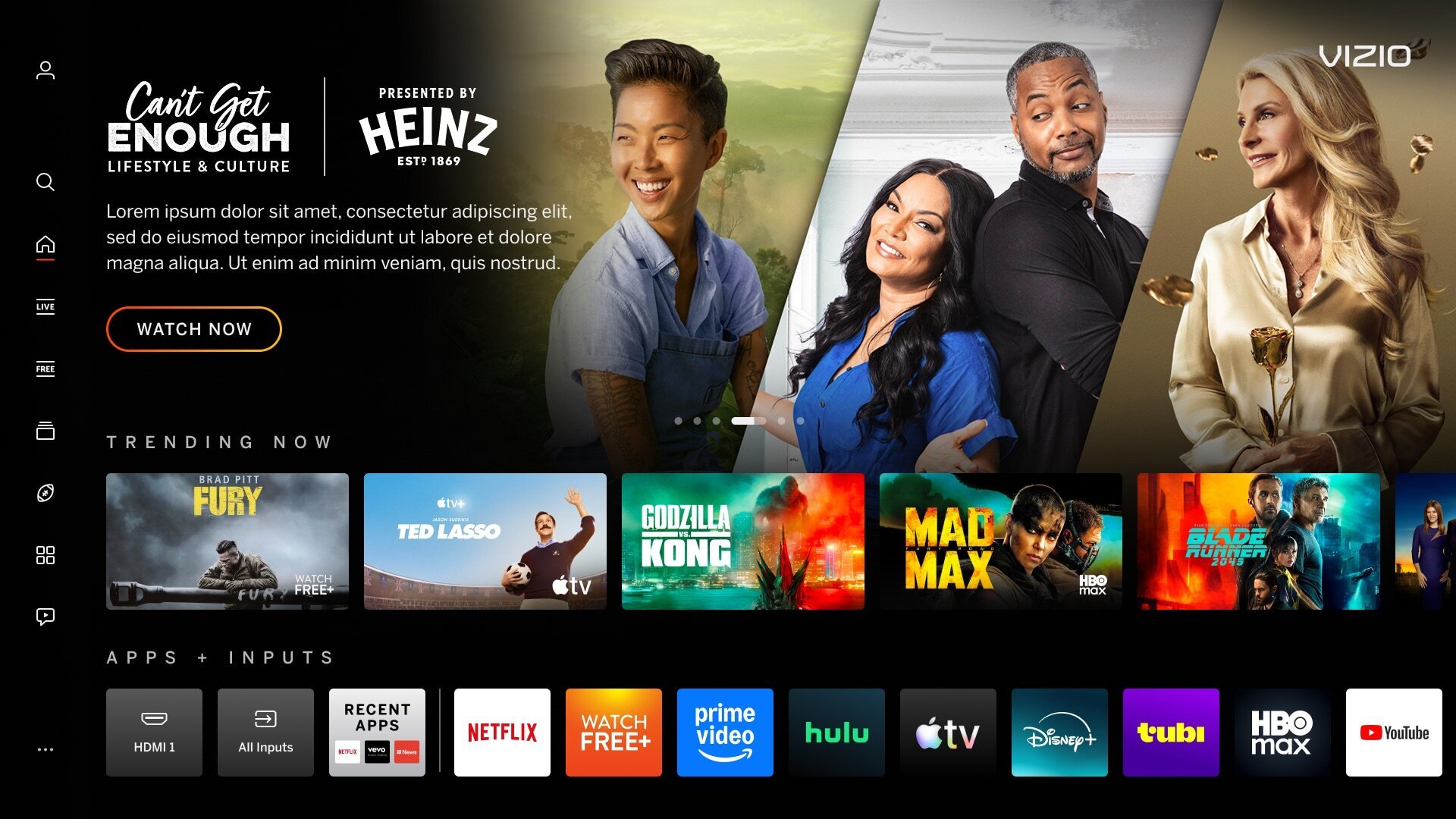
| Mimic Platform UI - Using Tiles | |
|---|---|
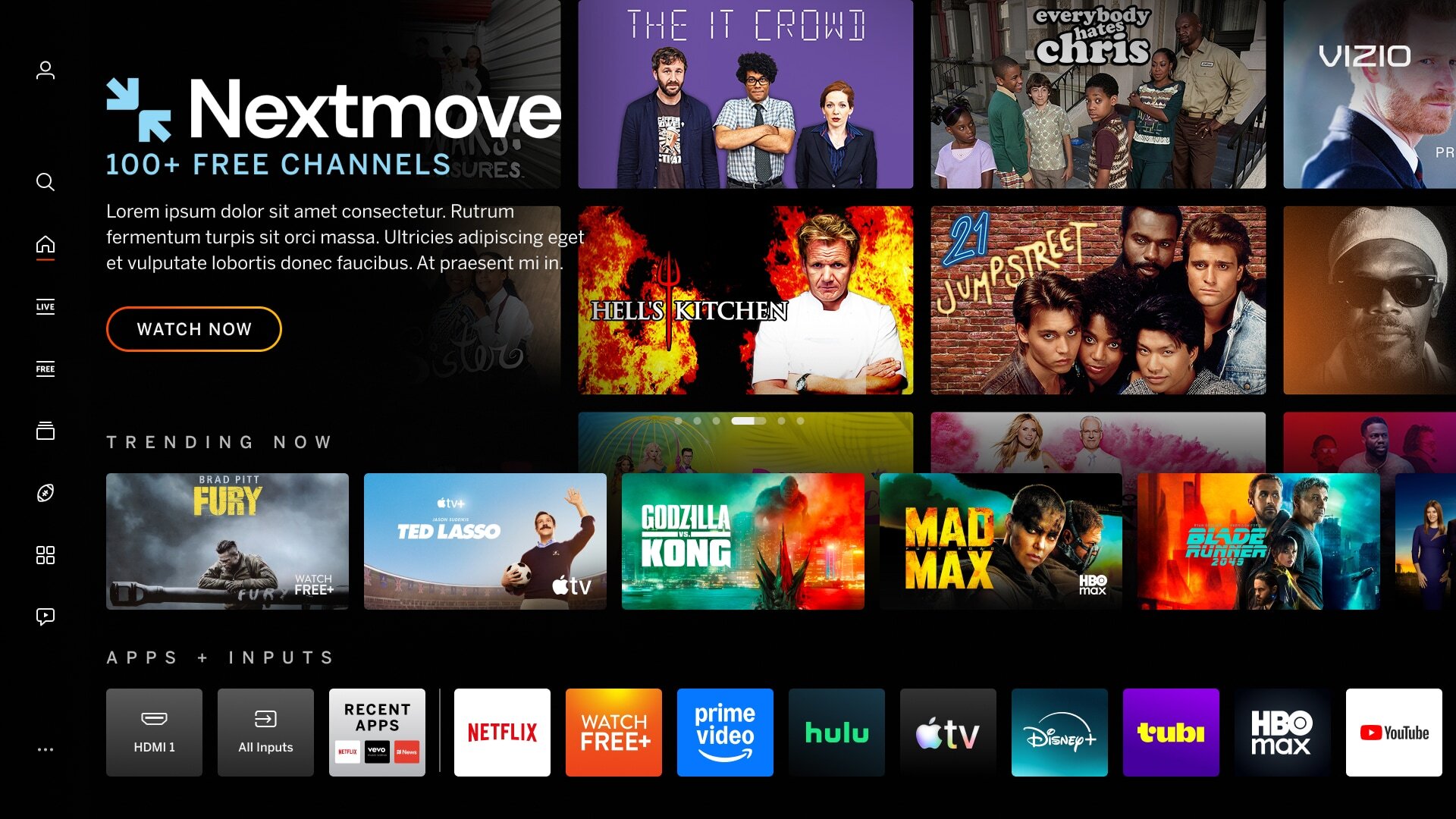
| Tiles can mimic the content on the VIZIO platform and confuse users that is is selectable. Applies to: All backdrops, tiles, and banner imagery | |
|
Incorrect Example ✘ |
Correct Example |
 |
 |
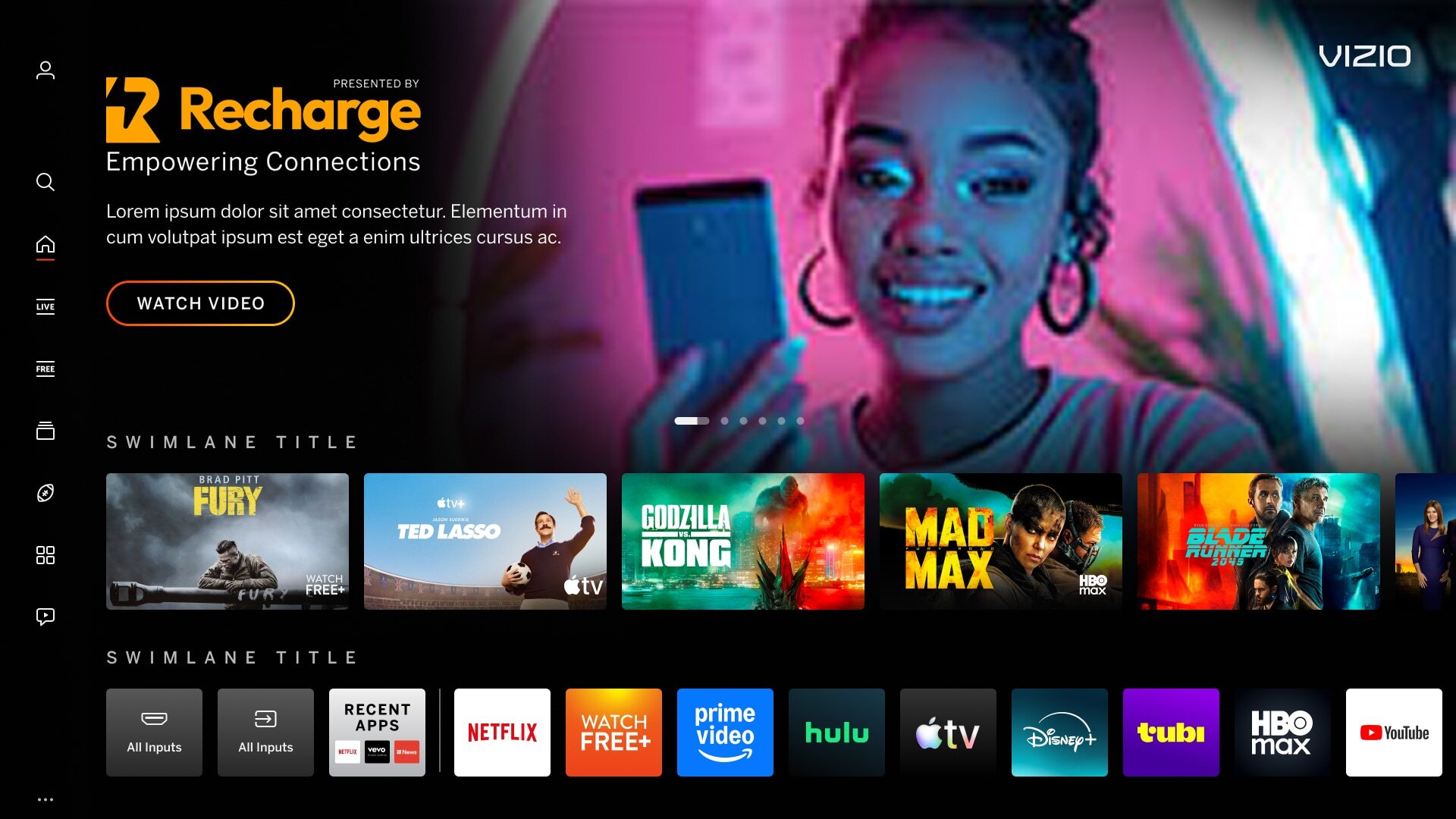
| Poor Image Quality | |
|---|---|
| Low-quality images may include, but are not limited to: busy images with too many visual objects, blurry or distorted, low-resolution/pixelated, or stretched images. | |
|
Incorrect Example ✘ |
Correct Example |
 |
|