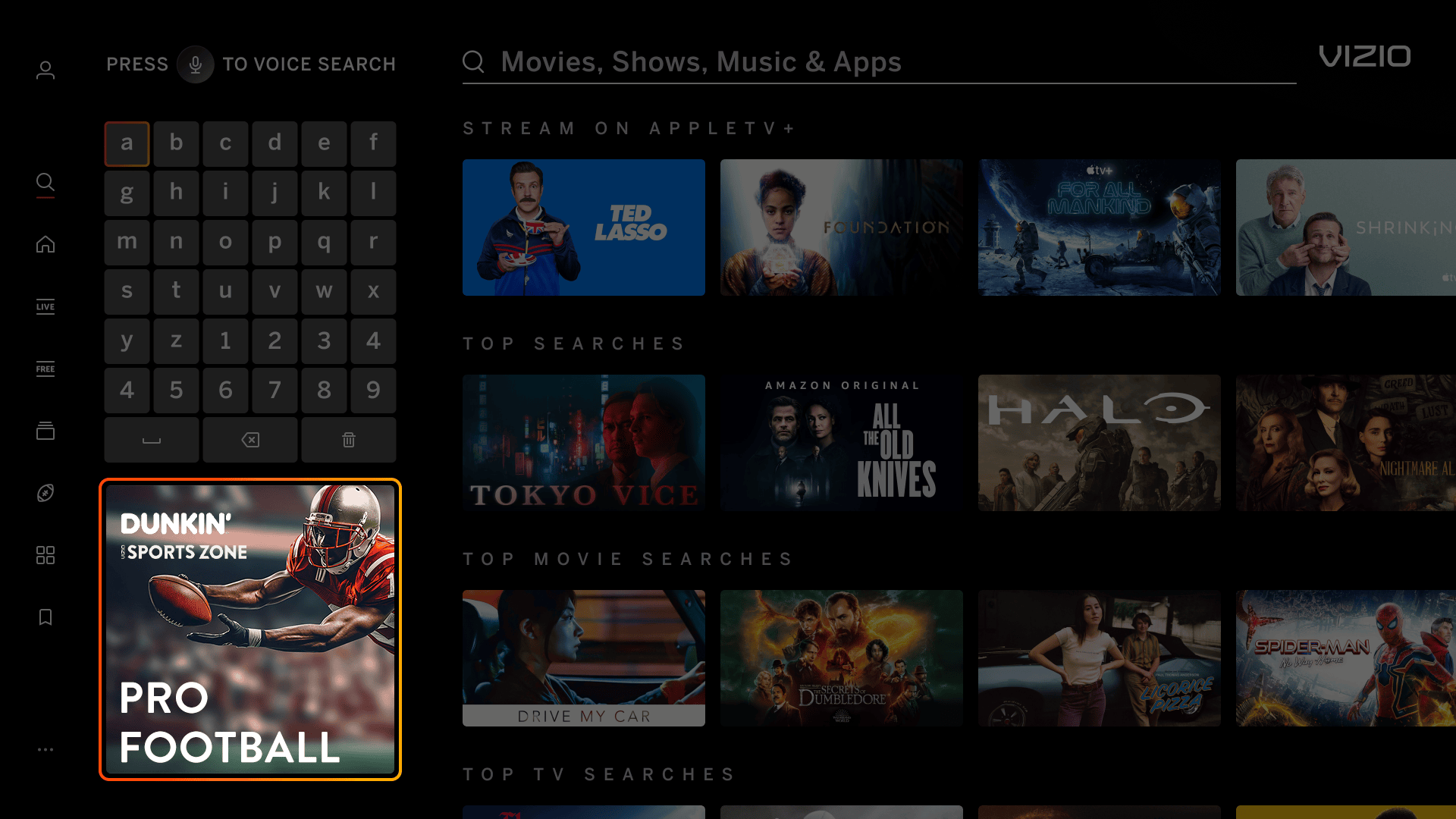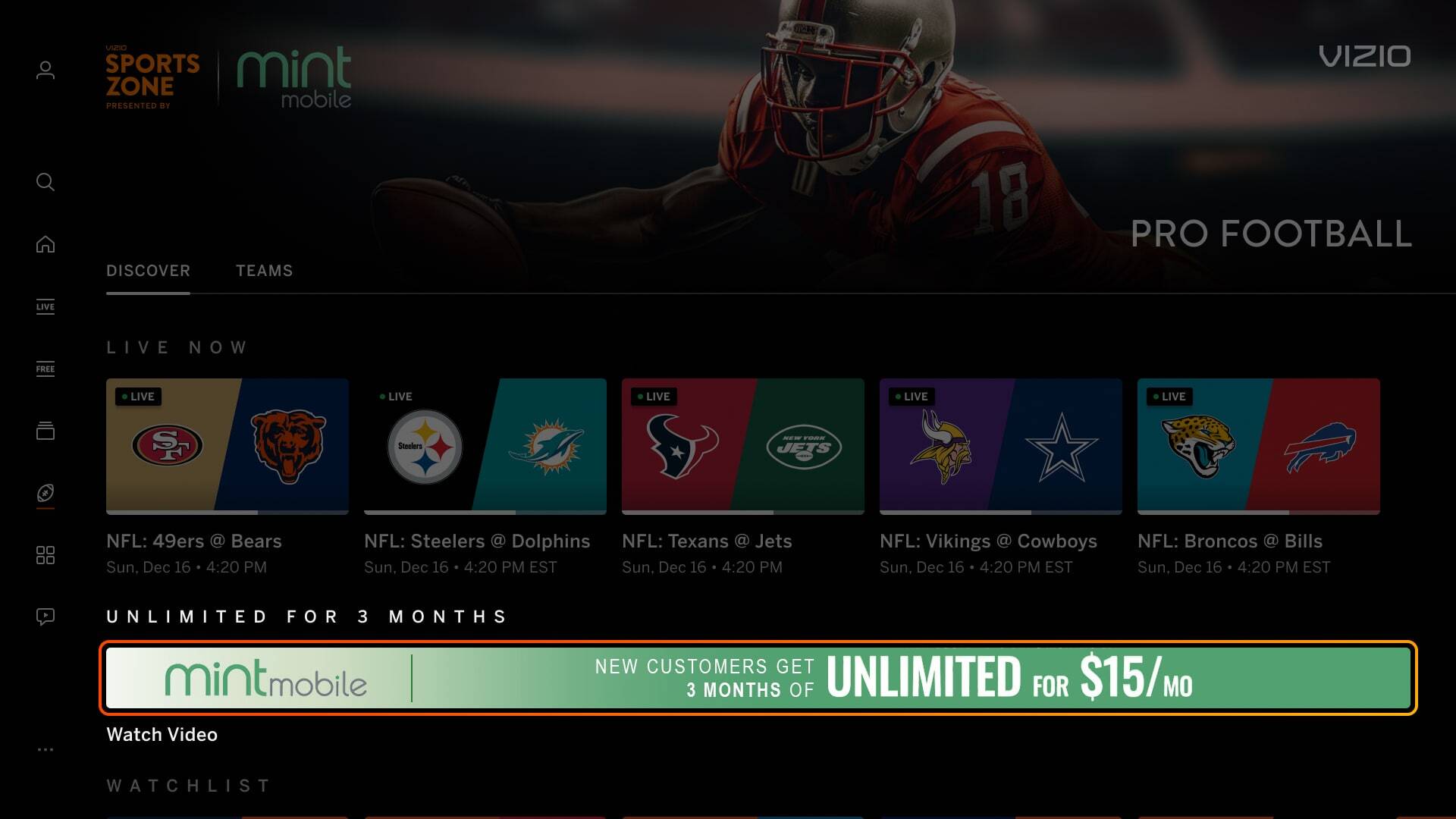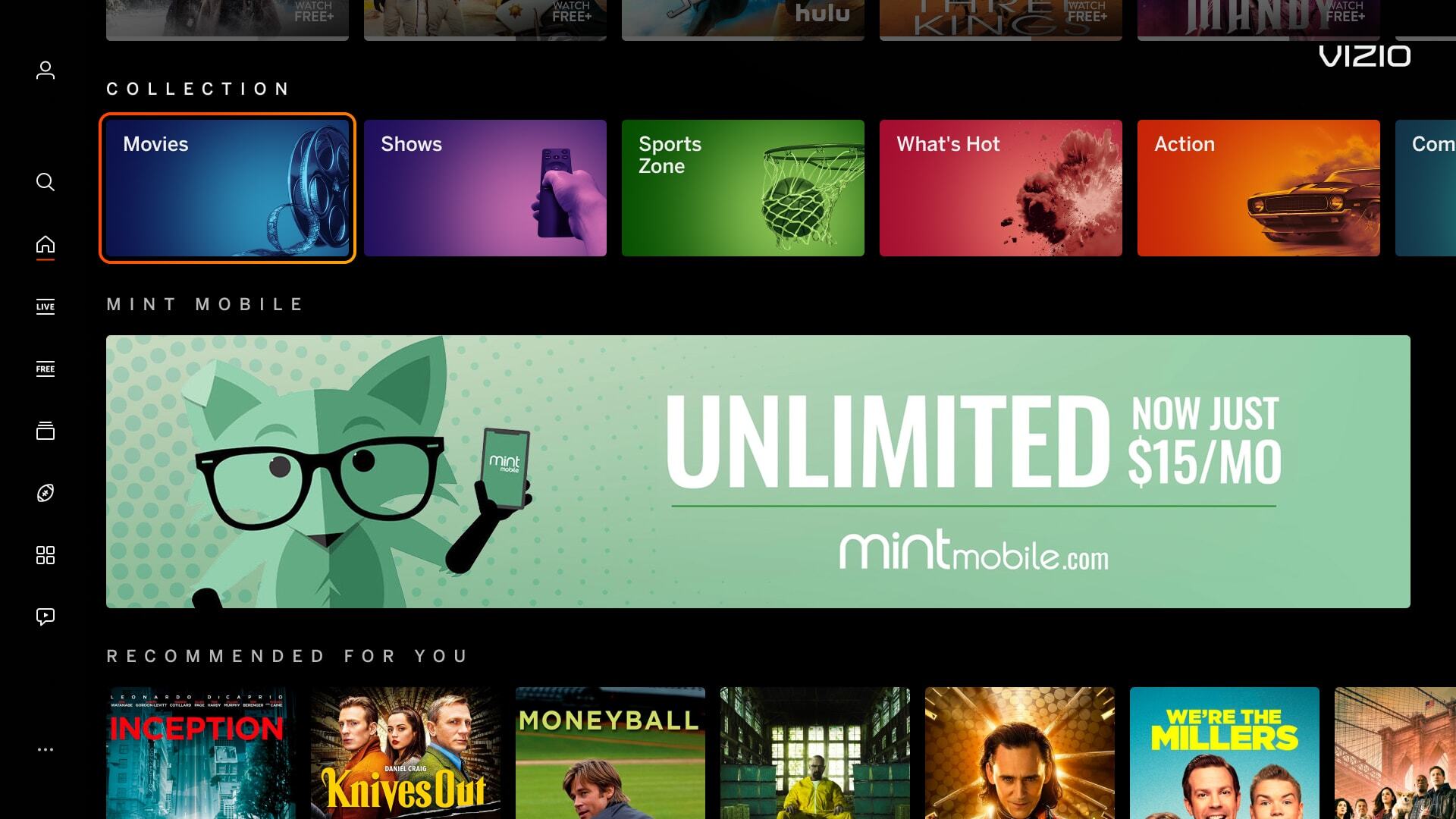
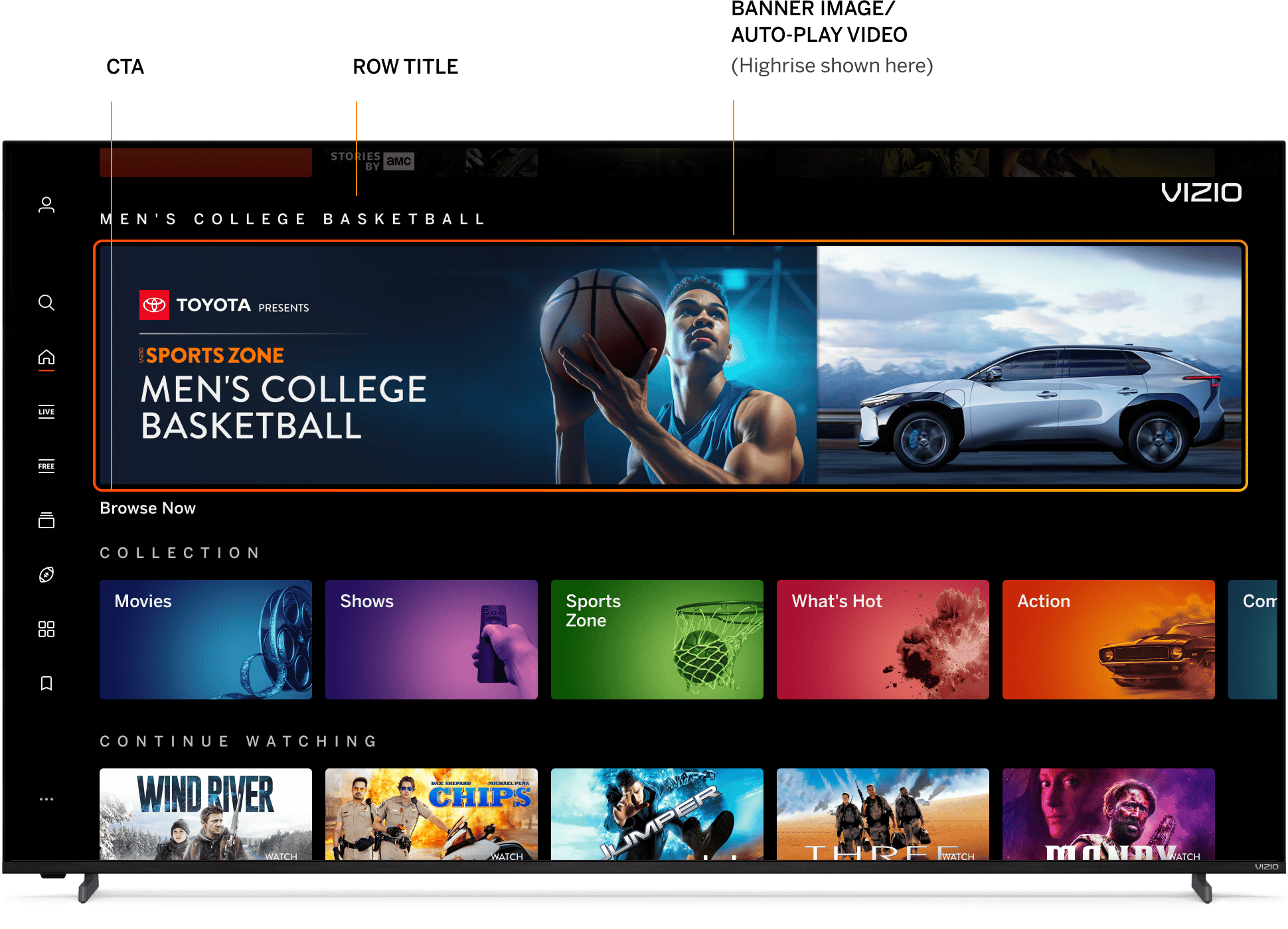
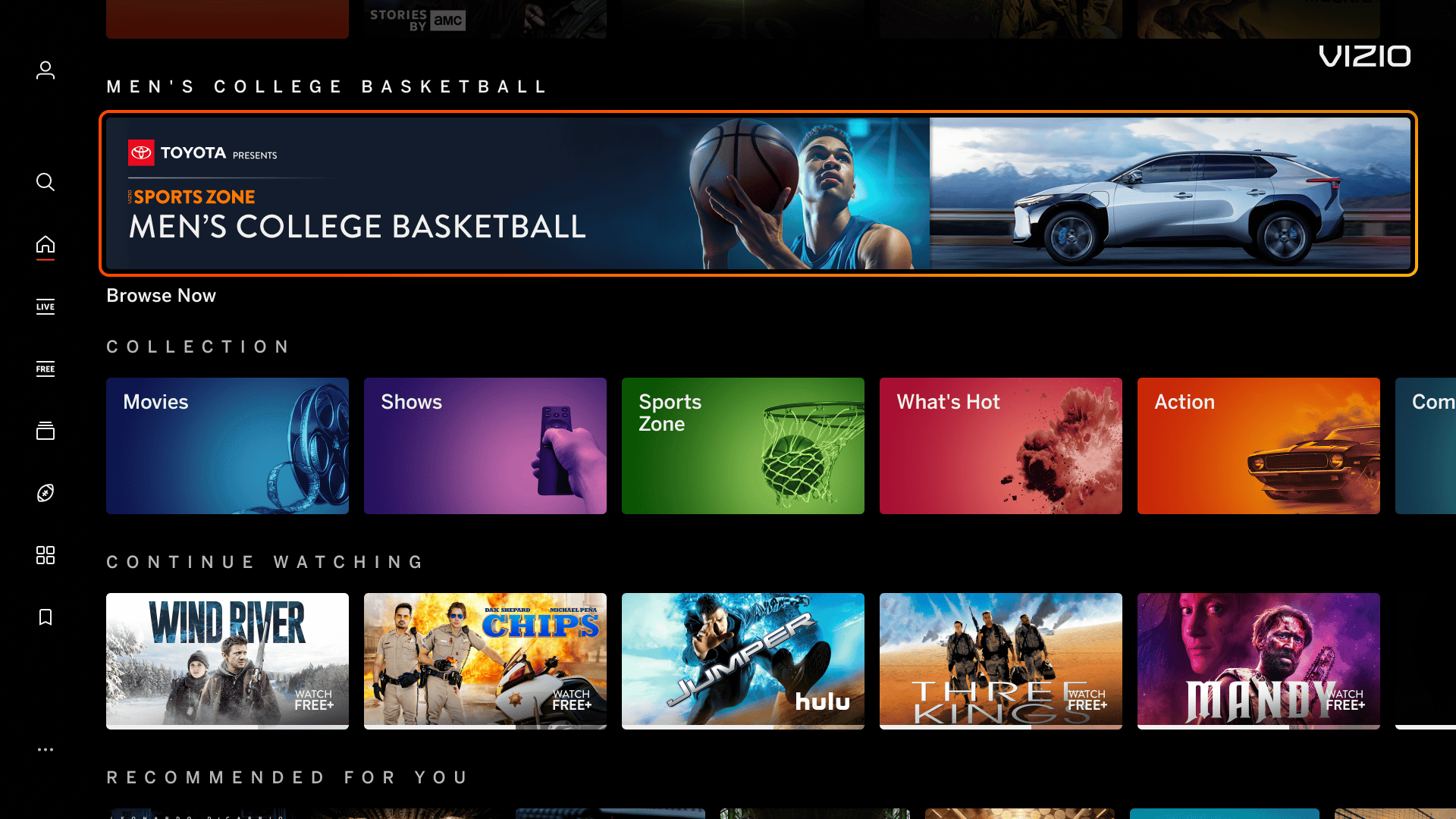
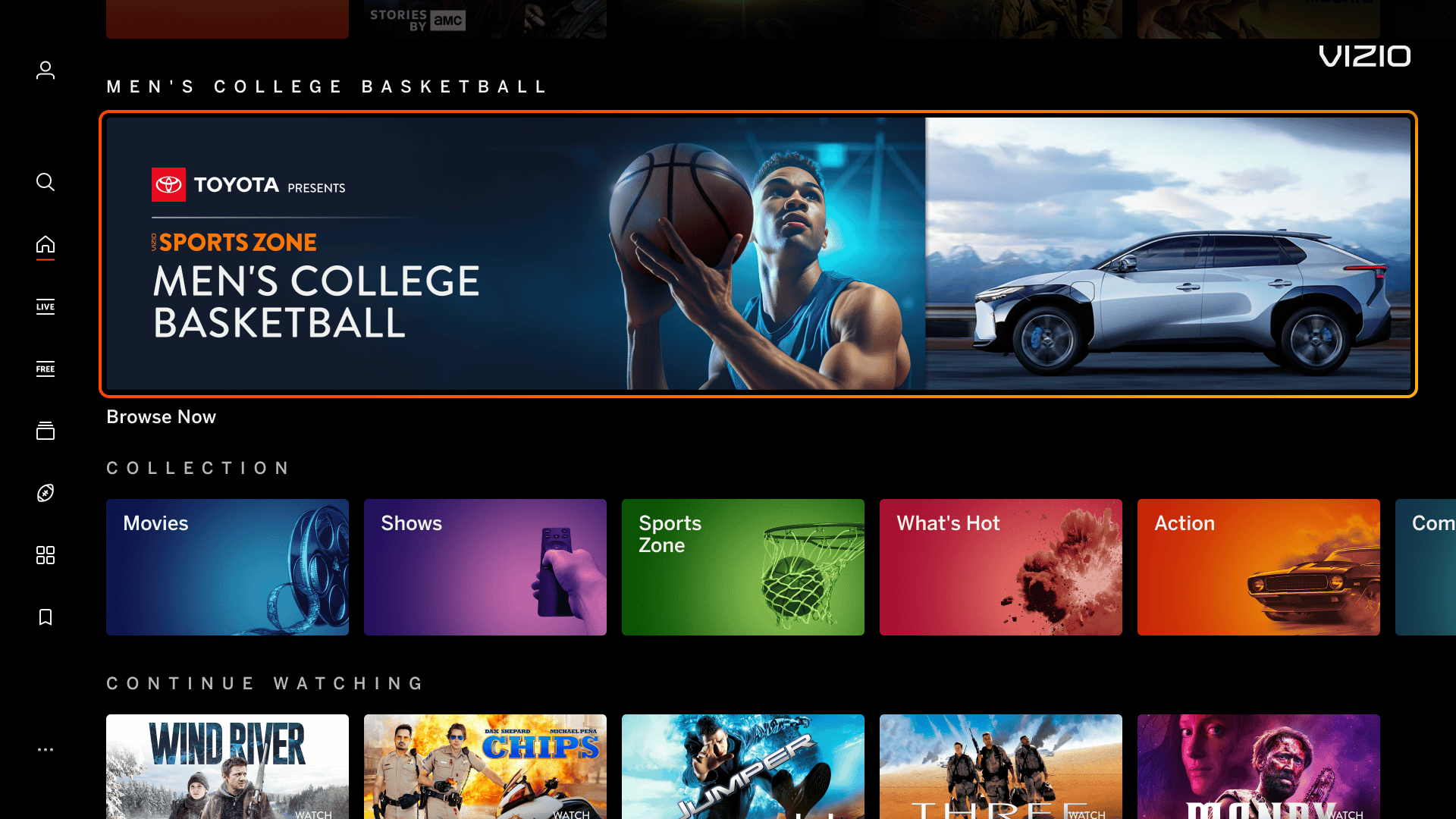
Banners promoting Sports Zone on VIZIO Home and Sports Zone Pages.

SZ Banners Overview

Search Page Banner Pencil
Spotlight Banner Highrise Banner

Single 1720px x 200px banner displayed on VIZIO Home. Banner can come with an Auto-play Video.


Single 1720px x 360px banner displayed on VIZIO Home. Banner can come with an Auto-play Video.


Search Page Banner Pencil
Search Page Banner Pencil  

Single 380px x 380px banner that goes underneath keyboard on the Search Page. Banner is not applicable with any other pages.

Single 1720px x 80px banner only displayed on the Sports Zone Individual Sport Page. Banner is not applicable with any other pages.

Unit Image Dimensions Image Max. File Size
Spotlight Banner
(Created by VIZIO. See logo specs below.)
1720px x 200px 500 KB
Highrise Banner
(Created by VIZIO. See logo specs below.)
1720px x 360px 500 KB
Search Page Banner
(Created by VIZIO. See logo specs below.)
380px x 380px 300 KB
Pencil Banner
(See additional specs below)
1720px x 80px 300 KB

Sponsor Logo
File Type Vector file (AI, EPS, SVG)
Color
  • Supply both a color logo and a white logo. Color logos must have contrast in front of VIZIO’s black-colored background
  • A white version will be used in the Search Page Banner
Miscellaneous Asset should be the logo only - avoid additional messaging or graphics.

Text
Row Title Character Count
Approximately 40 characters, including spaces
Call-to-action
  • Max 20-25 characters
  • Text must correctly repesent the action (Learn More, Watch Now, Browse Now, etc.)

Pencil Banner
File Type JPG, PNG 
Legal Text To optimize space, legal text should span horizontally across the entire width of the banner
QR Codes Due to the small scale of the banner, avoid using QR codes as they may not be scanable from viewing distance.

Excessive Text/Logos
Banner images have an excessive amount of text/logo and can cause readability issues for the user.

Incorrect Example  ✘

Correct Example  Green Check Mark

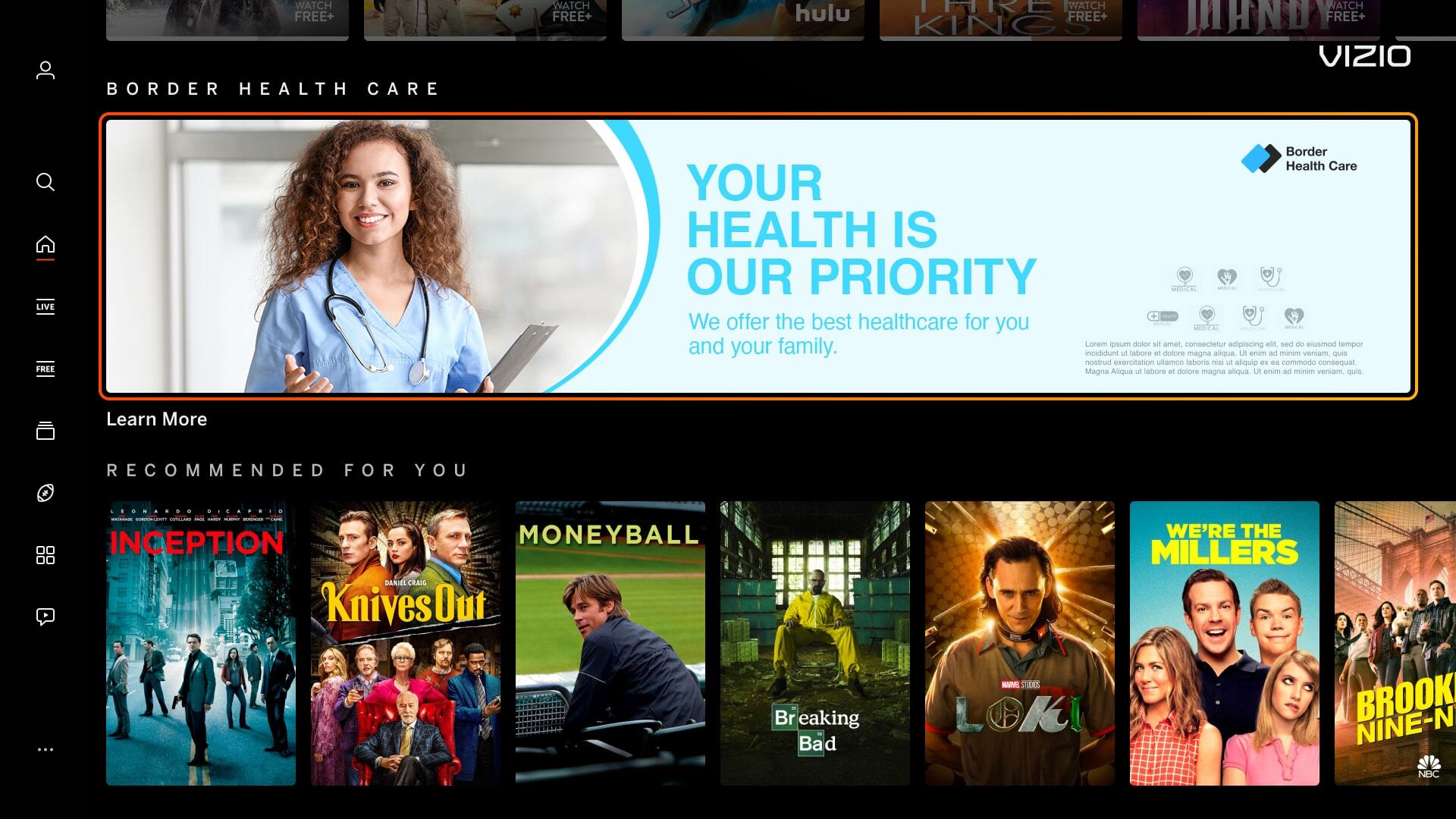
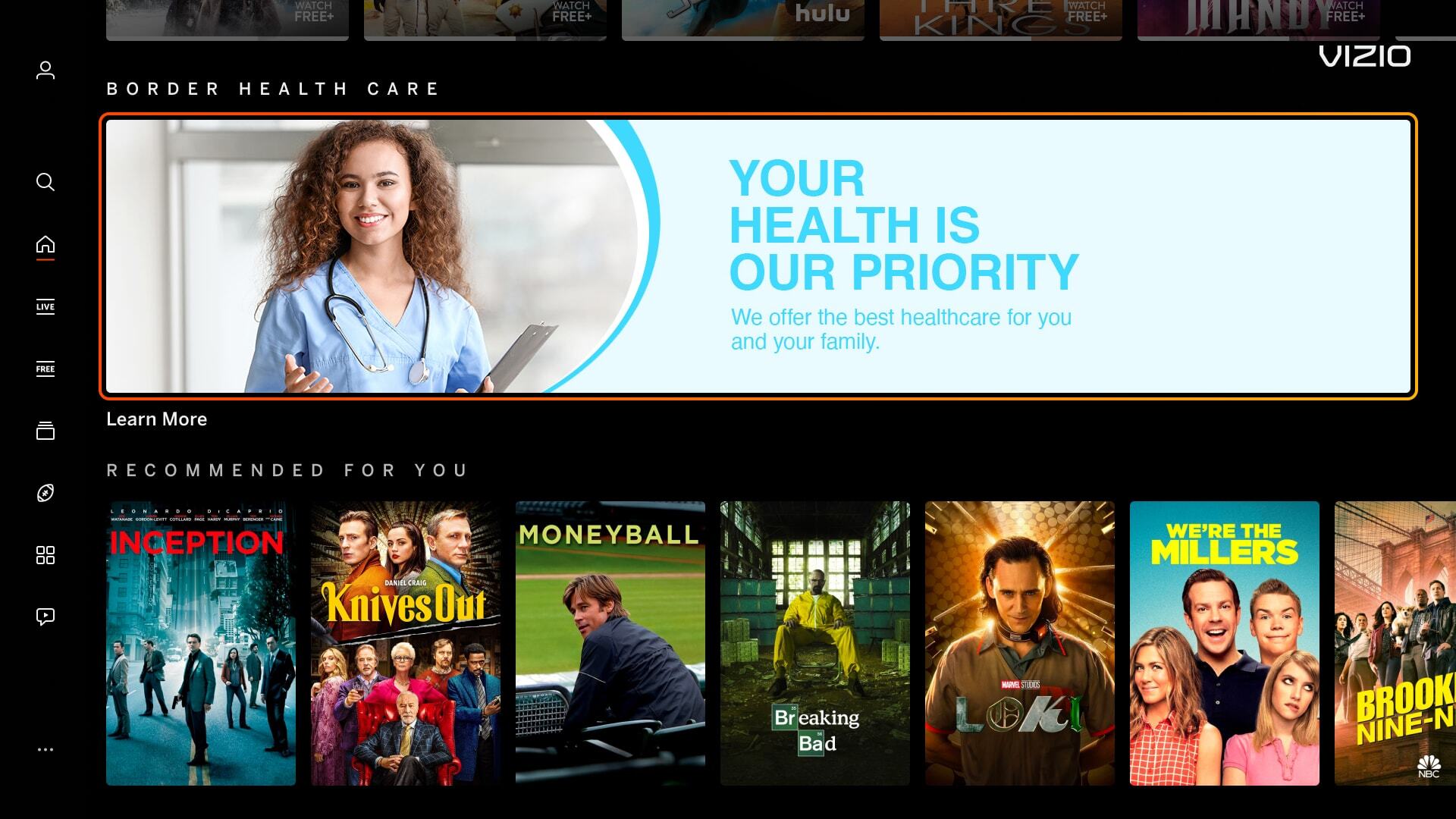
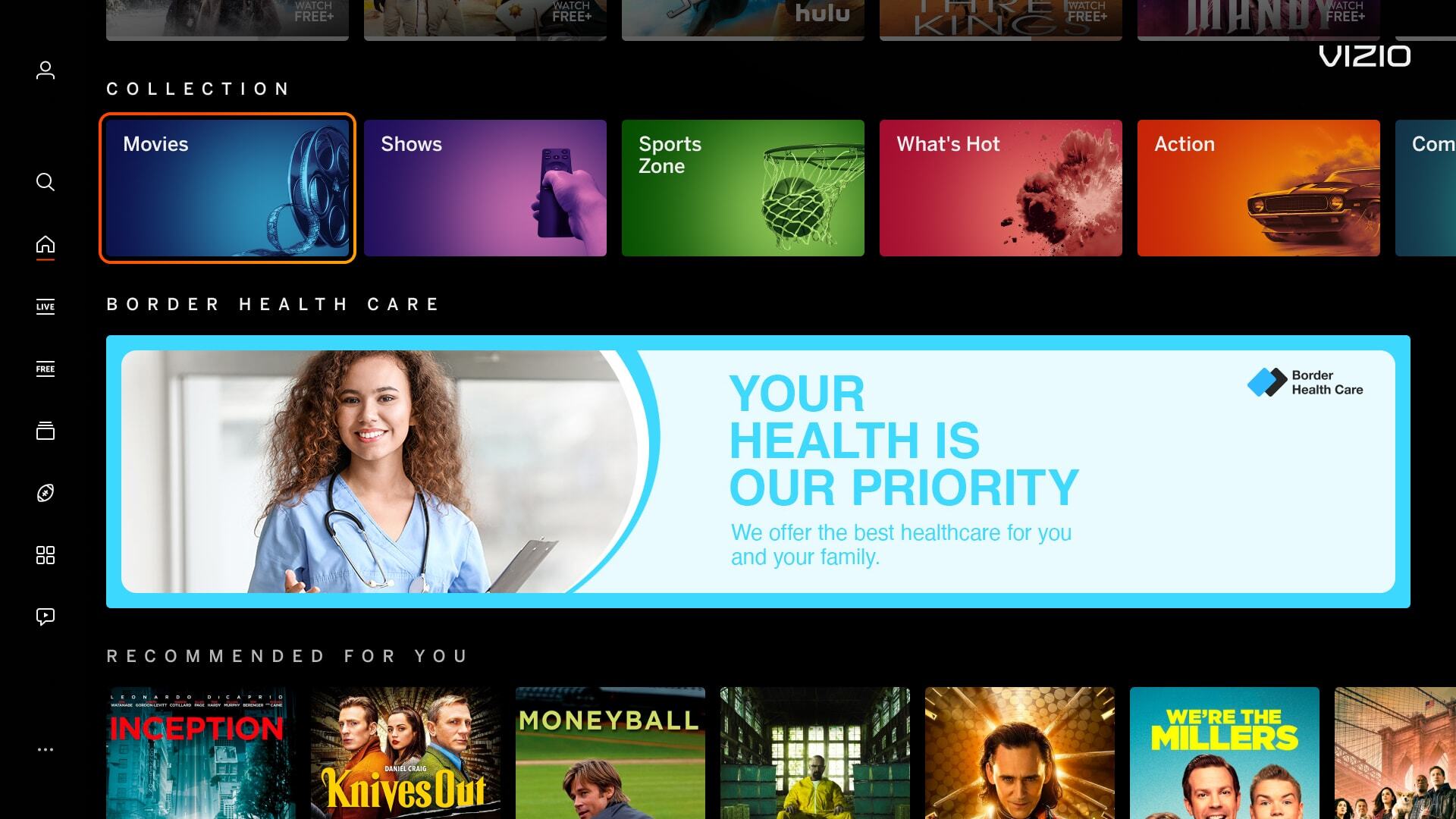
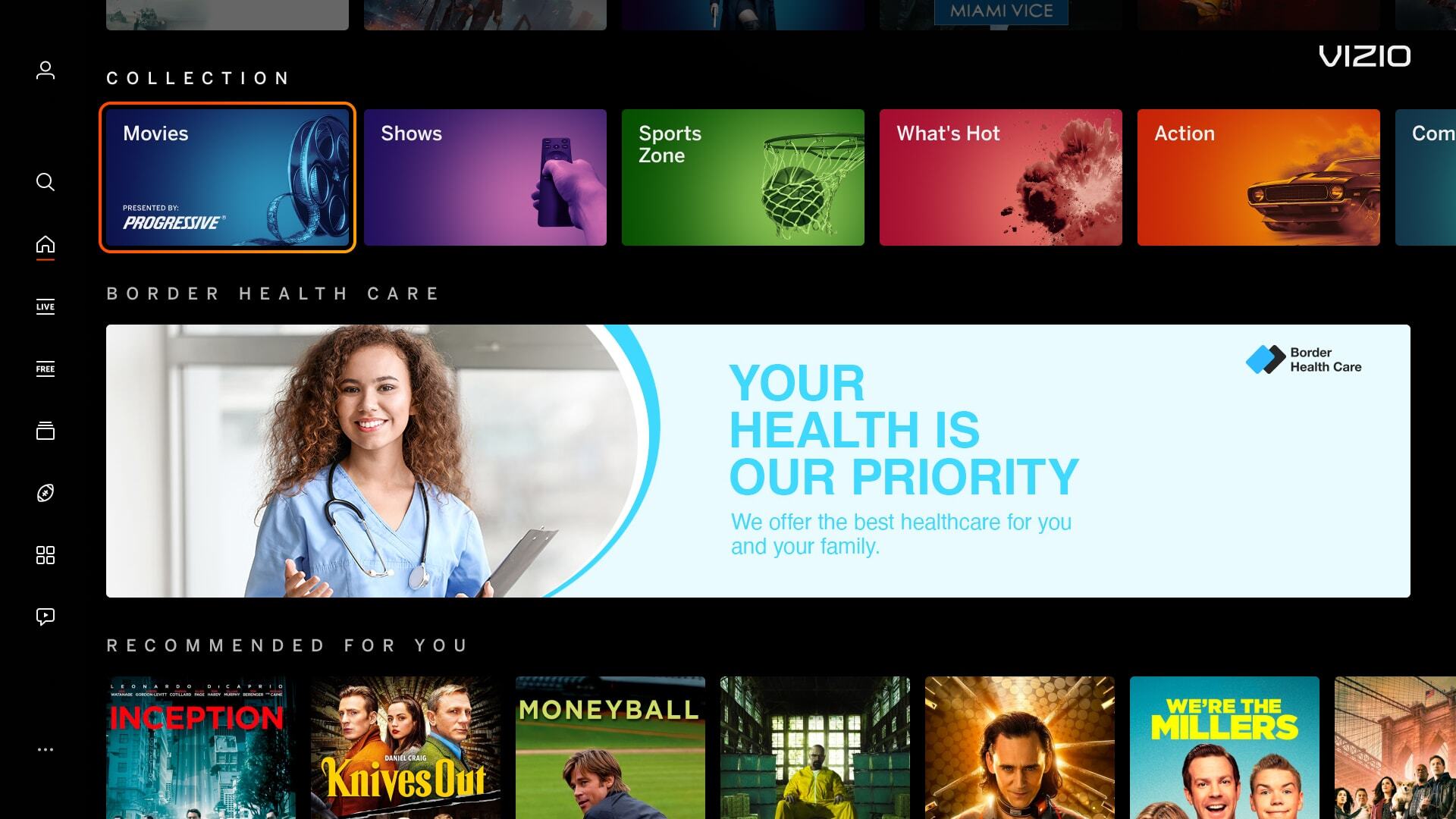
Incorrect - Banner Image - AP Video - Letter Boxing Correct - Banner Image - AP Video - Letter Boxing


Mimic Platform UI: Borders
Banner images have borders around the artwork which can mimic a focus state, causing confusion for users.

Incorrect Example   ✘

Correct Example   Green Check Mark

Incorrect - Banner Image - Platform UI - CTA Correct - Banner Image - Platform UI - CTA


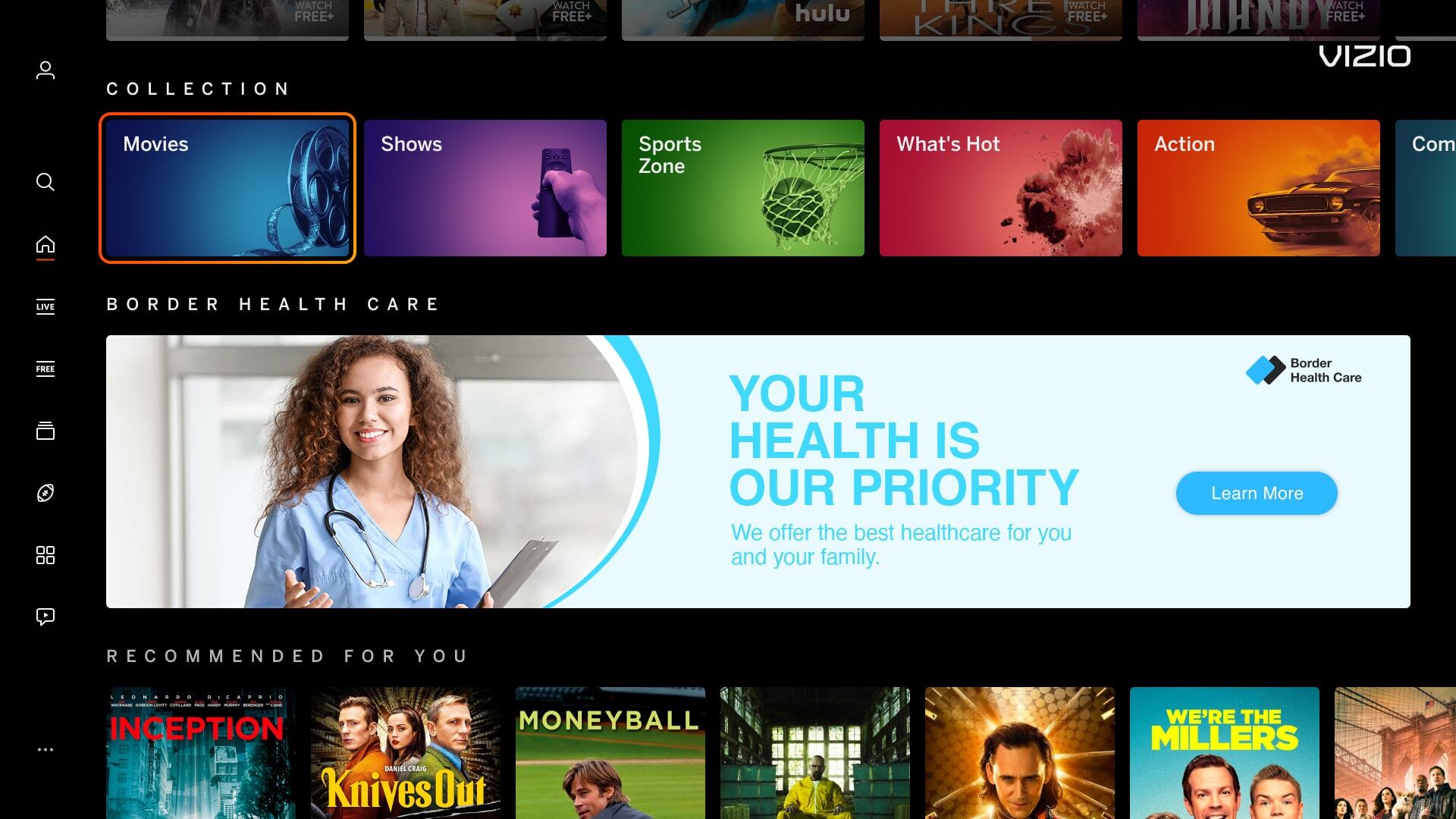
Mimic Platform UI: CTA Button
Including a CTA button within a banner or tile image is confusing for the user. Our platform highlights around the image, making the whole image a CTA, rather than having a focus state around the button.

Incorrect Example   ✘

Correct Example   Green Check Mark

Incorrect - Banner Image - Platform UI - CTA Correct - Banner Image - Platform UI - CTA


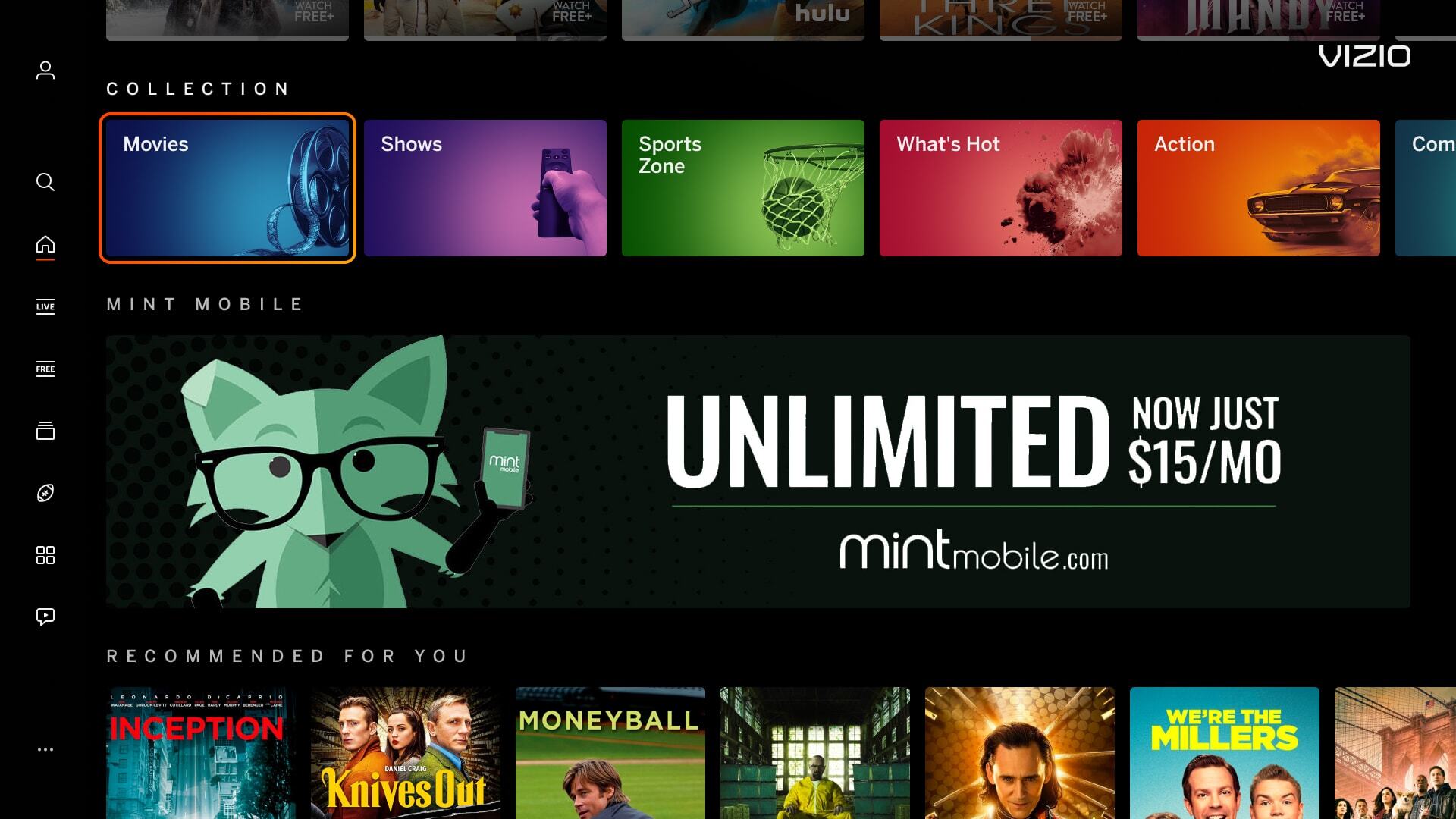
Mimic Platform UI: Solid Black Background Color
Banner images using a solid black background makes content blend within out UI.

Incorrect Example   ✘

Correct Example   Green Check Mark

Incorrect - Banner Image - Platform UI - Background Correct - Banner Image - Platform UI - Background