


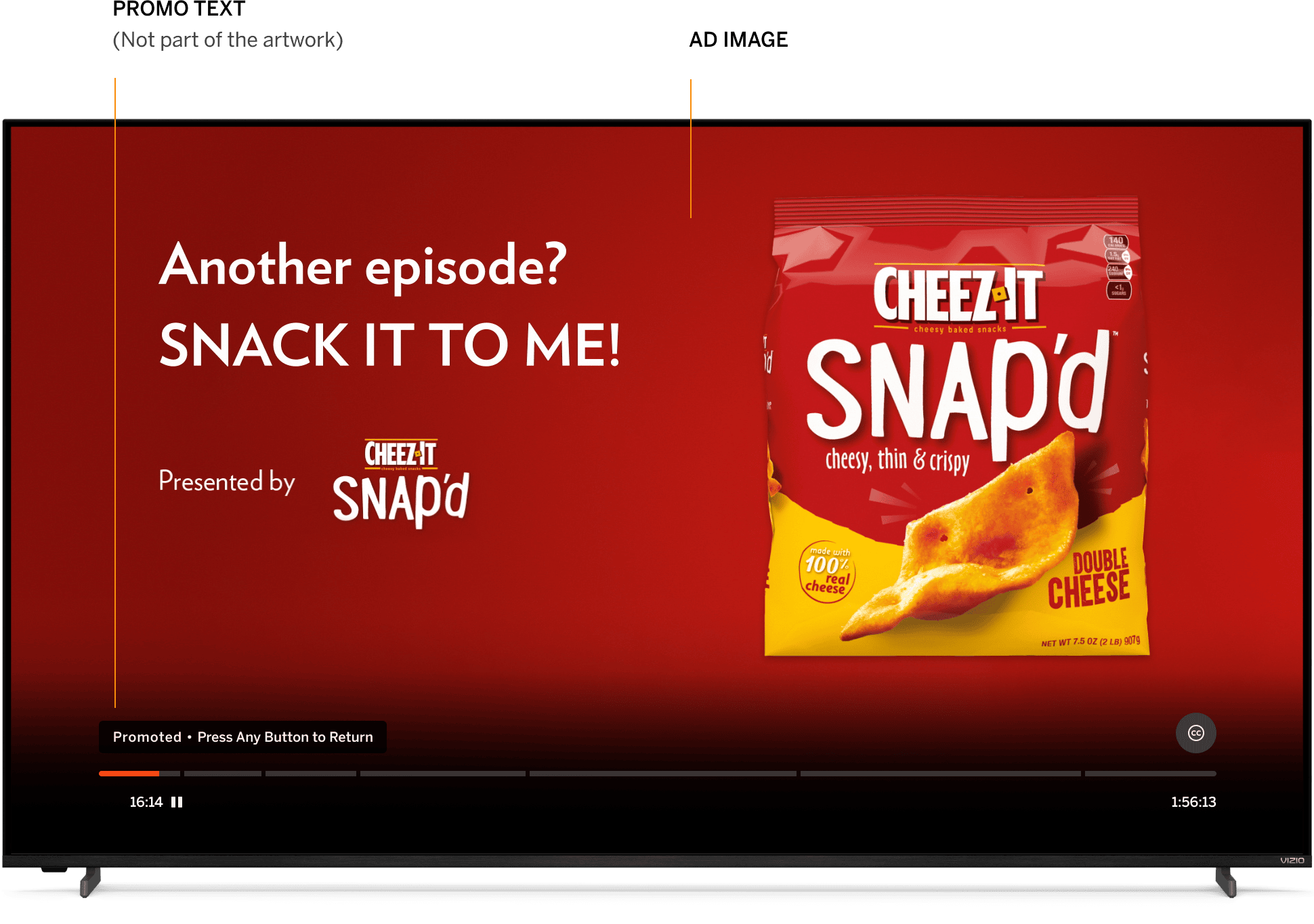
| QR Codes/Content Outside of Safe Area | |
|---|---|
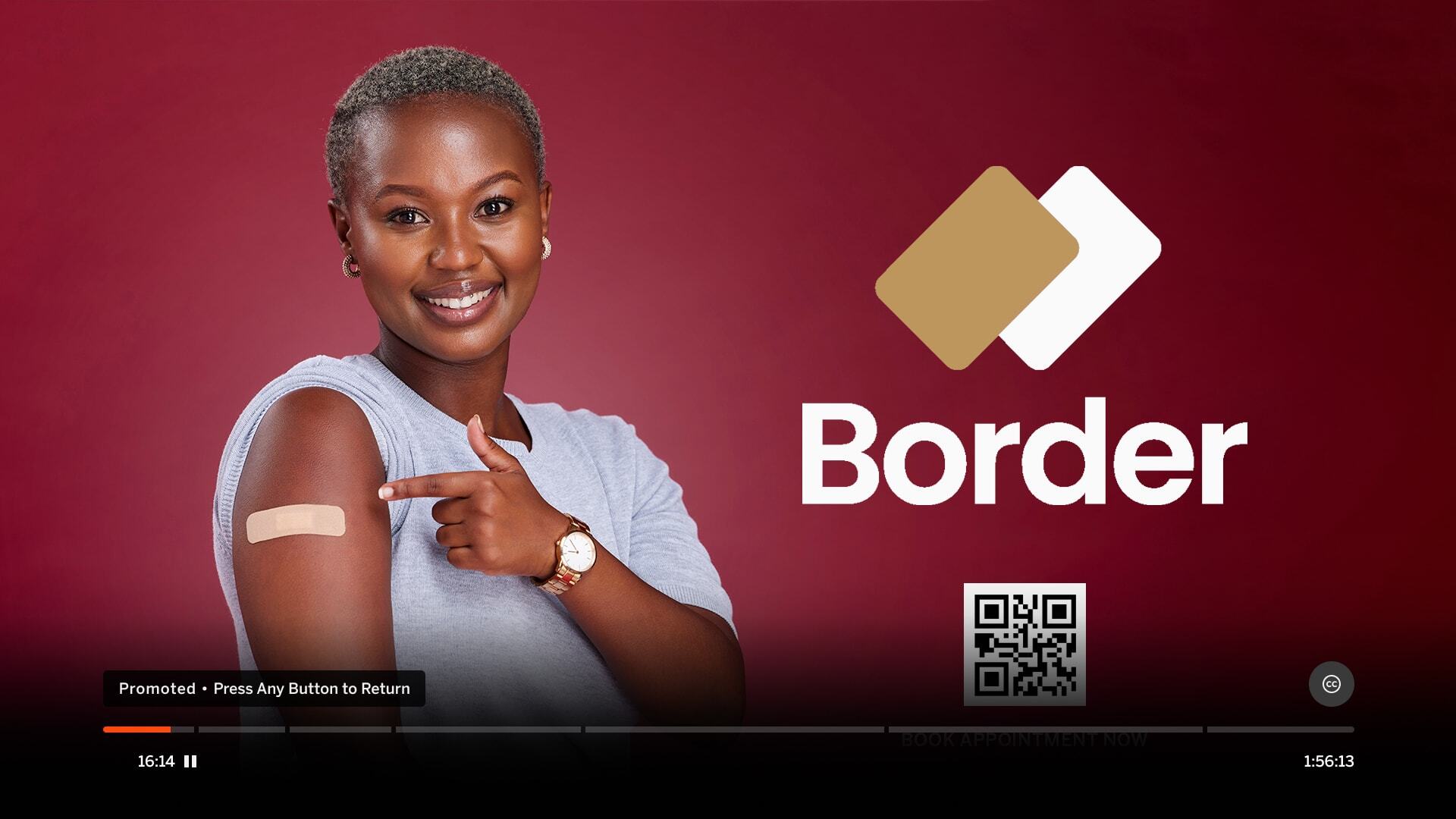
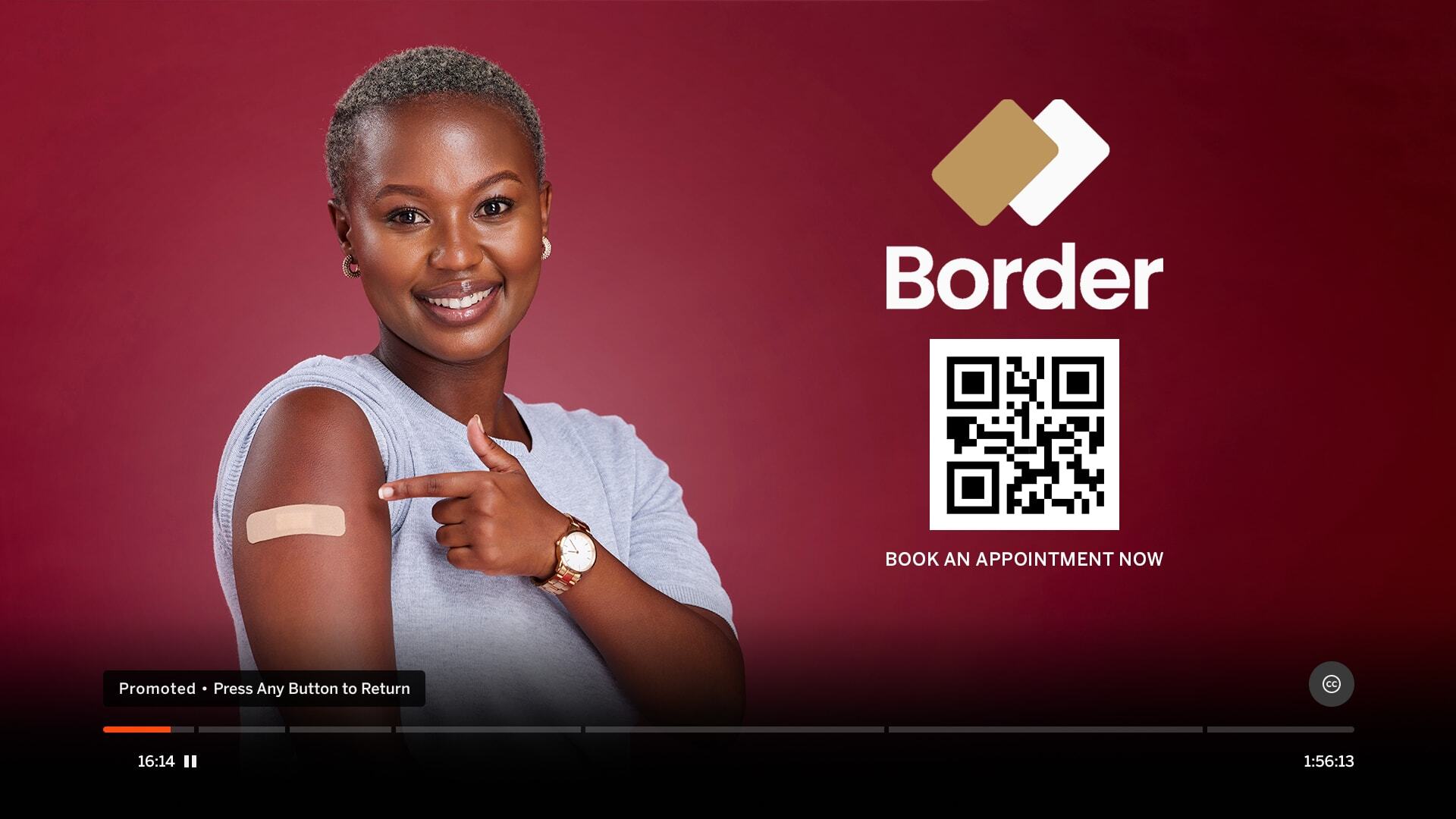
| Do not place QR codes or text outside the image safe area. See Photoshop template for guides. | |
|
Incorrect Example ✘ |
Correct Example |
 |
 |

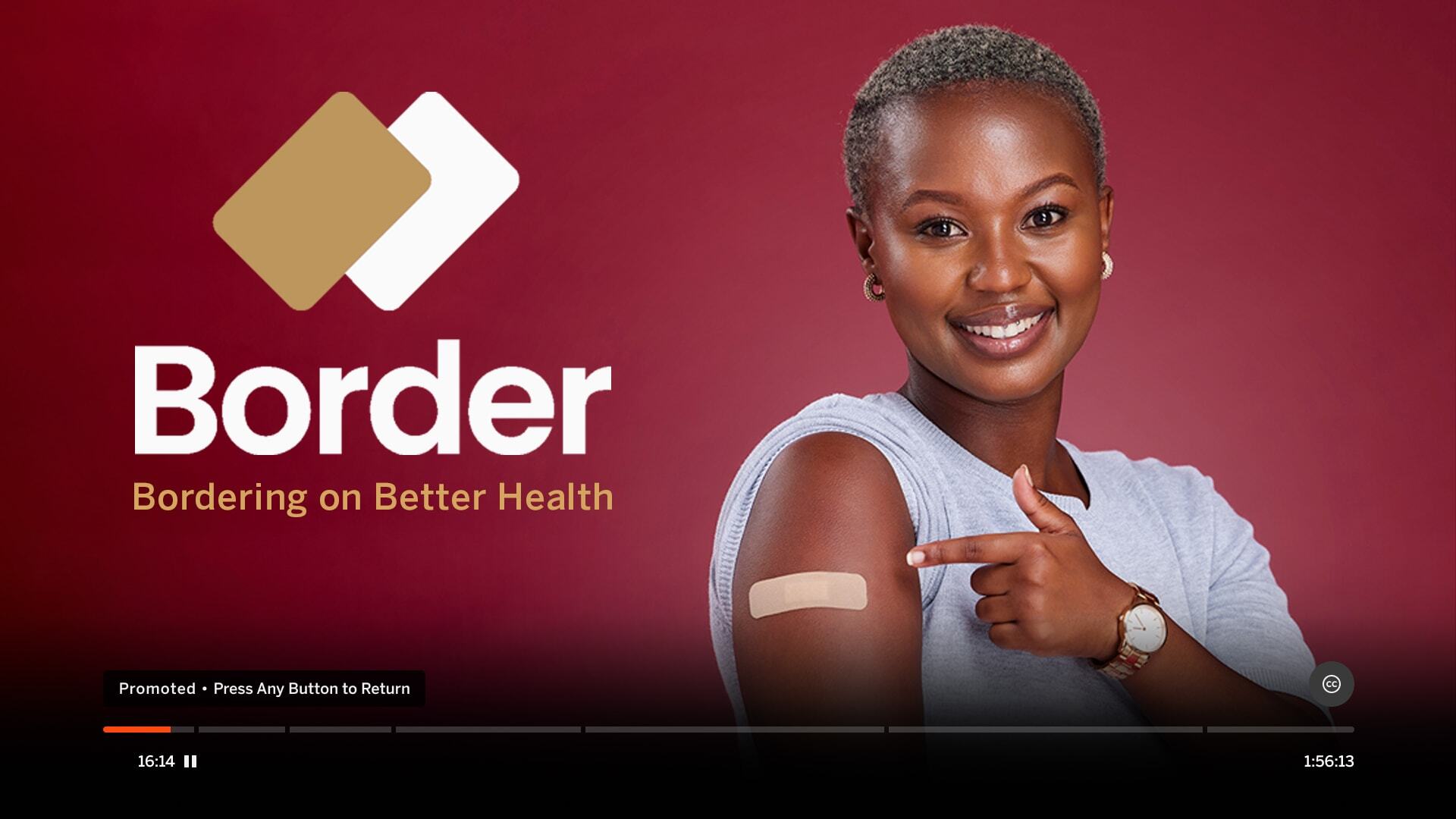
| Cropped Image | |
|---|---|
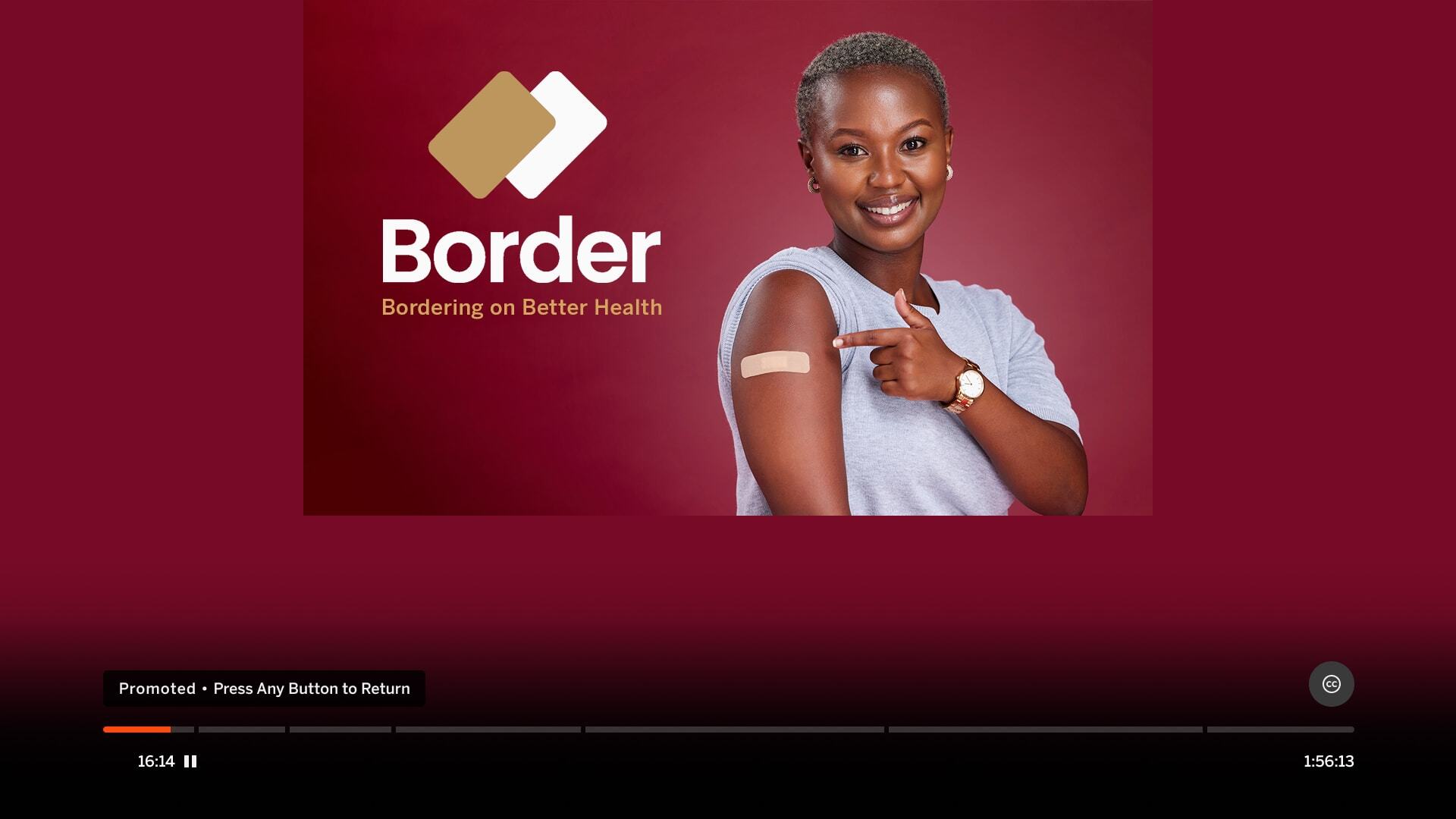
| Ad image content should be full bleed, utilizing as much as the screen as possible. Avoid filler background. | |
|
Incorrect Example ✘ |
Correct Example |
 |
 |
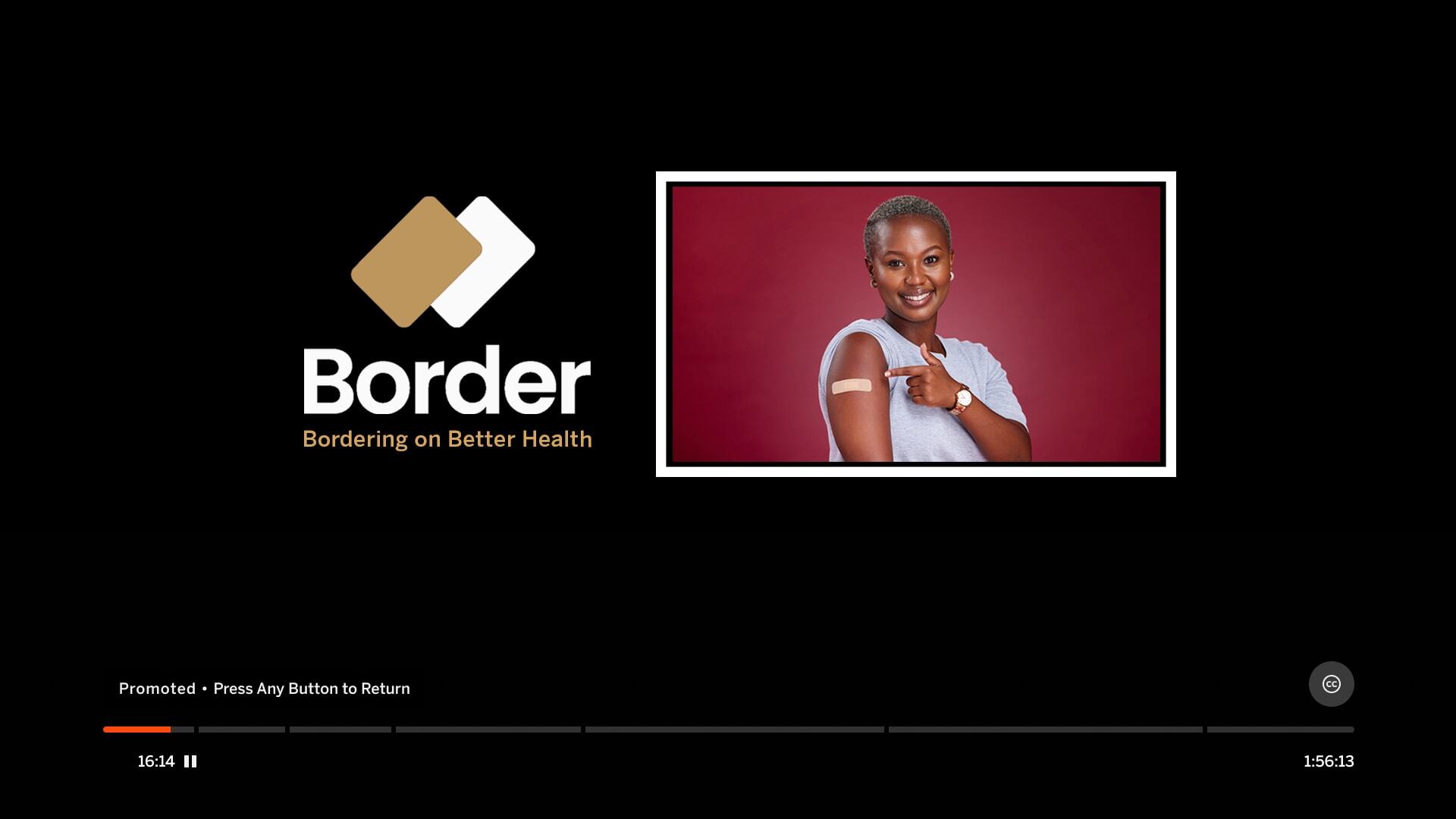
| Mimic Platform UI: Using Tiles | |
|---|---|
| Tiles can mimic the focus state on the WF+ platform and confuse users. | |
|
Incorrect Example ✘ |
Correct Example |
 |
|
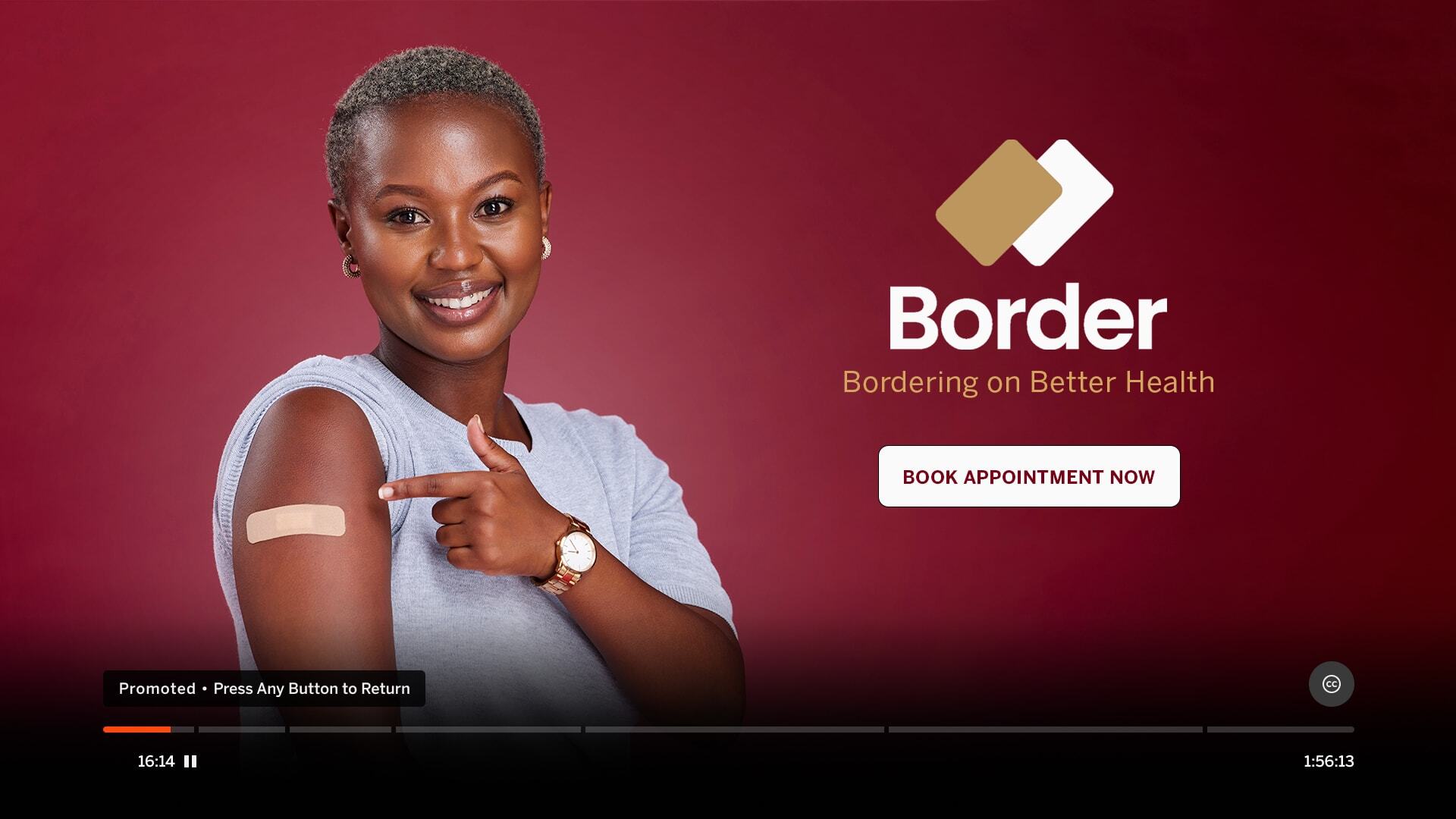
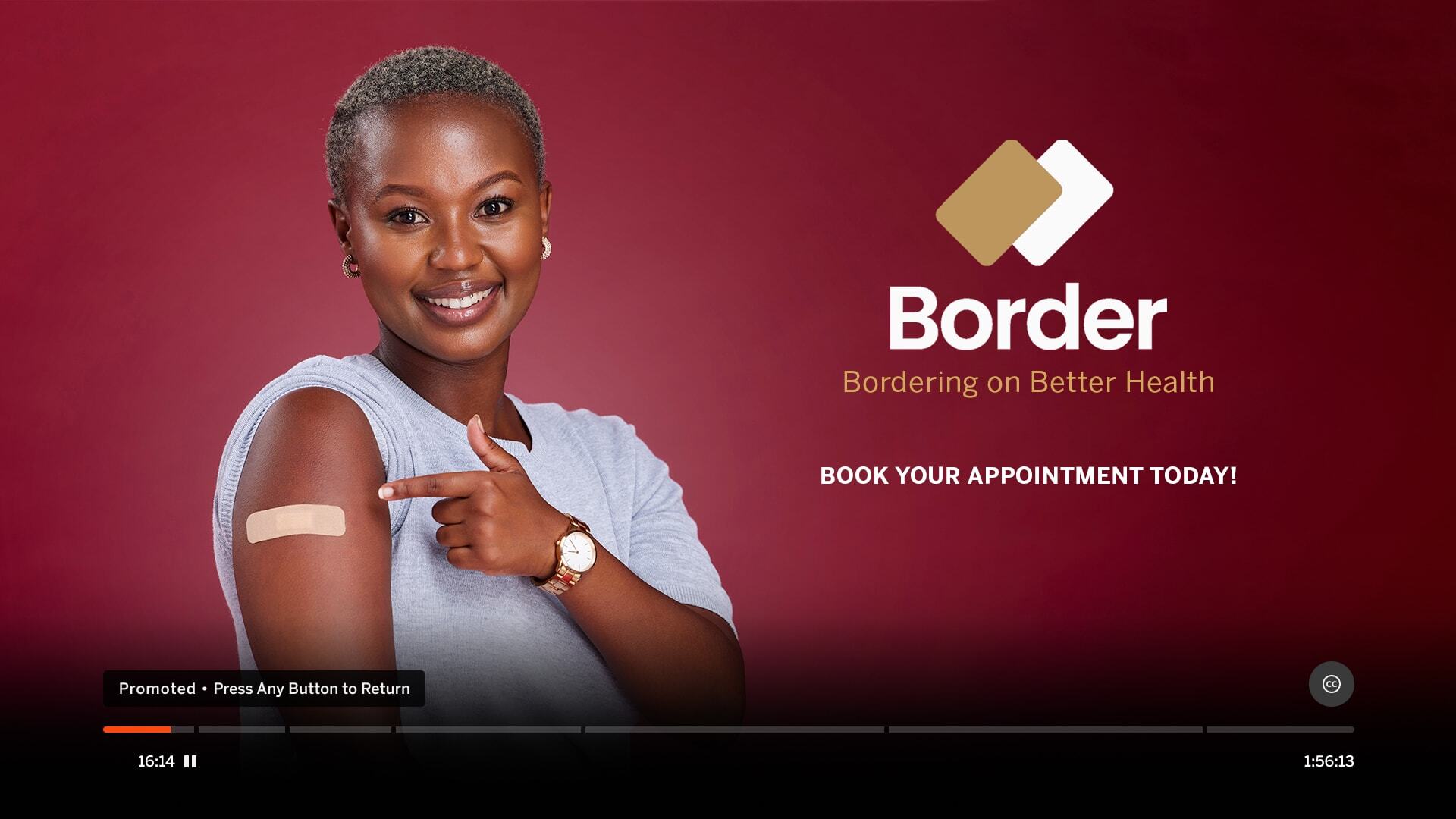
| Mimic Platform UI: Using CTA | |
|---|---|
| CTA buttons or UI icons can be confused with the Player Controls or imply a focus state. | |
|
Incorrect Example ✘ |
Correct Example |
 |
 |