


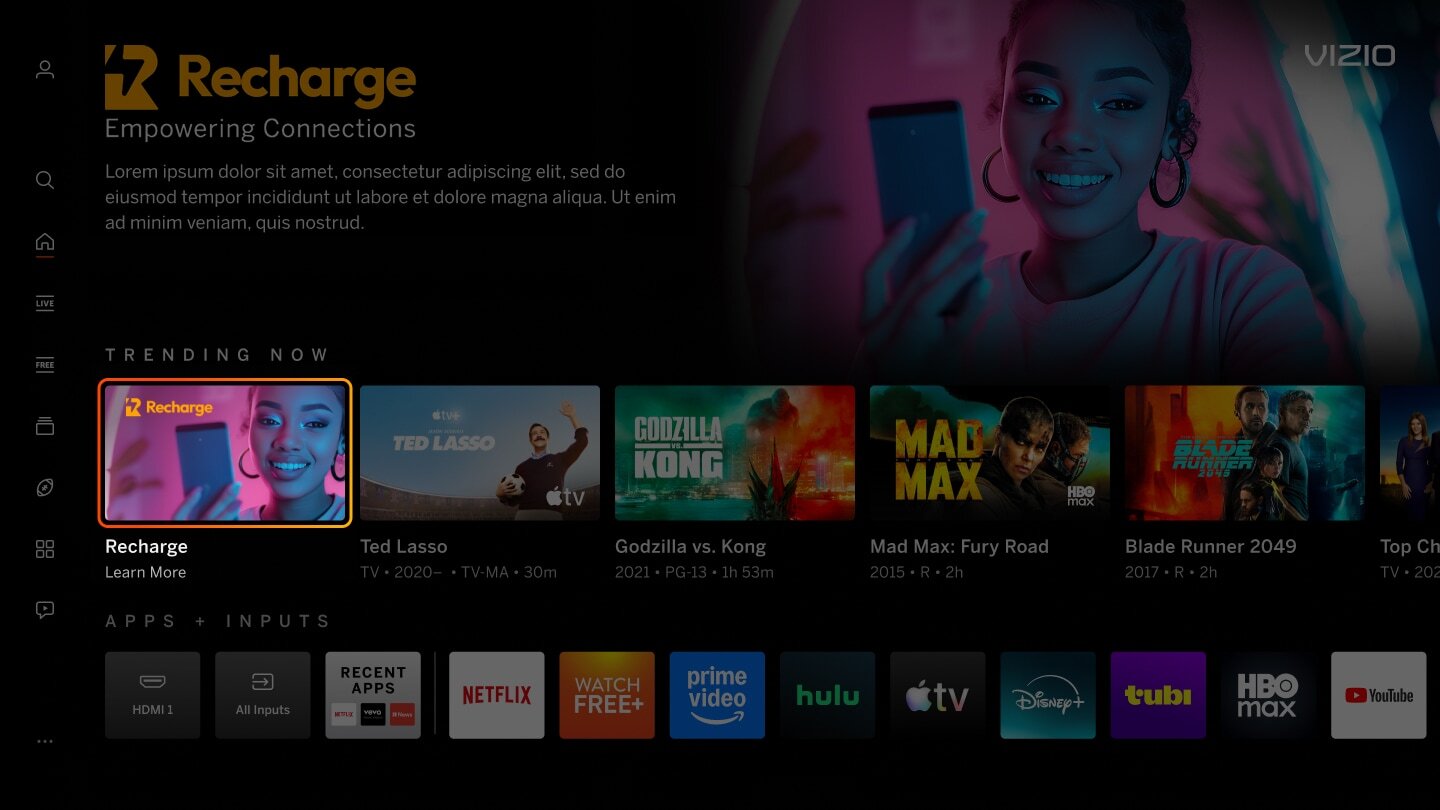
| Gradient or Block of Color Behind Title Art | |
|---|---|
| Image has a dark gradient and/or a full block of color added behind the title art. | |
|
Incorrect Example ✘ |
Correct Example |
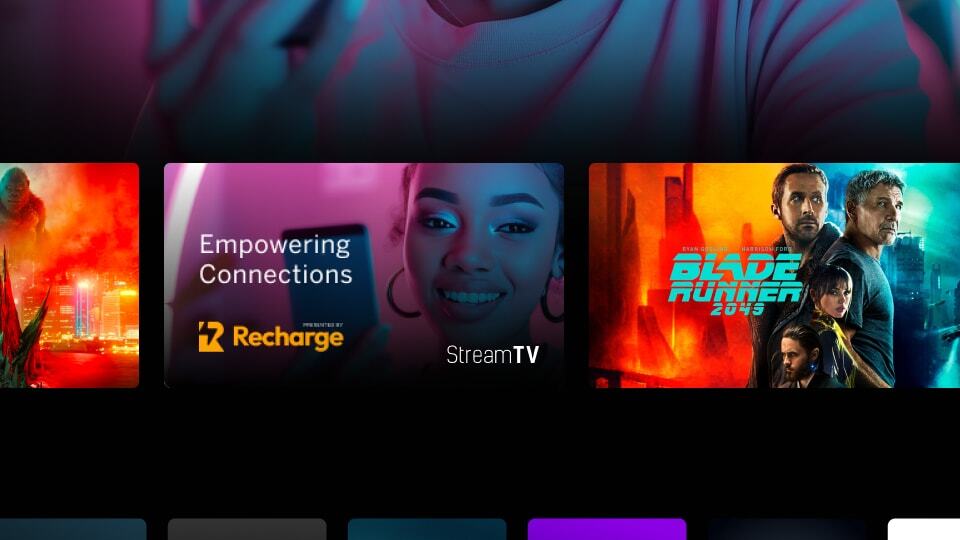 |
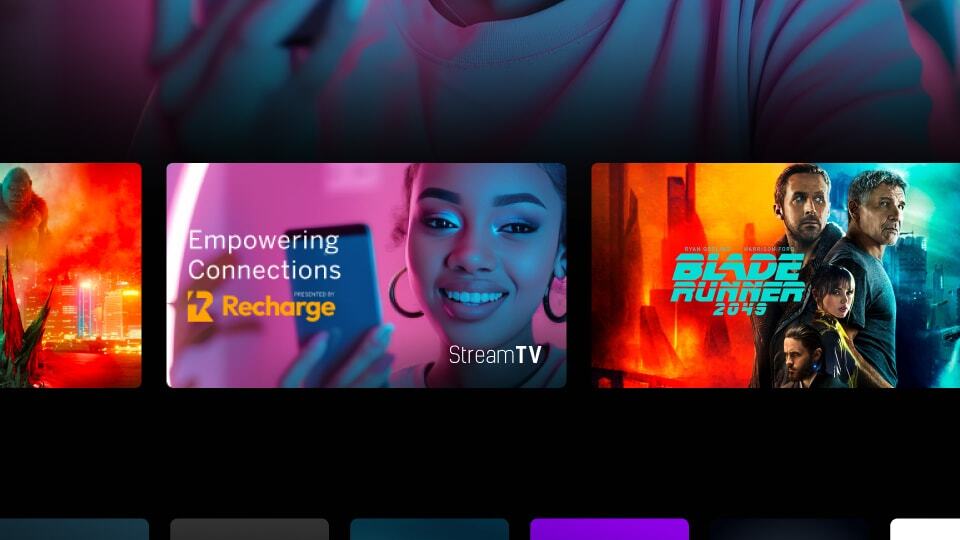 |

| Excessive Text/Logos | |
|---|---|
| Image has an excessive amount of text/logo on the tile and can cause readability issues for the user. | |
|
Incorrect Example ✘ |
Correct Example |
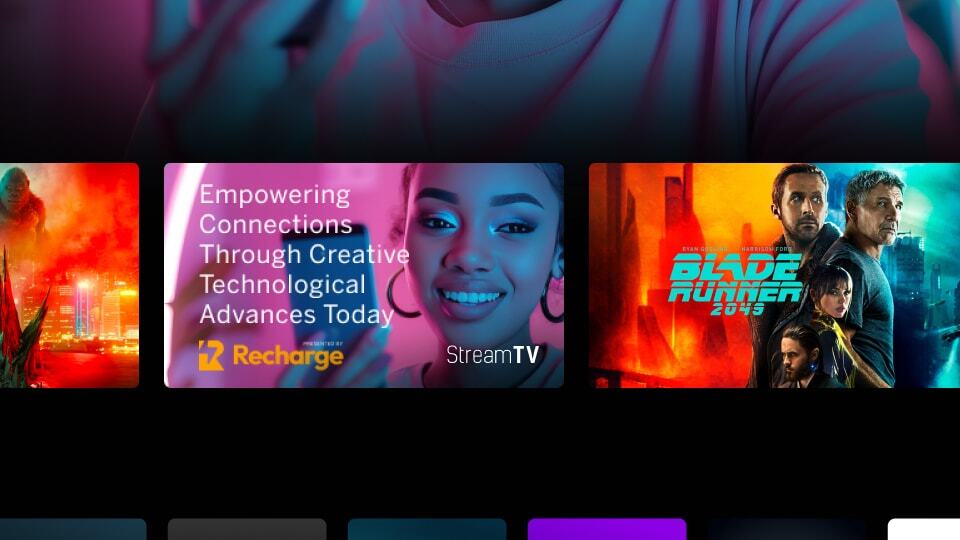 |
|
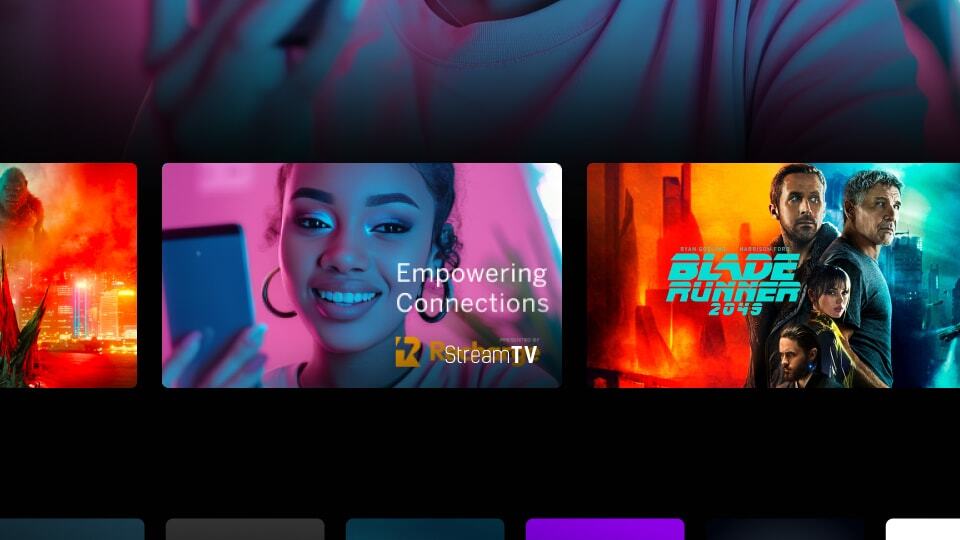
| Text/Logo/Title Art at Bottom Right Corner | |
|---|---|
| Image has text/logo/title art at the bottom right corner of the tile. It will be blocked by app badge overlay. | |
|
Incorrect Example ✘ |
Correct Example |
 |
|
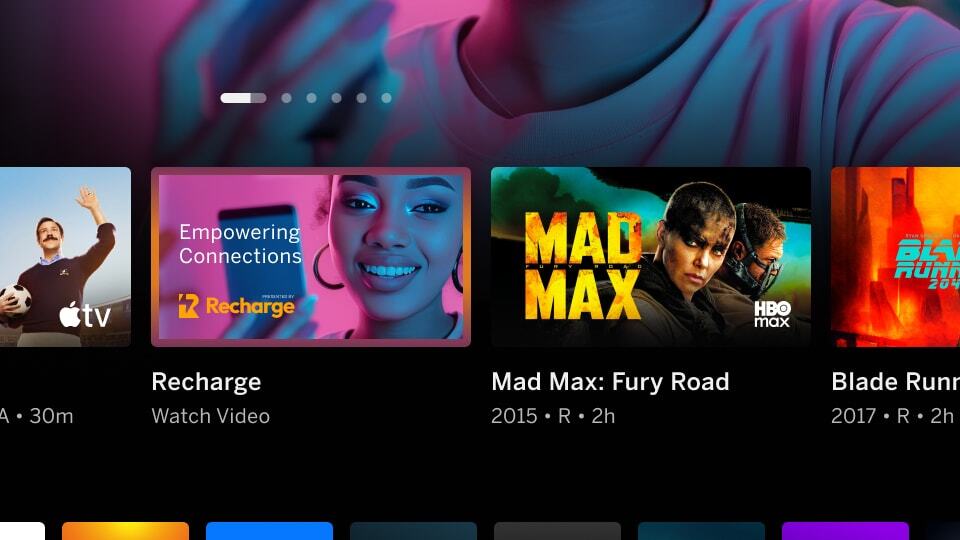
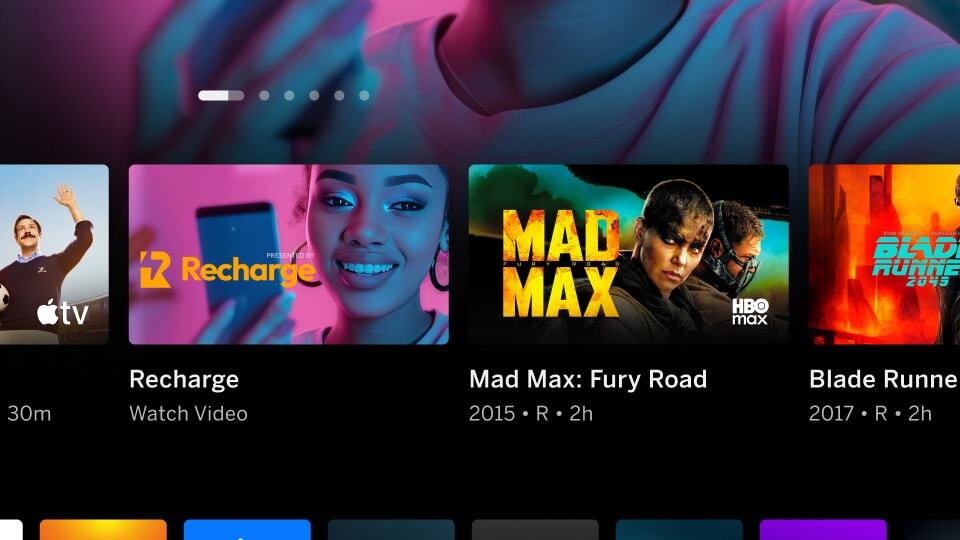
| Mimic Platform UI: Border | |
|---|---|
| Image has a border around the artwork which can mimic a focus state causing confusion for the user. | |
|
Incorrect Example ✘ |
Correct Example |
 |
 |
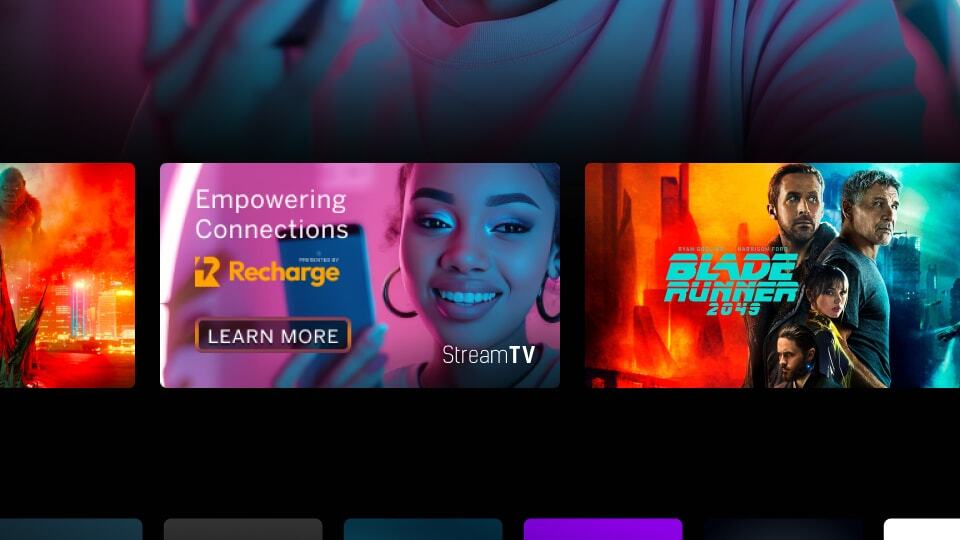
| Mimic Platform UI: CTA Button | |
|---|---|
| Image has a CTA button in the tile image which can cause consistency issues with our platform and can be confusing for the user. | |
|
Incorrect Example ✘ |
Correct Example |
 |
|
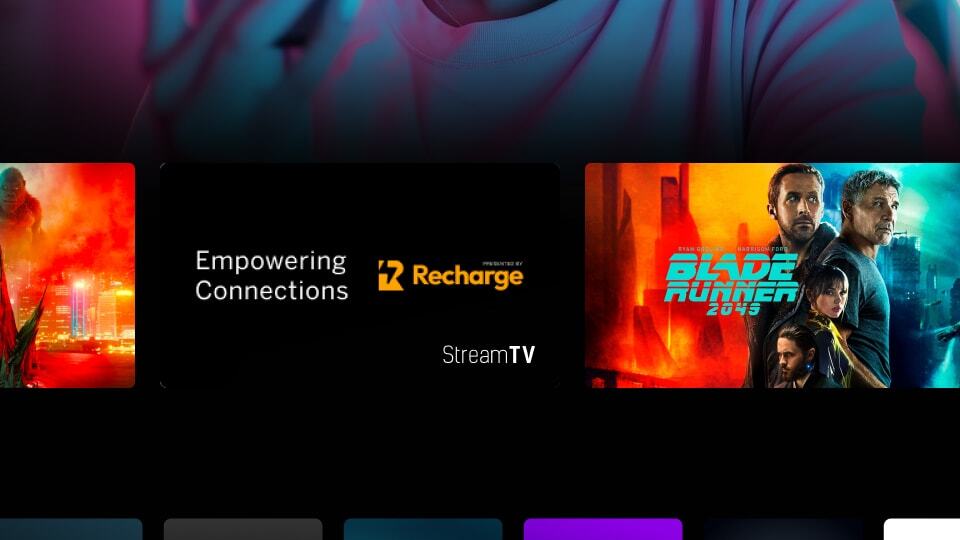
| Mimic Platform UI: Solid Black Background | |
|---|---|
| Image uses a solid black background which makes content blend with VIZIO UI. | |
|
Incorrect Example ✘ |
Correct Example |
 |
|
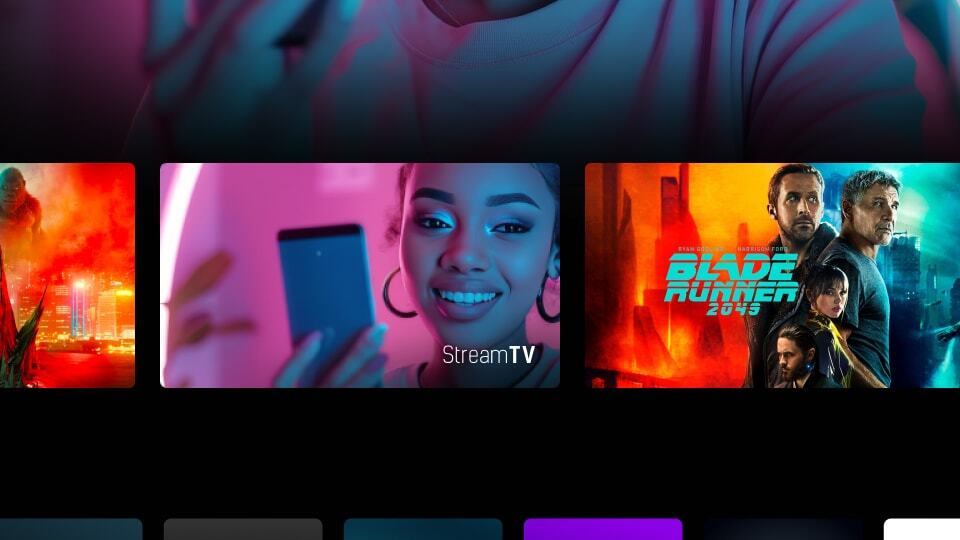
| Missing Title/Text | |
|---|---|
| Imagery with no context. When the tile is not in focus, user will not know what the tile relates to at a glance. | |
|
Incorrect Example ✘ |
Correct Example |
 |
|