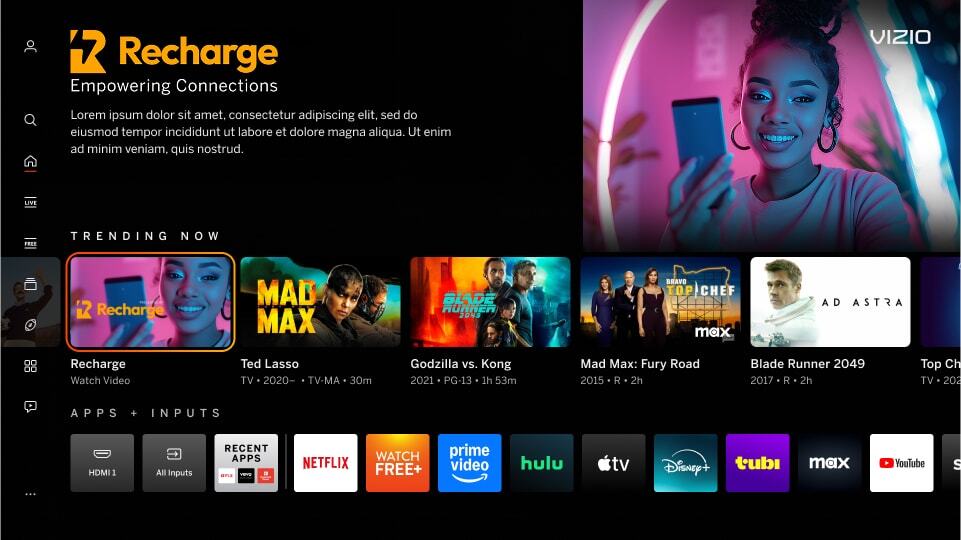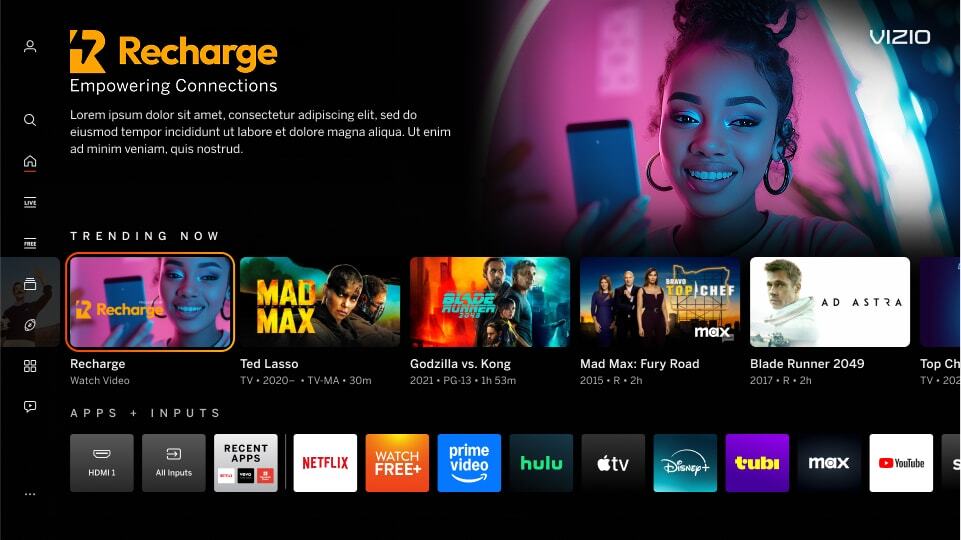
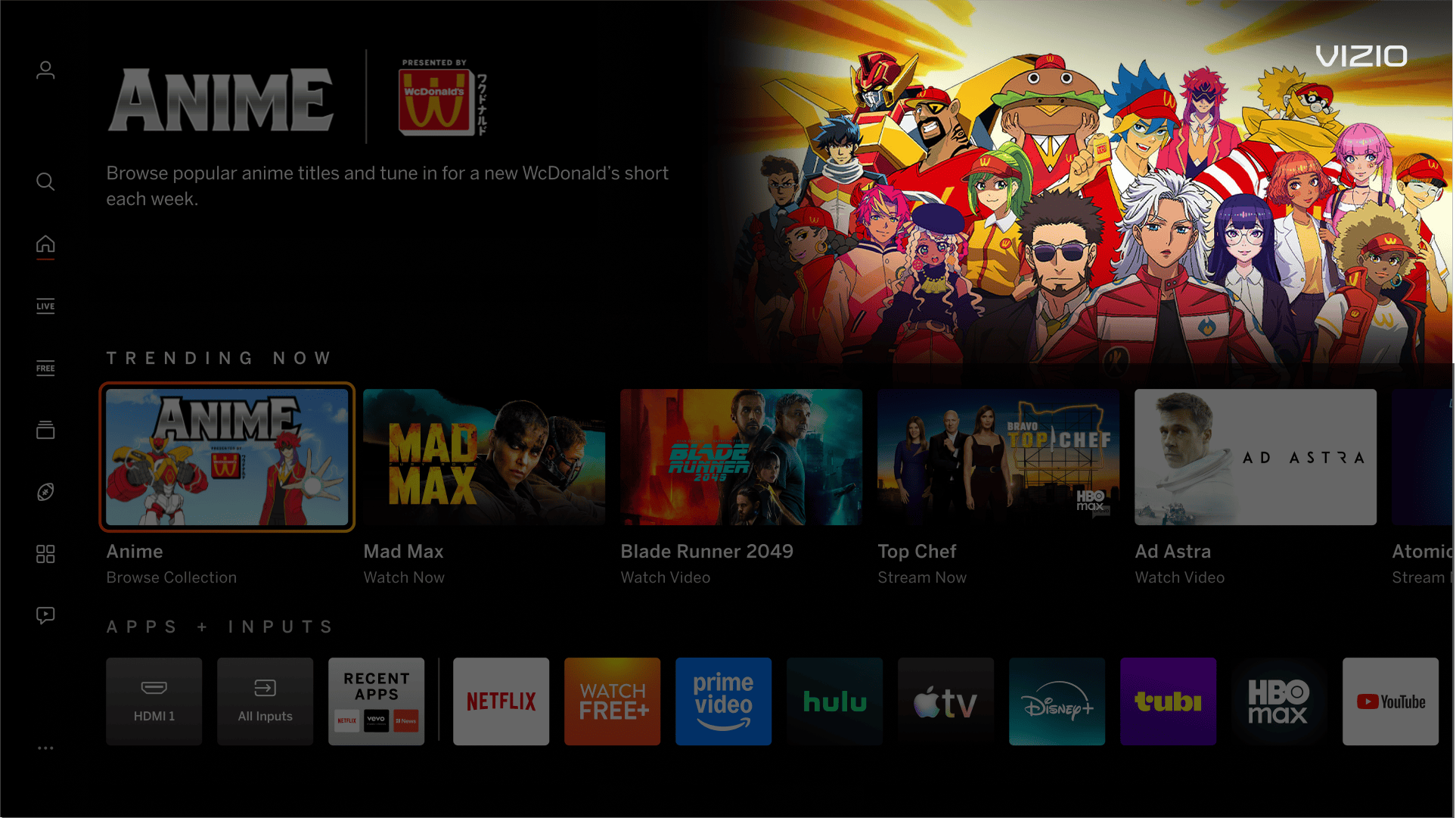
The header background image on the Home Screen when in the first row. This is paired with either a Title Treatment or Image Based Messaging on the left.

Discover Reveal Backdrop Overview

Backdrop Image
Dimensions 1920px x 1080px
Maximum File Size 500 KB
File Type JPG, PNG
Text/Logos Avoid text and/or logos in this area. Exceptions may be granted on a case-by-case scenario.
Content Ensure the imagery extends full bleed (edge to edge).
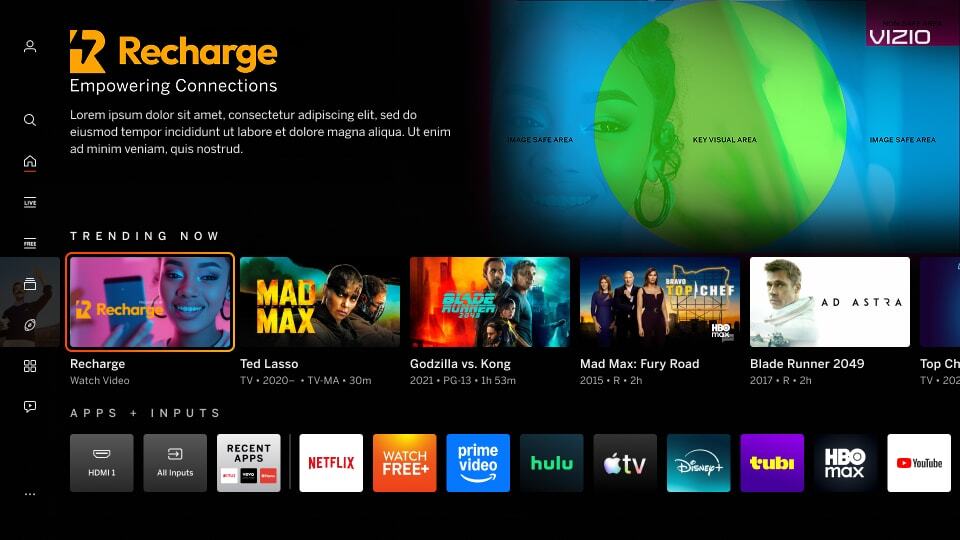
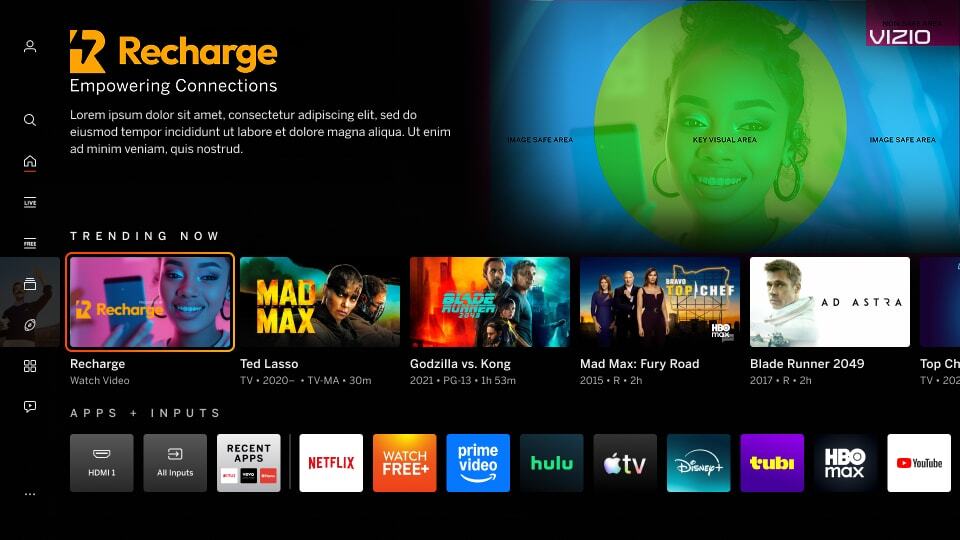
Safe Zone Approx. 100px from the left and bottom. Approx. 360px x 180px in the upper right corner for the placement of the VIZIO logo. See Photoshop templates for guide.

Miscellaneous Notes
Focal Point Imagery focal point should be centered within the safe area to avoid visual imbalance. See Photoshop templates for guide.
Image Quality Use high-quality imagery that looks clear on a high-definition television. Never scale up images to meet the size requirements.

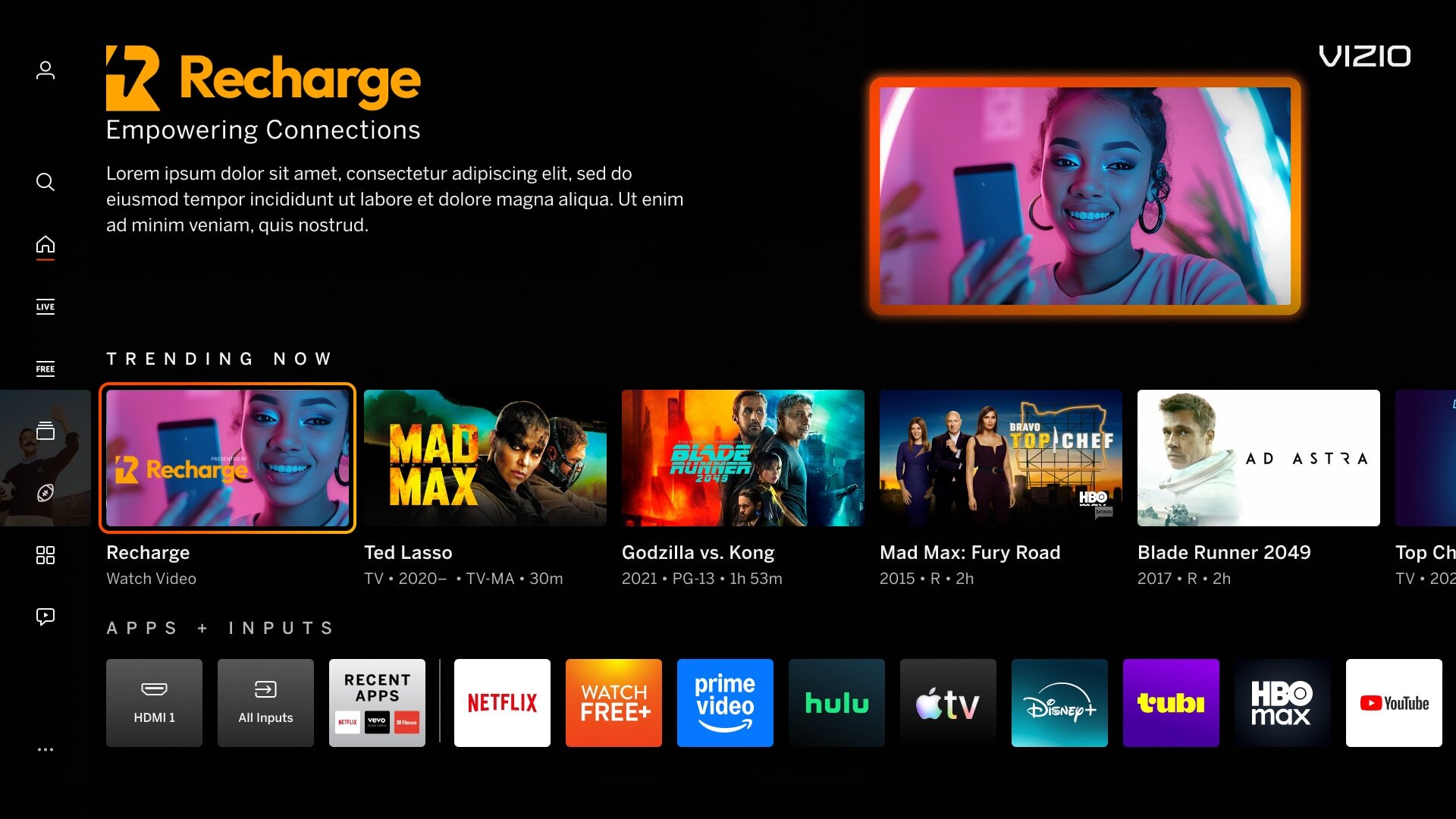
Not Full Bleed (edge-to-edge)
Imagery was not full bleed (edge-to-edge in the 16:9 space) creating a smaller image with a hard outline.

Incorrect Example   ✘

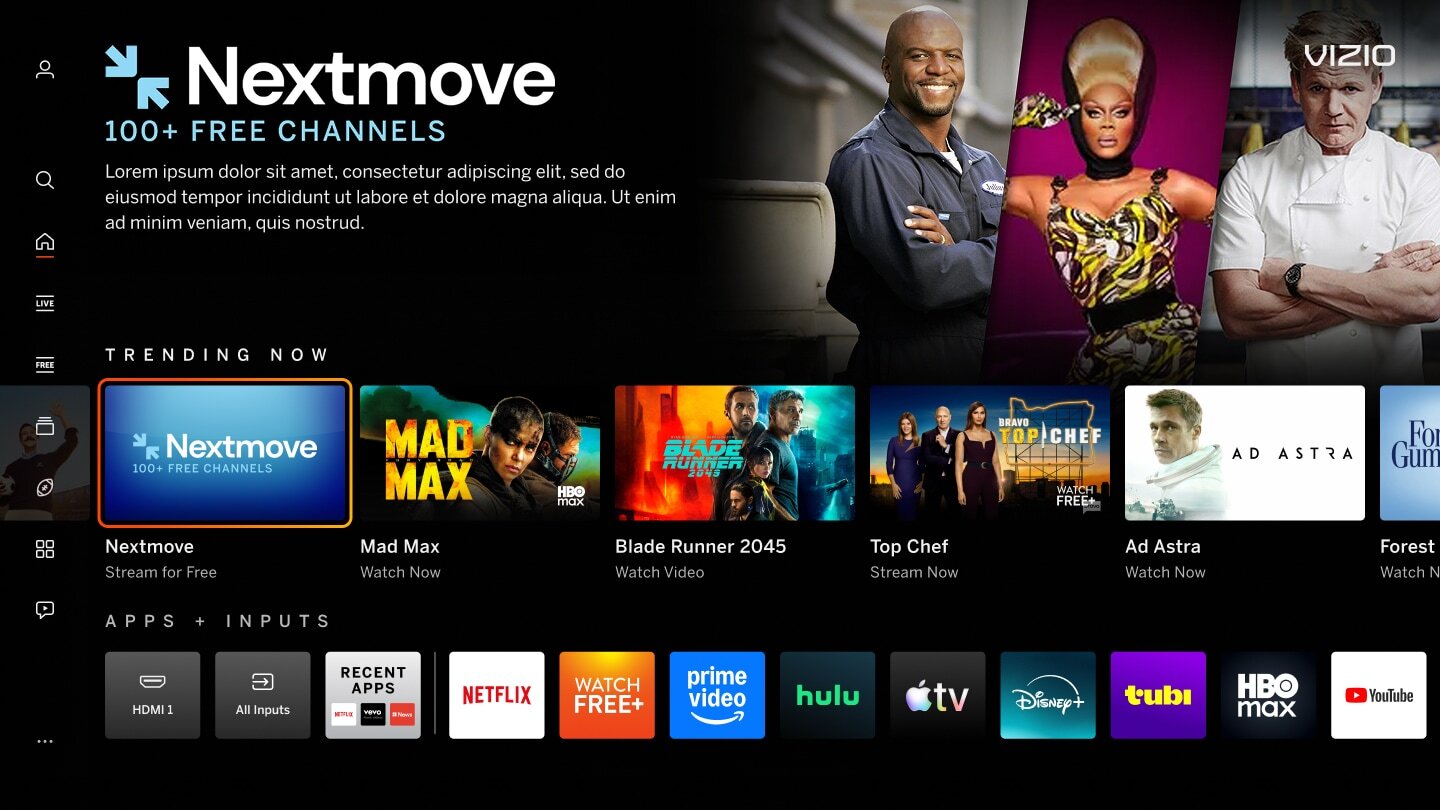
Correct Example   Green Check Mark

Incorrect - Discover Reval - Full Bleed Correct - Discover Reval - Full Bleed


Non-centered Focal Point
Key imagery is not centered within the safe area creating a visual imbalance. Safe Area preview for backdrop can be found here: IBM version, Title Treatment version.

Incorrect Example   ✘

Correct Example   Green Check Mark

Incorrect - Discover Reval - Focal Correct - Discover Reval - Focal


Mimic Platform UI: Borders
Tiles can mimic selectable content on the VIZIO platform and confuse users.

Incorrect Example   ✘

Correct Example   Green Check Mark

Incorrect - Border - Discover Reveal Correct - Border - Discover Reveal


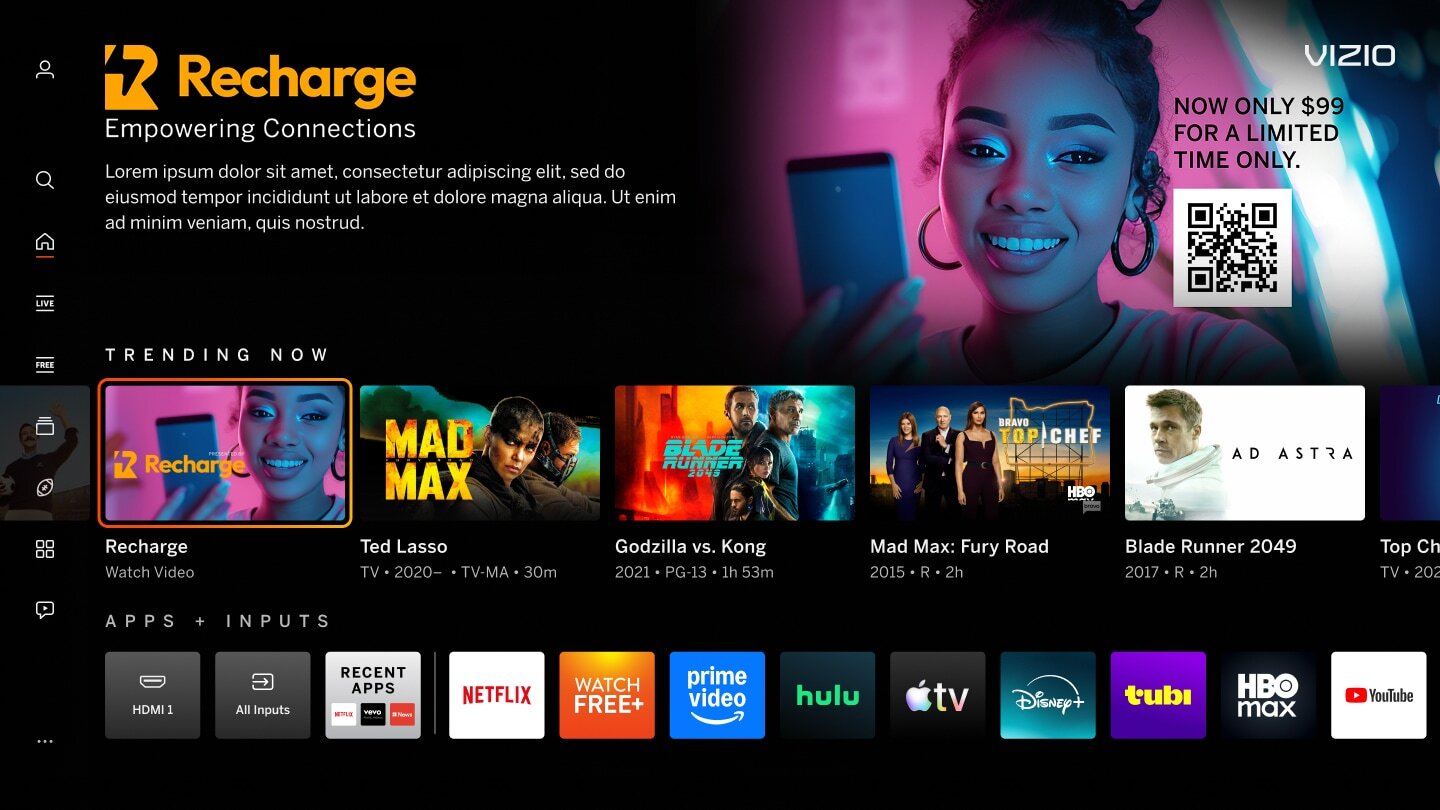
Excessive Text/Logos/QR Codes
Image contains excessive copy/logos and QR Codes limiting readability and comprehension by the user.

Incorrect Example   ✘

Correct Example   Green Check Mark

Incorrect - Text - Logos Correct - Text - Logos


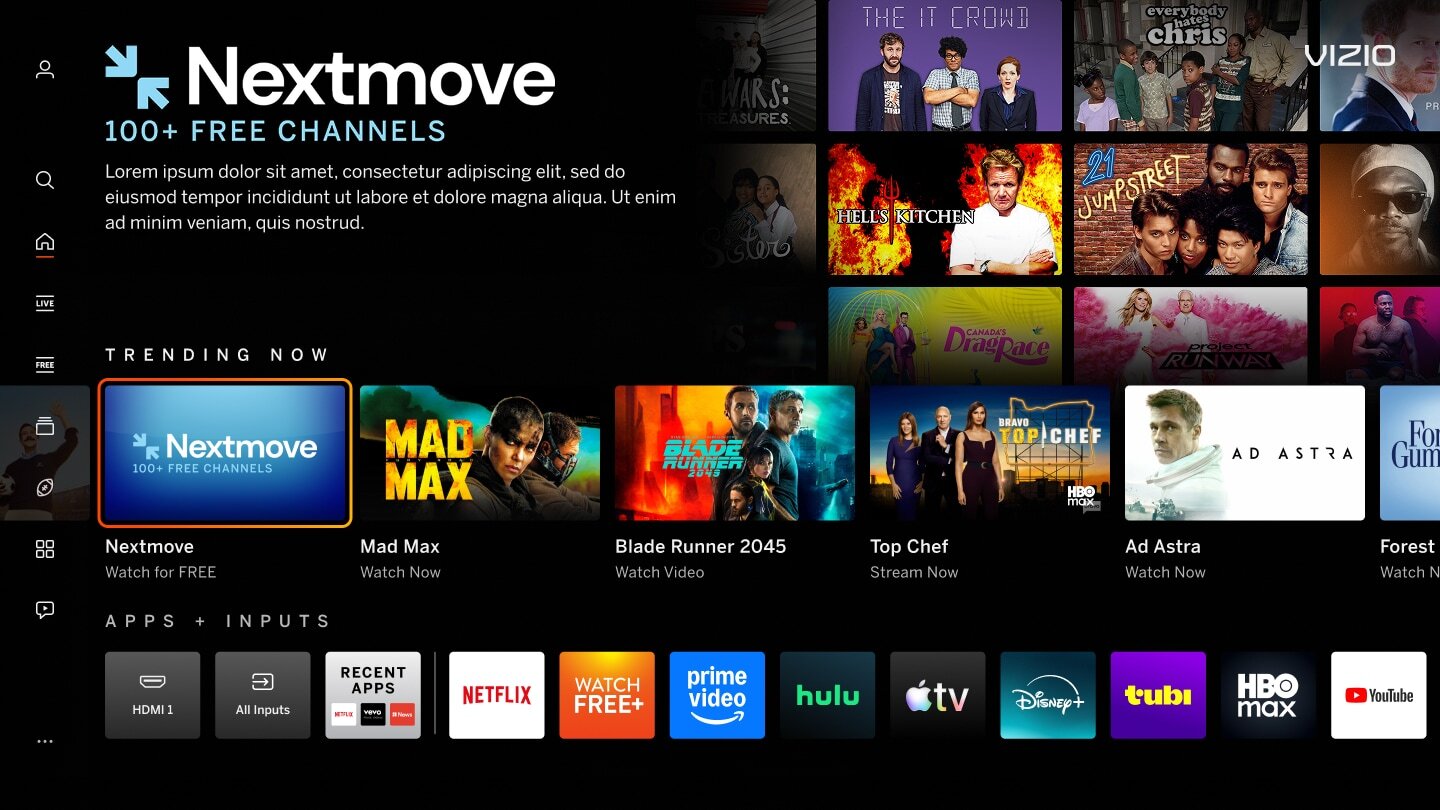
Mimic Platform UI: Image Tiles
Tiles can mimic the content on the VIZIO platform and confuse users that it is selectable.

Incorrect Example  ✘

Correct Example  Green Check Mark

Incorrect - B Backdrop - Quality Correct - Backdrop - Quality

On this page